Does ChatGPT Have an Email Address? (And How to Give an AI One)
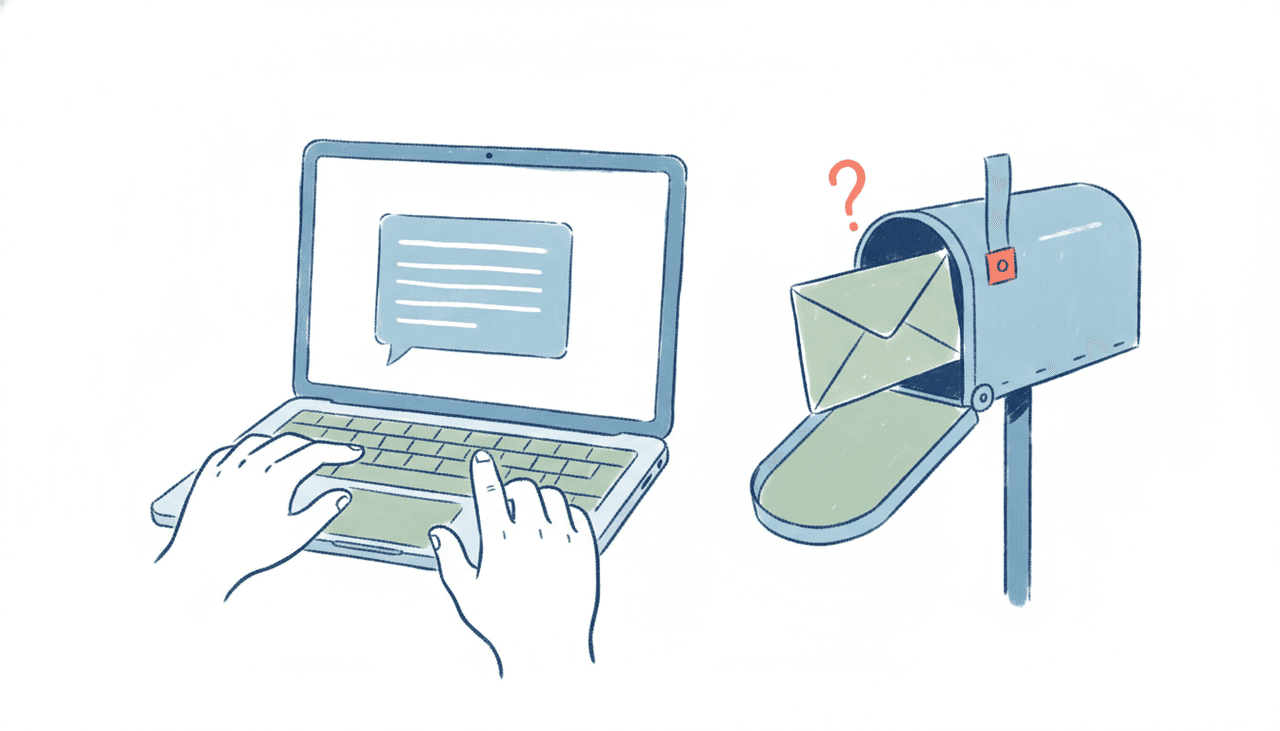
No. ChatGPT does not have its own email address, and there’s no inbox you can send to or CC to reach “your ChatGPT.” You can’t type chatgpt@openai.com, forward a thread, and expect it to read the context and reply. That mailbox doesn’t exist. ChatGPT lives inside a chat window (or its app), and apart from a schedule or a narrow trigger such as a new Gmail message, it only does anything when you prompt it.
If you searched for how to give ChatGPT an email address, this is the honest answer, plus the thing people actually want when they ask: an AI that has a real address, so you can email it or CC it like a coworker and get finished work back.
What ChatGPT can and can’t do with email
ChatGPT did get a genuine email capability in mid-2026, so it’s worth being precise about what changed.
As of around June 8, 2026, ChatGPT can send an email for you. If you’re on a paid plan (Plus, Pro, Team, Business, or Enterprise) and you’ve connected Gmail or Outlook through ChatGPT’s native connector, you can ask it to draft a message and, after you approve it, it dispatches through your own account. It can also read connected mail to pull context into a chat. We covered the exact mechanics in Can ChatGPT send emails?.
But there are hard limits, and they’re the reason “ChatGPT has an email address” stays false:
- It sends one email per prompt, with no attachments, and asks for approval every single time.
- The send feature is blocked in the EU and UK.
- Crucially, it has no inbox of its own. ChatGPT Work can start a task when a new Gmail message lands in your mailbox, but only for Gmail, any reply waits for your approval, and nobody can write to ChatGPT itself.
That last point is the whole difference. “ChatGPT can send an email on my behalf when I ask” is not the same as “ChatGPT has an inbox other people can write to.” Nobody can CC ChatGPT on a thread and have it join in. It has no address of its own to be reached at. It’s a tool you drive, not a colleague you delegate to.
Claude is in a similar spot, sending from Gmail only after you approve each message, and Gemini is narrower: it drafts and reads connected mail but doesn’t send. None of them, including Microsoft Copilot, gives you an assistant with its own dedicated inbox that you and other people email.
Why people ask “can I give ChatGPT an email address”
The search phrase almost always comes from one of two real goals:
- Delegation. You want to forward a messy thread and say “sort this out and reply,” then walk away. That means the AI needs its own address to receive at, and permission to act without you babysitting each step.
- Automation on your terms. You want the AI to sit in your inbox, catch incoming mail, and respond or route it, not wait for you to open a chat and paste things in.
ChatGPT’s connector can’t fully do either: there’s no inbox on the AI’s side, its only email trigger is a new Gmail message, and every reply waits for your approval. What you’re describing isn’t a chatbot with an email plugin. It’s an AI executive assistant that owns an address.
Give an AI its own email address with Carly
Carly is built around exactly this. Every Carly agent has its own dedicated email address out of the box. You email it, forward to it, or CC it on a live thread, and it reads the full context, does the work, and replies from inside email, on any device. No chat window to babysit, no per-message approval clicks, no “one email per prompt” ceiling.
Because it’s an assistant with a real address, delegation works the way you’d hope:
- CC it on a scheduling thread and it negotiates times across Google Calendar and Outlook / Microsoft 365, sends the invite, and follows up if someone goes quiet.
- Forward a request and it handles the multi-step job end to end. It finishes the task rather than handing you a draft to send yourself.
- Have it run recurring briefs, triage, and follow-ups without you prompting it each time.
It also reaches almost any app you already use. Carly connects to thousands of apps, and you add yours at carlyassistant.com/integrations. So the assistant that reads your email can also update the CRM, file the doc, or log the task in the same run. If you want to compare options, we keep a running list in the best AI email agents and a broader look at which AI assistants can have their own email.
Pricing is straightforward: free Zapier-style workflows, and AI agents from $35/month.
Can the AI’s email come from your own domain?
Yes, and this is where the “email it like a coworker” idea gets real for a business. On Enterprise / org plans, you can run Carly on your own custom domain, so its messages come from you@yourcompany.com (DKIM-signed and SPF-aligned to your brand) instead of a Carly address. To a client on the thread, it simply reads as a member of your team.
Setup is close to self-serve. The org portal walks you through a short checklist: add your domain, copy a handful of DNS records (one verification TXT record plus three DKIM CNAME records, each with a Copy button) into your registrar, point each mailbox to Carly so replies come back to the agent, then hit “Verify & go live.” Nothing sends from your domain until verification confirms, so deliverability stays clean. No support ticket, no AWS console. You set it up in your org portal at carlyassistant.com.
A quick note on categories: some scheduling tools offer a custom-domain address for their bot, and there’s a separate wave of developer tooling that hands an AI agent its own inbox via API. That developer tooling is infrastructure for engineers building software, not an assistant a professional emails. If what you want is an AI EA you can actually email and CC, that’s the distinction to keep straight.
FAQ
Does ChatGPT have its own email address?
No. ChatGPT has no dedicated inbox you can send to or CC. It can send email from your connected Gmail or Outlook account (with per-send approval, on a paid plan) and read connected mail, but there’s no address that reaches “your ChatGPT,” and it can’t receive mail itself. A new Gmail message in your own inbox can start a ChatGPT Work task, but any reply still waits for your approval.
Can you email ChatGPT directly?
No. There’s no ChatGPT mailbox to write to. You interact with it in the chat app. If you want an AI you can email or forward threads to, you need an AI assistant that owns an address, like Carly, where every agent has its own email address.
How do I give ChatGPT an email address?
You can’t give ChatGPT its own inbox. The closest ChatGPT offers is connecting your Gmail or Outlook so it can draft and send on your behalf when you prompt it (or, for Gmail, when a new message starts a task). To have an AI with a real, dedicated address that you and others can email or CC, use an AI executive assistant like Carly instead.
Can an AI have an email address on my own domain?
Yes. With Carly’s Enterprise / org plans, the assistant sends from your own custom domain (you@yourcompany.com), DKIM-signed and SPF-aligned to your brand. You set it up in the org portal by adding a few DNS records, no support ticket required.
Can ChatGPT send email in the EU or UK?
No. As of mid-2026, ChatGPT’s email send feature is blocked in the EU and UK. See Can ChatGPT send emails? for the current limits.
Ready to automate your busywork?
Carly schedules, researches, and briefs you—so you can focus on what matters.
See what people say
"Before Carly, I relied on a Calendly link, but the whole process felt impersonal and not very professional. Carly changed that by handling all the back-and-forth, so I'm no longer stuck in endless email threads trying to line up schedules.
Now Carly reaches out to candidates, shares my real-time availability, lets them pick a slot, then sends a Zoom link and drops it straight into my calendar. She sends reminders to both of us before each call, which has significantly reduced no-shows and last-minute confusion.
On top of scheduling, Carly acts like a full executive assistant, sending me my schedule the night before so I can prepare for each call. It reminds me of the old x.ai assistant, but Carly is noticeably smarter, faster, and better suited to my healthcare recruitment business."