Grok vs Perplexity: Which AI Should You Use in 2026?
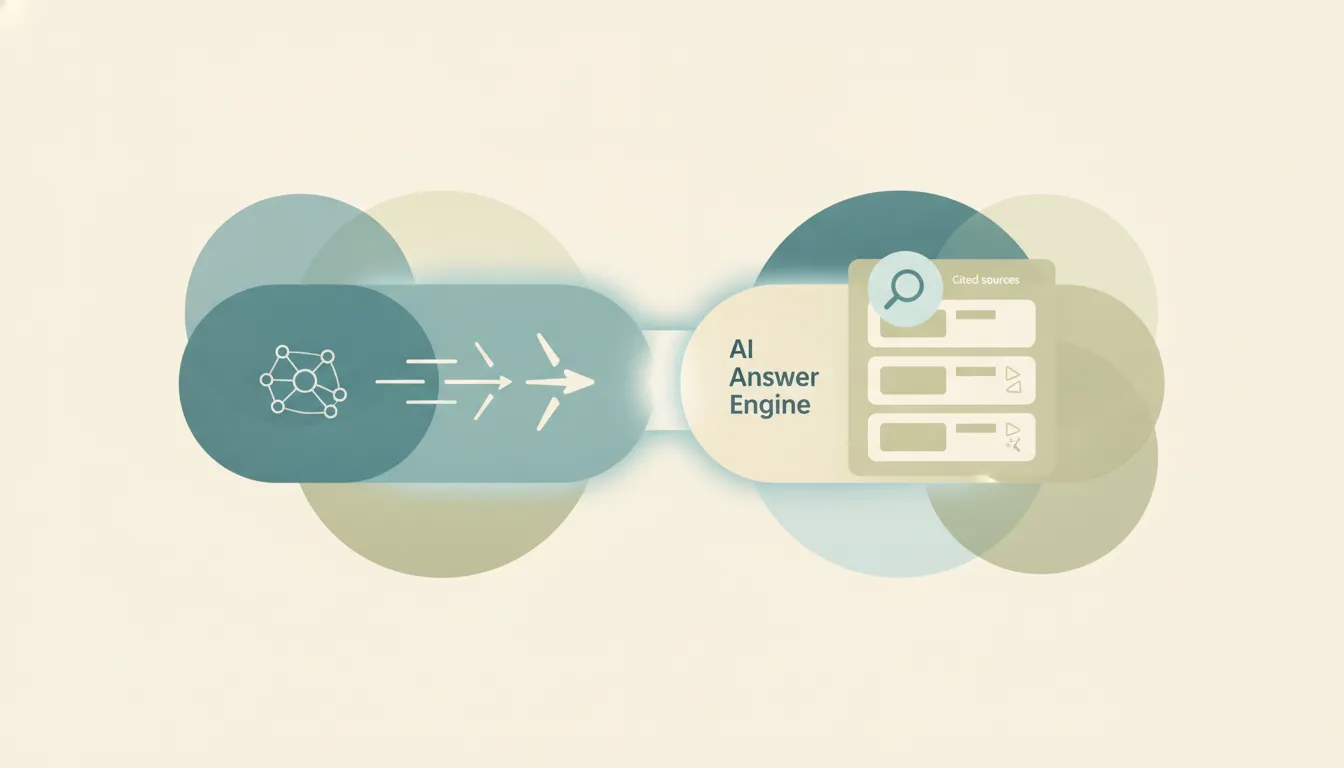
If you have ever tried both tools back to back, you already sense they are built for different jobs. Grok is xAI’s conversational AI chatbot, wired directly into real-time X (formerly Twitter) data, with image and video generation and a growing set of agentic and coding features. Perplexity is an “answer engine” that runs a live web search on your question, then writes a synthesized answer with numbered, clickable citations. One is a talk-to-anything assistant with a pulse on social chatter; the other is a research tool that shows its work. If you mainly want a fast, opinionated conversation with live web and X context, pick Grok. If you mainly want sourced answers you can verify link by link, pick Perplexity.
The One-Sentence Answer
Grok is a general-purpose conversational chatbot with unique real-time X access, while Perplexity is a citation-first answer engine built to give you sourced, verifiable research.
Side-by-Side Comparison
| Grok | Perplexity | |
|---|---|---|
| Core strength | Conversational reasoning with live X and web data | Cited, sourced answers from a live web search |
| How it works | A chatbot that answers, generates media, and runs agentic tasks | A retrieval pipeline that pulls pages, ranks them, and cites 3-4 per answer |
| Best known for | Real-time X integration, image/video generation (Grok Imagine), a less filtered voice | Numbered inline citations and model choice |
| Pricing model | Free tier; SuperGrok $30/mo; also bundled with X Premium+ ($40/mo) | Free tier; Pro $20/mo; Max $200/mo |
| Integrations/ecosystem | Built into X, plus grok.com, mobile apps, and an API | Comet browser, Spaces, and frontier-model choice (GPT, Claude, Gemini) |
| Ideal user | People who live on X and want a do-everything chatbot | Researchers, analysts, and anyone who needs to check sources |
| Setup style | Sign in via X or grok.com; instant in the X app | Sign in on web or the free Comet browser; no platform lock-in |
| Model choice | xAI’s own Grok models only | Swap between multiple frontier models on paid tiers |
When to Use Grok
- You spend real time on X and want an assistant that can pull recent posts, summarize public conversations, and read the pulse of a trending topic in real time.
- You want one tool that also generates images and short videos (via Grok Imagine) rather than a separate media app.
- You are experimenting with agentic and coding workflows; the latest Grok generation (Grok 4.5 at the time of writing) is explicitly tuned for multi-step tool use, function calling, and code execution.
- You already pay for X Premium+ and want Grok bundled in, or you want a less filtered conversational voice than the average chatbot.
When to Use Perplexity
- Your main job is research and you need every claim tied to a source you can click and verify.
- You want to compare model outputs; the Pro tier lets you route the same question through GPT, Claude, and Gemini instead of a single house model.
- You collect and organize ongoing research; Spaces keep related chats, uploaded files, and saved answers together by topic.
- You want a fast, browser-native workflow; the Comet browser is now free across desktop and mobile, with Perplexity built into the address bar.
Conversation with a Live Pulse vs. Answers You Can Verify
The real split is not raw intelligence, it is what each tool optimizes for. Grok is a chatbot first. Ask it something and it answers in a conversational, sometimes opinionated voice, and its standout advantage is native, real-time access to X: live data streams, recent posts, and trending sentiment that no other major assistant taps as directly. It also reaches beyond text into image and video generation and, in its newer releases, agentic tasks where the model plans steps and calls tools rather than returning a single reply. The tradeoff is that Grok blends its sources into the conversation; it is not built to hand you a tidy, numbered citation list for every sentence, so verifying a specific claim can take extra work.
Perplexity inverts that. It runs a retrieval-augmented pipeline: for most queries it performs a live web search, pulls back a handful of current pages, ranks them, and feeds them to a language model that writes the answer with inline citations attached during generation, not bolted on afterward. In practice it pulls several pages per query and cites the few that actually shaped the answer, which is exactly what you want when the cost of being wrong is high. Where the tools genuinely diverge on money: Grok’s full experience lives behind a $30/month SuperGrok tier (or the $40/month X Premium+ bundle), while Perplexity Pro sits at $20/month and adds cross-model choice on top of citations. Perplexity also has the more generous free browser story now that Comet is free, whereas Grok’s free tier is a lighter model with hard usage caps.
The gotchas live at the extremes of each pricing ladder. Grok’s power-user tier, SuperGrok Heavy, runs $300/month and is currently the only consumer plan with full access to the newest Grok model plus the highest rate limits, which is a steep jump if you assumed $30 bought you everything. Perplexity’s top tier, Max, is also $200/month, but it buys a different thing: hands-free Background Assistants that run tasks while you are away, and Model Council, which fires one question at several frontier models at once and synthesizes the results. In other words, Grok’s premium is about a bigger, less throttled model, while Perplexity’s premium is about autonomy and multi-model consensus. For most people neither extreme is necessary, the $20 to $30 mid-tiers cover the real work, but knowing what the top tiers actually unlock keeps you from overpaying for the wrong thing.
Rule of thumb: If you have to trust and cite the answer, use Perplexity. If you want a live, conversational assistant plugged into X, use Grok.
Worth naming honestly: both tools are built to answer your questions, and neither is built to then go do the work. If your real goal is not another chat window but getting the follow-up actions handled, scheduling the meeting, drafting and sending the email, updating the CRM, that is a different category of tool. Carly is an AI executive assistant you email or text that runs those multi-step tasks across 200+ integrations, so you can keep Grok or Perplexity for research and hand the admin off. Free Zapier-style workflows; AI agents from $35/month. See best AI personal assistants for where that lane sits.
It also plugs into Grok rather than replacing it. Carly runs a hosted MCP server, so at grok.com you add it under New Connector → Custom with the URL https://carlyassistant.com/mcp/ and ask Grok to check your calendar, search Gmail and Outlook in one question, or send a booking link. Grok Bot, the desktop and iOS app SpaceXAI launched on August 11, 2026 for people on its top tiers, accepts the same server from its Plugins screen.
Quick Reference
| Your situation… | Pick… |
|---|---|
| I need citations I can click and verify | Perplexity |
| I want live X posts and trending sentiment | Grok |
| I want to compare GPT, Claude, and Gemini answers | Perplexity |
| I want image and video generation in the same tool | Grok |
| I do ongoing research and want it organized | Perplexity (Spaces) |
| I already pay for X Premium+ | Grok (bundled) |
Related guides: Grok vs ChatGPT · Perplexity alternatives · best AI personal assistants
Ready to automate your busywork?
Carly schedules, researches, and briefs you—so you can focus on what matters.
See what people say
"Before Carly, I relied on a Calendly link, but the whole process felt impersonal and not very professional. Carly changed that by handling all the back-and-forth, so I'm no longer stuck in endless email threads trying to line up schedules.
Now Carly reaches out to candidates, shares my real-time availability, lets them pick a slot, then sends a Zoom link and drops it straight into my calendar. She sends reminders to both of us before each call, which has significantly reduced no-shows and last-minute confusion.
On top of scheduling, Carly acts like a full executive assistant, sending me my schedule the night before so I can prepare for each call. It reminds me of the old x.ai assistant, but Carly is noticeably smarter, faster, and better suited to my healthcare recruitment business."