Grok for Word and PowerPoint: What the Add-Ins Do
Grok landed in PowerPoint on June 16, 2026 and in Word on June 18, both free Microsoft 365 add-ins. They came first, before the Excel and Outlook add-ins that got most of the July attention, and they follow the same pattern: a Grok panel docked beside the app, working on the document you already have open.
Grok for Word
Two jobs, per xAI’s own framing.
Notes into structured documents. Hand it a pile of notes and get back structured long-form text, or have it draft proposals, reference material, and guides from scratch. The add-in is also aimed at the unglamorous editing work: fixing grammar, rewriting for clarity, and aligning writing style across multiple authors. That last one is the underrated feature: the four-contributor document where every section sounds like a different person is a real and annoying problem, and it’s a good fit for a model that can see the whole file.
Research into the document. It searches the web and X from inside Word, and can generate diagrams. So the citation you’d normally leave a tab open for comes to the document instead.
Grok for PowerPoint
Outlines into decks. Share an outline and get full slides back, with research from web or X searches, diagrams, and images. Notably, xAI says Grok will come back with clarifying questions rather than guessing, which is the difference between a deck you edit and a deck you rewrite.
Iterating on an existing deck. Add single slides, apply styles and themes, or restructure whole sections with one instruction. Plus tightening the slide narrative, which is where most decks actually fail.
Both can reach your connectors
This is the capability that separates the add-ins from pasting into a chat window. Both Word and PowerPoint can call your Grok connectors: draft from recent emails, or from files sitting in SharePoint or Google Drive.
That means the proposal can be written against the actual thread where the client described what they wanted, and the deck can be built from the source document in Drive, without either one being copied anywhere first.
The bound on this is the permission you granted at grok.com/connectors. A read-only Gmail connection stays read-only when Word calls it; an Outlook connection, which requests Mail.ReadWrite and Mail.Send at sign-in, is considerably more open. Worth knowing which one you connected.
Free, unlike Outlook
Word and PowerPoint are free Microsoft 365 add-ins, as is Excel. Grok for Outlook is the exception, and it requires a paid X or SuperGrok subscription.
The split tells you something about how xAI reads the market. Documents and decks are the land-grab against Copilot; the inbox is what people will pay for.
Where the assistance stops
The add-in is a panel, and the panel needs the app open. Nothing happens to a document you’re not looking at.
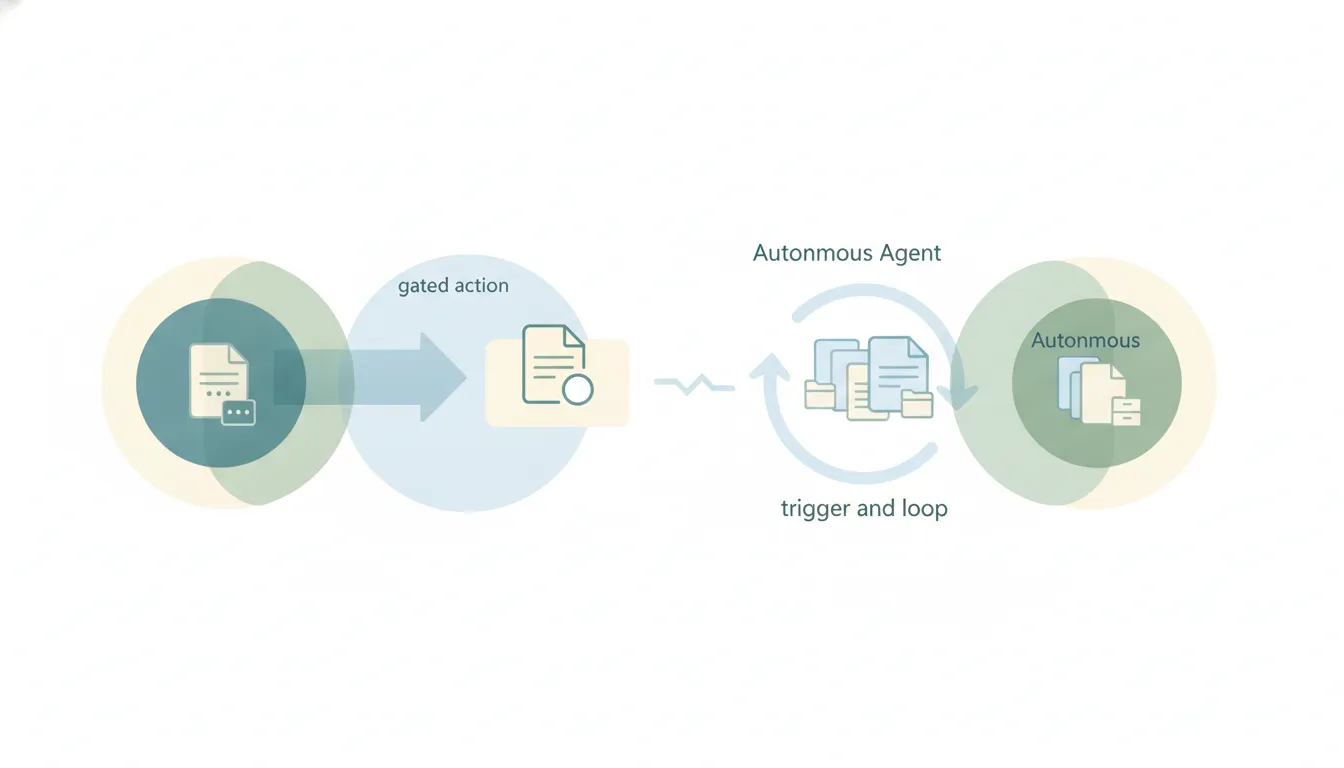
The deeper limit is what starts work. Grok’s connectors answer questions and initiate nothing, and on July 16, 2026 xAI shipped Automations to cover part of that.
Grok's Automations run on a schedule for everyone, and on SuperGrok they also fire when an incoming email matches a sender, recipient, or subject filter. That is the whole trigger vocabulary: a clock, or an email. Nothing starts because a deal moved, a form came in, or a file landed. Carly watches all three, across the thousands of apps it connects to.
For document work specifically that helps with recurring output, the Monday deck and the monthly report, and does nothing for the case where the document needs updating because something changed in a system nobody emailed about.
The work around the document
Drafting is usually the short part. The long part is what surrounds it: noticing the proposal is due, pulling the numbers that go in it, getting it in front of the right person, and chasing the response.
Carly is aimed at that surrounding work. Agents fire on events across 200+ integrations, on a deal stage moving, a form arriving or a date passing, and each one has its own name and email address, so you brief it like a colleague and it acts without being opened. Anything with a public API that isn’t native connects with your own key. Free Zapier-style workflows; AI agents from $35/month.
You can reach Carly from Grok rather than switching apps. Carly runs a hosted MCP server: at grok.com/connectors, click New Connector, select Custom, and enter https://carlyassistant.com/mcp/. Grok can then check the calendar, pull the thread, and send the follow-up through Carly while you stay in the document.
Grok in Word makes writing the proposal faster. It doesn’t know the proposal is due.
FAQ
Are the Word and PowerPoint add-ins free?
Yes. Both are free Microsoft 365 add-ins from the Microsoft Marketplace, as is Excel. Only the Outlook add-in requires a paid X or SuperGrok subscription.
When did they launch?
Grok for PowerPoint on June 16, 2026 and Grok for Word on June 18, 2026, both ahead of Excel on July 20 and Outlook on July 21.
Can Grok build a deck from a document?
Yes. Give it an outline and it generates slides with research, diagrams, and images, and it asks clarifying questions rather than filling gaps silently. Through connectors it can also work from a file in SharePoint or Google Drive.
Can it edit an existing document rather than starting fresh?
That’s most of what it’s for: rewriting for clarity, fixing grammar, aligning style across authors in Word, and restructuring sections or applying themes in PowerPoint.
How does this compare to Copilot?
The functional overlap is heavy. Grok’s edge is price, free versus a per-seat license, plus web and X search and the ability to pull from Google Drive as well as SharePoint. Copilot’s edge is being native to a tenant your IT team already approved.
Ready to automate your busywork?
Carly schedules, researches, and briefs you—so you can focus on what matters.
See what people say
"Before Carly, I relied on a Calendly link, but the whole process felt impersonal and not very professional. Carly changed that by handling all the back-and-forth, so I'm no longer stuck in endless email threads trying to line up schedules.
Now Carly reaches out to candidates, shares my real-time availability, lets them pick a slot, then sends a Zoom link and drops it straight into my calendar. She sends reminders to both of us before each call, which has significantly reduced no-shows and last-minute confusion.
On top of scheduling, Carly acts like a full executive assistant, sending me my schedule the night before so I can prepare for each call. It reminds me of the old x.ai assistant, but Carly is noticeably smarter, faster, and better suited to my healthcare recruitment business."