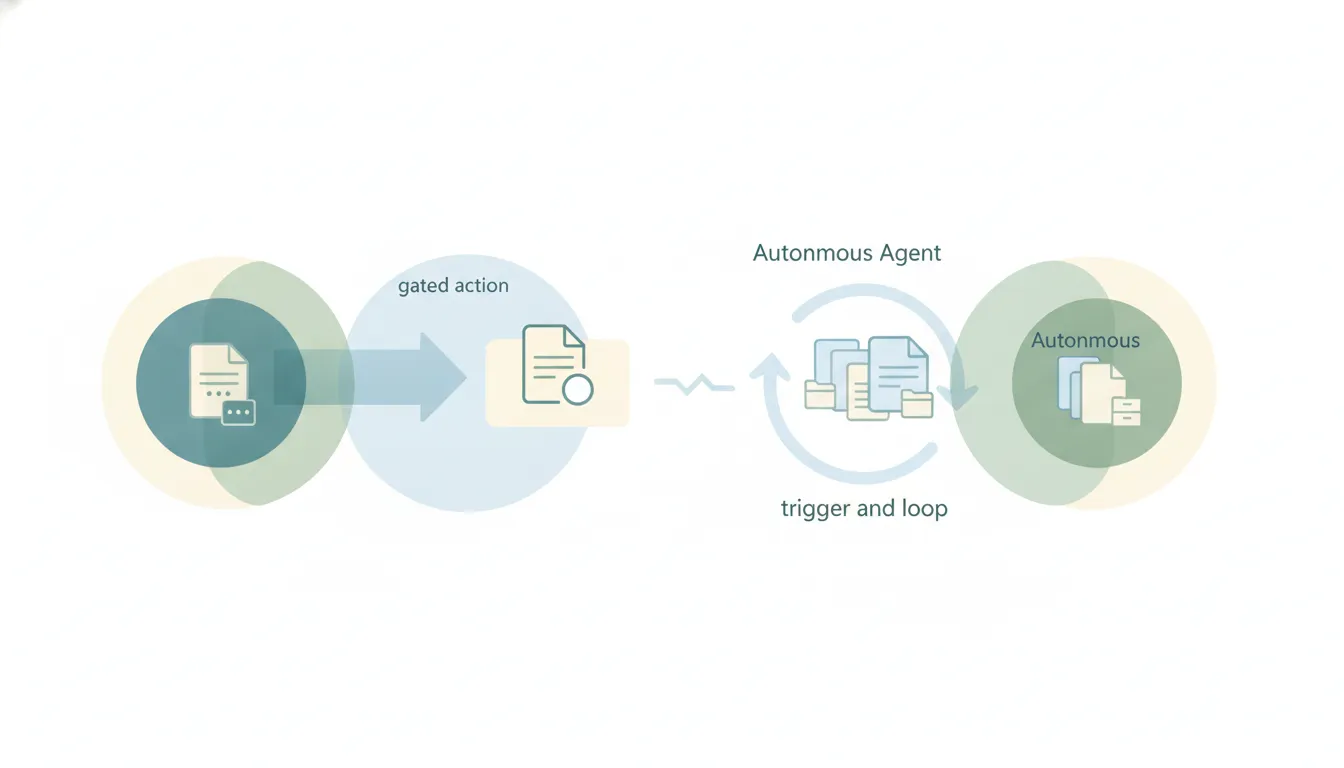
Grok for Word and PowerPoint: What the Add-Ins Do
Grok shipped free Word and PowerPoint add-ins in June 2026. What each one does, how they pull from your connectors, and where the assistance stops.
25 posts
Grok shipped free Word and PowerPoint add-ins in June 2026. What each one does, how they pull from your connectors, and where the assistance stops.

Accept all tracked changes in Microsoft Word at once, accept them one at a time, accept a single reviewer's edits, and stop tracking afterward.

Add citations and a bibliography in Microsoft Word with the built-in source manager, switch styles like APA and MLA, and insert a works-cited list.

Add a drop-down list to a Microsoft Word form with the Developer tab, set the choices, and protect the form so users can only pick options.

Insert an automatic table of contents in Microsoft Word from heading styles, update it as your document changes, and customize the levels.

Add a watermark in Microsoft Word — a built-in Confidential or Draft stamp, custom text, or a picture — apply it to one page, and remove it.

Split text into columns in Microsoft Word, apply columns to part of a document, add a line between them, and force a column break.

Add, reply to, resolve, and delete comments in Microsoft Word, and @mention collaborators — on Windows, Mac, and the web.
Add page numbers in Microsoft Word, skip the title page, start numbering on a later page, and restart at 1 — on Windows, Mac, and the web.

Format text as superscript or subscript in Microsoft Word using buttons, keyboard shortcuts, or the Font dialog — for exponents and footnote markers.

Compare two versions of a Microsoft Word document to see every difference as tracked changes, and combine edits from multiple reviewers.
Build a flowchart in Microsoft Word with SmartArt or shapes, connect boxes with arrows that stay attached, and align everything cleanly.
Insert a table in Microsoft Word, add and delete rows and columns, merge cells, apply a table style, and convert text to a table — on Windows, Mac, and the web.

Delete a page in Microsoft Word — a content page, a stubborn blank page at the end, or one caused by a page break — on Windows, Mac, and the web.

Create a hanging indent in Microsoft Word for bibliographies and works-cited lists — using the Paragraph dialog, the ruler, or a shortcut.

Run a mail merge in Microsoft Word to create personalized letters, emails, envelopes, and labels from an Excel list — step by step.

Double space text in Microsoft Word for the whole document or a selection, remove extra space between paragraphs, and set it as your default.

Insert a check mark (✓) in Microsoft Word using the Symbol menu, the Wingdings font, a character code, or an AutoCorrect shortcut.

Add checkboxes in Microsoft Word two ways — a clickable Developer-tab control for digital forms, and a checkbox bullet for printed lists.

Insert footnotes and endnotes in Microsoft Word, jump between them, change the number format, convert footnotes to endnotes, and delete them.
Add a signature in Microsoft Word — a scanned handwritten image, a reusable signature block, or a digital signature line — on Windows, Mac, and the web.
Insert a text box in Microsoft Word, draw a custom one, link boxes so text flows between them, style the border, and wrap text around it.

Recover an unsaved or lost Microsoft Word document using AutoRecover, the Recover Unsaved Documents command, temp files, and version history.

Find and delete manual page breaks and section breaks in Microsoft Word, clear breaks in bulk, and stop automatic breaks from splitting paragraphs.

Turn on Track Changes in Microsoft Word, choose how markup displays, lock tracking with a password, and review edits — on Windows, Mac, and the web.