Microsoft Teams MCP: Work IQ, Copilot License Only
Yes, Microsoft has an official Teams MCP server — but it’s not a toggle you can flip yourself. It’s called Work IQ Teams (server ID mcp_TeamsServer), it lives inside Microsoft’s Agent 365 platform, and it’s built straight on the Microsoft Graph Teams APIs. It’s genuinely first-party and fully documented on Microsoft Learn. It’s also, as of mid-2026, still a preview feature, it requires a Microsoft 365 Copilot license, and it only works after an IT admin has registered an app in your Microsoft Entra tenant and consented to the permissions. There is no version of this for a personal Microsoft account or free Teams.
The thing worth knowing before you chase it down: an MCP server hands Teams to an AI inside a conversation you start. It’s a doorway, not a worker. Nothing watches your channels, nothing fires when someone @-mentions you, and nothing runs while the chat is closed. Here’s exactly what the Teams MCP does, how to actually turn it on, where it stops — and what to use when you want Teams work that runs on its own.
For the wider picture, every app with an MCP server is listed by category.
What the Work IQ Teams MCP server does
Model Context Protocol (MCP) is the open standard that lets an AI client — Claude, VS Code, Copilot Studio and others — talk to an outside app through a shared interface. Microsoft’s Teams server sits in the Work IQ catalog alongside Work IQ Mail, Calendar, SharePoint, OneDrive and Word, all governed by the Agent 365 control plane.
It is not read-only. The documented tool list is real read-write CRUD across Teams:
- Chats — list and read chats, create one-on-one or group chats, post and edit messages, add members, soft-delete chats and messages (
mcp_graph_chat_postMessage,mcp_graph_chat_createChat). - Channels and teams — list joined teams, list and create channels (standard, private, shared), post to a channel, reply in a thread (
mcp_graph_teams_postChannelMessage,mcp_graph_teams_replyToChannelMessage). - Members — add people to chats and private channels, update roles, list who’s in what.
- Queries — OData filtering and pagination over messages, so an AI can actually search a channel rather than guess.
So an AI with this connected can genuinely post as you, not just draft. Microsoft flags the preview caveat plainly: tool names and parameters can still change, and it isn’t meant for production use yet.
How to set up the Microsoft Teams MCP server
This is where “official” stops meaning “easy.” Two paths exist, and neither is a five-minute OAuth click:
- Low-code, inside Copilot Studio or Microsoft Foundry. Add Work IQ Teams as a tool on an agent, create a connection, sign in. Your org needs a Microsoft 365 Copilot license — and per Microsoft’s Work IQ overview, so does every user who calls the tools through that agent.
- From a coding client like Claude Code, GitHub Copilot CLI, or VS Code. Someone registers an enterprise application in the Microsoft Entra admin center, adds the Work IQ Teams permission (
McpServers.Teams.All), consents to it, and hands you a tenant ID and client ID. Those go into an.mcp.jsonpointing athttps://agent365.svc.cloud.microsoft/agents/tenants/{tenantId}/servers/mcp_TeamsServer.
On top of that, admins can allow or block any Work IQ server tenant-wide from the Microsoft 365 admin center, and a blocked server is blocked for everyone. If your organization hasn’t licensed Copilot, or your admin hasn’t granted the permission, there is no self-serve workaround — and none of it applies to a personal Microsoft account. People outside a licensed tenant usually reach for community servers like InditexTech’s mcp-teams-server, which wraps Graph with your own Azure bot registration. It works, but it’s unofficial, it’s scoped to a team and channel you configure up front, and it still needs an Azure app registered.
One naming trap worth clearing up. If you search “Teams MCP server” you’ll also hit Microsoft’s Teams SDK guide. That’s the opposite direction: it’s for developers turning their own Teams bot into an MCP server so outside agents can ping real humans for answers and approvals. It doesn’t connect your Teams data to your AI. Different tool, nearly identical name.
Where the Teams MCP stops
Four limits show up regardless of which path you take:
- It only works inside a chat you start. Close the window and nothing happens. The AI doesn’t watch Teams; it waits for you to ask.
- No triggers. A message from your boss, an @-mention in a channel, a customer question sitting unanswered for an hour — none of these can start anything through MCP. There’s no “when this happens in Teams, do that.”
- It’s gated, not universal. Copilot licensing, an Entra tenant, admin consent, and preview status all stand between you and the server. That’s four dependencies before your first prompt.
- You own the blast radius. The tools can post messages, add people to private channels, and soft-delete chats. Scoping that sensibly is your admin’s problem, not Microsoft’s.
So the official Teams MCP is a real way to let a governed AI agent read and act on Teams inside a Microsoft-managed session. It is not a way to make Teams run — to have work happen on a schedule or in reaction to an event, across the other tools a conversation touches.
Running Teams work that doesn’t need a chat open
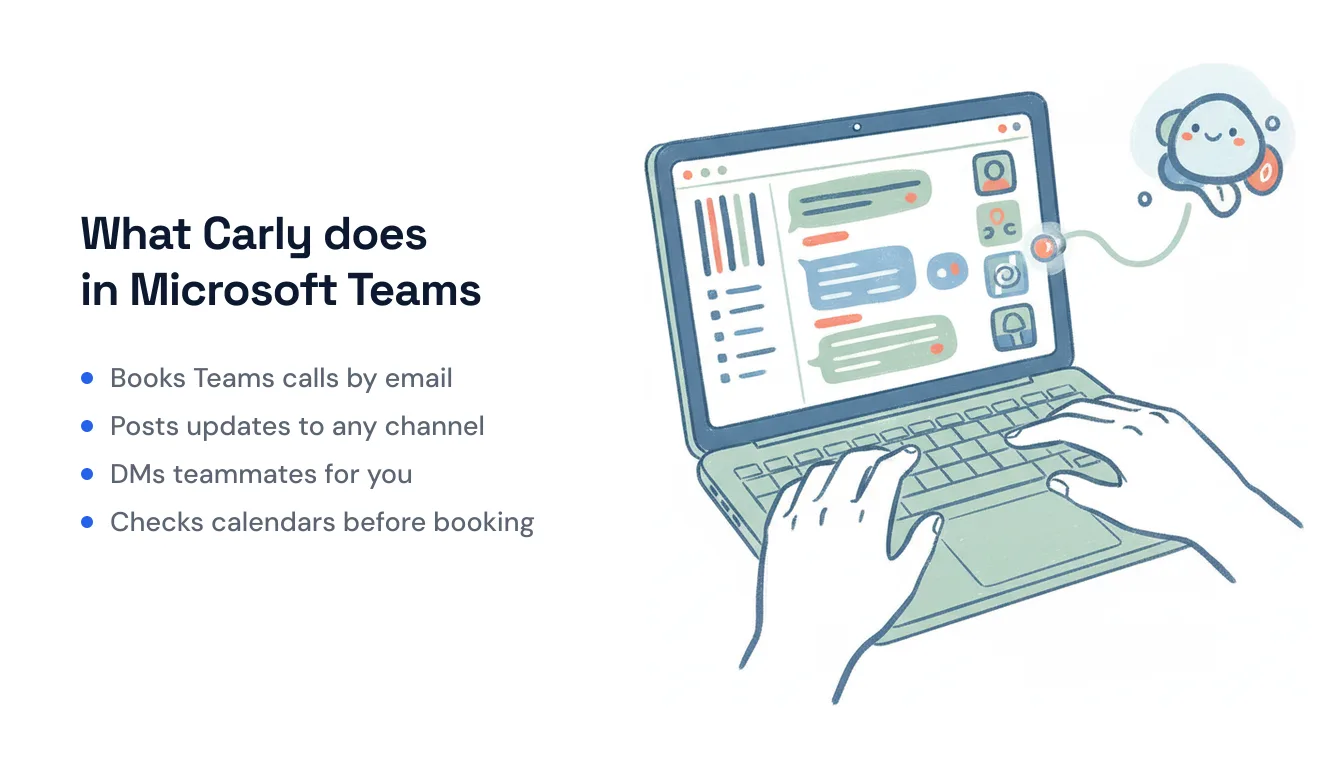
That “run on its own, across apps” gap is exactly where Carly fits. Carly connects to Microsoft Teams natively — no Copilot license, no Entra app registration, no admin ticket — and to the ~260 other apps it supports, plus anything with a public API through your own key. The difference from MCP is the important part: Carly’s workflows are triggered and scheduled, so Teams work happens whether or not anyone has a chat window open.
A few things that MCP can’t do but a Carly workflow can:
- Every Monday at 8am → post the week’s agenda and calendar conflicts to your team’s channel before anyone logs on.
- When a deal closes in your CRM → post the win to
#closed-wonand DM the account owner the next steps — automatically, the moment it happens. - Schedule a Teams meeting from an email you send Carly → she checks everyone’s availability across Teams and Google calendars, books the slot with a Teams link, and invites the room.
The non-AI steps — the moving, matching, and routing between apps — are free, the Zapier-style backbone of the workflow. The AI steps (drafting, summarizing, deciding) start at $35/month. You describe the outcome in plain language and Carly wires up the Teams connection and everything downstream — no tenant admin required.
If you’re already on a Microsoft 365 Copilot license and want a governed agent to read and act on Teams inside Copilot Studio, Work IQ Teams is the right, if involved, tool. If you want Teams to actually do things on a trigger or a schedule, across every app a conversation touches, that’s the job MCP wasn’t built for.
FAQ
Does Microsoft Teams have an official MCP server?
Yes. It’s called Work IQ Teams (mcp_TeamsServer), part of Microsoft’s Agent 365 platform and built on the Microsoft Graph Teams APIs. It handles chats, channels, messages and members with full read-write access. As of mid-2026 it’s a preview feature and Microsoft warns that tool names and parameters can still change.
Is the Microsoft Teams MCP server free, and can I use it on a personal account? No on both counts. Work IQ Teams requires a Microsoft 365 Copilot license — for your organization and for every user calling the tools — plus a Microsoft Entra tenant and admin consent. There’s no official path for a personal Microsoft account or free Teams.
Can the Teams MCP trigger automations? No. MCP is request/response inside an AI chat — nothing runs when the conversation is closed, and Work IQ has no event triggers. For message- or schedule-driven Teams work across apps, you need a workflow tool like Carly rather than an MCP server.
Can I connect Microsoft Teams to AI without coding or an IT admin? Yes. You don’t need a Copilot license, an Entra app, or MCP at all. Carly connects to Teams for you and lets you build the automation in plain language — describe what you want to happen and it wires up the Teams connection and the other apps involved, with no server to host and no code to write.
Ready to automate your busywork?
Carly schedules, researches, and briefs you—so you can focus on what matters.
See what people say
"Before Carly, I relied on a Calendly link, but the whole process felt impersonal and not very professional. Carly changed that by handling all the back-and-forth, so I'm no longer stuck in endless email threads trying to line up schedules.
Now Carly reaches out to candidates, shares my real-time availability, lets them pick a slot, then sends a Zoom link and drops it straight into my calendar. She sends reminders to both of us before each call, which has significantly reduced no-shows and last-minute confusion.
On top of scheduling, Carly acts like a full executive assistant, sending me my schedule the night before so I can prepare for each call. It reminds me of the old x.ai assistant, but Carly is noticeably smarter, faster, and better suited to my healthcare recruitment business."