monday.com vs ClickUp: Which PM Tool in 2026?
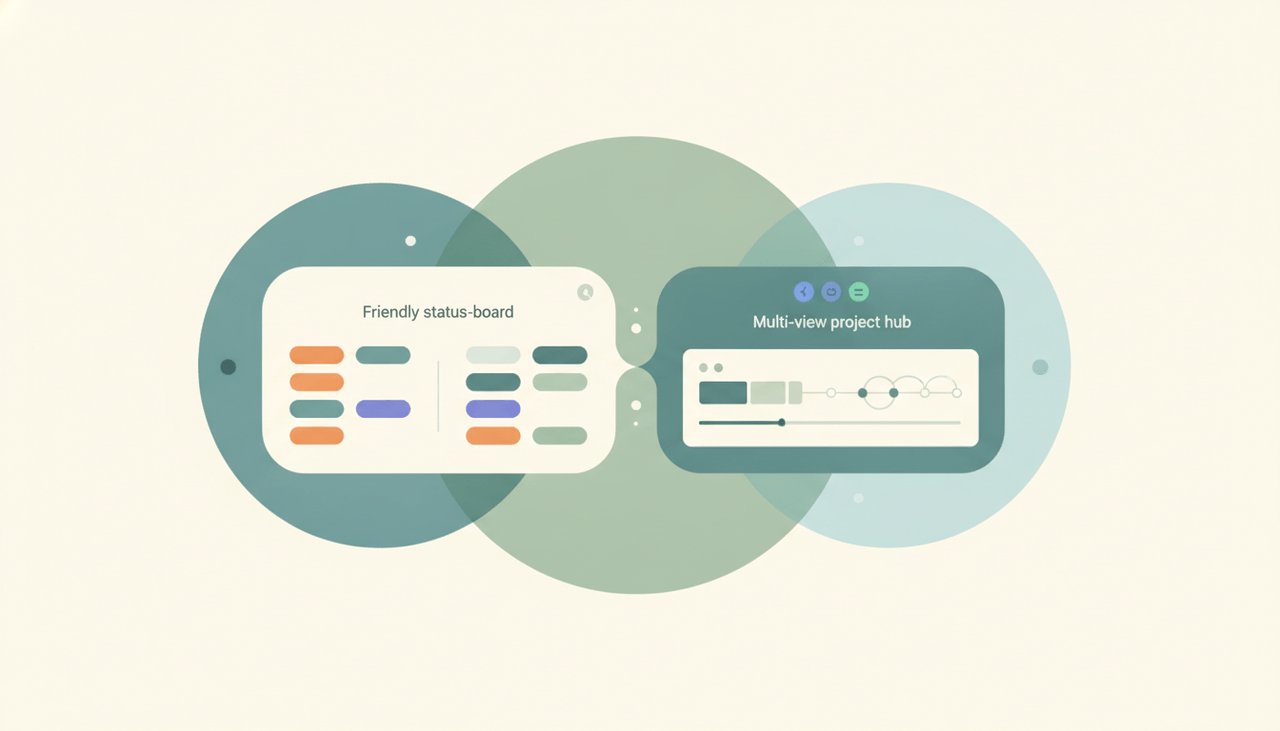
Both are popular Work OS-style platforms, but they pull in different directions. monday.com is visual and friendly — colorful, customizable boards your team can pick up on day one, built for marketing and operations work. ClickUp is a feature-dense all-in-one — docs, goals, dashboards, dozens of views, and deep automations packed into a single tool, favored by dev and ops teams that want maximum configurability. If you want fast adoption, monday.com. If you want everything in one place, ClickUp.
The One-Sentence Answer
Use monday.com if you want a visual, easy-to-adopt board your team learns instantly. Use ClickUp if you want a single, deeply configurable tool that does everything.
Side-by-Side Comparison
| monday.com | ClickUp | |
|---|---|---|
| Core strength | Visual, friendly boards | Feature-dense all-in-one |
| Ease of setup | Fast, low learning curve | Steeper — many options |
| Views | Solid set, polished | Extensive (list, board, Gantt, mind map, more) |
| Automations | Easy, recipe-based | Powerful, granular |
| Docs & whiteboards | Available | Deep, built in |
| Best-fit team | Marketing, ops | Dev, ops, power users |
| Pricing | Higher per seat | Cheaper per seat |
| Customization | Strong, guided | Very high, sometimes overwhelming |
When to Use monday.com
- Your team is marketing, ops, or non-technical and wants instant adoption
- You value a clean, colorful interface over raw feature count
- You want guided customization without deep configuration
- You’d rather pay more for something that “just works”
Think of monday.com as a Work OS you can hand to anyone — they’ll get it in minutes.
When to Use ClickUp
- You want one tool to replace docs, tasks, goals, and dashboards
- You have power users who’ll exploit deep automations and views
- You’re a dev or ops team that needs granular control
- You want the lower per-seat price and more features for it
The Adoption-vs-Power Tradeoff
The real split is who has to use it. monday.com optimizes for the person who logs in twice a week and needs to see status at a glance — its boards are legible and the setup is forgiving. ClickUp optimizes for the power user who lives in the tool and wants every feature reachable, which is exactly what overwhelms a casual team member. Pick by your least technical regular user, not your most: if that person will thrive in ClickUp’s density, take the features and savings; if not, monday.com’s simplicity pays for itself in adoption. See our ClickUp alternatives and monday alternatives if neither fits.
Rule of thumb: fast team adoption and clean visuals → monday.com; one configurable tool for everything → ClickUp.
A PM tool tracks the team’s work. If you personally want an assistant to take tasks off your plate — scheduling, email triage, reminders, follow-ups — that’s Carly, an AI executive assistant you email or text. It connects to tools like monday.com and ClickUp, automates multi-step workflows across your stack, and is built to reliably do the work rather than just track it.
Quick Reference
| Your situation… | Pick… |
|---|---|
| Non-technical team, fast adoption | monday.com |
| Marketing or ops workflows | monday.com |
| Want every feature in one tool | ClickUp |
| Power users and deep automations | ClickUp |
| Lower per-seat cost | ClickUp |
| Visual status at a glance | monday.com |
Related guides: ClickUp alternatives · monday alternatives · Best AI tools for project managers
Ready to automate your busywork?
Carly schedules, researches, and briefs you—so you can focus on what matters.
See what people say
"Before Carly, I relied on a Calendly link, but the whole process felt impersonal and not very professional. Carly changed that by handling all the back-and-forth, so I'm no longer stuck in endless email threads trying to line up schedules.
Now Carly reaches out to candidates, shares my real-time availability, lets them pick a slot, then sends a Zoom link and drops it straight into my calendar. She sends reminders to both of us before each call, which has significantly reduced no-shows and last-minute confusion.
On top of scheduling, Carly acts like a full executive assistant, sending me my schedule the night before so I can prepare for each call. It reminds me of the old x.ai assistant, but Carly is noticeably smarter, faster, and better suited to my healthcare recruitment business."