Morgen vs Akiflow: Which Time-Blocker to Pick in 2026?
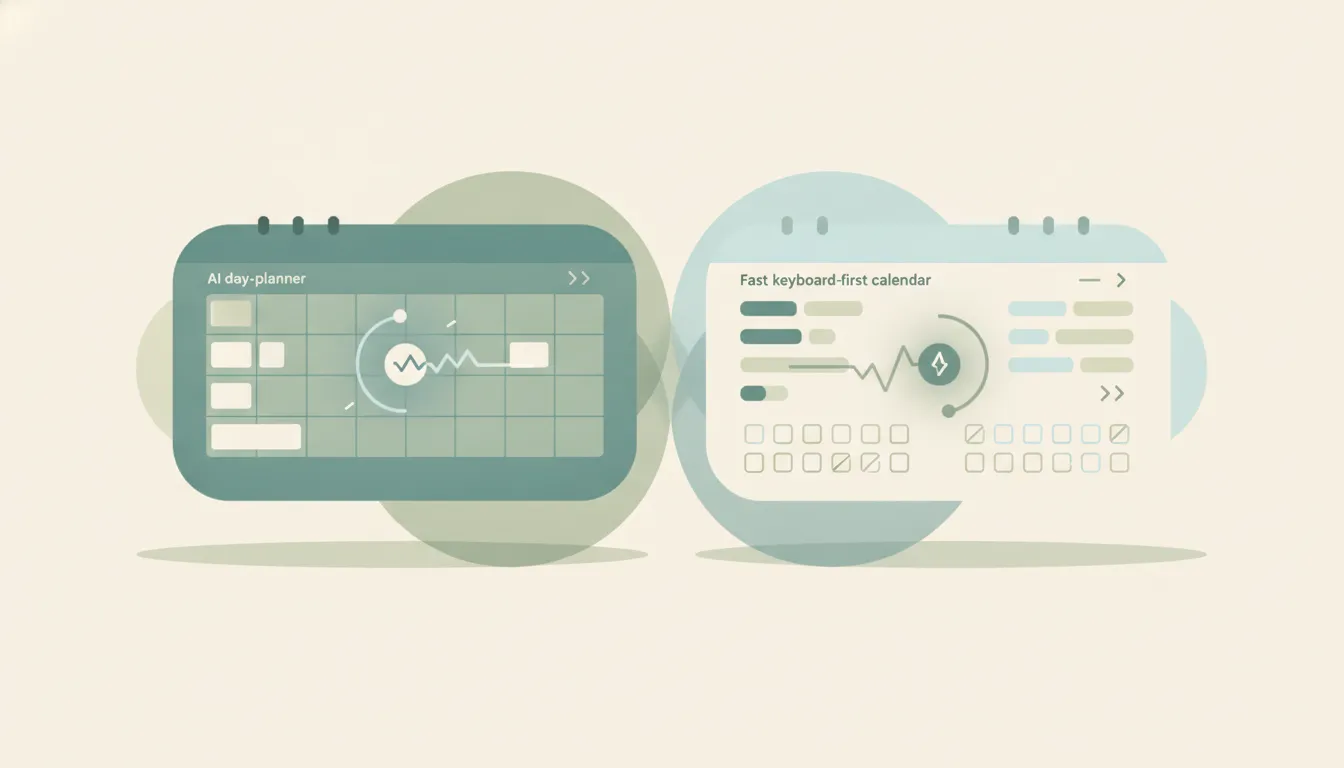
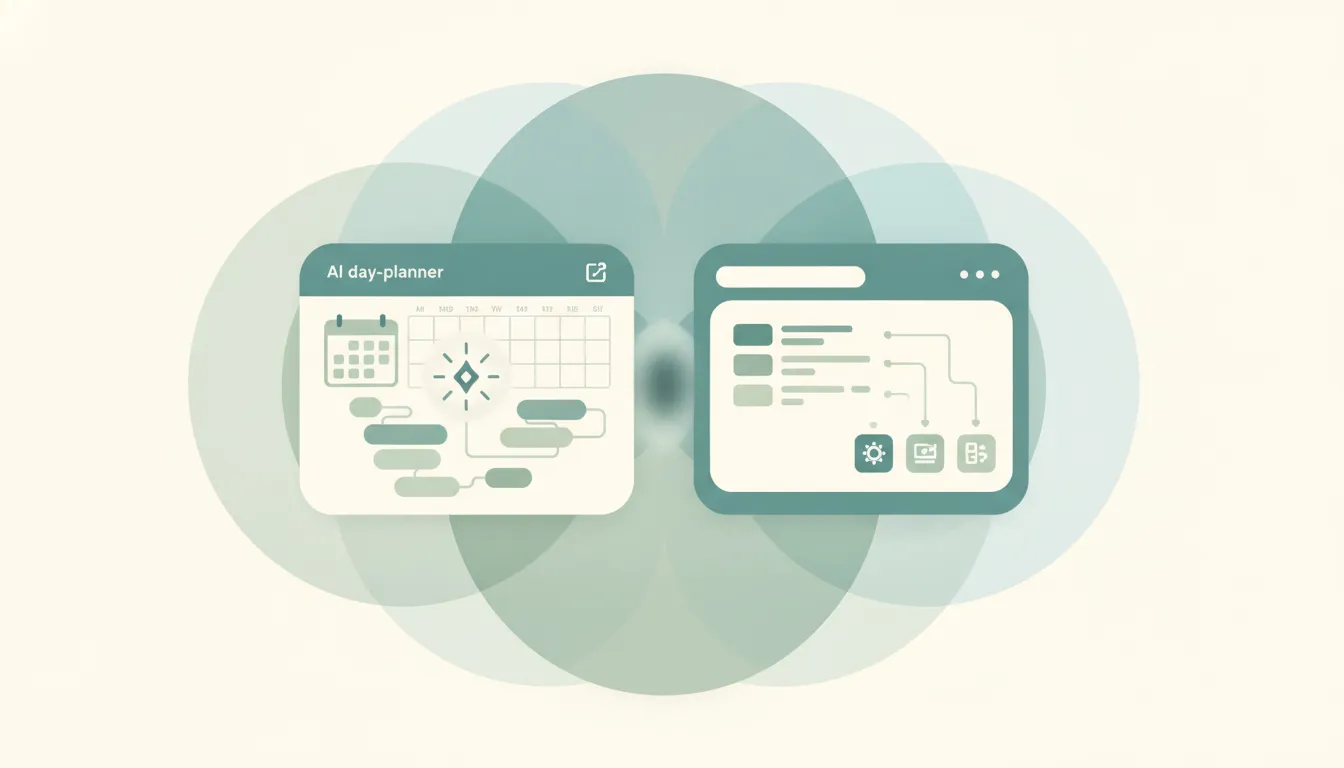
Both tools turn scattered tasks into a time-blocked calendar, but they disagree on who does the blocking. Morgen is a unified multi-calendar and task app with an AI Planner that reads your commitments and drafts a time-blocked day for you across Google, Outlook, and iCloud. Akiflow is a keyboard and command-bar task hub that aggregates tasks from 20+ sources into one universal inbox so you can drag them onto your calendar by hand, fast. If you want software to propose your day, Morgen. If you want the fastest surface to plan it yourself, Akiflow.
The One-Sentence Answer
Use Morgen if you want an AI Planner to draft a time-blocked day across all your calendars. Use Akiflow if you want to consolidate tasks from every tool into one keyboard-driven inbox and block time manually.
Side-by-Side Comparison
| Morgen | Akiflow | |
|---|---|---|
| Core strength | AI-drafted day planning | Keyboard task consolidation |
| Who builds the schedule | AI Planner suggests it | You block time manually |
| Task aggregation | Tasks plus calendars | 20+ sources into one inbox |
| Calendar support | Google, Outlook, iCloud | Google and Outlook |
| Primary interface | Calendar and planner views | Command bar and shortcuts |
| Platforms | Mac, Windows, iOS, Android | Mac, Windows, iOS, Android |
| Best-known for | Unified calendars plus AI Planner | One universal task inbox |
| Best for | Auto-drafting a full day | Fast manual time-blocking |
When to Use Morgen
- You live across Google, Outlook, and iCloud and want one calendar view
- You want an AI Planner to draft where tasks should go, not just list them
- You need a cross-platform app that works on Windows and Android, not just Apple
- You’d rather approve a suggested day than build one from scratch
Think of Morgen as a planner that hands you a first draft of your schedule.
When to Use Akiflow
- You capture tasks in many tools and want them in one inbox
- You plan fastest with a command bar and keyboard shortcuts
- You want to decide every block yourself, not have software guess
- You value a tight capture-to-calendar loop over automation
Who Drafts the Day Is the Line That Decides It
The real split is authorship. Morgen’s AI Planner looks at your tasks and existing events and proposes a time-blocked day, so the app does the first pass and you adjust. Akiflow makes no such attempt. It is built to be the fastest place to consolidate tasks from Todoist, Asana, Slack, email, and 20-plus other sources, then let you drag each one onto the calendar by hand. Neither approach is universally better. People who feel decision fatigue staring at an empty calendar tend to prefer Morgen’s draft-and-edit flow, while people who already know how they want their day and just want to execute quickly tend to prefer Akiflow’s manual, keyboard-driven blocking. Morgen’s wider calendar support (it adds iCloud) also matters if you live partly in the Apple ecosystem.
Rule of thumb: want the app to draft your day → Morgen; want the fastest surface to block it yourself → Akiflow.
If the real goal is getting the day’s work done rather than tending a planner, neither tool does the work for you. Carly is an AI executive assistant you email or text — it schedules meetings, handles email, and runs tasks on your behalf. It also automates multi-step workflows across 200+ integrations, including Todoist, Outlook, and Asana. See our best AI personal assistants and best AI tools for time-blocking.
Quick Reference
| Your situation… | Pick… |
|---|---|
| Want an AI to draft your day | Morgen |
| Consolidate tasks from many tools | Akiflow |
| Live across Google, Outlook, and iCloud | Morgen |
| Plan fastest by keyboard | Akiflow |
| Need Windows and Android support | Either |
| Prefer to block every hour yourself | Akiflow |
Related guides: Best AI tools for time-blocking · Akiflow alternatives · Morgen alternatives
Ready to automate your busywork?
Carly schedules, researches, and briefs you—so you can focus on what matters.
See what people say
"Before Carly, I relied on a Calendly link, but the whole process felt impersonal and not very professional. Carly changed that by handling all the back-and-forth, so I'm no longer stuck in endless email threads trying to line up schedules.
Now Carly reaches out to candidates, shares my real-time availability, lets them pick a slot, then sends a Zoom link and drops it straight into my calendar. She sends reminders to both of us before each call, which has significantly reduced no-shows and last-minute confusion.
On top of scheduling, Carly acts like a full executive assistant, sending me my schedule the night before so I can prepare for each call. It reminds me of the old x.ai assistant, but Carly is noticeably smarter, faster, and better suited to my healthcare recruitment business."