OGCS: Outlook Google Calendar Sync Explained (2026)
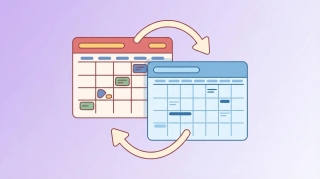
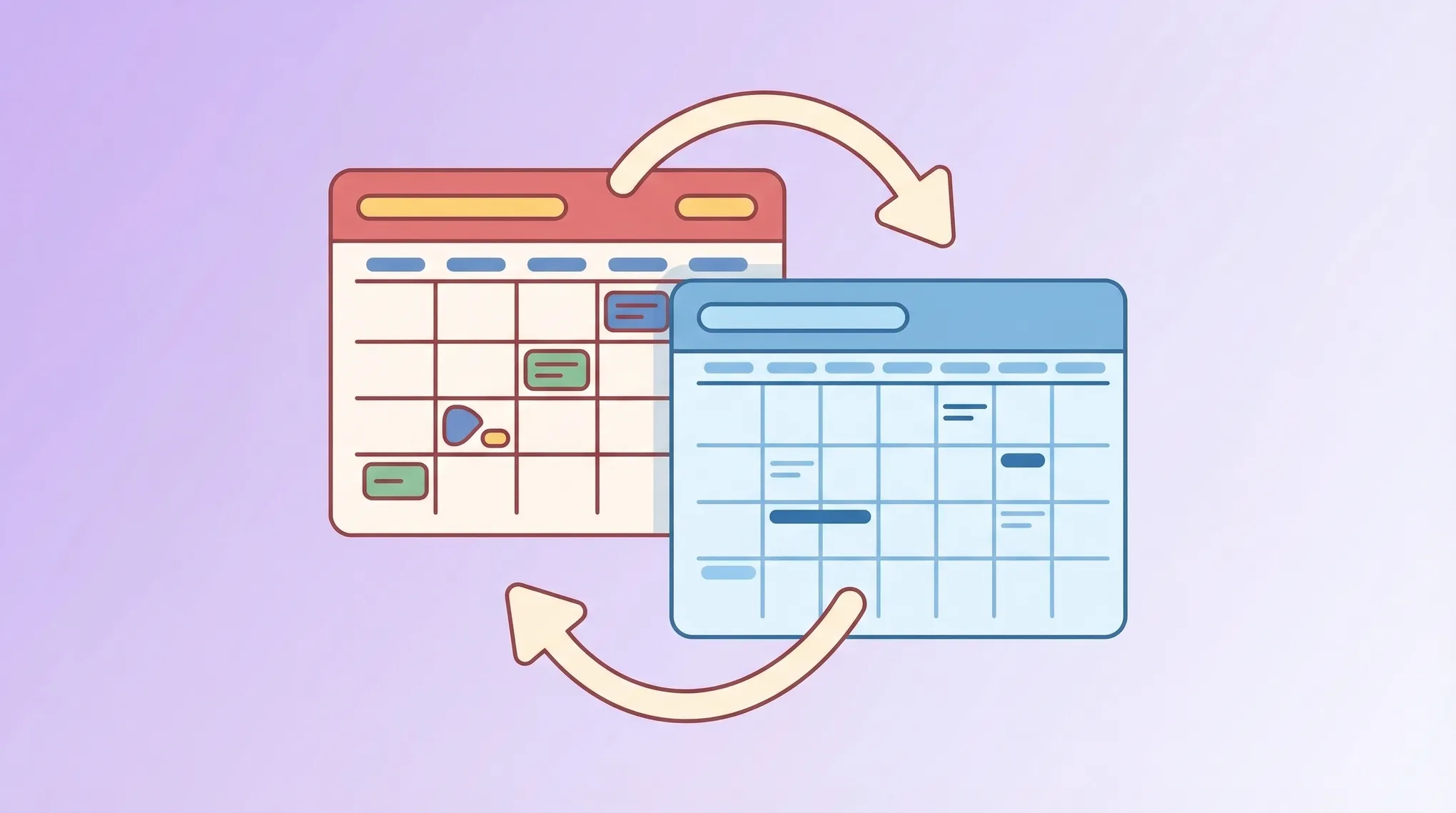
OGCS stands for Outlook Google Calendar Sync. It is a free, open-source Windows application that copies events between your Outlook desktop calendar and Google Calendar, and it has been the go-to answer for this problem for years.
It is genuinely good software. It is also a desktop app with a specific shape, and that shape decides whether it fits you.
What OGCS actually is
OGCS is a Windows desktop program released under the Mozilla Public License. The project is actively maintained, with the current release in the 2.12 line and code changes still landing regularly. It ships as a Windows installer and as a portable zip, including a 64-bit build.
The important detail is architectural: OGCS runs on your computer and drives your installed copy of Outlook. It is not a cloud service. Nothing syncs unless that machine is on and the program is running.
How the sync works
You configure a sync direction:
- Outlook to Google, one way.
- Google to Outlook, one way.
- Two-way, with a setting for which side wins a conflict.
Then you set a time window, typically some number of days in the past and future, and an interval for how often it runs. You can filter by category or by calendar, choose whether to copy attendees and descriptions, and decide whether private events are copied in full or obfuscated.
That last option is the one people care about most. OGCS can push a placeholder rather than the real subject line, so your work calendar shows you are busy without exposing what the meeting is.
The four things that catch people out
It is Windows only. There is no Mac or Linux build, and no mobile version. If you are on a Mac, OGCS is not an option.
It needs Outlook desktop installed. OGCS talks to the local Outlook application. A web-only Outlook.com or Microsoft 365 account with no desktop client will not work.
It only syncs while your machine is on. Close the laptop and sync stops. Book something on your phone during the evening and it will not reach the other calendar until you are back at the desk. For people who book from a phone, this is the real limitation.
It is a copy, not a view. Every synced event is a duplicate living in a second calendar. Duplicates, orphaned copies after a failed run, and drift between the two sides are all normal maintenance for a copy-based approach.
Who OGCS is right for
A Windows desktop user, at one machine most of the day, with Outlook installed, who wants a free tool and does not mind occasional maintenance. For that person it is hard to beat, and the price is zero.
If you want the same result without a desktop app, we cover the built-in routes in how to sync Google Calendar with Outlook and how to sync Outlook and Google Calendar. If sync is already misbehaving, start with Google Calendar not syncing.
The case for not syncing at all
Step back and ask why you are syncing. Almost always the answer is “so that when someone tries to book me, they see the truth.” Copying events between calendars is a means to that end, and it is the fragile part.
Carly reads your calendars live instead of mirroring them. Connect your work Outlook and your personal Google, and Carly queries both at the moment someone asks for time. There is no copy to drift, no duplicate to clean up, and no machine that has to be awake. Your event titles never leave the calendar they are on.
People book through a booking page, and a slot only appears if you are free on every calendar you connected. You get unlimited booking pages and connected calendars, so you can run separate links for clients and for internal meetings. It works from any device because there is nothing to install.
Carly connects to thousands of apps, so the booking can also drive a workflow that updates your CRM, files notes, or sends the confirmation. Free Zapier-style workflows; AI agents from $35/month.
FAQ
Is OGCS free?
Yes. It is open source under the Mozilla Public License and costs nothing.
Does OGCS work on Mac?
No. It is a Windows application that requires a local Outlook installation. On a Mac, use the built-in subscription routes or an assistant that reads both calendars live.
Does OGCS sync in real time?
No. It runs on an interval you set, and only while your computer is on and the program is running. Anything booked while the machine is off waits until it starts again.
Can OGCS hide my event details?
Yes, that is one of its better features. You can push a placeholder subject instead of the real one so the other calendar shows busy time without the detail. Carly achieves the same thing by never copying the event at all.
Why do I get duplicate events?
Duplicates are the usual failure mode of any copy-based sync, typically after an interrupted run or a changed configuration. A live-read approach avoids the category of problem entirely.
Ready to automate your busywork?
Carly schedules, researches, and briefs you—so you can focus on what matters.
See what people say
"Before Carly, I relied on a Calendly link, but the whole process felt impersonal and not very professional. Carly changed that by handling all the back-and-forth, so I'm no longer stuck in endless email threads trying to line up schedules.
Now Carly reaches out to candidates, shares my real-time availability, lets them pick a slot, then sends a Zoom link and drops it straight into my calendar. She sends reminders to both of us before each call, which has significantly reduced no-shows and last-minute confusion.
On top of scheduling, Carly acts like a full executive assistant, sending me my schedule the night before so I can prepare for each call. It reminds me of the old x.ai assistant, but Carly is noticeably smarter, faster, and better suited to my healthcare recruitment business."