
Cliniko Pricing: Six Bands, $45 to $395 a Month
Cliniko has one plan with every feature, priced in six bands by practitioner count from $45 to $395. SMS at 10 cents a message is the only other charge.
Page 7 of 138
Cliniko has one plan with every feature, priced in six bands by practitioner count from $45 to $395. SMS at 10 cents a message is the only other charge.

Copper runs $29, $69 or $134 per seat monthly, or $23, $59 and $99 annually. The upgrade trigger is not seats, it is the contact cap on each plan.

Jane is $54, $79 or $99 a month, then charges $17.50 to $40 per extra practitioner. Balance caps you at 20 appointments, and admin staff are always free.

Lawmatics publishes no prices. It does publish the limits: a three-user minimum on both plans, 500 contacts on Essential, and 50 texts a month on either.

Assembly's Neos starts at $109 per user paid annually across three tiers. The AI sits entirely in the top tier, and exact rates still come by quote.

PracticePanther runs $59 to $124 per user monthly, or $49 to $114 annually. The annual discount is the same $10 a user on all four tiers, worth most on Solo.
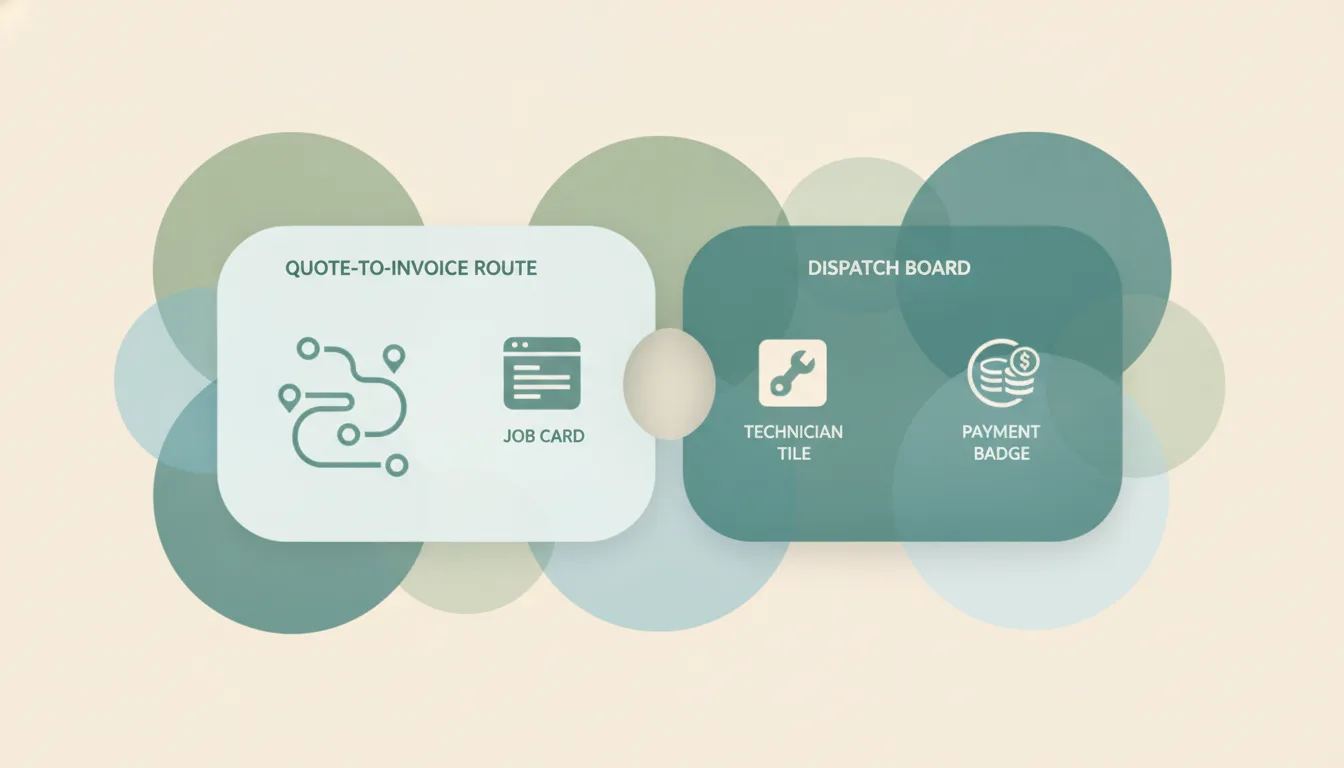
ServiceM8 charges by jobs per month, from a free 30-job plan to $349 for 1,500+. Every paid plan carries unlimited users and the same feature list.

Smokeball publishes no rates. Bill, Boost, Grow and Prosper+ are all quote-only, and the quote depends on your contract term as well as your headcount.

Vagaro is $30 a month for one bookable employee and $10 for each one after, stopping at $90 for seven or more. Every step gets the same features.

Workable starts at $299 a month for up to 20 employees, rising to $599 and $719. Add-ons and AI credits sit on top of every published number.

Workiz no longer shows plan prices. Standard, Pro and Ultimate are quoted, gated on automations at 5, 10 and 30, with Open API only on the top plan.

The best AI automation tools for Confluence. Keep pages, notes, and status updates current automatically from email, meetings, and Jira. No rules to build.
The best AI automation tools for Dynamics 365. Keep CRM records current from email and meetings automatically, without building flows or business rules.

The best AI automation tools for Excel. Keep spreadsheets updated from email, forms, and your CRM automatically, without macros, scripts, or flow builders.

The best AI automation tools for Intercom. Automate the work around your conversations, from CRM updates to follow-ups, without building workflows by hand.
The best AI automation tools for Microsoft 365. Automate Outlook, Teams, Excel, and SharePoint together without building flows or maintaining connectors.
The best AI automation tools for Microsoft Teams. Automate messages, approvals, and scheduling across Teams and the rest of your stack without building flows.
The best AI automation tools for SharePoint. File documents, update lists, and run approvals automatically from email and Teams, with no flows to build.
We checked 7 AI assistants against two or more Slack workspaces. Which reach all of them, which make you disconnect first, and which are priced per workspace.

We checked 6 AI assistants against two or more Microsoft Teams organizations. Which reach all of them, which are read-only, and which stop at one tenant.
Microsoft To Do has no automation engine of its own. Six tools that create, complete, and chase tasks from your mail and calendar, ranked by work removed.

Claude Code reaches accounts through MCP, so the server decides the count. Register one and address every inbox and calendar you own by name.

Claude's Google and Microsoft 365 connectors each hold one login. What Claude reaches natively, and the setup that puts every account in one chat.

Codex's plugins hold one account per provider and there is no Outlook plugin. One MCP server reaches every mailbox and calendar you own.