What Is Claude Cowork? Anthropic's AI Coworker Explained (2026)
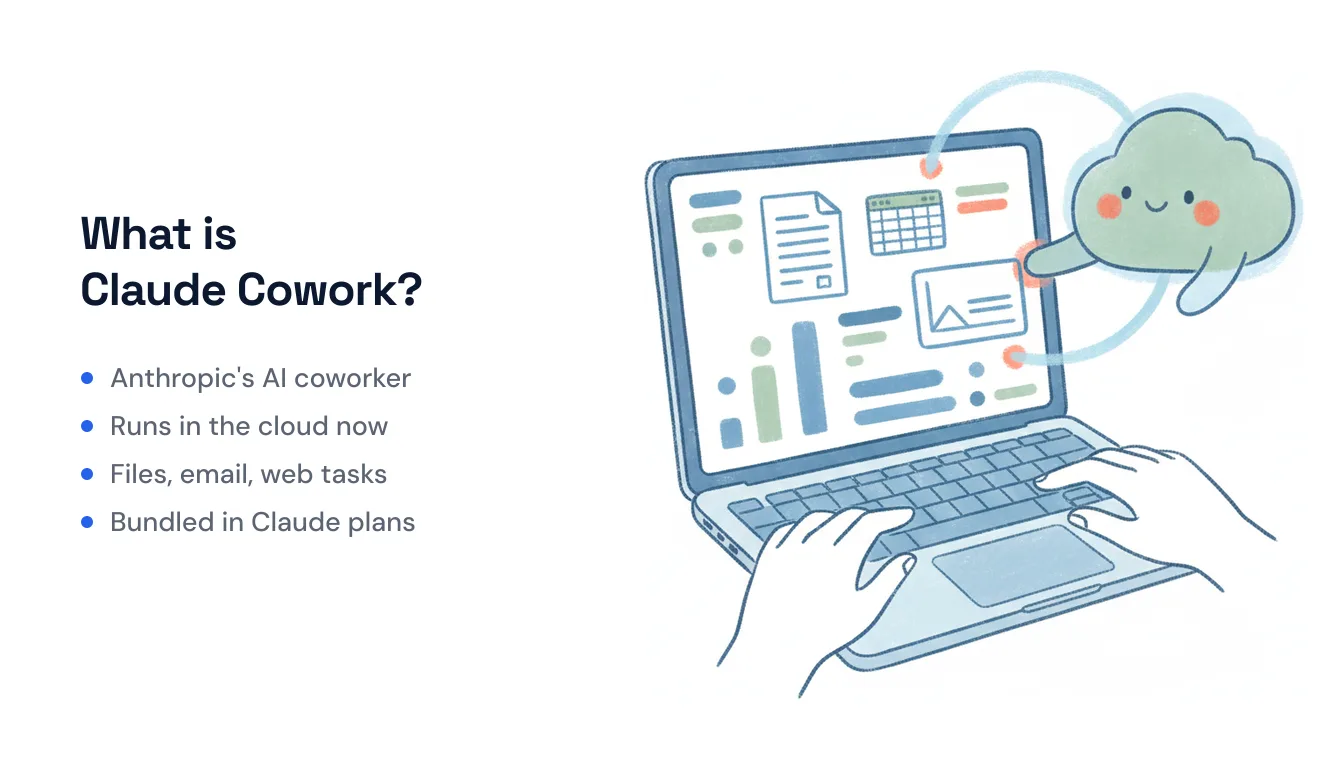
Claude Cowork is Anthropic’s agentic “coworker” — a mode inside the Claude apps where you describe an outcome, step away, and come back to finished work. Instead of a chat that answers one prompt at a time, Cowork takes on complex, multi-step jobs: reading a folder of files, building a spreadsheet, drafting a deck, doing a batch of research, then handing you the result to review. It’s the same underlying Claude model you already talk to, pointed at doing work rather than describing it.
It launched to general availability on macOS and Windows on April 9, 2026, and on July 7, 2026 Anthropic expanded it to the web and mobile with a major architectural change underneath — one that fixed the single biggest limitation of the desktop version. More on that below.
How Claude Cowork works
You give Cowork a task and grant it access to the folders, apps, and tools it needs. It then plans the work, breaks it into steps, and executes them end-to-end — pausing to ask when it hits something ambiguous, but otherwise running on its own. Per Anthropic’s getting-started guide, it can split a large project into parallel chunks and coordinate them, so a job like “clean up these 40 spreadsheets and summarize the trends” doesn’t run one file at a time.
Two concepts organize the work:
- Tasks — a unit of work you can run on demand or schedule to run automatically on a cadence (every morning, every Monday, etc.).
- Projects — persistent, self-contained workspaces with their own files, links, instructions, and memory, so related tasks share context.
There’s also a plugin marketplace and “computer use” (branded Dispatch), which lets Claude drive a real screen — opening apps and navigating a browser — when a direct integration isn’t available.
It now runs remotely — your laptop no longer has to stay awake
This is the change that matters most. The original desktop Cowork executed on your machine: close the lid or let it sleep, and the work stopped. As of the July 2026 update, the web and mobile versions run remotely on Anthropic’s servers, in an isolated environment. Sessions are saved to your Claude account, so you can start a job on your phone, close the app, and pick up the same session on your laptop later.
The practical payoff, in Anthropic’s words: work continues after you close your laptop, and scheduled tasks fire with no device online at all. If you read older write-ups claiming Cowork “only runs while your computer is awake and focused,” that’s now stale — it was true of the first desktop release and isn’t true of the remote model. (The New Stack and Help Net Security both covered the shift.) The remote surfaces are in beta and rolling out starting with Max subscribers, with other plans following over the following weeks.
What Claude Cowork can do
The capability list is genuinely broad for a single agent:
- Read and write files in the folders you grant it — Word (.docx), PDF, CSV, Excel (.xlsx), PowerPoint (.pptx), Markdown, JSON, images, Jupyter notebooks, and most code files.
- Browse the web and fill forms — “Claude can open Chrome and work on websites, clicking, typing, navigating, and filling forms.”
- Build spreadsheets and slide decks — Excel files with working formulas and PowerPoint presentations, not just text descriptions of them.
- Send email via the Microsoft 365 connector — when an admin enables write tools, Claude can send mail and manage calendar events on your behalf. Note the guardrails: it’s off by default, admin-gated, adds an “agent-initiated” attribution header, and rejects any message with attachments. The separate Claude for Outlook add-in only drafts.
- Run multi-step plans that take an hour or more — the whole point is delegating jobs too big for a single chat turn.
- Run on a schedule — recurring tasks that execute unattended on the remote infrastructure.
Where Claude Cowork runs
| Surface | Availability | Execution |
|---|---|---|
| macOS | GA (since Apr 9, 2026) | Local (accesses files/apps on device) |
| Windows | GA | Local |
| Web (claude.ai) | Beta (Jul 2026) | Remote (Anthropic’s servers) |
| iOS | Beta | Remote |
| Android | Beta | Remote |
The desktop apps also run on Linux and ChromeOS. The desktop versions can touch local files and apps directly; the web and mobile versions run in the cloud, which is exactly what lets scheduled tasks continue with nothing of yours online.
Pricing: it’s bundled into paid Claude plans
Cowork isn’t a separate purchase — it’s included with every paid Claude subscription, and the plan you’re on sets your usage limits:
| Plan | Price | Notes |
|---|---|---|
| Free | $0 | Does not include Cowork |
| Pro | ~$17/mo annual, $20/mo | Good for quick, everyday tasks |
| Max 5× | $100/mo | Higher limits for longer, heavier work |
| Max 20× | $200/mo | Highest limits |
| Team | Per seat | Includes the Slack connector |
| Enterprise | Contact sales | Admin controls, analytics, observability |
There’s no metered add-on to buy — you’re bounded by your plan’s usage limits, and heavier work (or lots of scheduled tasks) pushes you toward Max. See Anthropic’s pricing page for current numbers.
Who Claude Cowork is for
Cowork fits people who already live in the Claude app and want it to finish multi-step work rather than just advise on it: analysts building recurring reports, ops folks cleaning and reconciling files, founders spinning up decks and research, developers automating repetitive local file work. Because it can browse, fill forms, and drive a screen, it also handles the long tail of tasks that don’t have a clean API. The remote execution model makes it far more useful for anyone who wants scheduled, hands-off runs.
Where it’s a less natural fit: work that needs to be reachable by other people. Cowork is an agent you prompt — there’s no inbound address a client can email to kick off a task, and its triggers are schedules and your own requests rather than events like a new lead emailing you or a calendar invite landing. Its email sending is Microsoft 365-only. If what you actually want is a teammate that others contact directly and that fires on real-world events across a wide range of apps, that’s a different shape of tool — Carly, for instance, is an AI assistant that gets its own email address and runs on inbound triggers across 260+ integrations, with free unlimited Zapier-style workflows and AI agents from $35/month. For solo, prompt-driven “do this big job for me” work inside Claude, Cowork is hard to beat, and it’s already in the subscription you may be paying for.
Ready to automate your busywork?
Carly schedules, researches, and briefs you—so you can focus on what matters.
See what people say
"Before Carly, I relied on a Calendly link, but the whole process felt impersonal and not very professional. Carly changed that by handling all the back-and-forth, so I'm no longer stuck in endless email threads trying to line up schedules.
Now Carly reaches out to candidates, shares my real-time availability, lets them pick a slot, then sends a Zoom link and drops it straight into my calendar. She sends reminders to both of us before each call, which has significantly reduced no-shows and last-minute confusion.
On top of scheduling, Carly acts like a full executive assistant, sending me my schedule the night before so I can prepare for each call. It reminds me of the old x.ai assistant, but Carly is noticeably smarter, faster, and better suited to my healthcare recruitment business."