WorkOS Atlas: An AI Coworker That Lives in Slack
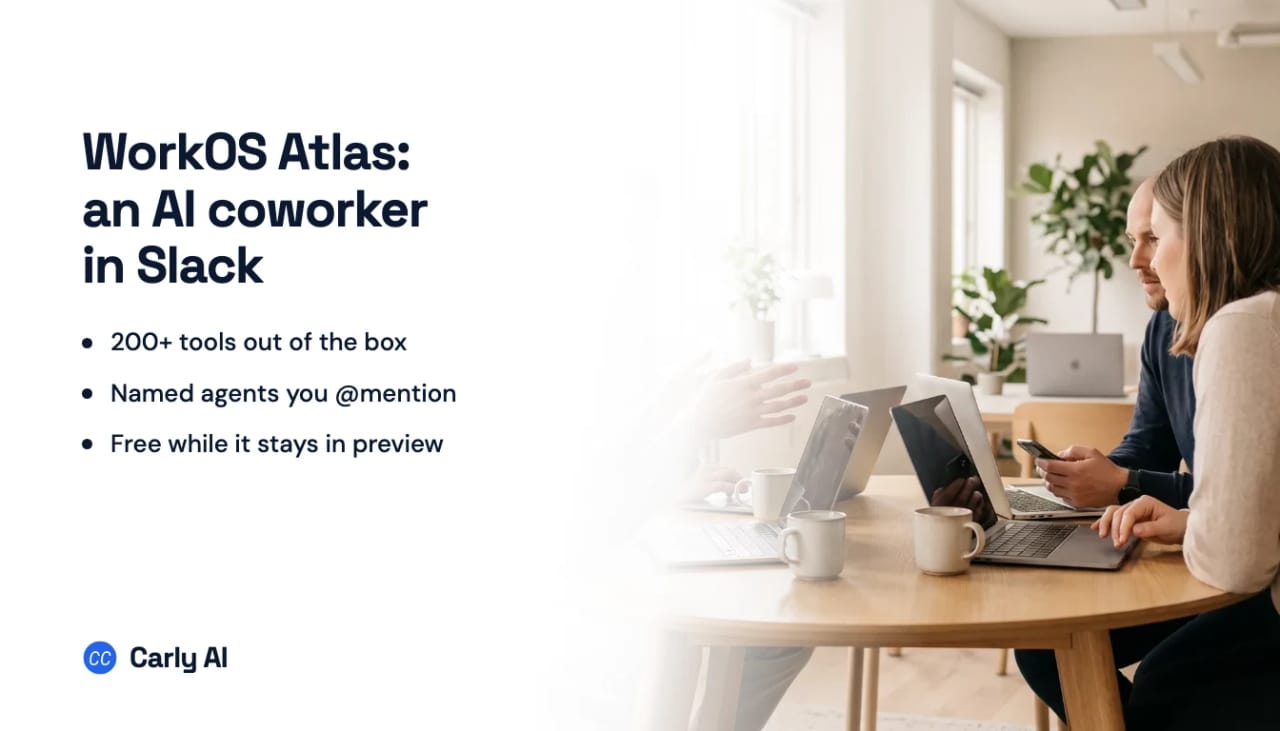
WorkOS shipped Atlas on August 4, 2026. It is an AI coworker that installs into Slack, answers in any channel, thread, or DM, and connects to your other systems when you decide to let it. Adding it takes one click and an approval of the Slack permission screen, with nothing to deploy.
The company behind it matters here. WorkOS sells the identity and access layer that OpenAI, Cursor, Perplexity, Anthropic, Vercel, and Webflow use, and it has spent the last year building agent-specific identity: MCP Auth for Model Context Protocol servers, then Agent Registration in AuthKit and the auth.md protocol for agents obtaining scoped, auditable credentials. Atlas is the same company using its own access plumbing to ship an end-user product.
The design bet: shared channels, not private chat
Most AI assistants live in a private conversation only you can see. Atlas deliberately does not. It works in the shared channels a team already uses, so anyone can jump into a thread, add what they know, or pick up where a colleague left off.
WorkOS’s examples are all handoff scenarios. Someone returns from PTO and asks where an escalation was left, and Atlas reconstructs it: who opened it, what it was, who got looped in, what it was waiting on. Latency spikes in an incident channel and Atlas names the two deploys in the last hour and the likely culprit. A new hire asks who owns the mobile roadmap and gets the answer plus the doc, with the owner in the thread to confirm.
The point of doing this in the open is that a teammate can correct the agent in front of everyone, and the correction sticks. Atlas learns from how a team already talks: its shorthand, its priorities, who to loop in. There is no training step or setup project.
Custom agents are the real feature
Atlas is not one bot. You describe the teammate you need in a conversation with Atlas, give it a name, a job, and only the tools it should have, and then @mention it like a person.
Each agent gets a handle, a display name, an optional avatar, its own instructions, its own memory, and its own scoped integrations. Skills are reusable instructions that several agents can share without anyone copying them around. A support agent might be @quill with access to Notion, Zendesk, and Slack, and nothing else.
WorkOS blocks names that would impersonate the platform or a privileged role, so nobody stands up an @admin or @security agent that people would trust by default.
What it can reach, and what it cannot
Atlas connects to more than 200 tools out of the box, plus anything with an API, and it works across them at once so a question spanning several systems returns one answer. The launch post said 150; the product page now says 200, which is the number to use.
The access model is the part WorkOS is selling. Every request is checked against the permissions your organization already enforces, per request, for the person asking. There is no standing super-user account and no shadow copy of your data sitting in the agent. Agents have isolated memory, scoped integrations, server-side secrets, and audit logs, and admins can restrict file saving, memory writes, and integration access per agent from one place.
What it costs
Atlas is free while it is in preview. WorkOS has published no pricing beyond that, and no date for when preview ends.
That is worth planning around rather than ignoring. A tool that a whole team adopts inside Slack becomes load-bearing quickly, and the bill arrives after the habit forms. If you roll it out broadly now, know that the eventual price is unknown.
Where it stops
Atlas is Slack only. There is no Microsoft Teams version and no mention of one, so half the market cannot use it yet.
The deeper limit is structural rather than temporary. Atlas is excellent at answering when addressed and can take on recurring work you set up, but the shape of the product is a coworker you talk to. Someone has to notice that a thing needs doing and mention it.
That is a different job from an agent that fires the moment something happens in your accounts, with no one in the room. When an email lands from a prospect, when a meeting gets cancelled, when a form comes in at 11pm, the useful behavior is not waiting to be asked. Carly is built on that trigger: it watches your inbox and calendar and acts on what arrives, then reports what it did. Free Zapier-style workflows, with AI agents from $35/month.
Both shapes are legitimate, and plenty of teams want each. If you want an agent that reacts to events rather than mentions, and you want it driven from your own systems, book a call with the team and we will scope it.
For a wider view of what else works inside Slack, the best AI assistants for Slack rankings cover the category, and connecting Slack to an AI agent walks the setup.
FAQ
Is WorkOS Atlas free?
Yes, while it is in preview. WorkOS says you can add it to Slack and use it with your whole team at no cost, and has not published pricing or an end date for the preview.
Does Atlas work in Microsoft Teams?
Not today. Atlas installs into Slack and works in Slack channels, threads, and DMs. WorkOS has not announced a Teams version.
What can Atlas see?
Only what each person is already permitted to see. Access is enforced per request against your existing permissions, with no standing super-user and no separate copy of your data. Admins grant, scope, and revoke everything from one place.
Do I need IT to roll it out?
No, for a first install. One person can add it to Slack and start using it in minutes. WorkOS suggests bringing in admins for an organization-wide rollout, security review, or custom requirements.
Ready to automate your busywork?
Carly schedules, researches, and briefs you—so you can focus on what matters.
See what people say
"Before Carly, I relied on a Calendly link, but the whole process felt impersonal and not very professional. Carly changed that by handling all the back-and-forth, so I'm no longer stuck in endless email threads trying to line up schedules.
Now Carly reaches out to candidates, shares my real-time availability, lets them pick a slot, then sends a Zoom link and drops it straight into my calendar. She sends reminders to both of us before each call, which has significantly reduced no-shows and last-minute confusion.
On top of scheduling, Carly acts like a full executive assistant, sending me my schedule the night before so I can prepare for each call. It reminds me of the old x.ai assistant, but Carly is noticeably smarter, faster, and better suited to my healthcare recruitment business."