Can Gemini Search My Gmail? Yes, With Three Limits
Yes. Gemini searches Gmail, and it is genuinely better than keyword search at questions. You can ask for the thing you half remember, in the words you actually think in, and get the message back rather than a page of results to sift.
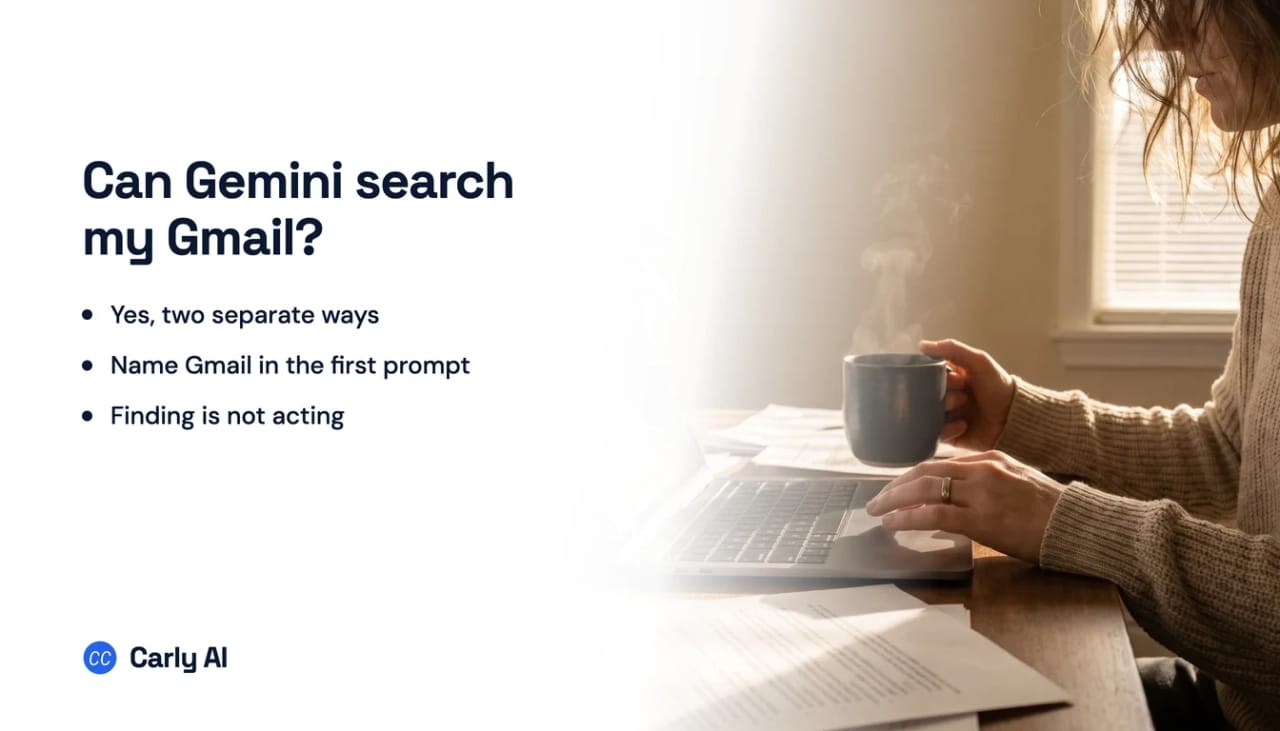
There are two separate places this happens, and three limits worth knowing before you rely on it. The third is the one that sends people looking for something else: Gemini finds the message and stops there. If the reason you were searching was to reply to it, file it, or book the thing it asks for, that is a job for something that acts on mail rather than retrieves it, which is what Carly does.
The two places Gemini searches your mail
AI Overviews in Gmail search. Type a natural-language question into the Gmail search bar and Gemini synthesizes an answer from your messages instead of just listing threads. This is the one most people meet first, because it sits exactly where the old search box was. Conversation summaries are rolling out at no cost; asking questions of your inbox is tied to a Google AI Pro or Ultra subscription.
The Gemini app with Google Workspace connected. In the standalone Gemini app, once the Workspace connection is granted, Gemini can find information across Gmail, Docs and Drive from a chat, including searching mail by keyword and by date range. Setup and the toggles it depends on are covered in how to connect Gemini to Gmail.
Both are real search over your real mailbox. Neither is a background index you can point rules at.
Limit one: you have to name Gmail every time
In the Gemini app, Google documents that you should explicitly mention “Gmail”, “email”, or “Google Workspace app” in the first prompt of each conversation. Later questions in the same thread inherit it. A new chat does not.
This single detail is behind an enormous share of “Gemini can’t find my email” complaints. The search worked fine; the model simply was not told to look there, so it answered from general knowledge and the user concluded access was broken.
Limit two: one Google account per connection
Connector authorization is per identity, not per person. Claude and Gemini each hold one Google account at a time, so the second inbox is reachable only by replacing the first. Anthropic has an open feature request asking for several named accounts on one connector, which is a fair signal it is not possible today. Carly carries all of them at once and tells you which one it acted on.
If your invoices live in a work Workspace account and your flight confirmations live in a personal @gmail.com, no single Gemini conversation covers both. You search one, disconnect, reauthorize, then search the other. Connecting multiple Gmail accounts to Gemini walks through what people do instead.
Limit three: finding is not acting
Search returns the message. What happens next is still yours.
Through the Gemini app’s Workspace connection, Google states that Gemini does not draft, send or delete email. Inside Gmail, Google has announced inbox cleanup, where you ask Gemini to delete or archive a batch of mail you no longer need and confirm it in a click, with general availability set for a following quarter. Even in that form, the pattern holds: you ask, it proposes, you approve.
And a search only ever runs when you run it. There is no saved query that watches for the next matching message, no alert when a particular client writes in, and no overnight pass that files what arrived. Every search starts with you opening a window.
| Natural-language search | Search two mailboxes at once | Acts on what it finds | Runs without you | |
|---|---|---|---|---|
| Gemini in Gmail | Yes | No | Cleanup, on request | No |
| Gemini app + Workspace | Yes | No | No | No |
| Carly | Yes | Yes | Yes | Yes |
Searching is where Gemini stops
Two of the three limits above have no workaround. Gemini will not act on the message it found, and it will not carry a second mailbox, so the search that spans your personal address and your work Workspace mail cannot be run at all. Those are the boundaries of the product, not a toggle you have missed.
The useful version of inbox search is usually not a search. It is a standing rule: when a message like this arrives, do this.
That is what Carly is built for. It is an AI executive assistant that connects to your inbox and calendar, then works on triggers in the cloud with no chat window open:
- It watches for the message instead of waiting to be asked. New mail matching what you described gets read, filed, answered, or turned into a task the moment it lands.
- It searches all of your mailboxes together, every Gmail address and every Outlook one, so personal and work are one assistant.
- It drafts and sends real email, attachments included, from the address the thread arrived on.
- You describe the rule in plain English and it interviews you, then builds the workflow with you.
Free Zapier-style workflows; AI agents from $35/month. Carly connects to thousands of apps. Start with Gmail or Outlook.
Frequently Asked Questions
Can Gemini search my Gmail?
Yes. You can ask natural-language questions in Gmail search and get an AI Overview answering from your messages, and the Gemini app can search your mail by keyword and date range once the Google Workspace connection is granted.
Why can’t Gemini find my emails?
The most common cause is that your first prompt in the conversation did not mention Gmail or email, so Gemini never looked at your mailbox. After that, check that smart features and Keep Activity are on and that you are signed in to the right Google account.
Can Gemini search two Gmail accounts at once?
No. The connection authorizes one Google identity at a time, so a second account replaces the first rather than sitting alongside it.
Can Gemini delete the emails it finds?
Inside Gmail, Google has announced an inbox cleanup capability where you ask Gemini to delete or archive a batch and approve it. Through the Gemini app’s Workspace connection, deleting is not available.
Is Gemini’s Gmail search free?
Conversation summaries in Gmail are rolling out at no cost. Asking questions of your inbox through AI Overviews is tied to a Google AI Pro or Ultra subscription.
More: Can Gemini access Gmail? · How to connect Gemini to Gmail · Can Gemini read my emails? · Can Gemini manage my inbox? · Best AI inbox management tools
Ready to automate your busywork?
Carly schedules, researches, and briefs you—so you can focus on what matters.
See what people say
"Before Carly, I relied on a Calendly link, but the whole process felt impersonal and not very professional. Carly changed that by handling all the back-and-forth, so I'm no longer stuck in endless email threads trying to line up schedules.
Now Carly reaches out to candidates, shares my real-time availability, lets them pick a slot, then sends a Zoom link and drops it straight into my calendar. She sends reminders to both of us before each call, which has significantly reduced no-shows and last-minute confusion.
On top of scheduling, Carly acts like a full executive assistant, sending me my schedule the night before so I can prepare for each call. It reminds me of the old x.ai assistant, but Carly is noticeably smarter, faster, and better suited to my healthcare recruitment business."