Claude in Chrome Limitations: 7 Walls You'll Hit (2026)
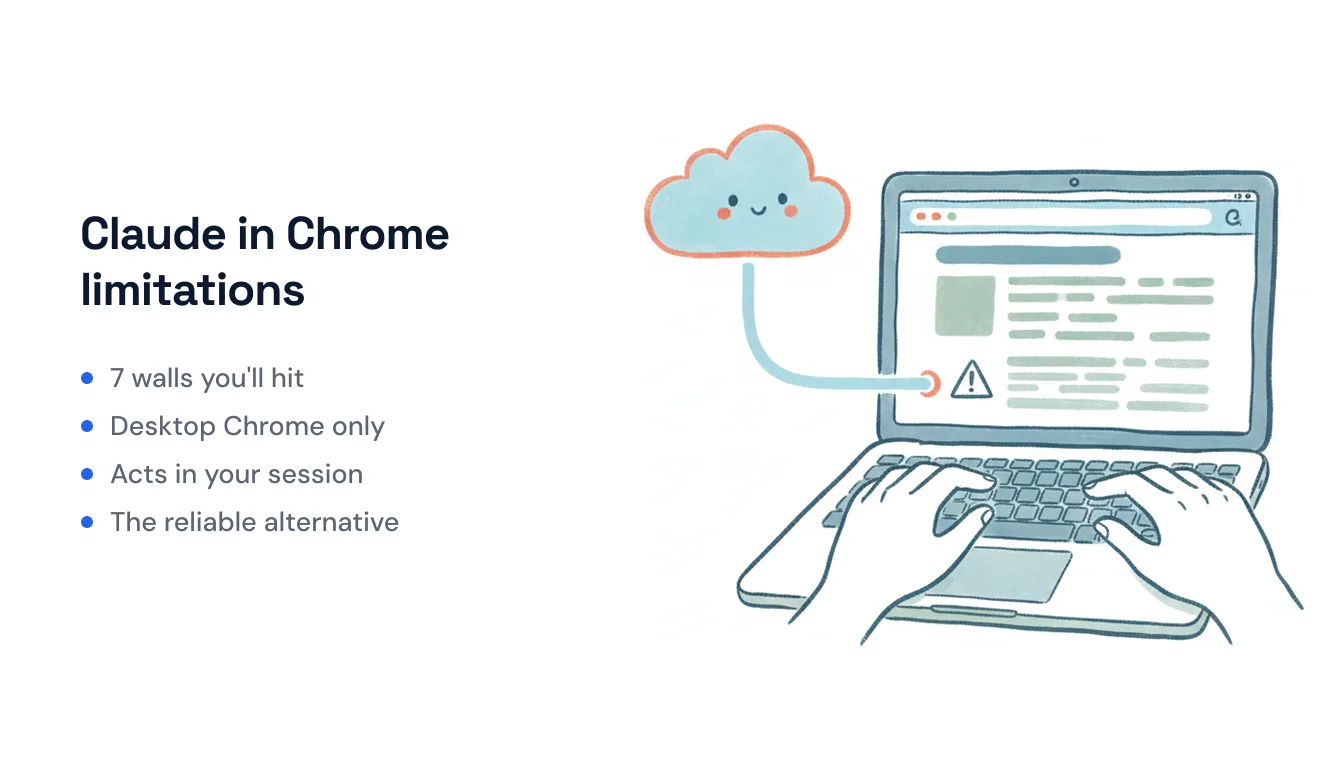
Claude in Chrome (also called Claude for Chrome) is genuinely useful: grant it permission and Claude reads the page, clicks buttons, fills forms, and chains actions across tabs to finish a task you describe in plain English. It’s now on every paid Claude plan, it can record and replay workflows, and it can even run scheduled tasks. But it works by driving your browser the same way a person would — and that mechanism comes with hard limits you’ll hit fast. Here are the seven that matter most, honestly stated, plus what to reach for when a limit is a dealbreaker.
1. Desktop Google Chrome only — no mobile, no other browsers
The extension runs in desktop Google Chrome and nothing else. It’s not available in Edge, Brave, Arc, or any other Chromium browser, and there is no mobile version at all — on a phone you’re back to the plain Claude iOS or Android app with none of the browser-driving powers. If your workflow lives in Safari, in Firefox, or on your phone, Claude in Chrome simply isn’t there.
2. It’s session-bound: the browser has to be open, and it acts as you
Claude in Chrome connects to a specific Chrome profile and operates inside your existing logged-in session. That’s convenient — it doesn’t need separate API keys or accounts, because it’s already signed in as you. But it’s also the core constraint: Chrome has to be open and running for anything to happen. Close the laptop or quit the browser and the agent stops. Even the scheduled-task feature is browser-bound — it fires on a timer, not from an event, and it needs the browser present to run. There’s no server somewhere else doing the work while your machine sleeps.
3. Per-site permission prompts before it can touch anything
The first time Claude tries to act on a site, it stops and asks you to grant permission for that specific domain, then asks again before high-stakes steps like publishing, submitting a form, or making a purchase. This is the right safety default, but it means Claude in Chrome is not a walk-away tool. Every new site is a gate, and consequential actions are gates. You’re in the loop by design.
4. It’s blocked from banking, finance, and other high-risk sites
Anthropic keeps a default blocklist of sensitive categories — financial services, banking, investment platforms, cryptocurrency exchanges, adult content, and pirated-content sites — where Claude is restricted from acting. So the very tasks people most want to automate (“pay this invoice,” “check my account,” “move money”) are exactly the ones it won’t do. On Team and Enterprise plans, admins can further tighten this with allowlists and blocklists, but the base restriction on high-risk sites is there for everyone.
5. Prompt injection is a real, demonstrated risk
Because Claude acts inside your logged-in session, a prompt-injection attack — malicious instructions hidden in a web page, email, or document — can trick it into doing something you never asked for, acting with your full signed-in authority. This isn’t hypothetical: Anthropic itself describes agentic browsing as “still risky,” and independent researchers repeatedly found injection and extension-to-extension vulnerabilities across 2026. It’s the reason the extension asks for roughly 15 Chrome permissions including the debugger, and the reason you shouldn’t point it at pages you don’t trust. (We go deeper on this in Is Claude in Chrome safe?.)
6. Supervision is expected, not optional
Every mitigation above — per-site approvals, confirmation before sensitive actions, high-risk blocks — points at the same thing: this is an assistant you watch, not one you set loose. Anthropic’s own guidance is to grant permissions only to familiar sites while you learn it, and to confirm before Claude handles anything financial, personal, or work-critical. That’s sensible, but it caps how much genuine offloading you get. If a task still needs your eyes on it, it isn’t really off your plate.
7. UI-driven multi-step tasks are brittle
Driving a browser means depending on what’s rendered on screen. When a site changes its layout, moves a button, throws up a new modal, or serves a CAPTCHA, a multi-step flow can stall or misfire — the same way a screen-scraping macro breaks the day a page gets redesigned. For a one-off task you’re supervising, you just take over. For a recurring job you wanted to stop thinking about, that fragility is the whole problem: the automation you built last month quietly breaks this month, and you find out when it fails.
When a limit is a dealbreaker: reach for API-based automation
None of this makes Claude in Chrome bad. It’s the right tool when the job is the browser — research across tabs, checking your own work, clicking through a site that has no API, reproducing a bug. It’s session-bound, per-site permissioned, and supervised, and for hands-on web work that’s fine.
The limits bite when you want work to just happen: reply to an inbound email, update a CRM the moment a lead comes in, file a document, follow up on a schedule — recurring things that should run without a browser open or a person watching. That’s a different mechanism entirely: connecting to apps through their APIs and reacting to events, rather than clicking through a live tab.
That’s the lane Carly sits in. Instead of driving Chrome, each Carly agent gets its own name, email address, and memory — people email or text it, it replies, and it does the work underneath by calling apps through their APIs. It runs in the cloud, so nothing has to be open on your machine, and it fires on triggers: an incoming email, a calendar invite, a Slack message, a form submission, a schedule. Because it talks to APIs rather than scraping pages, it isn’t stopped by a layout change, a per-site permission wall, or a banking blocklist — it reaches your tools through 260+ native connectors plus bring-your-own-key for almost any other app with a public API (you paste your key at carlyassistant.com/integrations). Pricing is free for Zapier-style workflows, with AI agents from $35/month.
The honest way to hold both: use Claude in Chrome for the in-the-tab work you’re doing right now and supervising anyway, and use event-driven, API-connected automation for the recurring work you’d rather never touch again. Different mechanisms, different jobs — the trick is knowing which limit you just ran into.
Frequently Asked Questions
Does Claude in Chrome work on mobile or in other browsers?
No. It runs in desktop Google Chrome only — not Edge, Brave, Arc, or other Chromium browsers, and there’s no mobile version. On a phone, you’re limited to the standard Claude app without the browser-driving features.
Why won’t Claude in Chrome act on my bank’s website?
Anthropic keeps a default blocklist of high-risk categories — banking, financial services, investment platforms, crypto exchanges, adult and pirated content — where Claude is restricted from acting. It’s a safety measure against prompt-injection attacks acting inside your logged-in session, and it applies to everyone.
Can Claude in Chrome run when my browser is closed?
No. It’s session-bound to an open Chrome profile and acts inside your existing login. Even its scheduled tasks need the browser present to run. For automation that runs in the cloud on its own, trigger-based tools like Carly fit better.
Can Claude in Chrome react automatically to a new email or form submission?
Not on its own — it can run scheduled (timer-based) tasks and follow instructions you give it, but it has no event listeners that wake it when an email arrives or a form is submitted. Event-driven alternatives include Carly, which triggers on incoming email, calendar invites, Slack messages, and form submits.
Ready to automate your busywork?
Carly schedules, researches, and briefs you—so you can focus on what matters.
See what people say
"Before Carly, I relied on a Calendly link, but the whole process felt impersonal and not very professional. Carly changed that by handling all the back-and-forth, so I'm no longer stuck in endless email threads trying to line up schedules.
Now Carly reaches out to candidates, shares my real-time availability, lets them pick a slot, then sends a Zoom link and drops it straight into my calendar. She sends reminders to both of us before each call, which has significantly reduced no-shows and last-minute confusion.
On top of scheduling, Carly acts like a full executive assistant, sending me my schedule the night before so I can prepare for each call. It reminds me of the old x.ai assistant, but Carly is noticeably smarter, faster, and better suited to my healthcare recruitment business."