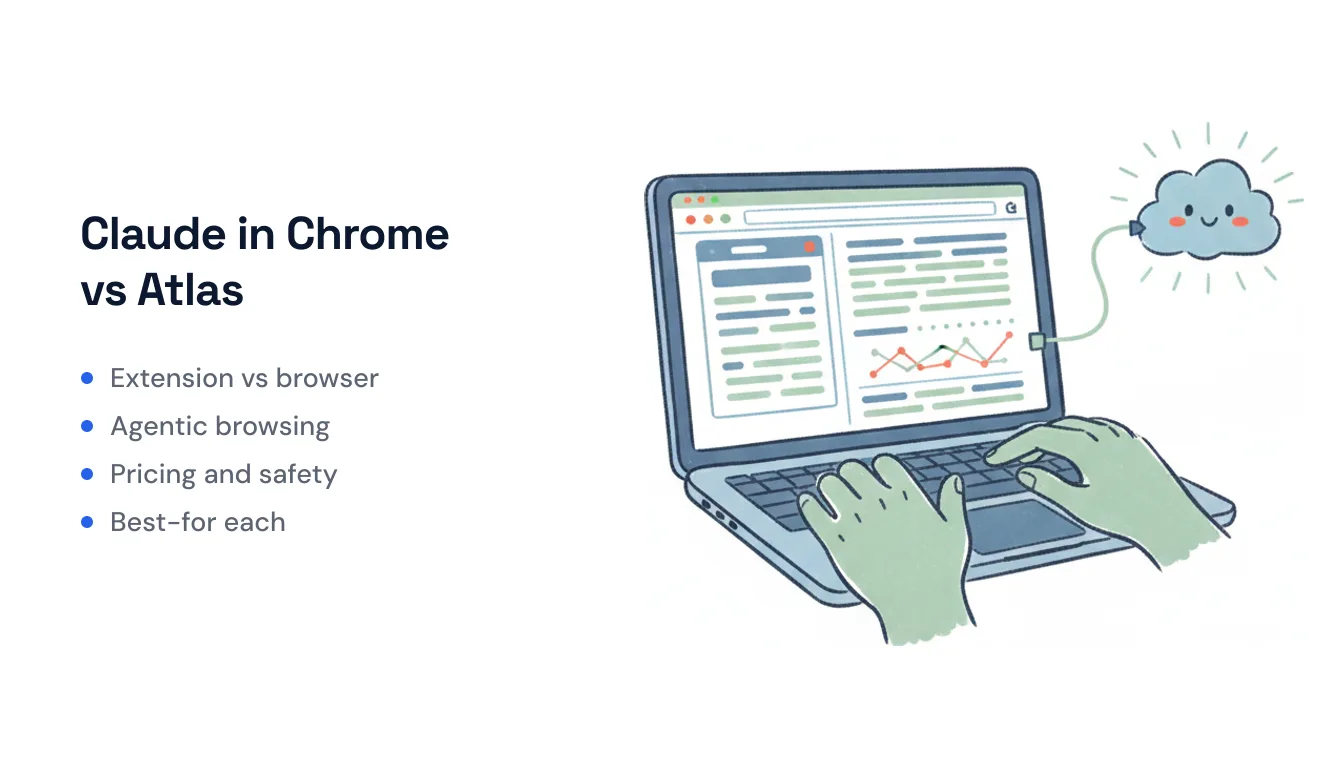
Claude in Chrome vs ChatGPT Atlas: Extension vs Full Browser (2026)
Two of the biggest AI labs took opposite bets on the same idea — putting an agent inside your web browsing. Anthropic shipped Claude in Chrome, an extension that rides on top of the Chrome you already use. OpenAI shipped ChatGPT Atlas, an entire standalone browser with ChatGPT built into its core.
Nine months later, one of those bets has already been called. OpenAI is sunsetting Atlas — deprecation is scheduled for around August 9, 2026 — and folding its browsing features into the ChatGPT desktop app and a Chrome extension of its own. In other words, the architectural argument between these two products has largely resolved in favor of the extension. This comparison covers what each actually does, why the models differ, how they price, where the safety lines are, and which fits which kind of person — with an honest note on the shutdown throughout.
At a glance
| Claude in Chrome | ChatGPT Atlas | |
|---|---|---|
| What it is | Extension on top of Google Chrome | Standalone Chromium browser |
| Status (Jul 2026) | Active; beta in-browser, GA in Cowork/Claude Code | Being sunset (~Aug 9); moving to ChatGPT app + Chrome extension |
| Platforms | Desktop Chrome only | macOS only (Windows/iOS/Android never shipped) |
| Agent mode | Reads, clicks, types, multi-tab via tab groups | ”Agent mode,” supervised multi-step tasks |
| Models | Haiku (Pro) / Opus, Sonnet (Max, Team, Enterprise) | GPT-5-class ChatGPT models |
| Memory | Session-bound; saved shortcuts, scheduled runs | Optional “browser memories” across sites |
| Where it runs | Your logged-in local browser session | Local browser + a remote cloud browser for agents |
| Price | All paid Claude plans (from ~$20/mo Pro) | Free download; agent mode for Plus/Pro/Business |
Architecture: an extension vs a whole browser
This is the core split, and it explains almost everything else.
Claude in Chrome is an extension. You install it from the Chrome Web Store, it opens as a side panel, and it drives the browser you were already using — same profile, same logins, same tabs. It reaches into Chrome through the browser’s low-level debugger API (the interface behind DevTools), which is what lets it read the DOM, click, type, and watch network traffic. Nothing about your setup changes; Claude just gains hands.
ChatGPT Atlas was a browser. OpenAI built a full Chromium browser with ChatGPT wired into the chrome itself — an “Ask ChatGPT” sidebar on every page, agent mode built in, and browser memories baked into the product. That gave OpenAI more control over the experience, but it also meant asking people to switch browsers, migrate habits, and trust a brand-new app with their entire browsing life. It shipped macOS-only and, eight months on, still had no Windows, iOS, or Android build — one of the reasons cited when OpenAI decided to wind it down.
OpenAI’s own conclusion was blunt: “the browser is a feature, not the destination.” Its replacement plan — a Chrome extension plus browsing inside the ChatGPT desktop app — lands it much closer to the shape Anthropic chose from the start. Notably, OpenAI is also keeping a remote “cloud browser” where its agents run tasks on OpenAI’s servers, which is a genuinely different mechanism from either local-browser approach (more on that below).
Models
Claude in Chrome lets your plan pick the brain. Pro runs the fast, cheap Haiku model for page reading and simple interactions. Max, Team, and Enterprise can point it at heavier models — Opus for complex reasoning, Sonnet for multi-step workflows — or stay on Haiku for speed. You’re trading latency against reasoning depth explicitly.
ChatGPT Atlas ran on OpenAI’s current ChatGPT models (the GPT-5 generation), with agent mode using OpenAI’s agentic stack. There was less user-facing model-swapping than Claude exposes; you largely got whatever your ChatGPT tier served. Those same models carry forward into the ChatGPT app and extension that replace Atlas.
Neither model family is a clear “winner” for browsing — both are strong. The practical difference is that Claude surfaces the speed-vs-depth choice to you, while OpenAI keeps it mostly under the hood.
Agentic browsing
Both do supervised, multi-step work in a live browser, and both ask you to watch.
Claude in Chrome organizes the tabs it opens into a color-coded tab group, and you can drag your own tabs into that group so Claude can see and act across all of them at once — which is what makes cross-site research and comparison flows work without manual tab-switching. It can also record and replay a task you demonstrate once, run scheduled shortcuts (daily, weekly, monthly, or annually), and — because it reads console output and network requests — debug alongside Claude Code. It ships with built-in knowledge of Slack, Google Calendar, Gmail, Google Docs, and GitHub, so short commands like “schedule a meeting” work without spelling out every click.
ChatGPT Atlas offered agent mode — give it a goal (“find a grocery store, add these recipe ingredients to a cart, and order them” or “read our past docs, do competitive research, and compile a brief”) and it worked through the steps while you supervised. Its standout was browser memories: optional, user-controllable context pulled from the sites you visit, so you could later ask “summarize the job postings I looked at last week.” That memory layer is one thing the extension world hasn’t fully replicated. Atlas’s agent mode was in preview and gated to Plus, Pro, and Business tiers.
For the everyday reading-clicking-researching loop, the two are close. Atlas leaned harder on persistent memory; Claude leans harder on multi-tab orchestration, recording, and developer debugging.
Pricing
Claude in Chrome comes with every paid Claude plan — Pro (~$20/month), Max (5x ~$100, 20x ~$200), and Team/Enterprise per seat. It is not on the free plan, and it’s no longer Max-only, which is a recent change worth knowing if you last checked at launch. Your plan governs both model access and usage limits.
ChatGPT Atlas was a free download, with agent mode reserved for Plus, Pro, and Business subscribers — a freemium shape where basic browsing-with-ChatGPT was free and the agent sat behind the paywall. Since Atlas is being sunset, its features now inherit whatever your ChatGPT plan grants in the desktop app and Chrome extension.
Neither is metered the way a pure API is; both draw down the usage allowance attached to your subscription tier. If you already pay one of these labs for a chat subscription, the browser agent is effectively bundled rather than a separate line item.
Safety and permissions
This is where the extension architecture shows its teeth.
Claude in Chrome requests roughly 14 Chrome permissions, including debugger (control the browser), scripting (run code on pages), tabs/tabGroups, downloads, alarms, nativeMessaging, and webNavigation. Because it acts inside your logged-in session, it acts as you — which makes prompt injection (malicious instructions hidden in a page, email, or document) the central threat, and one researchers have demonstrated against the extension repeatedly through 2026. Anthropic has been unusually candid, still describing browser use as inherently risky, and layers on mitigations: high-risk site blocks (banking, investing), per-site permission prompts, confirmation before consequential actions, and admin allowlists/blocklists for Team and Enterprise.
ChatGPT Atlas carried the same category of risk — an agent acting in your authenticated browser is exposed to injection regardless of vendor — plus the broader surface of being your whole browser, holding all your history and memories. Its browser-memories feature was opt-in and user-deletable, and agent mode kept a human in the loop by design. But a standalone AI browser concentrates more of your digital life in one AI company’s app than an extension bolted onto Chrome does, which is its own kind of trust decision.
Both vendors landed in the same place philosophically: these agents are powerful, supervised for a reason, and not something to walk away from.
Which one fits
- You live in Chrome and don’t want to switch browsers → Claude in Chrome. That’s the whole point of an extension, and it’s the model OpenAI is now migrating toward anyway.
- You want persistent memory across your browsing → Atlas did this best, but with it sunsetting, watch what OpenAI’s ChatGPT app and extension carry over before you build a habit on it.
- You’re a developer → Claude in Chrome, for the console/network debugging loop with Claude Code.
- You want multi-tab research orchestration and recorded, scheduled runs → Claude in Chrome.
- You’re deep in the OpenAI ecosystem → follow Atlas’s features into the ChatGPT desktop app and Chrome extension, since the standalone browser is going away.
The uncomfortable truth of this matchup is that it’s being decided by attrition: the standalone-browser bet lost, and both companies are now shipping extensions onto the browser most people already have.
When neither browser agent is the right tool
Both of these drive a browser UI, from your machine, while you watch — session by session. That’s the right tool when the job is the browser: research across tabs, clicking through a site with no API, checking your own work. It’s the wrong tool for recurring cross-app work that should fire on its own — triaging inbound email, updating a CRM when a lead comes in, filing a document, following up on a schedule.
For that, Carly runs server-side in the cloud with its own email address, triggering on incoming email, calendar invites, and Slack messages, and reaching tools through 260+ native integrations (plus bring-your-own-key for almost anything with a public API) rather than by piloting Chrome. No browser open, no laptop on. Pricing is free for Zapier-style workflows, with AI agents from $35/month. It’s a different mechanism than a browser agent — and for a lot of people the honest answer is both: an extension like Claude in Chrome for the hands-on tab work in front of you, and event-driven automation for the work you’d rather never touch again.
Ready to automate your busywork?
Carly schedules, researches, and briefs you—so you can focus on what matters.
See what people say
"Before Carly, I relied on a Calendly link, but the whole process felt impersonal and not very professional. Carly changed that by handling all the back-and-forth, so I'm no longer stuck in endless email threads trying to line up schedules.
Now Carly reaches out to candidates, shares my real-time availability, lets them pick a slot, then sends a Zoom link and drops it straight into my calendar. She sends reminders to both of us before each call, which has significantly reduced no-shows and last-minute confusion.
On top of scheduling, Carly acts like a full executive assistant, sending me my schedule the night before so I can prepare for each call. It reminds me of the old x.ai assistant, but Carly is noticeably smarter, faster, and better suited to my healthcare recruitment business."