Claude in Chrome vs Comet: AI Browser vs Browser Agent (2026)
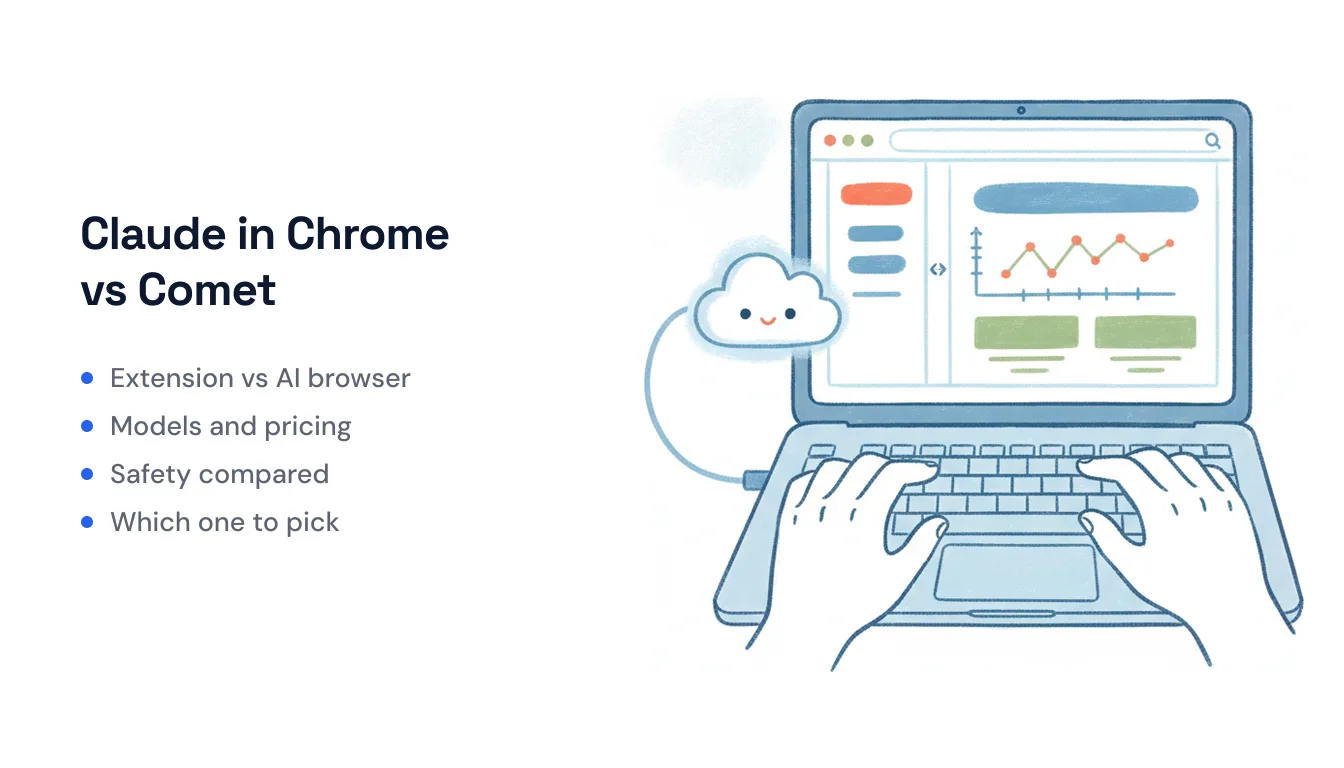
Both of these let an AI take actions inside a web page instead of just chatting about it — but they’re different shapes of the same idea. Perplexity Comet is a full AI browser: you replace Chrome with a Chromium browser that has an agent baked into the chrome, riding along in every tab. Claude in Chrome is an extension you add on top of the Chrome you already use, giving Claude a side panel and a set of browser controls without asking you to switch browsers.
That one structural difference — new browser vs. add-on — drives almost every other distinction below.
At a glance
| Perplexity Comet | Claude in Chrome | |
|---|---|---|
| Form factor | Standalone Chromium AI browser (replaces Chrome) | Extension inside your existing Chrome |
| Model | Model-agnostic: Sonar, plus GPT, Claude, Gemini, Grok routed under the hood | Anthropic’s own Claude (Haiku 4.5 on Pro; Opus/Sonnet on higher tiers) |
| Entry price | Free (Mac, Windows, Android, iOS) | Paid Claude plans only — from ~$17–20/mo; no free tier |
| Scheduled/background tasks | Background Assistant (Max; rolling out to Pro) | Scheduled shortcuts via the clock icon, all paid plans |
| Multi-tab | Assistant sees across all open tabs by default | Drag tabs into Claude’s tab group |
| Admin controls | Enterprise plans | Site allowlist/blocklist on Team/Enterprise |
| Best for | People who want an AI-native browser as their daily driver | Claude subscribers who want an agent without leaving Chrome |
Approach: replace the browser vs. augment it
Comet asks for a bigger commitment. It’s a browser you install and adopt as your main one; the assistant lives in a persistent sidebar on every new tab and is meant to be the way you browse — it summarizes pages, pulls data across tabs, and runs multi-step tasks as part of normal use. Perplexity dropped Comet’s original $200/month paywall in March 2026 and made it free worldwide on Mac, Windows, Android, and iOS, betting that people will move their whole browsing life over.
Claude in Chrome asks for much less. You keep Chrome, keep your profiles and extensions, and add Claude as a side panel that reaches into the live session you’re already signed into. It’s the lower-switching-cost path: nothing about your setup changes except that Claude can now click and type on your behalf. It came out of its earlier Max-only exclusivity and is now on every paid Claude plan, available through Claude Cowork and Claude Code with a beta directly in the browser.
The model question
This is the cleanest divide. Comet is deliberately model-agnostic — it routes across Perplexity’s own Sonar models plus frontier models (GPT, Claude, Gemini, Grok) depending on the task, and its desktop voice mode runs on GPT Realtime 1.5. You’re buying Perplexity’s orchestration layer, not any single model.
Claude in Chrome is Claude, end to end. Pro subscribers drive the browser with Haiku 4.5; Max, Team, and Enterprise can pick Opus for hard reasoning or Sonnet for multi-step workflows. If you specifically want Claude’s judgment doing the clicking — or you’re already paying Anthropic — this is the point of it. If you don’t care which model does the work and want it swapped per task, Comet’s approach fits better.
Pricing
Comet wins on entry cost: the browser itself is free, forever per Perplexity’s commitment, with paid Perplexity tiers mainly raising limits and unlocking the autonomous Background Assistant on Max (~$200/mo, or ~$167/mo annual), which is now rolling out to Pro. Comet Plus is a separate add-on for full-text access to premium publisher content.
Claude in Chrome has no free tier — you need a paid Claude plan, starting around $17/month annual ($20 month-to-month) for Pro. But if you already subscribe to Claude for other work, the browser agent is included at no extra charge, so your marginal cost is zero.
Scheduled and background tasks
Both can run work on a schedule without you triggering it, which surprises people who assume browser agents are purely interactive.
- Comet’s Background Assistant runs autonomous agents independently while you do something else — e.g., “summarize all emails received this morning and today’s meetings at 8:30 AM daily.” It’s a Max feature rolling out to Pro. Comet’s April 2026 Personal Computer update on Mac even extends the agent past the browser into local file editing and local computer use.
- Claude in Chrome lets you save a workflow as a shortcut, then click the clock icon to run it daily, weekly, monthly, or annually — a dashboard report, a recurring check-in — with no manual trigger, on any paid plan.
The practical catch for both: a browser-driven scheduled task still depends on a live browser session and the site not changing its layout underneath the agent.
Multi-tab
Comet’s assistant sees across your open tabs by default — every tab shares the same sidebar agent, so “compare these three” or “find the cheapest across my tabs” works without setup. It’s ambient because the agent is part of the browser.
Claude in Chrome makes multi-tab explicit: Claude puts the tabs it opens into its own color-coded tab group, and you drag your own tabs into that group to include them. Nothing outside the group is in scope. It’s a little more manual, but the boundary is visible — you can see exactly which tabs Claude can touch.
Safety
This is where the two diverge most, and it’s worth being blunt about.
Comet has been the subject of repeated prompt-injection research. Brave’s security team showed Comet following hidden instructions buried in a webpage to pull a user’s data from a logged-in session; Trail of Bits found four techniques to exfiltrate private Gmail data; and Zenity Labs demonstrated zero-click paths through a malicious calendar invite that reached the local file system. Perplexity has responded with a defense-in-depth system of ML classifiers that screen page content before the agent acts.
Claude in Chrome carries its own risk surface — it requests 15+ Chrome permissions including the debugger, and Anthropic itself describes browser use as still risky. Its mitigations lean on scoping and human oversight: Claude can intervene on high-risk sites, Team and Enterprise admins can allowlist or blocklist sites, and the tab-group model limits what Claude can see. The honest summary is that both inherit the fundamental problem that prompt injection can’t be fully patched in any agent that reads untrusted web content and can act. Comet’s larger attack surface follows from it being a whole browser holding all your sessions; Claude in Chrome’s follows from those broad Chrome permissions.
Which one fits
Pick Comet if you want an AI-native browser as your daily driver, you like the model-agnostic approach, you want the assistant present in every tab for free, and background agents on the Max tier are worth $200/month to you.
Pick Claude in Chrome if you’re already paying for Claude, you don’t want to leave Chrome or move your profiles, you want Claude specifically as the model, and you prefer an explicit, visible boundary around which tabs the agent can act on.
The deeper thing they share is the mechanism: both drive a real browser UI in your live session, which is powerful for anything that only exists behind a login and has no API — but it’s also session-bound, sensitive to sites changing their layout, and something you’re expected to supervise. If the work you’re automating is more like “when an email or form comes in, do X across my apps” — an event kicking off a repeatable job — that’s a different job than a browser agent does well. Tools like Carly take the server-side path instead: an assistant with its own inbox that runs on triggers (inbound email, a calendar invite, a form submit) and connects through APIs and native connectors rather than clicking around a page, which sidesteps the brittle-UI and per-site-permission problems entirely. Different tool for a different shape of task — not a browser agent, and not trying to be one.
Ready to automate your busywork?
Carly schedules, researches, and briefs you—so you can focus on what matters.
See what people say
"Before Carly, I relied on a Calendly link, but the whole process felt impersonal and not very professional. Carly changed that by handling all the back-and-forth, so I'm no longer stuck in endless email threads trying to line up schedules.
Now Carly reaches out to candidates, shares my real-time availability, lets them pick a slot, then sends a Zoom link and drops it straight into my calendar. She sends reminders to both of us before each call, which has significantly reduced no-shows and last-minute confusion.
On top of scheduling, Carly acts like a full executive assistant, sending me my schedule the night before so I can prepare for each call. It reminds me of the old x.ai assistant, but Carly is noticeably smarter, faster, and better suited to my healthcare recruitment business."