Can Claude Log Emails to Your CRM? (2026)
No — Claude can’t log your emails or meetings to a CRM automatically. Activity logging is a background job: every message sent, every call held, every meeting that ends should land on the right record without anyone typing it in. Claude can’t do that, because it has no event triggers — nothing happens unless you start a chat and ask. The best it offers is a manual pull: you point it at a thread and have it draft a summary you then paste into the CRM yourself.
Here’s exactly why automatic logging is out of reach for Claude, and what it takes to keep activity logged without the data entry.
Why logging needs triggers — and Claude has none
Good CRM hygiene is entirely event-driven: when an email is sent, log it; when a meeting ends, attach the notes. That “when” is the problem. Claude’s connectors and any MCP tools only run inside a conversation you start. There is no “when an email arrives, log it to the contact.” So the one thing activity logging requires — reacting to events as they happen — is the one thing Claude’s architecture doesn’t do.
This is the same ceiling that stops Claude from updating a CRM on its own or sending timed follow-ups: no triggers means no autonomy.
The connections lean read-only, and they’re DIY
Even the access Claude has to a CRM is limited. There’s no official one-click CRM connector; you wire up a custom or third-party MCP server, frequently paid or self-hosted. And the connections that exist lean toward reading and retrieval rather than writing. So even if you wanted to script logging manually, you’re often working against tools designed to fetch data, not record it. (Anthropic’s read-only stance shows up elsewhere too — the Microsoft 365 connector, for instance, is entirely read-only.)
The most Claude can do: a manual chat pull
Here’s the realistic best case. You open a chat, give Claude the email thread or meeting transcript, and ask it to write a clean activity summary. It does that well — concise, structured, ready to file. Then you copy it into the CRM and update the fields. For a single important deal that’s a nice assist. As a system for logging everything, it falls apart: it depends on you remembering, gathering the source material, and pasting the result for every interaction.
Claude Cowork’s scheduled tasks don’t rescue this — they run on a fixed clock only while your computer is awake with the desktop app open, and they can’t react to a specific email being sent or a meeting ending. Fixed timers aren’t event logging.
Claude vs. an agent that logs activity for you
| Pull email into chat | Write a log summary | Log emails automatically | Log meetings automatically | On triggers / automatic | |
|---|---|---|---|---|---|
| Claude (MCP) | Yes | Yes | No | No | No |
| Carly | Yes | Yes | Yes | Yes | Yes |
Claude can summarize one interaction when you hand it over. Carly keeps the record current as interactions happen.
What automatic activity logging looks like
If the job is “my CRM reflects every email and meeting without me logging anything,” you need an agent that acts on triggers. That’s Carly, an AI executive assistant inside your inbox and calendar:
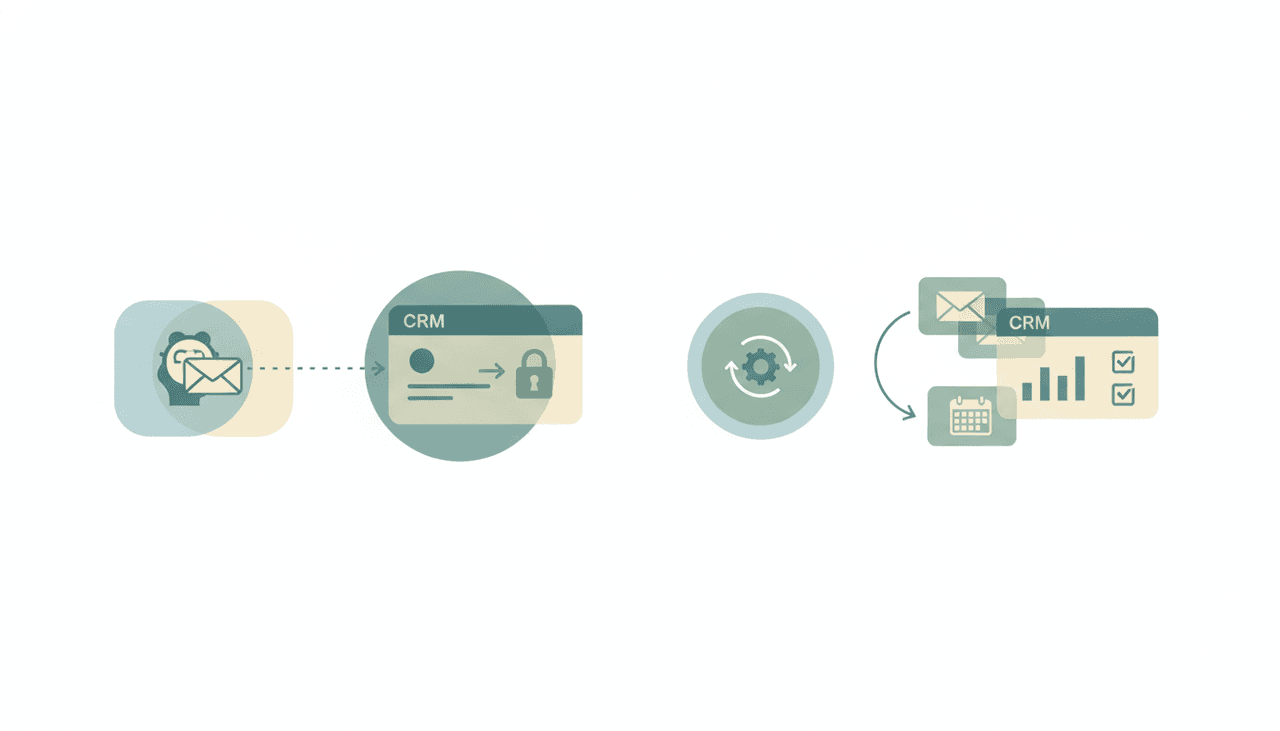
- It logs emails to the CRM automatically. When a message is sent or received, Carly records it on the right contact and deal — no copy-paste.
- It logs meetings, too. Carly can record meetings and write the notes straight to the CRM when the call ends.
- It updates the record while you work — last-contacted dates, deal stages, follow-up tasks — on triggers, 24/7, laptop off.
- It builds the workflow for you. Tell it “I’d like to set up automatic CRM logging” in plain English; it interviews you, then builds it with you. No MCP server to host, no prompt engineering.
AI agents start at $35/month, and steps in a workflow that don’t use AI run free and unlimited. Carly connects to 200+ tools across 40+ categories — see integrations, Gmail, and Outlook. For the wider picture, see Claude CRM and the best AI CRM tools.
Frequently Asked Questions
Can Claude log emails to my CRM?
Not automatically. Claude has no event triggers, so it can’t watch your inbox and record messages on its own. The most it can do is summarize a thread you paste into a chat, which you then copy into the CRM. For automatic logging, use an agent like Carly.
Can Claude log meetings or calls to a CRM?
No, not on its own. It can summarize a transcript you provide, but it can’t capture a meeting when it ends and write the notes to the record automatically — that needs triggers Claude lacks.
Does Claude have automatic CRM activity logging?
No. There’s no official CRM connector, connections are via custom/third-party MCP (often paid or self-hosted) and lean read-only, and there are no triggers to drive logging. See Claude CRM.
Can I script Claude to log activity automatically?
Not reliably. Claude Cowork scheduled tasks run on a fixed clock only while your computer is awake, and they can’t react to a specific email or meeting event. That’s not the same as event-driven logging.
What AI logs emails and meetings to a CRM automatically?
Carly. It logs emails and meetings to the right records on triggers, 24/7 in the cloud, and updates contacts and deals as you work. AI agents start at $35/month.
More: Claude CRM · Claude + HubSpot · Claude + Salesforce · Claude as a sales assistant · Best AI CRM tools · Claude vs Carly
Ready to automate your busywork?
Carly schedules, researches, and briefs you—so you can focus on what matters.
See what people say
"Before Carly, I relied on a Calendly link, but the whole process felt impersonal and not very professional. Carly changed that by handling all the back-and-forth, so I'm no longer stuck in endless email threads trying to line up schedules.
Now Carly reaches out to candidates, shares my real-time availability, lets them pick a slot, then sends a Zoom link and drops it straight into my calendar. She sends reminders to both of us before each call, which has significantly reduced no-shows and last-minute confusion.
On top of scheduling, Carly acts like a full executive assistant, sending me my schedule the night before so I can prepare for each call. It reminds me of the old x.ai assistant, but Carly is noticeably smarter, faster, and better suited to my healthcare recruitment business."