Can Claude Set Reminders? The Honest Answer (2026)
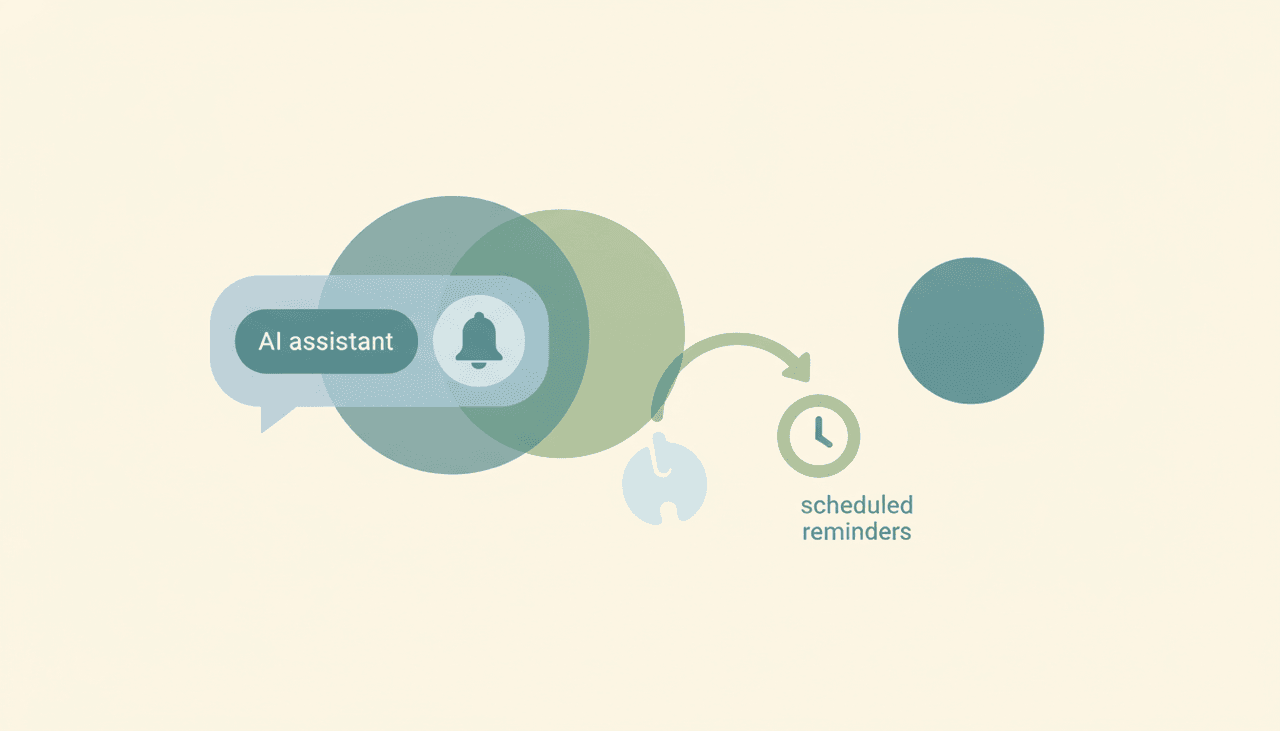
No — Claude can’t set a reminder that fires on its own. There’s no timer, no alarm, and no “ping me at 3pm” that actually goes off. Claude works only inside a conversation you start, with no event triggers and no background presence, so the moment the chat ends there’s nothing left to remind you. It can write down a reminder, plan when something should happen, even add a calendar event when you ask — but it can’t be the thing that taps you on the shoulder later. For that, something has to be running when you’re not looking, and Claude isn’t.
Here’s the honest, surface-by-surface look at Claude and reminders — and what actually fires on time.
What “remind me” gets you in Claude
Ask Claude to remind you of something and what you get is text, not a reminder:
- It’ll acknowledge and note it. “Sure, remember to call the dentist Thursday” — but that lives in the chat transcript. Nothing surfaces it Thursday.
- It’ll help you plan reminders. “When should I follow up on this?” — Claude reasons about timing well. It just can’t hold the timer.
- It’ll add a calendar event when asked. The Google Workspace connector’s Calendar side is full read/write, so Claude can create a calendar entry on request — and then Google Calendar’s own notification fires, not Claude’s. That’s the one real workaround, and it only works in Google Calendar, only when you ask in chat, and only for things that fit a calendar event.
So the closest Claude gets to a reminder is creating a calendar event you then rely on Google to alert you about. There’s no Claude-native reminder.
Why there’s no native reminder: no triggers, no timers
A reminder is, by definition, an event that fires at a time you’re not there to trigger it. Claude has no event triggers and no scheduling that acts on its own — its connectors only run inside a conversation you start. There’s no mechanism for “at this time, do this” or “when this happens, alert me.” It’s the same architectural fact behind why Claude can’t send email on its own or manage tasks autonomously: nothing runs in the background.
What about Claude Cowork’s scheduled tasks?
This is the feature people point to, so let’s be precise. Claude Cowork can run scheduled tasks — but on a fixed clock, and only while your computer is awake with the desktop app open. Close the laptop, put it to sleep, or quit the app, and the schedule doesn’t fire. It’s also not event-driven (it can’t react to an email arriving), and it still drafts rather than acts. So it’s not a dependable reminder system — a reminder you can only trust when your laptop happens to be on and awake isn’t really a reminder. (See also Claude automations.)
The pattern: Claude can plan a reminder, not fire one
It all reduces to the same thing: Claude reasons inside a chat you start and has nothing running when you’re gone. It can decide what should remind you and when — even hand it off to Google Calendar — but it can’t be the always-on layer that actually goes off. Planning a reminder and firing a reminder are different jobs, and Claude only does the first.
| Note a reminder in chat | Add a calendar event | Reminder fires on its own | Trigger-based (“when X, remind me”) | Fires 24/7, laptop off | |
|---|---|---|---|---|---|
| Claude | Yes | Yes (Google Cal, on request) | No | No | No |
| ChatGPT | Yes | Limited | No | No | No |
| Gemini | Yes | Yes (Google) | Basic, in Google apps | No | No |
| Carly | Yes | Yes | Yes | Yes | Yes |
What reminders that actually fire look like
Carly is built to act on a schedule and on triggers, in the cloud — so reminders go off whether or not you’re at your desk:
- Scheduled reminders that fire 24/7. “Remind me to renew the contract in 30 days,” “ping me the morning of every client call” — they happen with your laptop off.
- Trigger-based reminders. “When this client emails, remind me to reply within an hour,” “after a meeting ends, remind me to send notes” — Carly watches for the event and acts.
- It can do more than remind. Because Carly sends real email across Gmail and Outlook, creates and tracks tasks, and updates your CRM, a “reminder” can become the action itself — the follow-up actually goes out.
- It builds the workflow for you. Tell it “I’d like reminders and follow-ups off my inbox and calendar” in plain English; it interviews you, then builds it with you. No prompt engineering.
AI agents start at $35/month, and steps in a workflow that don’t use AI run free and unlimited. It connects to 200+ tools across 40+ categories — see integrations, Gmail, and Outlook.
Frequently Asked Questions
Can Claude set reminders?
No native reminders that fire on their own. Claude has no timers and no event triggers, so anything it “remembers” lives in the chat and nothing surfaces it later. The only workaround is asking Claude to create a Google Calendar event, which then relies on Google’s notification — not Claude’s.
Does Claude have a reminder feature?
No. There’s no built-in reminder or alarm. Claude can note or plan a reminder in conversation and can add a calendar event on request, but it can’t be the thing that alerts you at the right time.
Can Claude Cowork remind me on a schedule?
Only loosely. Cowork’s scheduled tasks run on a fixed clock and only while your computer is awake with the desktop app open — so they won’t fire if your laptop is asleep or the app is closed, and they’re not event-driven. See Claude Cowork alternatives.
Can Claude remind me when an email arrives?
No — Claude has no event triggers, so it can’t react to incoming email or any other event. It only works inside a conversation you start. See can Claude send emails for the same root limitation.
What AI sets reminders that actually go off?
Carly. It fires scheduled and trigger-based reminders 24/7 in the cloud — laptop off — and can turn a reminder into the action itself, like actually sending the follow-up. AI agents start at $35/month.
More: Claude task management · Claude as a personal assistant · Claude automations · Claude Cowork alternatives · Can Claude send emails · Claude vs Carly
Ready to automate your busywork?
Carly schedules, researches, and briefs you—so you can focus on what matters.
See what people say
"Before Carly, I relied on a Calendly link, but the whole process felt impersonal and not very professional. Carly changed that by handling all the back-and-forth, so I'm no longer stuck in endless email threads trying to line up schedules.
Now Carly reaches out to candidates, shares my real-time availability, lets them pick a slot, then sends a Zoom link and drops it straight into my calendar. She sends reminders to both of us before each call, which has significantly reduced no-shows and last-minute confusion.
On top of scheduling, Carly acts like a full executive assistant, sending me my schedule the night before so I can prepare for each call. It reminds me of the old x.ai assistant, but Carly is noticeably smarter, faster, and better suited to my healthcare recruitment business."