Confluence vs Notion: Which Wiki to Pick in 2026?
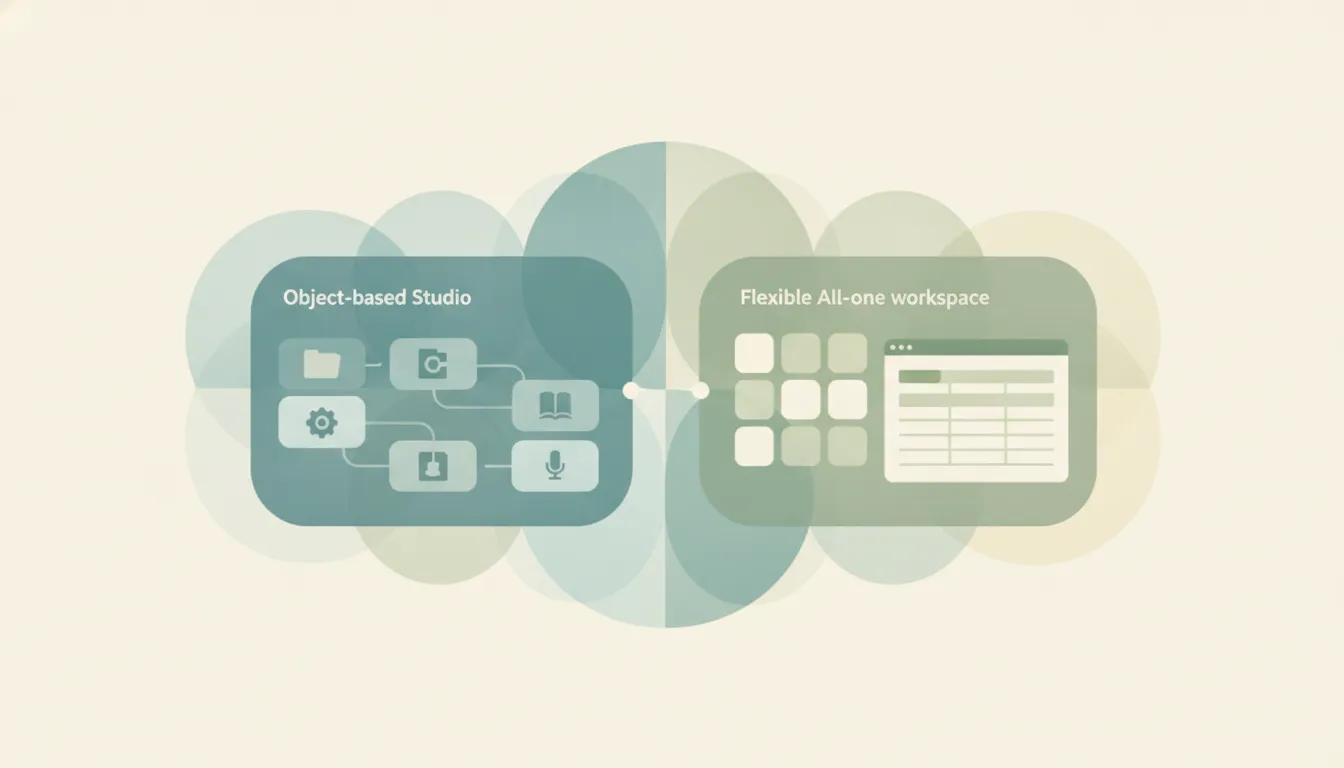
Both are places to write things down as a team, but they aim at different companies. Confluence is a dedicated enterprise wiki from Atlassian: structured spaces and pages, strong permissions and governance, and tight integration with Jira, favored by engineering teams and larger orgs documenting at scale. Notion is a flexible all-in-one workspace where docs, databases, wikis, and project tracking live in one block-based tool, with a huge template ecosystem, loved by startups and cross-functional teams. If you mainly need a governed knowledge base wired into Jira, Confluence. If you want one workspace that does docs plus databases plus projects, Notion.
The One-Sentence Answer
Use Confluence if you need an enterprise wiki with real governance and Jira integration. Use Notion if you want a flexible workspace that combines docs, databases, and project tracking.
Side-by-Side Comparison
| Confluence | Notion | |
|---|---|---|
| Core strength | Governed team wiki | Flexible all-in-one workspace |
| Structure | Spaces and pages | Blocks, pages, and databases |
| Permissions & governance | Granular, enterprise-grade | Good, simpler model |
| Databases | Basic tables | Powerful, relational |
| Signature integration | Deep Jira link | Broad app and API ecosystem |
| Templates | Solid, work-focused | Huge community ecosystem |
| Best-known for | Docs at scale in big orgs | Startups and cross-functional teams |
| Learning curve | Familiar wiki model | Flexible but takes setup |
When to Use Confluence
- You already run Jira and want docs linked to issues, sprints, and epics
- You need granular permissions, page restrictions, and admin governance
- You’re a larger org standardizing documentation across many teams
- You want a structured, space-based wiki rather than freeform pages
Think of Confluence as the system of record for a company that documents at scale.
When to Use Notion
- You want docs, wikis, databases, and project tracking in one place
- You’re a startup or cross-functional team that values flexibility
- You’ll use relational databases to run tasks, roadmaps, or a lightweight CRM
- You want to start fast from the large template ecosystem
Governance and Jira vs Flexibility Decides It
The real fork is whether you need enterprise control or range. Confluence is built for organizations that treat documentation as infrastructure: spaces map to teams, permissions get granular, admins govern who sees what, and every page can sit next to the Jira issue it describes. That Atlassian gravity is the whole reason many engineering orgs standardize on it. Notion trades some of that governance depth for breadth, one tool that holds your docs, your relational databases, and your project boards, so a small team can run almost everything without switching apps. Larger companies often find Notion’s permission model thinner than they want at scale, while Jira-light teams find Confluence heavier than they need. Many mixed shops run both: Confluence for engineering docs beside Jira, Notion for the flexible cross-functional workspace.
Rule of thumb: governed wiki wired into Jira → Confluence; flexible workspace that also runs databases and projects → Notion.
If the real goal is getting the work done rather than maintaining a wiki, neither tool does the work for you. Carly is an AI executive assistant you email or text — it schedules meetings, handles email, and runs tasks on your behalf. It also automates multi-step workflows across 200+ integrations, including the Notion integration and Confluence integration. See our best AI personal assistants.
Quick Reference
| Your situation… | Pick… |
|---|---|
| Engineering team already on Jira | Confluence |
| Startup wanting one tool for everything | Notion |
| Need granular permissions and admin governance | Confluence |
| Want relational databases beside your docs | Notion |
| Standardizing docs across a large org | Confluence |
| Cross-functional team running projects and docs together | Notion |
Related guides: Notion alternatives · Best AI personal assistants
Ready to automate your busywork?
Carly schedules, researches, and briefs you—so you can focus on what matters.
See what people say
"Before Carly, I relied on a Calendly link, but the whole process felt impersonal and not very professional. Carly changed that by handling all the back-and-forth, so I'm no longer stuck in endless email threads trying to line up schedules.
Now Carly reaches out to candidates, shares my real-time availability, lets them pick a slot, then sends a Zoom link and drops it straight into my calendar. She sends reminders to both of us before each call, which has significantly reduced no-shows and last-minute confusion.
On top of scheduling, Carly acts like a full executive assistant, sending me my schedule the night before so I can prepare for each call. It reminds me of the old x.ai assistant, but Carly is noticeably smarter, faster, and better suited to my healthcare recruitment business."