Capacities vs Notion: Which Knowledge Tool in 2026?
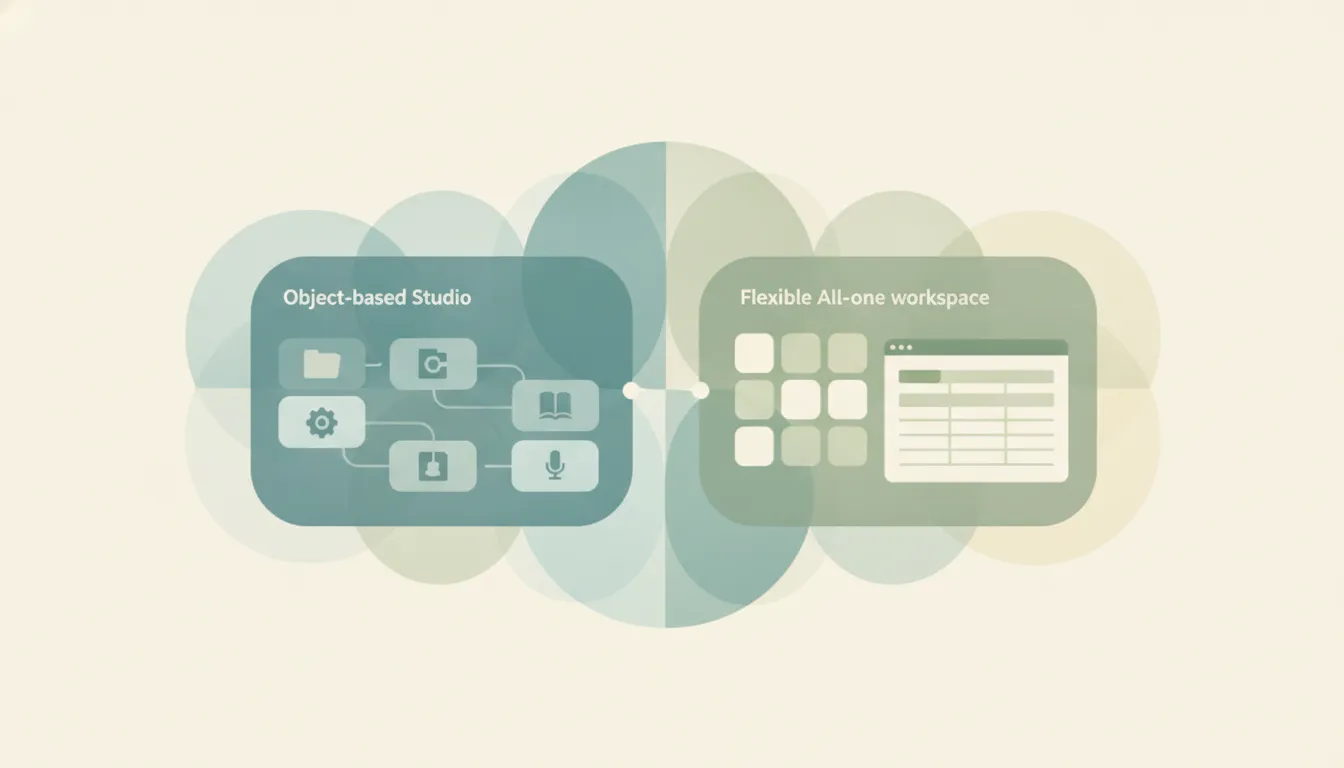
These two tools both let you store notes, but they start from opposite premises. Capacities is object-based personal knowledge management — everything is a typed object (a note, a person, a book, an idea, a meeting) with its own properties, backlinks, and a daily note to tie it all together. Notion is a flexible all-in-one workspace — docs, databases, wikis, and projects assembled from blocks, built for teams as much as individuals. Capacities wants to be a “studio for your mind”; Notion wants to be the operating system your company runs on. If you mainly want to connect your own thinking, choose Capacities; if you mainly want a shared workspace to run projects and teams, choose Notion.
The One-Sentence Answer
Use Capacities if you want a networked, object-based space for your own knowledge; use Notion if you want a flexible workspace that a team can build and run on together.
Side-by-Side Comparison
Both tools store notes and both let you tag, link, and search them. The differences below are less about features and more about intent: one is tuned for a single person’s networked knowledge, the other for a team’s shared operating system.
| Capacities | Notion | |
|---|---|---|
| Core strength | Object-based, networked note-taking | Flexible all-in-one workspace |
| How it works | Everything is a typed object with properties, backlinks, and daily notes | Pages built from blocks, plus databases and wikis |
| Best known for | Personal knowledge management (“studio for your mind”) | Docs, databases, and team collaboration |
| Pricing model | Free tier; paid Pro and Believer plans (single-user) | Free tier; per-seat Plus and Business plans |
| Integrations/ecosystem | Focused app; calendar sync, public API in beta | Huge template and integration ecosystem, Slack/Drive connectors |
| AI features | AI assistant (chat, auto-fill, auto-tag) on paid plans | Notion AI agents and Ask Notion, full access on Business |
| Ideal user | Individual thinkers, researchers, writers | Teams, individuals, and companies of any size |
| Setup style | Structure comes prebuilt from object types | You design the structure yourself from blocks |
When to Use Capacities
- You think in entities — books, people, projects, ideas — and want each one to be a first-class object with its own properties and backlinks.
- You want daily notes and a networked graph out of the box, without designing databases yourself.
- You are a solo researcher, writer, or student building a personal knowledge base rather than a shared workspace.
- You value a focused, opinionated tool that nudges you toward structure instead of a blank canvas, and you are fine on the free tier’s 5GB media limit or a single-user paid plan.
When to Use Notion
- You need a shared workspace where a team edits docs, wikis, and databases together in real time.
- You want to run projects, roadmaps, or a company wiki, not just capture personal notes.
- You rely on templates and integrations — there is a massive ecosystem plus native connectors for Slack, Google Drive, and more.
- You want AI that can query your whole workspace and act as an agent across connected sources, and you can justify the per-seat Business plan to unlock it.
Personal Object Graph vs Shared Workspace
The real fork is who the tool is for and how structure gets created. Capacities is built around one person’s mind. Its object types (Book, Person, Meeting, Idea, and any custom type you define) mean structure arrives before you do — you open a “Person” and it already has the right fields and backlinks, and every mention of that person anywhere in your space links back automatically. Reference a book in a meeting note and it becomes a live object you can open, tag, and see everything connected to it. That is a gift if you are a heavy note-taker who wants your thinking to self-organize into a graph, and a constraint if you want free-form pages or many people editing at once. Capacities is fundamentally a single-user PKM tool: its plans are per person, not per seat, and collaboration is not the point. It also stays deliberately narrow — no project boards, no team wikis, no CRM — so you never fight the app to keep it focused on knowledge.
Notion inverts that. It hands you a blank canvas of blocks and expects you to design the structure, then it scales that structure across a team. A Notion database can be a task tracker one day and a CRM the next, and everyone on the workspace can edit it live. That flexibility is why companies adopt Notion as an all-in-one operating system, but it also means a personal knowledge base takes deliberate setup, and the useful AI (agents, Ask Notion across your workspace and connected apps) sits on the Business plan at roughly $20 per user per month billed annually, with metered agent credits billing on top. Notion folded the old standalone $10 AI add-on into its seats, so full AI now travels with the plan rather than being bought separately. Capacities keeps its AI assistant on its cheaper single-user Pro and Believer plans, running on a daily budget against OpenAI GPT models. So the pricing shape follows the philosophy: Capacities charges one person for one brain, Notion charges per seat for a shared system.
Watch the free tiers too, because both are generous but limited in different ways. Capacities’ free plan gives you unlimited spaces, objects, and content types with sync, capped mainly by 5GB of media storage and no AI. Notion’s free plan gives unlimited blocks for personal use but caps file uploads at 5MB, trims page history to 7 days, and limits guests. The practical gotcha is that neither free tier includes the AI that each company is now leaning on, and Capacities’ whole model is a solo one — if you invite collaborators or need real-time team editing, you are structurally in Notion’s territory, not Capacities’. Conversely, if you try to bend Notion into a tight personal PKM, you end up rebuilding by hand what Capacities ships as its default object graph.
Rule of thumb: If the knowledge is yours alone and should organize itself, Capacities. If the knowledge belongs to a team and you will shape it yourself, Notion.
If what you actually want is not another workspace to maintain but the admin work itself handled, that is a different tool. Carly is an AI executive assistant you email or text to schedule meetings, triage email, and run multi-step tasks, and it integrates with Notion so a captured note or database can feed the assistant that does the follow-up.
Quick Reference
| Your situation… | Pick… |
|---|---|
| Solo personal knowledge base | Capacities |
| Team wiki, docs, and projects | Notion |
| You think in typed objects and backlinks | Capacities |
| You want to design databases your own way | Notion |
| Cheaper single-user AI note assistant | Capacities |
| AI that queries a whole shared workspace | Notion |
Related guides: Notion alternatives · Notion vs Obsidian · best AI notetakers
Ready to automate your busywork?
Carly schedules, researches, and briefs you—so you can focus on what matters.
See what people say
"Before Carly, I relied on a Calendly link, but the whole process felt impersonal and not very professional. Carly changed that by handling all the back-and-forth, so I'm no longer stuck in endless email threads trying to line up schedules.
Now Carly reaches out to candidates, shares my real-time availability, lets them pick a slot, then sends a Zoom link and drops it straight into my calendar. She sends reminders to both of us before each call, which has significantly reduced no-shows and last-minute confusion.
On top of scheduling, Carly acts like a full executive assistant, sending me my schedule the night before so I can prepare for each call. It reminds me of the old x.ai assistant, but Carly is noticeably smarter, faster, and better suited to my healthcare recruitment business."