Apple Notes vs Notion: Which Note App to Pick in 2026?
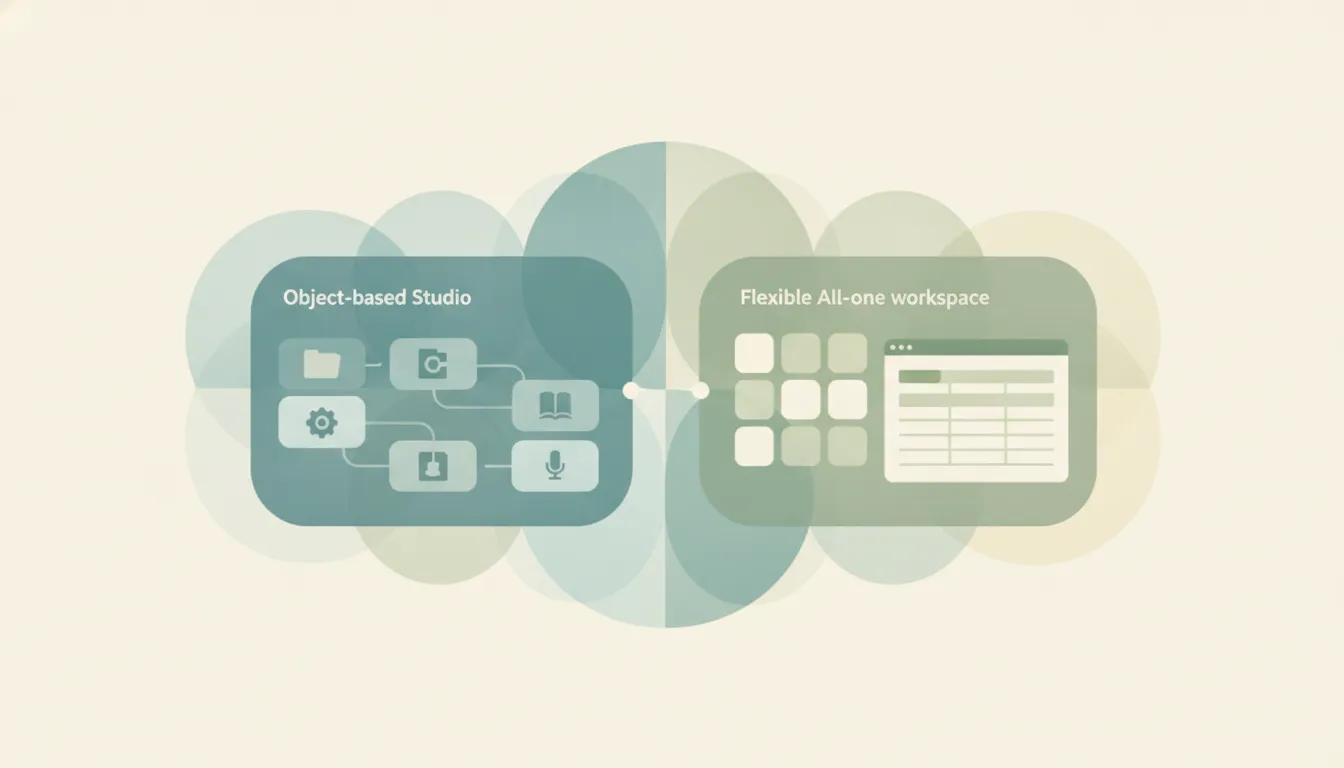
The gap between these two is bigger than “two note apps.” Apple Notes is a free, native note-taking app built into every Apple device for instant capture, scanning, handwriting, and iCloud sync. Notion is a flexible, cross-platform workspace that turns notes into docs, databases, wikis, and project trackers. One is a notebook you open and forget about; the other is a system you configure and grow into. Most “which is better” debates miss this, because the two apps are barely trying to do the same thing: Apple Notes optimizes for the speed of getting a thought down, while Notion optimizes for turning that thought into something a team can use later. If you mainly want to jot, scan, and sync across your iPhone, iPad, and Mac → Apple Notes. If you mainly want to build a structured, shareable knowledge base across any device → Notion.
The One-Sentence Answer
Pick Apple Notes if you want frictionless capture inside the Apple ecosystem for free; pick Notion if you want a customizable, cross-platform workspace and don’t mind setting it up.
Side-by-Side Comparison
| Apple Notes | Notion | |
|---|---|---|
| Core strength | Instant, zero-setup capture | Flexible all-in-one workspace |
| How it works | Native app, iCloud sync | Blocks, pages, and relational databases |
| Best known for | Quick notes, scanning, handwriting | Docs, wikis, databases, templates |
| Pricing model | Free with an Apple device | Free personal; paid team tiers |
| Integrations/ecosystem | Apple-only (plus limited iCloud.com web) | iOS, Android, Windows, Mac, web |
| Ideal user | Apple users who want simplicity | Teams and power users building systems |
| Setup style | Open and type, nothing to configure | Build a structure before you use it |
| AI features | Apple Intelligence: summaries, rewrite, proofread | Notion AI: workspace Q&A, agents, meeting notes |
When to Use Apple Notes
- You’re all-in on Apple hardware and want notes that sync instantly across iPhone, iPad, Mac, and now Apple Watch, with no account setup beyond your Apple ID.
- You capture on the fly: quick lists, a scanned receipt or document, a Pencil sketch, or a locked private note. The fastest note is the one you jot before you’ve thought about where it goes.
- You want handwriting that converts to searchable text, refined ink with expressive pens, and audio recordings that Apple Intelligence can transcribe and summarize.
- You don’t want to pay, configure anything, or think about “systems.” Apple Intelligence Writing Tools can proofread, rewrite, summarize, or change the tone of a note in place, and that’s all the structure most people need.
When to Use Notion
- Your notes are really PRDs, project docs, meeting notes, or a shared team wiki that others need to read and edit alongside you.
- You need relational databases with custom properties, filtered views, rollups, and formulas, not just a flat list of notes in folders.
- Half your world is on Windows or Android, or you need to open the same page from any browser without losing formatting.
- You want a template gallery for nearly every use case, plus AI that can reference your whole workspace to answer questions, autofill properties, or draft content.
Setup Cost vs. Capture Speed: The Real Tradeoff
The honest deciding axis is what you’re willing to spend before the tool earns its keep. Apple Notes asks for nothing: it’s free on any Apple device, there’s no account to create beyond your Apple ID, and the fastest note is the one you take on the lock screen before you’ve thought about folders. The cost is a ceiling. There are no databases, no templates, and no real cross-platform story: iCloud.com gives you a stripped-down web view, but if you carry an Android phone or work on Windows, Apple Notes effectively doesn’t follow you. Within Apple’s walls it’s remarkably capable for a free built-in app: folders and tags for organization, a document scanner, Pencil support with searchable handwriting, locked notes, shared notes for light collaboration, and now Apple Watch access. It just tops out where a personal notebook naturally tops out. Push it toward structured, multi-person knowledge management and you feel the edges quickly.
Notion inverts that. It runs everywhere, and its databases turn a pile of notes into something queryable and shareable, which is exactly why teams standardize on it. The price is setup and, increasingly, money. The Free plan is genuinely usable for one person, but the tiers climb: Plus runs about $10 per member per month billed annually, and Business about $20. The bigger 2026 change is AI. Notion AI is no longer a standalone add-on; full AI now lives on the Business plan, so Free and Plus users get only a limited trial, and custom agents run on a metered credit system, roughly $10 per 1,000 monthly credits, on top of your seats. Notion rewards the effort of building a system with power Apple Notes can’t touch, but you pay for that power in both configuration time and, past a point, subscription cost.
The AI story splits along the same line. Apple Intelligence lives inside a single note: it proofreads, rewrites, summarizes an audio transcript, or cleans up your handwriting, and it does this for free on supported devices without a separate subscription. It’s assistance at the level of the document in front of you. Notion AI works at the level of the whole workspace: it can answer questions across your databases and wikis, summarize pages, autofill properties, take meeting notes, and now run agents that act on your content. That’s a meaningfully more powerful surface, but it’s gated behind the Business plan and metered credits, so the comparison isn’t “which AI is better” so much as “how much do you want it to know, and are you paying for that reach.”
There are two quieter gotchas worth naming. On the Apple Notes side, the “free” story assumes you never leave the ecosystem; the moment a collaborator is on Android or you want a real web app, the wall becomes a cost of its own, and there are no templates or databases to grow into. On the Notion side, the risk is over-building. It’s easy to spend an afternoon designing a workspace instead of doing the work, and a solo user who only needs quick capture will find Notion slower to open and heavier to navigate than a native notes app. The team that adopts it without a shared convention for how pages and databases are named tends to end up with a sprawling workspace nobody can find anything in, which is its own kind of ceiling. The apps aren’t really competing for the same job: one optimizes for the speed of getting a thought down, the other for the structure of making that thought useful to a team later.
Rule of thumb: If you can’t describe your “system” in one sentence, you probably want Apple Notes. If you already are describing one, you want Notion.
If your real goal isn’t note-taking at all but getting the downstream work done, that’s a different tool entirely. Carly is an AI executive assistant you email or text to schedule meetings, handle email, and run multi-step tasks, and it integrates with Notion so it can drop meeting notes or action items into your workspace without you switching apps.
Quick Reference
| Your situation… | Pick… |
|---|---|
| All Apple devices, want it free | Apple Notes |
| Need Windows or Android access | Notion |
| Quick capture, scanning, handwriting | Apple Notes |
| Databases, wikis, shared team docs | Notion |
| Zero setup, open and type | Apple Notes |
| Templates and workspace-wide AI | Notion |
Related guides: Notion alternatives · best AI productivity tools · best AI personal assistants
Ready to automate your busywork?
Carly schedules, researches, and briefs you—so you can focus on what matters.
See what people say
"Before Carly, I relied on a Calendly link, but the whole process felt impersonal and not very professional. Carly changed that by handling all the back-and-forth, so I'm no longer stuck in endless email threads trying to line up schedules.
Now Carly reaches out to candidates, shares my real-time availability, lets them pick a slot, then sends a Zoom link and drops it straight into my calendar. She sends reminders to both of us before each call, which has significantly reduced no-shows and last-minute confusion.
On top of scheduling, Carly acts like a full executive assistant, sending me my schedule the night before so I can prepare for each call. It reminds me of the old x.ai assistant, but Carly is noticeably smarter, faster, and better suited to my healthcare recruitment business."