6 Best Front Alternatives in 2026
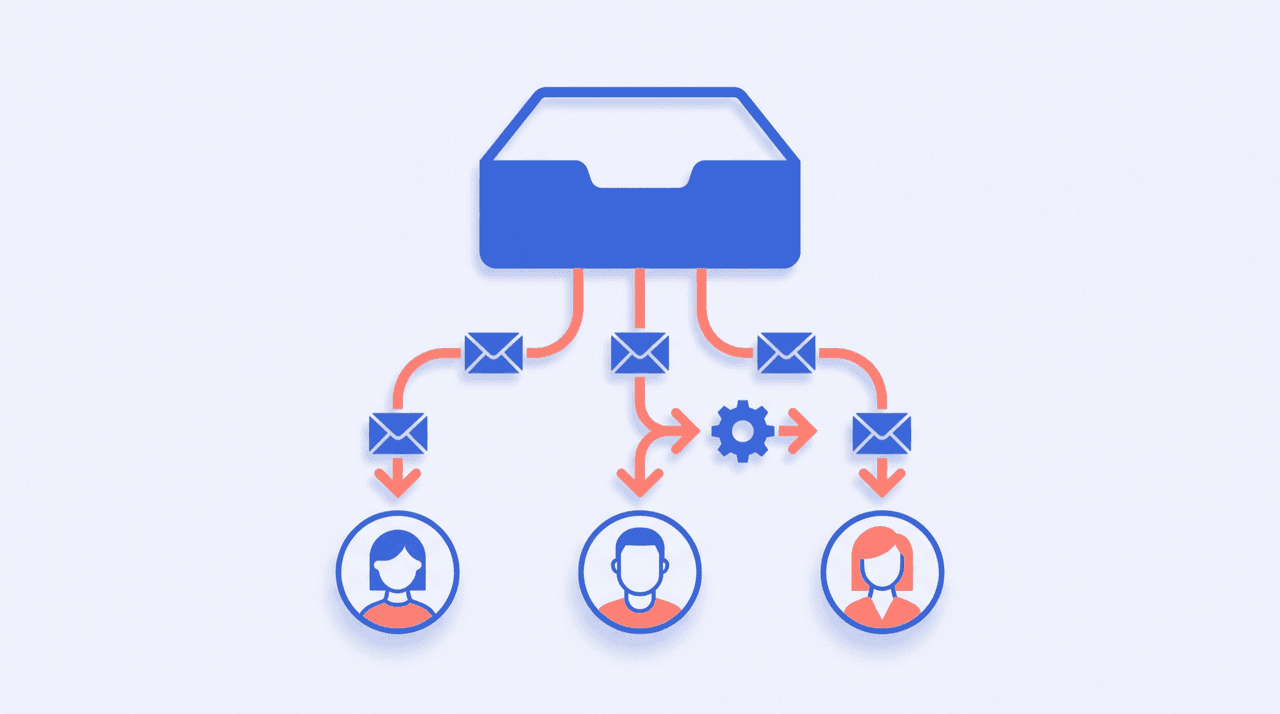
Front (frontapp.com) is the grown-up team inbox: shared inboxes with real ownership, routing rules, SLAs, analytics, and omnichannel support across email, SMS, and social. For a support org at scale, it earns its reputation. The friction is what it costs to get there: Starter is $25/seat/month but limited to a single channel type and 10 seats, most teams end up on Professional at $65/seat (capped at 50 seats) or Enterprise at $105/seat, and the AI features are add-ons on lower tiers — Copilot at $20/seat/month, Smart QA at $20, Smart CSAT at $10, Autopilot metered from $0.05 per conversation. A five-person team on Professional is paying $325/month before any AI. And for plenty of small teams, the whole shared-inbox apparatus is more machinery than the actual job requires. Here are six alternatives.
1. Carly
Carly is an AI executive assistant you reach over email or text — no dashboard to adopt, no seats to buy. Most small teams sign up for Front for one reason: shared email keeps falling through the cracks. If the real job is “make sure every email gets triaged, answered, and followed up,” Carly does that job directly. It drafts and sends replies across Gmail and Outlook, fires on real triggers 24/7 in the cloud — a new invoice from Stripe, an unanswered thread going stale, a form submission from your website — and acts across 200+ integrations including HubSpot, Slack, Notion, and your calendar.
What makes it different from Front: Front gives a team a place to work email together, priced per seat. Carly removes the work instead: the assistant watches the inbox, answers what it can, chases what’s overdue, and escalates what needs a human — without anyone staffing a console. To be honest about the boundary: if you’re running a true multi-agent support team that needs assignment, SLAs, and per-agent analytics, you still want a shared-inbox product (several below). If you’re a founder or small team that adopted Front so nothing gets dropped, an assistant is the cheaper, quieter fix.
Best for: Founders and small teams who want email handled — triaged, answered, followed up — without per-seat team-inbox pricing.
Pricing: Free, unlimited Zapier-style workflows; AI agents from $35/month
2. Missive
Multichannel shared inbox — email, SMS, and social — with team chat threaded right next to the conversations, so “who’s taking this?” happens inside the thread instead of in Slack.
What makes it different from Front: Missive is the closest like-for-like replacement at roughly half the entry price. You keep shared inboxes, assignments, rules, and collaborative drafting, and its Starter tier costs $14/user/month against Front’s $25 single-channel Starter — with Missive’s Productive tier at $24 still under Front’s $65 Professional. What you give up is mostly enterprise depth: Front’s analytics, SLA tooling, and admin controls go further.
Best for: Small teams that want Front’s core shared-inbox workflow at a price that doesn’t sting at renewal.
Pricing: Starter $14/user/month; Productive $24; Business $36 (20% off billed yearly)
3. Gmelius
Shared inboxes, assignments, and automations built directly into Gmail — your team keeps working in the Gmail interface they already know.
What makes it different from Front: Front moves your team into a new app; Gmelius adds the team layer to the inbox you already have. There’s no migration, no retraining, and the Growth plan at $25/user/month (billed annually) covers unlimited shared inboxes, automation rules, and auto-assignment. The trade-off is that it’s Google Workspace only, and conversation volumes are capped per tier.
Best for: Google Workspace teams that want shared-inbox features without leaving Gmail.
Pricing: From $19/user/month billed annually (Growth at $25/user/month annual, $33 monthly)
4. Help Scout
Customer support platform built around a shared inbox, knowledge base, and live chat — the friendlier, lighter-weight help desk.
What makes it different from Front: Help Scout is what you pick when the job really is customer support, not general team email. Standard at $25/user/month includes multiple inboxes, live chat, and an AI inbox assistant — features that sit behind Front’s $65 Professional tier or its paid AI add-ons. There’s also a free plan for very small teams (up to 5 users, 1 inbox, 100 monthly contacts), and its AI Answers chatbot is metered at $0.75 per resolution only when it actually resolves something.
Best for: Support teams under ~25 agents that want a real help desk with AI included, not metered add-ons.
Pricing: Free plan (limited); Standard $25/user/month, Plus $45, Pro $75 (16% off annual)
5. Zendesk
The full-scale support suite: ticketing, knowledge base, AI agents, omnichannel routing, live chat, and telephony.
What makes it different from Front: Front treats support as email with structure; Zendesk treats it as a ticketing operation. If you’re leaving Front because you’ve outgrown it — you need skills-based routing, IVR, deep reporting, a public help center — Zendesk Suite (from $55/agent/month billed annually) is the standard next step. And in the other direction, its Support Team plan at $19/agent/month is a legitimately cheap pure email-ticketing option, undercutting Front’s Starter.
Best for: Support orgs that need enterprise-grade ticketing and routing — or a bare-bones ticket queue at $19/agent.
Pricing: Support Team $19/agent/month; Zendesk Suite from $55/agent/month (billed annually)
6. Superhuman
Keyboard-driven personal email client with split inbox, instant search, AI drafts, and follow-up reminders — now owned by Grammarly.
What makes it different from Front: Superhuman is the answer when the honest diagnosis is “it’s really just me.” Plenty of solo founders buy Front for a hello@ inbox that one person actually answers. Superhuman gives that person a VIP-grade personal inbox — speed, snippets, reminders, AI drafts — for $25/month instead of a team platform. It’s not a shared inbox: the moment a second person needs to work the same queue, look at Missive or Gmelius instead.
Best for: Solo operators who bought a team inbox for a one-person inbox.
Pricing: From $25/month billed annually ($30 month-to-month); Business $33/month annual
Front Alternatives Compared
| Tool | Best for | Model | Starting price |
|---|---|---|---|
| Carly | Email handled by an AI EA, no seats | AI assistant over email/text | $35/mo |
| Missive | Front’s workflow at half the price | Multichannel shared inbox | $14/user/mo |
| Gmelius | Shared inbox inside Gmail | Gmail-native team layer | $19/user/mo (annual) |
| Help Scout | Support with AI included | Help desk + shared inbox | Free / $25/user/mo |
| Zendesk | Ticketing at scale | Full support suite | $19–$55/agent/mo |
| Superhuman | One person, VIP inbox | Personal email client | $25/mo (annual) |
| Front | Omnichannel team inbox with SLAs | Shared inbox platform | $25/seat/mo (single channel) |
FAQ
How much does Front actually cost? Starter is $25/seat/month (one channel type, max 10 seats), Professional is $65/seat (up to 50 seats), and Enterprise is $105/seat. AI features are extra below Enterprise: Copilot and Smart QA are $20/seat/month each, Smart CSAT is $10, and Autopilot is metered from $0.05 per conversation. Annual billing is discounted.
What’s the cheapest Front alternative for a small team? Missive at $14/user/month keeps the shared-inbox model at the lowest per-seat price here. If your queue is pure support tickets, Zendesk’s Support Team plan at $19/agent/month is also cheaper than anything Front sells.
Is there a Front alternative that isn’t priced per seat? Carly — it’s an AI executive assistant, not a seat-based inbox app. It triages, drafts, sends, and follows up across Gmail and Outlook on triggers, with AI agents from $35/month regardless of how many people the inbox serves.
Which alternative should a real support team pick? Help Scout if you want a lighter help desk with AI included in the per-user price; Zendesk if you need enterprise routing, ticketing, and reporting. Both are built for assignment, SLAs, and agent analytics — the things an AI assistant alone won’t give a multi-agent team.
More: Missive alternatives · Gmelius alternatives · Superhuman alternatives · Best AI email tools · Best email management tools · Espa alternatives · Dazzle alternatives · Blockit alternatives
Ready to automate your busywork?
Carly schedules, researches, and briefs you—so you can focus on what matters.
See what people say
"Before Carly, I relied on a Calendly link, but the whole process felt impersonal and not very professional. Carly changed that by handling all the back-and-forth, so I'm no longer stuck in endless email threads trying to line up schedules.
Now Carly reaches out to candidates, shares my real-time availability, lets them pick a slot, then sends a Zoom link and drops it straight into my calendar. She sends reminders to both of us before each call, which has significantly reduced no-shows and last-minute confusion.
On top of scheduling, Carly acts like a full executive assistant, sending me my schedule the night before so I can prepare for each call. It reminds me of the old x.ai assistant, but Carly is noticeably smarter, faster, and better suited to my healthcare recruitment business."