How to Give Your AI Assistant Its Own Email Address
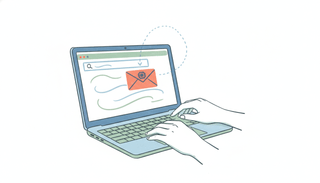
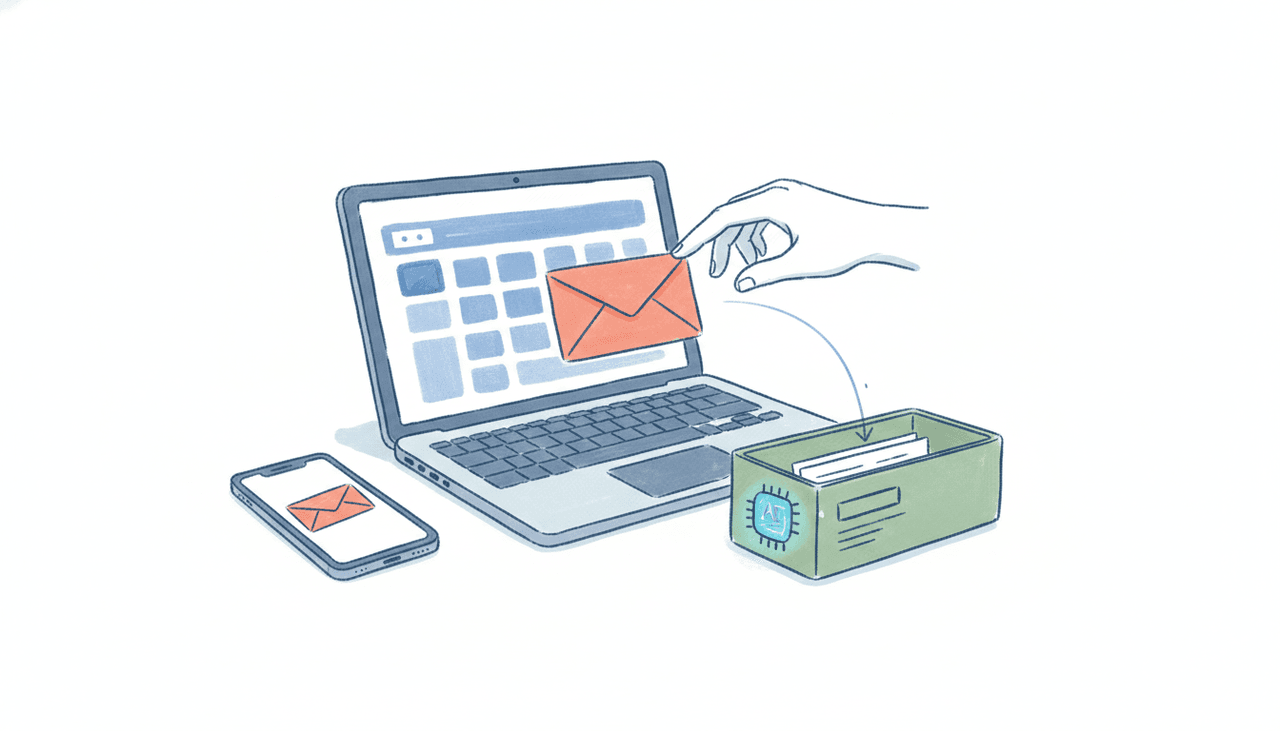
There are two very different things people mean when they say “AI and email.” One is a chatbot that can draft a reply inside your inbox while you watch. The other is an assistant that has its own email address, so you can email it, forward to it, or CC it on a thread the same way you’d loop in a coworker, and the finished work comes back. This post is about the second one: how to give an AI its own address, why that setup is more useful than a chatbot bolted into your inbox, and the easiest way to actually do it.
What “an AI with its own email address” actually means
An AI with its own email address is reachable the way a person is. It has an inbox. Messages arrive there. It reads them, does the work, and replies from that same address. You never open an app or keep a chat window alive. You write to assistant@yourcompany.com (or a Carly address) and treat it like any other recipient.
That unlocks a few things a chatbot can’t do:
- You can CC it. Loop the assistant into a live client thread and it picks up the full context: who’s on the thread, what was already agreed, what’s still open. It can propose times, send the calendar invite, or follow up, all inside that same conversation.
- Other people can email it. Hand out its address so a client can reach out to book time or ask a question, and the assistant handles the back-and-forth without you in the middle.
- It works from any device, no login. Because it lives in email, your phone’s mail app is the whole interface. Nothing to install.
- The work comes back finished. A good email-based assistant doesn’t hand you a draft to copy-paste. It sends the reply, books the meeting, or delivers the brief.
If you want the deeper mental model, we wrote a longer piece on the AI assistant you can email and how the pattern feels once it disappears into your routine.
Why this beats a chatbot bolted into your inbox
Most “AI in your inbox” tools are still a place you visit. You open ChatGPT, Claude, or Copilot, ask for a draft, read it, then go do something with it. Useful, but you’re still the one clicking send and keeping the thread moving.
There’s also a hard capability gap worth naming. Sending email on your behalf through a connector is not the same as being an assistant that has its own address you and others can write to. Claude’s Gmail connector, for instance, sends only with your approval: it writes the reply and then waits for you to allow it out. ChatGPT can now send through the Gmail connector with your approval, which is a real step up, but it’s still you prompting a tab, not a standing coworker you CC. None of ChatGPT, Claude, Gemini, or Microsoft Copilot gives you an address that a client can email and that replies on its own from inside the thread.
The difference shows up most when you’re not at your desk. A chatbot waits for you to open it. An assistant with its own address is already in the conversation.
Don’t confuse this with the “inbox API” wave
If you go searching, you’ll run into a parallel trend aimed at a completely different audience: developer tooling that gives a software agent its own inbox through an API. We ship one of these too, CarlyEmail. You make one API call, your bot gets a real address, and it can send, receive, thread, and search programmatically.
That’s genuinely useful if you’re an engineer building an autonomous system, and CarlyEmail puts custom domains and per-tenant pods on every tier including the free one. But it’s infrastructure, not an assistant. There’s no executive assistant on the other end handling your scheduling and follow-ups. You have to build that. If you’re a founder, consultant, or operator who just wants an assistant you can email, the inbox API isn’t the product you’re looking for. That distinction matters because the two things rank for similar searches.
The easiest way: Carly gives every agent an address out of the box
With Carly, you don’t set any of this up. Every agent has its own dedicated email address the moment it exists. You email it, forward to it, or CC it, and it handles scheduling across Google Calendar and Outlook, inbox triage, follow-ups, recurring briefs, and multi-step workflows end to end. It finishes the job rather than handing you a draft.
A concrete first run looks like this:
- Create your agent in Carly and grab its email address.
- Email it a real task. Something like: “Find 30 minutes with Claire next week and send her the invite.” Or forward a client thread and add: “Reply with three times that work and book whichever she picks.”
- Add it to your contacts so it’s one tap to CC on any thread.
- Let it reply from its own address. The meeting gets booked, the follow-up goes out, and you see it happen in your own sent-and-received history.
Because Carly reaches almost any app, the same agent can update your CRM, drop a row in a sheet, or post to Slack as part of the same request. Around 260 apps connect natively, and anything else with a public API connects with your own key. On pricing, Carly gives you free Zapier-style workflows, with AI agents starting at $35/month.
Putting the AI on your own custom domain
The default Carly address works immediately. If you want emails to come from your brand, so a client sees assistant@yourcompany.com instead of a Carly address, that runs on custom domains on Carly’s Enterprise and org plans, and it’s close to self-serve.
The org portal walks you through a short checklist. You type your domain and hit “Add domain,” and it instantly shows the exact DNS records to add: a verification TXT record, three DKIM CNAME records (each with a one-click copy button), and an SPF row, with a warning not to create a second SPF record. You paste those into your registrar (Cloudflare, GoDaddy, Google Domains, whatever you use), forward each address’s mailbox back to the agent so replies route correctly, add your sending addresses and signatures, then hit “Verify & go live.” Nothing sends from your domain until verification confirms, so there’s no risk of half-configured mail going out. The DKIM signing and SPF alignment mean the mail lands in inboxes and carries your brand, and the mail infrastructure is handled for you.
For a full step-by-step, including choosing the name and voice that fits your brand, see how to give your AI agent a name, email, and personality. A branded address is what makes an AI assistant read as part of your team instead of a bolt-on. Some scheduling tools offer a branded agent address too, so the category isn’t unique, but Carly makes it the default rather than a project.
FAQ
What does it mean to give an AI its own email address?
It means the AI has a real, working inbox reachable at its own address. You email it, forward to it, or CC it like a coworker, and it reads the context, does the work, and replies from that same address. It’s different from a chatbot that drafts inside your inbox while you watch.
Can ChatGPT, Claude, or Gemini have their own email address?
Not in this sense. ChatGPT can send email through the Gmail connector with your approval, and Claude and Gemini can draft replies, but none of them gives you a standing address that clients can email and that replies on its own. They’re tools you prompt, not assistants you CC. Carly gives each agent its own address out of the box.
Is this the same as an “inbox API”?
No. Inbox APIs are developer infrastructure for giving a software agent an inbox you build around, which is what CarlyEmail is for. Carly is a finished AI assistant a professional emails directly, with scheduling, triage, and follow-ups already handled. Same company, two layers.
Can the AI send from my own domain?
Yes. On Carly’s Enterprise and org plans you can put the agent on your custom domain so mail comes from assistant@yourcompany.com. The org portal shows the exact DNS records to paste at your registrar, then verifies the domain before anything sends.
How much does an AI you can email cost?
Carly gives you free Zapier-style workflows, with AI agents starting at $35/month. Custom-domain sending is part of the Enterprise and org plans, set up in the org portal.
Does the AI actually send email, or just draft it?
Carly sends. An email-based assistant is only useful if it finishes the job, so it books the meeting and sends the reply from its own address rather than leaving you a draft to copy and send yourself.
Ready to automate your busywork?
Carly schedules, researches, and briefs you—so you can focus on what matters.
See what people say
"Before Carly, I relied on a Calendly link, but the whole process felt impersonal and not very professional. Carly changed that by handling all the back-and-forth, so I'm no longer stuck in endless email threads trying to line up schedules.
Now Carly reaches out to candidates, shares my real-time availability, lets them pick a slot, then sends a Zoom link and drops it straight into my calendar. She sends reminders to both of us before each call, which has significantly reduced no-shows and last-minute confusion.
On top of scheduling, Carly acts like a full executive assistant, sending me my schedule the night before so I can prepare for each call. It reminds me of the old x.ai assistant, but Carly is noticeably smarter, faster, and better suited to my healthcare recruitment business."