CC Your AI Assistant on Any Email Thread (How It Works)
You already know how to delegate over email. You add someone to the CC line, or you forward a thread with a one-line note at the top, and they pick it up from there. The whole point is that you don’t have to explain the backstory — the thread is the backstory.
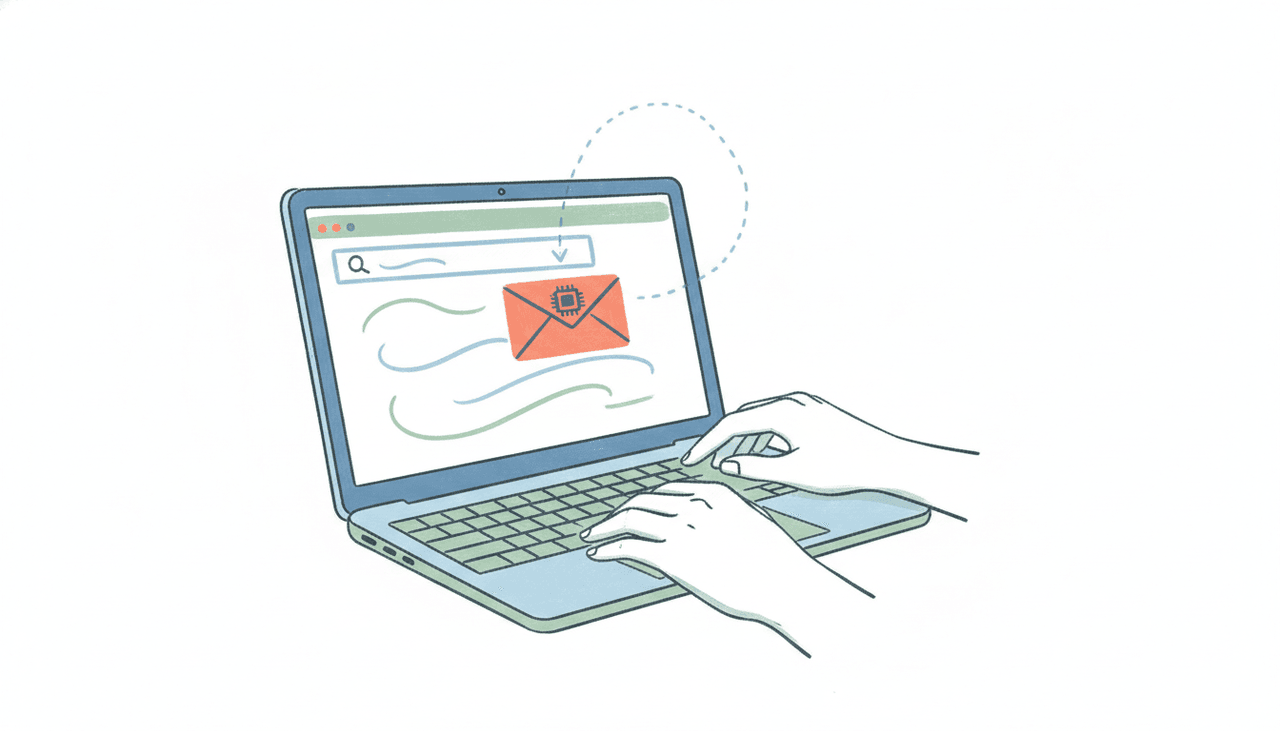
Now imagine the person you’re looping in is an AI assistant with its own email address. You CC it on a scheduling thread and it proposes times, checks your calendar, and books the meeting. You forward it a client’s reply and it drafts the response in your voice and sends it. No app to open, no prompt to write, no copy-pasting the conversation into a chat box. You use the exact muscle memory you already have for working with a colleague.
That is the difference between an AI that lives in a tab and an AI you can put on the CC line. This guide covers how CC’ing an assistant actually works, what it can see when you do, and when to forward or BCC instead.
Why CC works better than a chat window
Most AI tools are a destination. You go to them, you type your request into a box, you paste in the relevant context, you read the answer, then you go back to your inbox and do something with it. Every task starts from zero.
CC’ing an assistant flips that. The email thread carries everything the assistant needs: the participants, the ask, the history, the attachments, the tone the other person is using. When you add the assistant to CC, it inherits all of that automatically. You’re not briefing it — you’re just including it, the same way you’d include a coworker who then knows what to do.
This only works if the assistant has its own real email address. That is the mechanical thing that makes the whole pattern possible, and it’s genuinely rare. Every Carly agent ships with its own dedicated address out of the box, so you (and the people you’re emailing) can reach it the way you’d reach anyone else. Email it, forward to it, or drop it on the CC line, and it reads the context, does the work end to end, and replies from inside email on any device. We wrote a fuller explainer on the AI assistant you can email if you want the background on how the pattern took shape.
What actually happens when you CC it: four real threads
Scheduling a meeting. A prospect emails asking to find time next week. You reply “happy to — CC’ing my assistant to sort out a slot” and add the assistant’s address. It reads the thread, checks your Google Calendar or Outlook for real availability, proposes two or three times to the prospect directly, handles the back-and-forth if they can’t make the first options, and puts the confirmed meeting on your calendar with a video link. You see the final invite; you didn’t touch the negotiation.
Following up after a call. You forward the assistant a thread from a client who asked for a proposal, with a note: “send them the Q3 numbers and suggest a check-in in two weeks.” It drafts the reply in your voice, pulls the check-in time against your calendar, and sends it. The follow-up that would have sat in your drafts folder for three days goes out in minutes.
Keeping your CRM current. A deal moves forward in a long email thread. You CC the assistant and say “log this and mark the stage as negotiation.” It updates the record in your CRM — HubSpot, Pipedrive, Salesforce, whatever you use — so the pipeline reflects reality without you switching apps. Carly reaches most tools natively, and anything with a public API connects with your own key, so the CRM step happens where your data already lives.
Turning a request into a task. Someone emails asking you to review a document by Friday. You forward it to the assistant: “add this to my list with the Friday deadline.” It creates the task in Todoist or Asana or Google Tasks and confirms. The ask never falls through the cracks between your inbox and your task manager.
The common thread: in each case the assistant finishes the job. It doesn’t hand you a draft to send or a suggestion to approve and then leave the last mile to you. That end-to-end completion is what separates an assistant you delegate to from a tool you operate.
CC vs forward vs BCC — which to use when
CC when you want the assistant working inside a live conversation and it’s fine for the other people on the thread to see that an assistant is involved. This is the default for scheduling, because the assistant often needs to reply to the other participants directly to propose times.
Forward when the thread is done and you want the assistant to act on it privately — logging it to your CRM, extracting a task, or drafting a fresh reply you’ll review. Forwarding also lets you add a short instruction at the top (“draft a warm no-thanks”) that steers what the assistant does with the content.
BCC when you want to loop the assistant in on a message you’re sending to someone else without the recipient seeing the assistant’s address. BCC the assistant on an outbound email and it can log the interaction or set a follow-up reminder, quietly, without cluttering the visible header for your client.
What the assistant can see (and the privacy angle)
When you CC or forward, the assistant receives the same thing any recipient on that line would: the message body, the subject, the participants, and the attachments on the messages it’s included on. It is not silently reading your whole mailbox — it sees what you loop it into, which is exactly the mental model you already have for adding a person to a thread. That makes the privacy boundary intuitive: if you wouldn’t CC a human colleague on something sensitive, don’t CC the assistant either, and use BCC or a forward when you want to control who sees that it’s involved.
For teams that care about the from-address, Carly can send from your own domain (so the assistant emails as you@yourcompany.com, DKIM-signed, instead of a Carly address) on Enterprise and org plans — set up in your org portal. That keeps the branded, trustworthy look when the assistant is replying to clients directly.
Why most AI tools can’t do this
The reason you can’t CC ChatGPT, Claude, or Gemini on a thread is that none of them has its own inbox you and others email. They live inside a chat window or as a connector bolted onto your mailbox. You go to them.
The gap is even clearer on the send side. ChatGPT can now send a single email through its Gmail connector, on paid plans, with your approval each time and not in the EU or UK — useful, but it’s still you initiating a session and clicking approve, not an assistant others can loop in. Gemini remains draft-only across Gmail as of mid-2026, composing a draft and handing it back for you to send. Claude sends from Gmail with per-message approval, while its Outlook add-in still only drafts. We keep the current state documented in can ChatGPT send emails and can Claude send emails.
There’s also a wave of developer tooling that gives software agents their own inboxes over an API. That’s plumbing for engineers building products, not an assistant a busy professional emails. The thing that makes CC’ing work for a non-engineer is a shipped assistant with an address you can just type into the CC line — which is the whole idea behind giving your AI its own email address.
Carly is free for Zapier-style workflows, and AI agents start at $35/month. If you want to try the pattern, the fastest test is the most literal one: get the assistant an address, then CC it on the next scheduling thread that lands in your inbox and watch it book the meeting.
FAQ
Can I really just CC an AI assistant on an email thread?
Yes, if the assistant has its own email address. Every Carly agent does, so you add its address to the CC line exactly like you’d add a coworker. It reads the full thread — participants, ask, history, attachments — and acts on it, whether that’s scheduling, sending a follow-up, or updating a record.
What’s the difference between CC and forwarding to my AI assistant?
CC keeps the assistant inside a live conversation, which is ideal when it needs to reply to the other participants (like proposing meeting times). Forwarding is better for finished threads you want acted on privately, and it lets you add a one-line instruction at the top to steer what the assistant does.
Can I CC ChatGPT, Claude, or Gemini on emails?
No. None of them has its own inbox that you and others can email. They work inside a chat window or as a connector on your own mailbox, so you go to them rather than looping them in. ChatGPT can send a single email via its Gmail connector with per-message approval on paid plans (not in the EU/UK), Claude does the same through its Gmail connector, and Gemini stays draft-only as of mid-2026.
Does the assistant read my whole inbox when I CC it?
No. It sees only the messages it’s included on — the same visibility any recipient on the CC line has. It’s not scanning your mailbox in the background. That’s why the CC/forward/BCC choice maps cleanly onto how you’d loop a human colleague in.
How do I keep the assistant’s involvement private on a client email?
Use BCC. BCC’ing the assistant on an outbound message lets it log the interaction or set a follow-up reminder without the recipient seeing its address. On Enterprise and org plans, Carly can also send from your own domain so replies come from you@yourcompany.com rather than a Carly address.
Ready to automate your busywork?
Carly schedules, researches, and briefs you—so you can focus on what matters.
See what people say
"Before Carly, I relied on a Calendly link, but the whole process felt impersonal and not very professional. Carly changed that by handling all the back-and-forth, so I'm no longer stuck in endless email threads trying to line up schedules.
Now Carly reaches out to candidates, shares my real-time availability, lets them pick a slot, then sends a Zoom link and drops it straight into my calendar. She sends reminders to both of us before each call, which has significantly reduced no-shows and last-minute confusion.
On top of scheduling, Carly acts like a full executive assistant, sending me my schedule the night before so I can prepare for each call. It reminds me of the old x.ai assistant, but Carly is noticeably smarter, faster, and better suited to my healthcare recruitment business."