Granola vs Fathom: Which AI Notetaker in 2026?
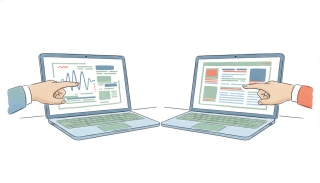
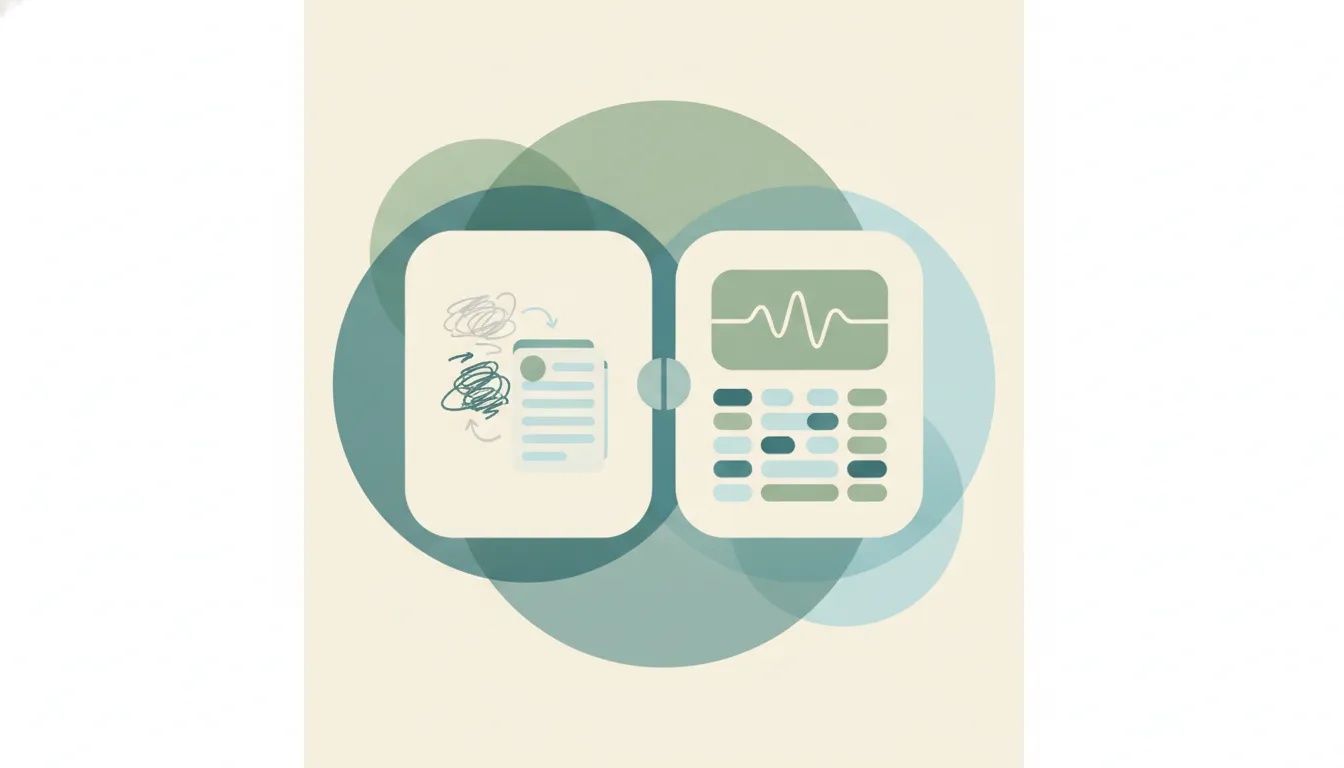
Both are AI meeting notetakers, but they approach the note from opposite ends. Granola is an AI notepad that enhances your own rough notes — it runs on your desktop, transcribes in the background with no obvious bot joining the call, and turns the bullets you jot into a clean, summarized recap. Fathom is an AI meeting recorder — it joins your Zoom, Google Meet, or Microsoft Teams call, records and transcribes the whole thing, and generates summaries, highlights, and action items. If you mainly want your own notes quietly sharpened, Granola. If you want a full recording with highlights and a generous free tier, Fathom.
The One-Sentence Answer
Use Granola if you take some notes yourself and want them augmented quietly with no bot on the call; use Fathom if you want a recorder that joins the call, captures everything, and produces shareable summaries and highlights.
Side-by-Side Comparison
| Granola | Fathom | |
|---|---|---|
| Core strength | Augmenting your own notes | Full recording and highlights |
| How it captures | Transcribes in the background on your device | A bot joins the call to record |
| Bot on the call | No visible bot | Yes, joins as a participant |
| Best-known for | Minimalist, Mac-first note-taking | Generous free tier, sales-friendly |
| Style | Cleans up notes you already take | Records and summarizes for you |
| Best fit | People who take some notes and want them polished | Teams and sales who want full recordings |
| Free tier | Free tier available | Notably generous free recording |
| Learning curve | Very light | Light |
When to Use Granola
- You already jot some notes yourself and want them cleaned up and summarized
- You take client or candidate calls where a visible “notetaker has joined” banner would change the mood
- You work primarily from a Mac and like a minimalist, distraction-free app
- You want capture that stays quiet and blends into how you already work
Think of Granola as a smarter notepad — it makes your own notes better rather than replacing them with a machine transcript.
When to Use Fathom
- You want a recorder that joins the call and captures everything without you typing
- You need a full transcript, summary, highlights, and action items after every meeting
- You run a sales or customer team that wants shareable recordings and highlight reels
- You want strong capture at no cost and value a generous free tier
The Bot-on-the-Call Question That Decides It
The single axis that resolves most of this is whether a bot in the room is acceptable. Granola stays quiet: it transcribes in the background on your own device and its job is to sharpen the notes you were already taking, so nothing announces itself to the people on the call. Fathom does the opposite by design. Its bot joins as a participant, records the full meeting, and hands you a complete transcript with highlights you can share, which is exactly what makes it effortless and great for teams. If your calls are external or sensitive, the quiet approach usually wins. If you want a full archive and highlights without lifting a finger, the recorder usually wins.
Rule of thumb: augment your own notes quietly → Granola; record everything and share highlights → Fathom.
Notetakers like these capture the meeting and then stop. The follow-up, the next booking, and the CRM update are still yours. Carly takes them off you without being asked each time. Connect it to Fathom and it picks up every meeting the moment Fathom is done: the summary lands on each attendee’s CRM record, the action items become tasks with owners, and the follow-up is drafted and sent. The Fathom summary template and the any-recorder template both ship pre-built. See our best AI personal assistants.
Quick Reference
| Your situation… | Pick… |
|---|---|
| I take my own notes and want them polished | Granola |
| I want a full recording of every call | Fathom |
| I take client or candidate calls and dislike visible bots | Granola |
| I want shareable summaries and highlight reels | Fathom |
| I want a minimalist, Mac-first app | Granola |
| I run a sales team and want a generous free tier | Fathom |
Related guides: Best AI notetakers · Fathom alternatives · Granola alternatives
Ready to automate your busywork?
Carly schedules, researches, and briefs you—so you can focus on what matters.
See what people say
"Before Carly, I relied on a Calendly link, but the whole process felt impersonal and not very professional. Carly changed that by handling all the back-and-forth, so I'm no longer stuck in endless email threads trying to line up schedules.
Now Carly reaches out to candidates, shares my real-time availability, lets them pick a slot, then sends a Zoom link and drops it straight into my calendar. She sends reminders to both of us before each call, which has significantly reduced no-shows and last-minute confusion.
On top of scheduling, Carly acts like a full executive assistant, sending me my schedule the night before so I can prepare for each call. It reminds me of the old x.ai assistant, but Carly is noticeably smarter, faster, and better suited to my healthcare recruitment business."