How to Add a Tab in Teams (2026)
Tabs in Microsoft Teams pin an app, file, or website across the top of a channel or chat so your team reaches it in one click — a Planner board, a OneNote, a shared spreadsheet, or a webpage. Here’s how to add one.
Add a Tab to a Channel or Chat
- Open the channel, group chat, or one-on-one conversation.
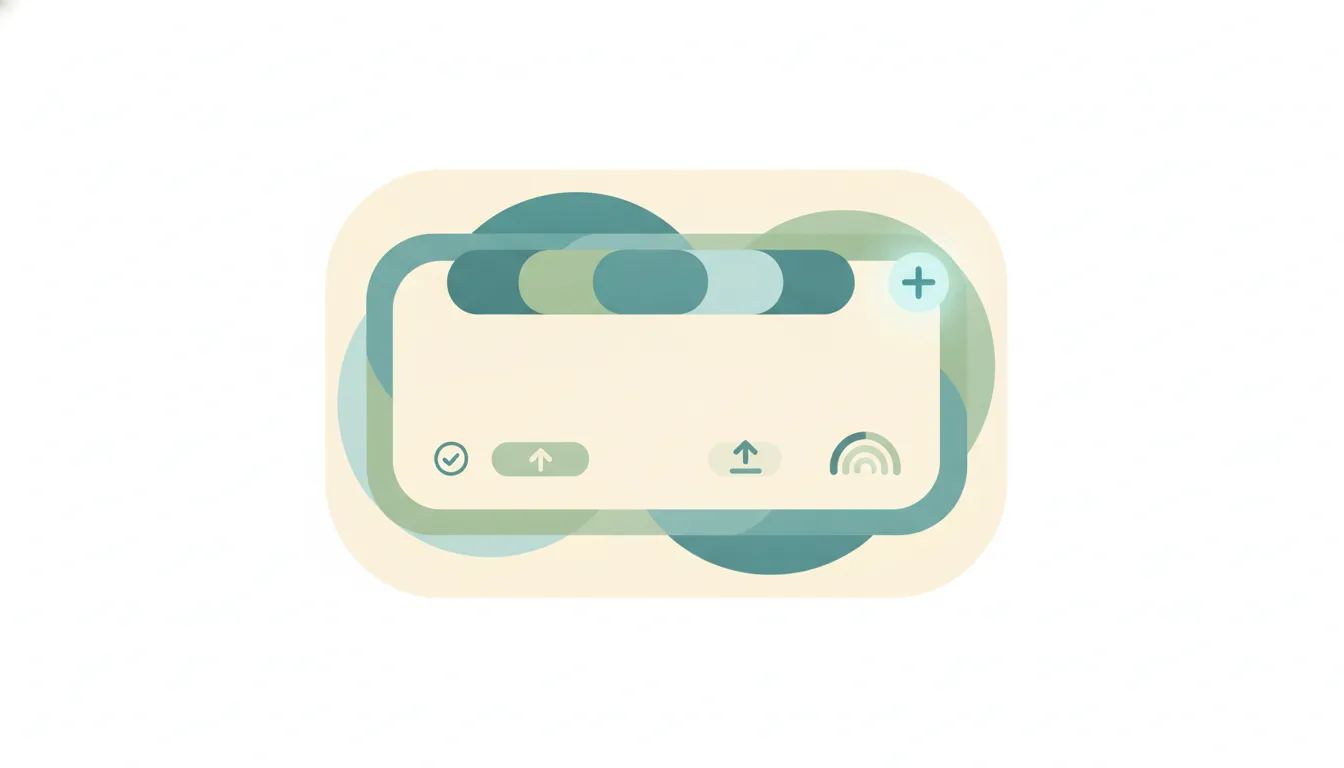
- At the top, click the + (Add a tab).
- Choose what to add:
- An app — Planner, OneNote, Website, Power BI, and more.
- A file already shared in the conversation (a document, spreadsheet, or slide deck).
- Configure it if prompted (name it, pick the file or paste the URL).
- Leave Post to the channel about this tab checked to announce it, or clear it.
- Click Save (or Add).
The tab now appears across the top — click it any time to open that app or file in place.
Pin a File as a Tab
If the content is already in the conversation:
- Make sure the file has been uploaded or shared in that chat or channel.
- Click the + (Add a tab) and pick the matching app (e.g. Word, Excel, PowerPoint).
- Select the existing file, then Save.
This turns a buried attachment into a one-click tab.
Rename or Remove a Tab
- Rename / remove: click the tab’s dropdown arrow (next to its name) > Rename or Remove.
- In channels, removing tabs may be limited to team members depending on how the team owner set permissions.
Troubleshooting
I don’t see “Add a tab” or the + button
Add a tab lives across the top of the conversation. If it’s missing, you may be in a view (or an app version) that doesn’t show it — try the desktop app or Teams on the web.
The app I want (Planner, OneNote) isn’t available
Tabs for apps like Planner, OneNote, and third-party integrations require the work or school version of Teams. If you’re on a personal account, sign in with a work/school account to get them.
An app is blocked when I try to add it
Your IT admin controls which apps are allowed via app permission policies. If an app is greyed out or blocked, ask your admin to approve it.
Can I add a website as a tab?
Yes — choose the Website app, paste the URL, and save. Some sites that block embedding won’t display; in that case link to them in a post instead.
Who can remove a tab?
In one-on-one and group chats, anyone in the conversation can remove a tab. In channels, it depends on what the team owner has allowed.
Quick Reference
| Goal | What to do |
|---|---|
| Add a tab | Top of conversation > + (Add a tab) > pick app > Save |
| Pin an existing file | Add a tab > matching app > select the shared file |
| Add a website | Add a tab > Website > paste URL |
| Rename / remove | Tab dropdown arrow > Rename / Remove |
Related Teams guides: How to create a channel in Teams · How to create a team in Microsoft Teams · How to pin a message in Teams · The best AI note takers for Zoom, Teams & Meet
Ready to automate your busywork?
Carly schedules, researches, and briefs you—so you can focus on what matters.
See what people say
"Before Carly, I relied on a Calendly link, but the whole process felt impersonal and not very professional. Carly changed that by handling all the back-and-forth, so I'm no longer stuck in endless email threads trying to line up schedules.
Now Carly reaches out to candidates, shares my real-time availability, lets them pick a slot, then sends a Zoom link and drops it straight into my calendar. She sends reminders to both of us before each call, which has significantly reduced no-shows and last-minute confusion.
On top of scheduling, Carly acts like a full executive assistant, sending me my schedule the night before so I can prepare for each call. It reminds me of the old x.ai assistant, but Carly is noticeably smarter, faster, and better suited to my healthcare recruitment business."