How to Connect Multiple Jira Sites to Claude
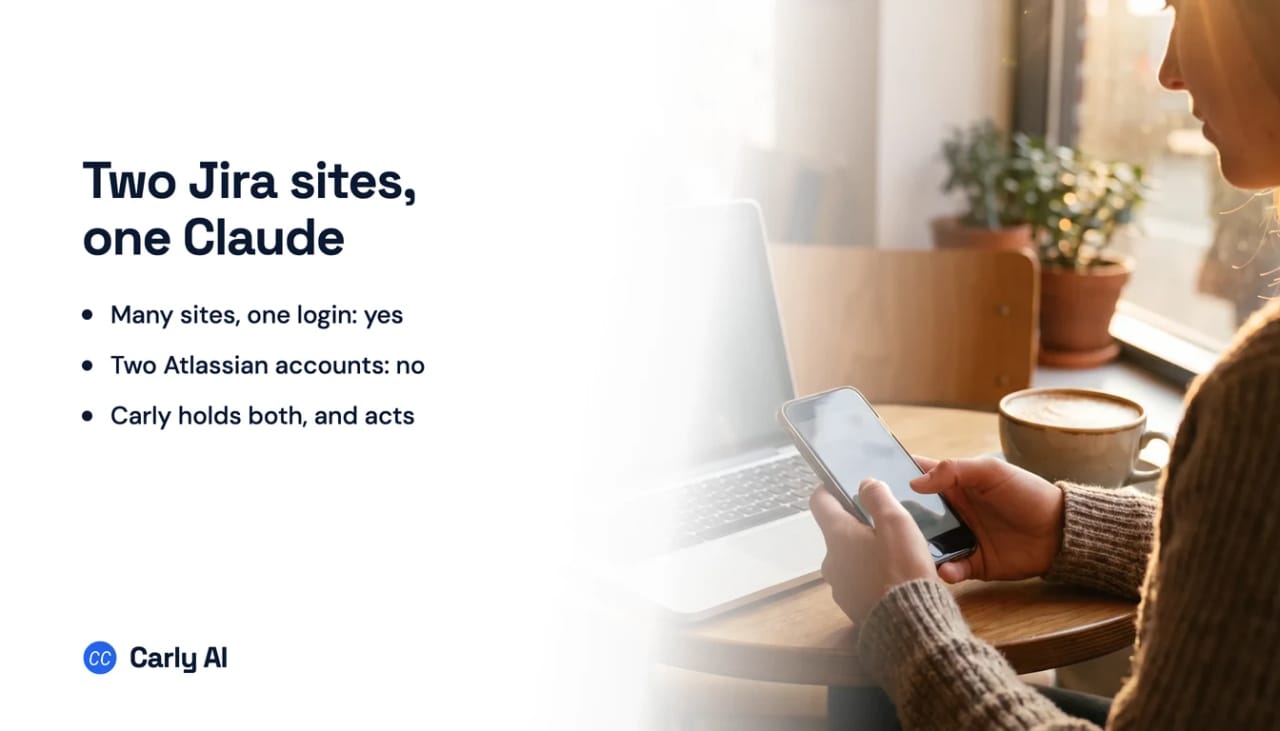
Carly is how one Claude conversation reaches two separate Atlassian accounts. Anthropic gives you one Atlassian connector entry and it holds one authorization, so the consultant’s case, your own site plus a client’s, stops at the connect screen. Connect each Atlassian account to Carly, add Carly to Claude once, and one conversation works across all your sites at once. Carly holds your Gmail and Outlook mailboxes and every calendar on both sides in the same place.
1. Add your Jira sites to Carly
- Sign in at carlyassistant.com.
- Open carlyassistant.com/integrations.
- Find Jira, click Connect, and authorize the site.
- Click Connect again for the next one, and keep going for as many sites as you want.
Atlassian reuses whichever session your browser already holds, so sign out between accounts or use a separate browser profile. Connecting the same account twice is the usual way people end up with one site covered twice and the other not at all.
Carly connects to thousands of apps, so while you are on that page you can add your inboxes, calendars, CRM, and anything else you want Claude to reach through the same connector.
2. Add Carly to Claude
- Click Get the Carly connector, then Connect, and sign in with your Carly account (the one holding the Atlassian connections).
- In the conversation or Cowork task, open + → Connectors and enable Carly.
On Team and Enterprise, an Owner may need to add the connector to the organization before members can connect it.
What one chat can do afterwards
- Search issues across your own site and a client’s in one question.
- Compare two backlogs without disconnecting anything.
- Create and link issues in any of your sites.
- Transition work and leave comments across all of them.
- Produce one standup summary grouped by site.
- Act when a P1 is filed rather than when you next open a chat.
Why a second Atlassian account has nowhere to go
It is worth being precise about the evidence here, because Atlassian’s own documentation does not address connecting two Atlassian accounts, either to permit it or refuse it.
| What you have | Native path |
|---|---|
| Two Jira projects in one site | Yes, entirely ordinary |
| Two Jira sites on one Atlassian login | Yes, inherited from your permissions, undocumented in detail |
| Two separate Atlassian accounts | Not supported in one connection |
| A client site you have no account on | No. Access follows your permissions |
| Jira Data Center or Server | No. The Rovo MCP Server is Cloud only |
What the one connection does well, and where it stops next
Claude reaches Jira through Atlassian’s own Rovo MCP Server, and Atlassian named Anthropic its first official partner for it. The current endpoint is https://mcp.atlassian.com/v1/mcp/authv2. The legacy SSE endpoint expired on 30 June 2026, so anything configured against the old URL needs moving.
It is not read-only, and this is worth correcting because plenty of write-ups still say it is. Atlassian’s documentation describes the server as letting you “Summarize and search” across Jira, Jira Service Management, Confluence and Bitbucket, and “Create and update work items or pages using natural language commands.” Creating and transitioning issues from a chat is a documented capability, not a workaround.
Several Jira sites on one Atlassian login also comes along automatically. If your own login already opens both yourcompany.atlassian.net and client.atlassian.net, that reach arrives with the connection, because access follows your permissions rather than a site you nominated at setup. What Atlassian does not document is how site scope is chosen inside a single MCP connection: there is no published site picker, no documented default, and no statement about what happens when a question could match issues in two sites at once. Verify against an issue key you know exists in the second site, and put the site name in the question.
Two limits arrive next, and neither is about account count.
Rate limits are per Atlassian plan, and an agent burns them faster than a person. Atlassian publishes 500 calls per hour on Free, 1000 on Standard, and 1000 on Premium and Enterprise plus 20 additional calls per user up to a 10,000 ceiling. A single “summarize everything in flight across both sites” question can be dozens of calls.
Compliance has a hard edge. Atlassian states the MCP server “does not currently support FedRAMP or HIPAA requirements.” If your client works in either regime, that ends the conversation regardless of account count.
Administrators also have three controls above you: domain settings governing which AI tools may connect, IP allowlists restricting access by originating address, and an organization-level setting for whether API token authentication is allowed at all.
Then the gap that outlives all of it.
Three documented apps is not a stack. ChatGPT's event-triggered tasks are documented for Gmail, Slack and GitHub, plus, since September 29, 2026, whichever other plugins support events, a list OpenAI has not published. Claude's scheduled tasks still run on a clock alone. The CRM, the intake form, the billing system and the calendar are where most work actually starts, and none of them is on a published list. Carly is already watching those, and moves the moment something happens.
A P1 filed at 6pm, a ticket reassigned to you, a blocker moving to In Review: none of it starts anything. Cowork’s scheduled tasks genuinely run unattended, so a 7am summary of what moved overnight is achievable, but that is a clock rather than a webhook, and Jira emits real webhooks that nothing here subscribes to. Carly runs when the issue changes, so the P1 gets triaged, the blocker gets escalated, and the customer gets an update without anyone opening a chat to ask what happened.
Claude versus Carly on Jira
| Need | Claude | Carly |
|---|---|---|
| Search and summarize issues | Yes | Yes |
| Create and transition issues from a chat | Yes | Yes |
| Reach several sites on one Atlassian login | Yes, undocumented in detail | Yes |
| Hold two Atlassian accounts | No | Yes |
| Work on Jira Data Center or Server | No | Yes |
| Act when an issue is filed or transitioned | No trigger | Yes |
Free Zapier-style workflows; AI agents from $35/month. Connect the accounts on the integrations page, then add Carly to Claude with Get the Carly connector and start with Jira.
Quick fixes
| Problem | Fix |
|---|---|
| Claude cannot see an issue you can see | Check the site. Access follows your Atlassian permissions, but site scope inside one connection is undocumented, so name the site explicitly |
| A second Atlassian account will not connect | One authorization per connector entry. Connect all your Atlassian accounts to Carly and reach them all through one connector |
| Requests start failing partway through a task | Rate limits. 500 calls per hour on Free, 1000 on Standard, higher on Premium and Enterprise |
| The connector stopped working after June 2026 | The legacy SSE endpoint expired on 30 June 2026. Move to https://mcp.atlassian.com/v1/mcp/authv2 |
| An admin blocked the connection | Domain settings, IP allowlists and the organization-level API token setting are all admin-controlled |
| Carly is added but unavailable in the task | Open + → Connectors and enable it for that conversation |
| Claude cannot add Carly | Ask the Claude Owner to enable the Carly connector for the organization |
| Nothing happens when a P1 is filed | There is no Jira trigger. A Cowork scheduled task is a clock, not a webhook |
| Your Jira is self-hosted | The Rovo MCP Server is Atlassian Cloud only |
Frequently asked questions
Can Claude connect two Atlassian accounts?
Not in one connection. Atlassian’s documentation is silent on it, and community guidance is that Rovo MCP holds a single active OAuth session per browser or account context. Connect each Atlassian account to Carly and add Carly to Claude once instead.
Can Claude connect to more than one Jira site?
If both sites belong to the same Atlassian account, the connector inherits that reach, because access is scoped to your existing Atlassian permissions. Atlassian does not document how site scope is chosen inside one connection, so name the site in your question and verify against a known issue key.
Can Claude create Jira issues, or only read them?
It creates and updates them. Atlassian describes the Rovo MCP Server as supporting “Create and update work items or pages using natural language commands,” alongside search and summarization.
Does Claude work with Jira Data Center or Server?
No. The Rovo MCP Server is an Atlassian Cloud service. Self-hosted Jira has no path there, so connect it to Carly instead.
Can Claude watch a Jira board and act when something changes?
No. Nothing subscribes to a Jira event, even though Jira emits webhooks. Cowork’s scheduled tasks can summarize on a timer, which is the closest native pattern.
Related: Claude and Jira · Multiple Jira sites in Codex · Multiple Jira sites in ChatGPT · Jira MCP · Best Jira integrations · Jira integration
Ready to automate your busywork?
Carly schedules, researches, and briefs you—so you can focus on what matters.
See what people say
"Before Carly, I relied on a Calendly link, but the whole process felt impersonal and not very professional. Carly changed that by handling all the back-and-forth, so I'm no longer stuck in endless email threads trying to line up schedules.
Now Carly reaches out to candidates, shares my real-time availability, lets them pick a slot, then sends a Zoom link and drops it straight into my calendar. She sends reminders to both of us before each call, which has significantly reduced no-shows and last-minute confusion.
On top of scheduling, Carly acts like a full executive assistant, sending me my schedule the night before so I can prepare for each call. It reminds me of the old x.ai assistant, but Carly is noticeably smarter, faster, and better suited to my healthcare recruitment business."