How to Connect Multiple Jira Sites to ChatGPT
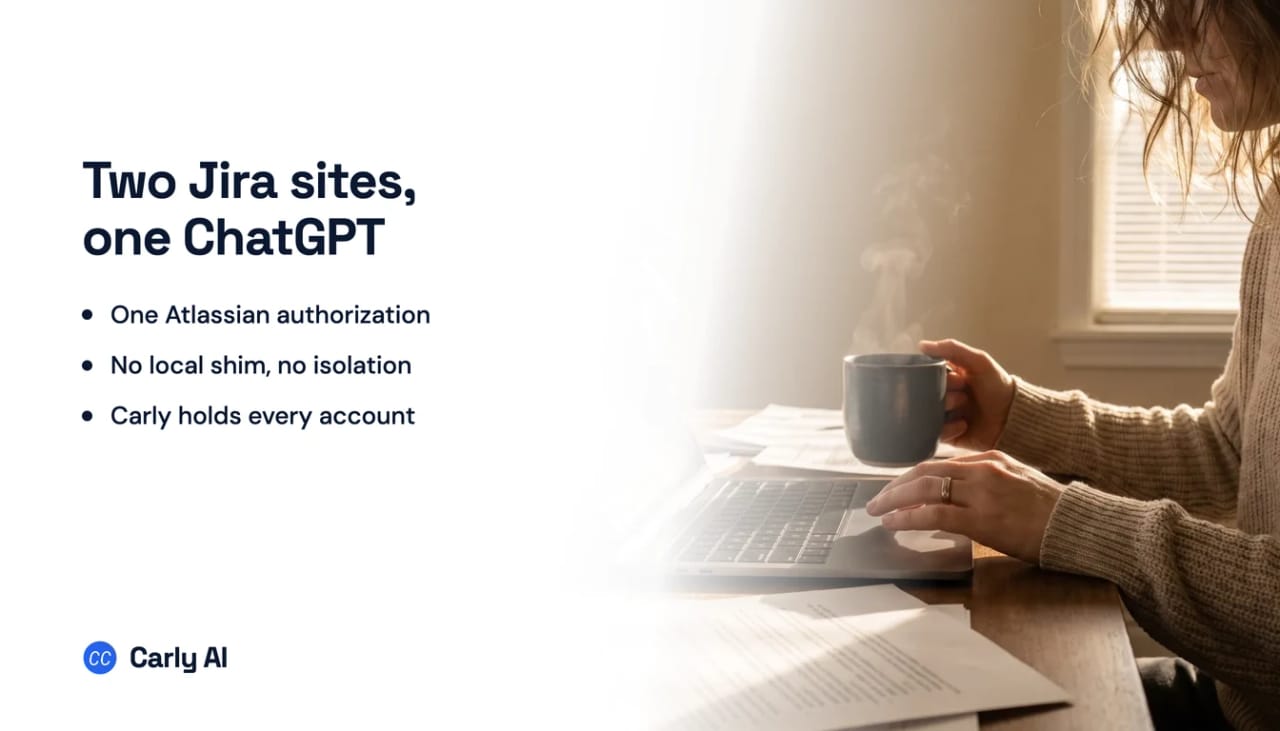
Carly is how one ChatGPT conversation reaches two separate Atlassian accounts. ChatGPT’s connector directory holds a single Atlassian entry with a single OAuth session, and a second authorization replaces the first rather than sitting beside it. Connect each Atlassian account to Carly, add Carly to ChatGPT once, and one chat works across all your sites at once. Carly holds your Gmail and Outlook mailboxes and every calendar on both sides in the same place.
1. Add your Jira sites to Carly
- Sign in at carlyassistant.com.
- Open carlyassistant.com/integrations.
- Find Jira, click Connect, and authorize the site.
- Click Connect again for the next one, and keep going for as many sites as you want.
Atlassian reuses whichever session your browser already holds, so sign out between accounts or use a separate browser profile. Connecting the same account twice is the usual way people end up with one site covered twice and the other not at all.
Carly connects to thousands of apps, so while you are on that page you can add your inboxes, calendars, CRM, and anything else you want ChatGPT to reach through the same connector.
2. Add Carly to ChatGPT
- Click Get the Carly plugin, add it, and sign in with the Carly account holding the Atlassian connections.
- Make Carly available to the chat.
Since July 9, 2026 apps ship inside "plugins," listed in one directory spanning ChatGPT and Codex. Existing connections kept working and nothing needed resubmitting. What changed is the packaging and the storefront, not the protocol.
If the Carly plugin won’t add on a Business or Enterprise workspace, the ChatGPT administrator may need to enable the plugin first.
What one chat can do afterwards
- Search issues across your own site and a client’s in one question.
- Compare two backlogs without re-authorizing anything.
- Create and link issues in any of your sites.
- Transition work and leave comments across all of them.
- Produce one standup summary grouped by site.
- Act when a P1 is filed rather than when you next open a chat.
Why a second Atlassian account has nowhere to go
This is the interesting part of the cell, and it is not a licensing decision.
| What you have | Native path |
|---|---|
| Two Jira projects in one site | Yes, entirely ordinary |
| Two Jira sites on one Atlassian login | Yes, inherited, undocumented in detail |
| Two separate Atlassian accounts | No. One authorization, and the second replaces the first |
| A client site you have no account on | No. Access follows your permissions |
| Jira Data Center or Server | No. The Rovo MCP Server is Cloud only |
What the one connection does well, and where it stops next
Worth being fair here, because the write capability is real and often understated. Atlassian describes the Rovo MCP Server as supporting search and summarization across Jira, Jira Service Management, Confluence and Bitbucket, plus “Create and update work items or pages using natural language commands.” In practice that means drafting an epic with its child issues in a planning conversation and having ChatGPT file them, linked correctly, then transitioning them later from the same chat. One Atlassian connection also covers Confluence, so the reach is wider than the Jira label suggests.
Several Jira sites on one Atlassian login is the easy case, and it comes along automatically. An Atlassian account can belong to more than one Jira Cloud site, and the connector inherits that reach, because Atlassian scopes access to “the user’s existing permissions in Atlassian.” What Atlassian does not document is how site scope is chosen inside a single connection. There is no published site picker and no stated default, so name the site in your question and check the answer against an issue key you know.
Three limits arrive next, and none of them are about account count.
Rate limits belong to Atlassian, not OpenAI. 500 calls per hour on Free, 1000 on Standard, and 1000 on Premium and Enterprise plus 20 per user up to a 10,000 ceiling. A broad “summarize everything in flight” question is dozens of calls.
Compliance has a hard edge. Atlassian states the MCP server “does not currently support FedRAMP or HIPAA requirements.”
Admins on both sides can close it. On the Atlassian side, domain settings govern which AI tools may connect, IP allowlists restrict by originating address, and API token authentication is an organization-level choice. On the OpenAI side, connector availability varies by plan and region, and a workspace admin controls which connectors members may use.
Then the gap that outlives all of it.
ChatGPT's event triggers keep widening, from Gmail, Slack and GitHub to other supported plugins as of September 29, 2026, and the plumbing underneath is still the hard part. A thread on OpenAI's own developer forum documents Gmail and Drive showing as authorized in Settings while conversations report them unavailable at runtime, logged from 28 August to 8 September 2026 with no public fix. Claude's scheduled tasks do not fire on events at all. Carly watches thousands of apps and acts on its own.
A P1 filed at 6pm, a ticket reassigned to you, a blocker untouched over a weekend: none of it starts anything. ChatGPT will describe all of it accurately the next time you open a chat. Jira emits real webhooks, and nothing on the native path subscribes to them. Carly runs when the issue changes, so the P1 gets triaged, the owner gets emailed, and the customer record gets updated while you are somewhere else.
ChatGPT versus Carly on Jira
| Need | ChatGPT | Carly |
|---|---|---|
| Search and summarize issues | Yes | Yes |
| Create, link and transition issues | Yes | Yes |
| Reach several sites on one Atlassian login | Yes, undocumented in detail | Yes |
| Hold two Atlassian accounts | No | Yes |
| Work with Jira Data Center or Server | No | Yes |
| Act when an issue is filed or transitioned | No trigger | Yes |
Free Zapier-style workflows; AI agents from $35/month. Connect the accounts on the integrations page, then add Carly to ChatGPT and start with Jira.
Quick fixes
| Problem | Fix |
|---|---|
| A second Atlassian account replaced the first | One authorization per connector entry, and no local shim to isolate sessions. Connect all your Atlassian accounts to Carly instead |
| ChatGPT cannot see an issue you can see | Check the site. Access follows your Atlassian permissions, and site scope inside one connection is undocumented, so name the site |
| The Atlassian connector is not listed | Availability varies by ChatGPT plan and region, and a workspace admin may have restricted it |
| Requests fail partway through a task | Atlassian rate limits: 500 calls per hour on Free, 1000 on Standard |
| The connection is blocked on the Atlassian side | Domain settings, IP allowlists and API token policy are all admin-controlled |
| Carly is connected but never used | Make the plugin available to the current chat |
| Nothing happens when a P1 is filed | There is no Jira trigger. Scheduled runs start from a clock |
| Your Jira is self-hosted | The Rovo MCP Server is Atlassian Cloud only |
Frequently asked questions
Can ChatGPT connect to two Jira sites?
If both sites belong to one Atlassian account, yes, because access is scoped to your existing Atlassian permissions. Two separate Atlassian accounts is a different question, and the answer there is no. Connect each account to Carly and add Carly to ChatGPT once.
Why can Codex connect two Atlassian accounts when ChatGPT cannot?
Because Codex runs mcp-remote as a local process, and that shim’s --resource flag isolates OAuth sessions per tenant. ChatGPT’s connectors are remote endpoints called by OpenAI’s servers, so there is no local process for the shim to run in.
Can ChatGPT create Jira issues?
Yes. The Rovo MCP Server supports creating and updating work items and pages through natural language, so filing a linked epic and its child issues from a planning conversation works, bounded by your existing Atlassian permissions.
Does the ChatGPT account switcher help?
No. Separate ChatGPT logins keep their connected apps separate by design, so a second Atlassian account means a second ChatGPT session rather than one assistant seeing both.
Can ChatGPT watch a Jira board?
No. Nothing subscribes to a Jira event, even though Jira emits webhooks. Scheduled runs start from a clock, not from an issue changing.
Related: ChatGPT and Jira · Multiple Jira sites in Codex · Multiple Jira sites in Claude · Jira MCP · Best Jira integrations · Jira integration
Ready to automate your busywork?
Carly schedules, researches, and briefs you—so you can focus on what matters.
See what people say
"Before Carly, I relied on a Calendly link, but the whole process felt impersonal and not very professional. Carly changed that by handling all the back-and-forth, so I'm no longer stuck in endless email threads trying to line up schedules.
Now Carly reaches out to candidates, shares my real-time availability, lets them pick a slot, then sends a Zoom link and drops it straight into my calendar. She sends reminders to both of us before each call, which has significantly reduced no-shows and last-minute confusion.
On top of scheduling, Carly acts like a full executive assistant, sending me my schedule the night before so I can prepare for each call. It reminds me of the old x.ai assistant, but Carly is noticeably smarter, faster, and better suited to my healthcare recruitment business."