How to Connect Multiple Jira Sites to Codex
Two Atlassian tenants in one Codex session is solvable, and what stays unsolved is everything that has to happen when nobody is at the keyboard, which is the half Carly covers. Connect all your Atlassian accounts to Carly, register one MCP server, and a Codex session works across all of them at once while the triage keeps running between sessions. Carly holds your Gmail and Outlook mailboxes and every calendar on both sides in the same place.
1. Add your Jira sites to Carly
- Sign in at carlyassistant.com.
- Open carlyassistant.com/integrations.
- Find Jira, click Connect, and authorize the site.
- Click Connect again for the next one, and keep going for as many sites as you want.
Atlassian reuses whichever browser session is already live, so sign out between authorizations or use a separate browser profile. Each organization approves independently, so one client’s administrators declining does not block the others.
Carly connects to thousands of apps, so while you are on that page you can add your inboxes, calendars, CRM, and anything else you want Codex to reach through the same connector.
2. Register Carly as an MCP server
The CLI route is the shortest:
codex mcp add carly --url https://carlyassistant.com/mcp/Servers added this way land in ~/.codex/config.toml at user scope. The hand-written equivalent:
[mcp_servers.carly]
url = "https://carlyassistant.com/mcp/"
A url key is what makes this a streamable HTTP server; a command key would make it stdio. That is the whole rule, and there is no transport field to set. Do not add a type key: Atlassian’s own setup page shows a "type": "http" line, but that is VS Code’s mcp.json format, not Codex’s config.toml, where the key does not exist and adding it is a configuration error.
Then authenticate:
codex mcp login carlyThat opens the browser OAuth flow. Sign in to the Carly workspace holding the Atlassian accounts. Codex supports OAuth and bearer tokens against remote HTTP MCP servers, so no secret sits in a config file. Verify before moving on:
codex mcp listWhat one chat can do afterwards
- Search your own Jira and a client’s in the same question.
- Create or transition an issue in any of your sites.
- Compare open P1s across two organizations by age.
- Reach Jira Data Center and Server, which the Rovo MCP Server does not.
- Triage a P1 filed at 6pm without a session open.
What the native path covers
| What you have | Reachable how |
|---|---|
| One Atlassian Cloud site | Native MCP or Carly |
| Two Cloud tenants under different logins | Both, with separate authorizations |
| Jira Data Center or Server | Carly; the Rovo MCP Server is Cloud only |
| A tenant whose admin blocks AI tool domains | Depends on that organization’s settings |
| Work under FedRAMP or HIPAA | Not the Rovo MCP Server, which states it supports neither |
| Anything starting when an issue changes | Not from MCP |
The native route, and where it runs out
Codex is one of the few cells in this matrix where two separate Atlassian accounts genuinely work natively, and the mechanism is documented by name. mcp-remote, the shim that connects a local client to a remote MCP server, has a flag built for exactly this, and the example in its own documentation is Atlassian tenants.
Its documentation puts it plainly: to run multiple instances of the same remote server with different configurations, for example different Atlassian tenants, use the --resource flag to isolate OAuth sessions, because “Each unique combination of server URL, resource, and custom headers will maintain separate OAuth sessions and token storage.” The OAuth session is keyed on the combination, not on the server, so two entries pointing at the same Atlassian endpoint do not overwrite each other:
[mcp_servers.atlassian_internal]
command = "npx"
args = ["-y", "mcp-remote@latest",
        "https://mcp.atlassian.com/v1/mcp/authv2",
        "--resource", "https://pepsi.atlassian.net/"]
startup_timeout_sec = 30

[mcp_servers.atlassian_client]
command = "npx"
args = ["-y", "mcp-remote@latest",
        "https://mcp.atlassian.com/v1/mcp/authv2",
        "--resource", "https://cisco.atlassian.net/"]
startup_timeout_sec = 30
Use the current endpoint. mcp-remote’s example still shows https://mcp.atlassian.com/v1/sse, and Atlassian retired that legacy SSE endpoint on 30 June 2026, so copying the README verbatim connects you to nothing.
Atlassian’s Rovo MCP Server is not read-only either. Its documentation describes summarizing and searching across Jira, Jira Service Management, Confluence and Bitbucket, and “Create and update work items or pages using natural language commands,” bounded by your own account: “Access is scoped to the user’s existing permissions in Atlassian.”
Four things run out from there.
Rate limits multiply, not divide. Atlassian publishes 500 calls per hour on Free, 1000 on Standard, and 1000 on Premium and Enterprise plus 20 per user up to a 10,000 ceiling. Those are per site, so two tenants means two budgets, and a cross-tenant question spends from both at once.
Cloud only. The Rovo MCP Server is an Atlassian Cloud service. Jira Data Center and Server have no path here, and no --resource value changes that.
No FedRAMP or HIPAA. Atlassian states the MCP server “does not currently support FedRAMP or HIPAA requirements.” If either client works under those regimes, this route is finished before it starts.
Admins can close the door. Domain settings govern which AI tools may connect, IP allowlists restrict by originating address, and an organization-level setting controls whether API token authentication is permitted at all. Each tenant’s administrators hold these independently, so one client can allow the connection and the other refuse it.
The half that no config file fixes
An MCP server can finally act first, if its app supports it. ChatGPT shipped automations that start from MCP events, but the specification behind them is still marked ideating by the working group writing it, and each vendor has to add support on its own schedule. OpenAI's docs list three apps whose events can start a task today: Gmail, Slack and GitHub. Carly already starts work from a customer email, a new booking, a CRM stage change or a new spreadsheet row, and can check any app with an API.
Both tenants are reachable, and neither will tell you anything. A P1 filed in the client tenant at 6pm, a ticket reassigned to you, a blocker sitting untouched over a weekend: Codex reports all of it accurately whenever you next ask, and never before.
Jira emits real webhooks. An MCP entry does not subscribe to them. Carly does, which is why the triage keeps happening between sessions.
Codex versus Carly on Jira
| Need | Codex with mcp-remote | Carly MCP server |
|---|---|---|
| Hold two Atlassian accounts | Yes, via --resource | Yes |
| Search, create and transition issues | Yes | Yes |
| Add a third site later | A new TOML entry and a new OAuth run | A Connect click |
| Survive an admin blocking AI tool domains | No | Yes |
| Work with Jira Data Center or Server | No | Yes |
| Act when an issue is filed or transitioned | No trigger | Yes |
Carly runs when the issue changes rather than when you ask, so the P1 gets triaged, the stale blocker gets escalated, and the customer gets an update while you are somewhere else. It also reaches Jira Data Center and Server, which the Rovo MCP Server does not.
Free Zapier-style workflows; AI agents from $35/month. Connect the accounts at carlyassistant.com/integrations, then point Codex at carlyassistant.com/mcp.
Quick fixes
| Problem | Fix |
|---|---|
A second mcp-remote entry hijacked the first one’s session | The --resource values are identical or missing. OAuth isolation is keyed on server URL plus resource plus headers |
| Codex will not start the server | Remove any type key. Codex selects stdio from command and streamable HTTP from url |
| Connecting returns nothing at all | You are probably on the retired /v1/sse endpoint. Use https://mcp.atlassian.com/v1/mcp/authv2 |
| Both entries authorized as the same person | Atlassian reused the live browser session. Sign out between authorizations |
| Calls start failing mid-task | Rate limits are per site: 500 per hour on Free, 1000 on Standard |
| One tenant works and the other refuses | Each organization controls domain settings, IP allowlists and API token policy independently |
| Your Jira is self-hosted | The Rovo MCP Server is Cloud only; connect that site to Carly |
codex mcp login carly never completes | Finish the browser OAuth flow, then rerun codex mcp list |
Frequently asked questions
Can Codex connect to two Atlassian accounts at once?
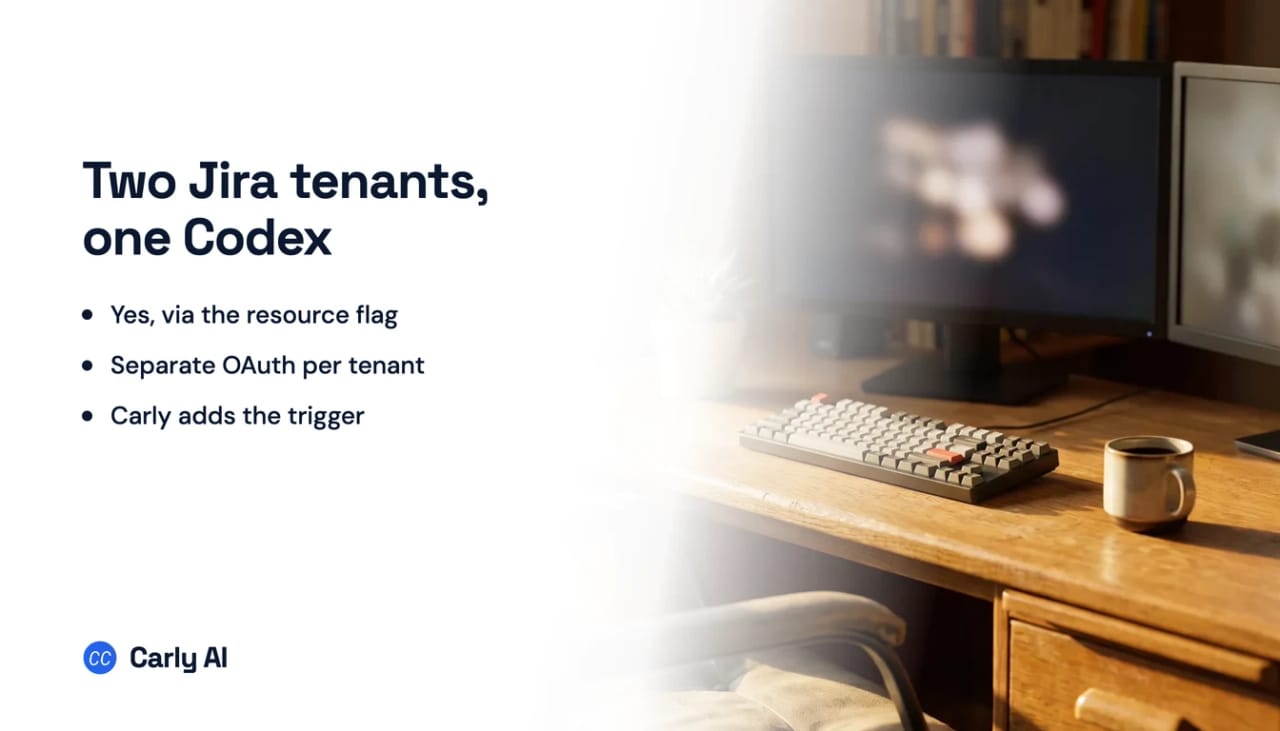
Yes. Connect all your Atlassian accounts to Carly and register one MCP server, or natively add one mcp_servers entry per tenant running mcp-remote against the same Atlassian endpoint with a different --resource value, since each unique combination of server URL, resource and headers keeps its own OAuth session.
What does the —resource flag actually do?
It isolates OAuth sessions. Without it, two entries pointing at the same remote server share one credential store and the second authorization replaces the first. mcp-remote’s documentation gives different Atlassian tenants as its example use case.
Why does Atlassian’s setup page show a type field?
That page documents VS Code’s mcp.json, which uses a type key. Codex’s config.toml has no transport field: stdio is implied by command, streamable HTTP by url, and adding type is a configuration error.
Can Codex create and transition Jira issues?
Yes, bounded by your existing Atlassian permissions on each site.
Can Codex watch a Jira board?
No. MCP servers expose tools that get called during a run, and nothing subscribes to Jira’s webhooks. Carly runs on the event, so a P1 filed overnight is triaged before you open a session.
Related: Codex and Jira · Multiple Jira sites in Claude · Multiple Jira sites in ChatGPT · Codex MCP servers · Jira MCP · Jira integration
Ready to automate your busywork?
Carly schedules, researches, and briefs you—so you can focus on what matters.
See what people say
"Before Carly, I relied on a Calendly link, but the whole process felt impersonal and not very professional. Carly changed that by handling all the back-and-forth, so I'm no longer stuck in endless email threads trying to line up schedules.
Now Carly reaches out to candidates, shares my real-time availability, lets them pick a slot, then sends a Zoom link and drops it straight into my calendar. She sends reminders to both of us before each call, which has significantly reduced no-shows and last-minute confusion.
On top of scheduling, Carly acts like a full executive assistant, sending me my schedule the night before so I can prepare for each call. It reminds me of the old x.ai assistant, but Carly is noticeably smarter, faster, and better suited to my healthcare recruitment business."