How to Connect Multiple Notion Workspaces to ChatGPT
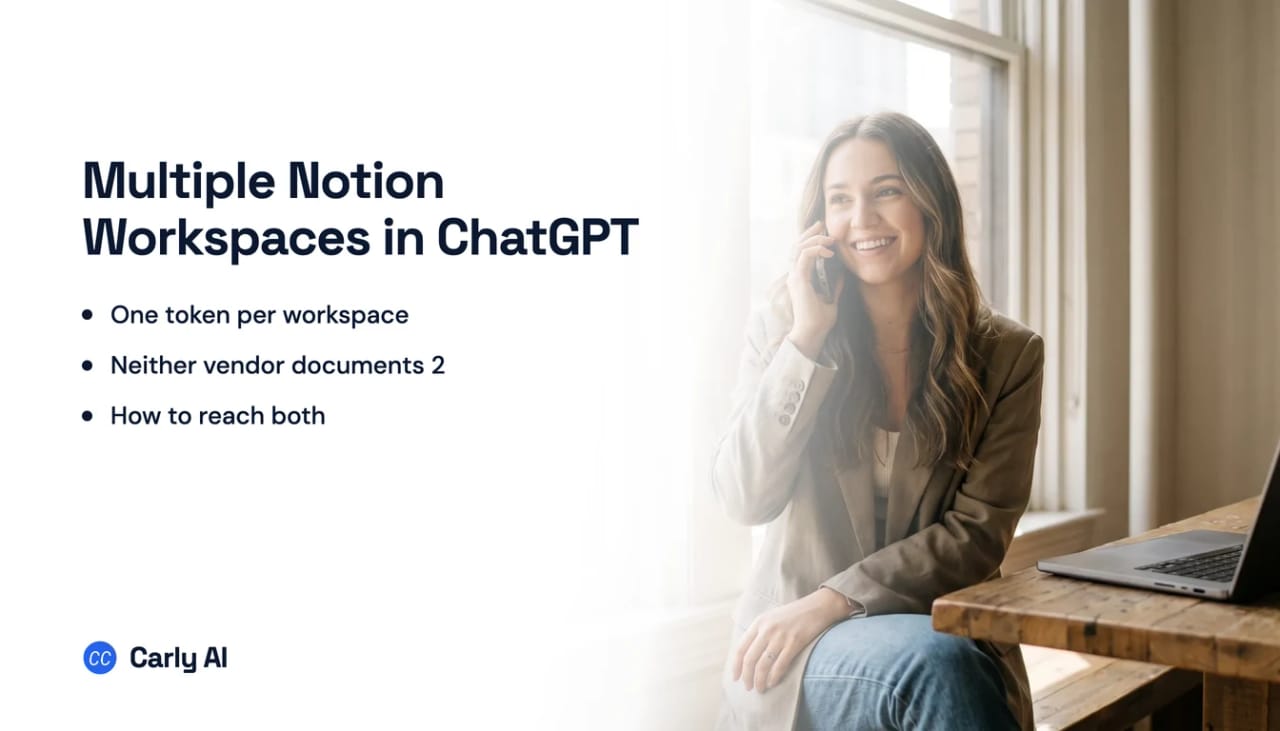
Notion issues one access token per workspace, and neither OpenAI nor Notion documents holding two in one ChatGPT account. Connect every workspace to Carly, add Carly to ChatGPT once, and a single chat works across all of your workspaces at once. Carly holds your Gmail and Outlook mailboxes and every calendar on both sides in the same place.
1. Add your Notion workspaces to Carly
- Sign in at carlyassistant.com.
- Open carlyassistant.com/integrations.
- Find Notion, click Connect, and authorize the workspace.
- Click Connect again for the next one, and keep going for as many workspaces as you want.
On a client workspace where you are a guest, an owner there may need to approve the integration. That is a Notion-side approval and it is normal.
Carly connects to thousands of apps, so while you are on that page you can add your inboxes, calendars, CRM, and anything else you want ChatGPT to reach through the same connector.
2. Add Carly to ChatGPT
- Click Get the Carly plugin, add it, and sign in with the Carly account holding the Notion connections.
- Make Carly available to the chat.
Since July 9, 2026 apps ship inside "plugins," listed in one directory spanning ChatGPT and Codex. Existing connections kept working and nothing needed resubmitting. What changed is the packaging and the storefront, not the protocol.
Permissions for what runs afterwards live under Settings → Apps → App Preferences → Ask permission, which defaults to important actions. Leave it there while you test.
What one chat can do afterwards
- Search a personal, a company, and a client workspace in one question.
- Create a page in any of your workspaces.
- Update a status in one workspace while filing the summary in another.
- Reach a client page without page-picker bookkeeping across three authorizations.
- Start when a database row changes rather than when you ask.
Why the native Notion app does not solve this
Notion’s developer documentation is explicit that a public connection follows OAuth 2.0 and that each user who authorizes it “receives their own access token, scoped to their workspace.” One token, one workspace. What a second connect attempt does to the first is not written down by either company, so treat it as unknown rather than safe.
Worth sorting before you troubleshoot anything, because they behave nothing alike.
Native Notion in ChatGPT versus Carly
| Need | ChatGPT with Notion | Carly plugin |
|---|---|---|
| Search pages in one workspace | Yes | Yes |
| Restrict access to chosen pages | Yes, via the page picker | Yes |
| Write to pages and databases | Contested, and plan-gated via MCP | Yes |
| Hold two workspaces at once | Undocumented | Yes, all of them |
| Answer one question across two workspaces | No | Yes |
| Act when a database row changes | No | Yes |
| Run unattended | Notion documents this as not yet | Yes |
Notion’s page picker is a genuinely good scoping control, better than most connectors offer, and for reading inside one workspace the app is the shortest route.
Across workspaces it has nothing, and the trigger is missing too. Notion’s webhooks exist for direct API connections rather than for ChatGPT, and Notion answers “not yet” on whether its MCP can run without interactive authorization. Carly works across all your workspaces at once and fires when the row changes. Carly offers free Zapier-style workflows; AI agents start at $35/month.
Quick fixes when a workspace does not appear
| Problem | Fix |
|---|---|
| A page is missing from the picker | You lack full access to it, so ask the page owner in Notion |
| The app answers but will not write | Remove and reconnect it, then check whether writes need MCP on a Business plan |
| Notion’s connector instructions do not work | Full MCP write support is beta on Business, Enterprise, and Edu rather than Plus or Pro |
| The second workspace behaves oddly | Neither vendor documents two tokens in one account. Connect all of them to Carly |
| A client workspace will not authorize | An owner in that workspace approves the integration |
Frequently asked questions
Can ChatGPT connect to two Notion workspaces?
Neither OpenAI nor Notion documents it. Notion issues one access token per workspace by design, and OpenAI says nothing about what a second connect does to the first. Connecting each workspace to Carly is what makes several reachable from one chat.
Does ChatGPT’s Notion app write to Notion?
It depends which OpenAI document you read. The legacy help article describes read-only access with no write or modify actions, while a March 2026 release note describes new write capabilities where supported and asks you to reconnect. Reconnect, then test one small write.
Do I need a Business plan to use Notion MCP with ChatGPT?
For the full version, apparently yes. OpenAI states that full MCP support including modify and write actions is rolling out in beta to Business, Enterprise, and Edu, even though Notion’s own instructions do not mention a plan requirement.
Can I restrict which Notion pages ChatGPT sees?
With the Notion app, yes, through the Select pages step in Notion’s OAuth screen. With Notion MCP, no, because MCP tools act with your full Notion permissions.
Does ChatGPT act when something changes in Notion?
No. Notion’s webhooks exist for direct API connections rather than for ChatGPT, and Notion answers “not yet” on whether its MCP can run without interactive authorization.
Related: ChatGPT + Notion · Multiple Notion workspaces in ChatGPT Work · Multiple Notion workspaces in Claude Cowork · Best Notion integrations
Ready to automate your busywork?
Carly schedules, researches, and briefs you—so you can focus on what matters.
See what people say
"Before Carly, I relied on a Calendly link, but the whole process felt impersonal and not very professional. Carly changed that by handling all the back-and-forth, so I'm no longer stuck in endless email threads trying to line up schedules.
Now Carly reaches out to candidates, shares my real-time availability, lets them pick a slot, then sends a Zoom link and drops it straight into my calendar. She sends reminders to both of us before each call, which has significantly reduced no-shows and last-minute confusion.
On top of scheduling, Carly acts like a full executive assistant, sending me my schedule the night before so I can prepare for each call. It reminds me of the old x.ai assistant, but Carly is noticeably smarter, faster, and better suited to my healthcare recruitment business."