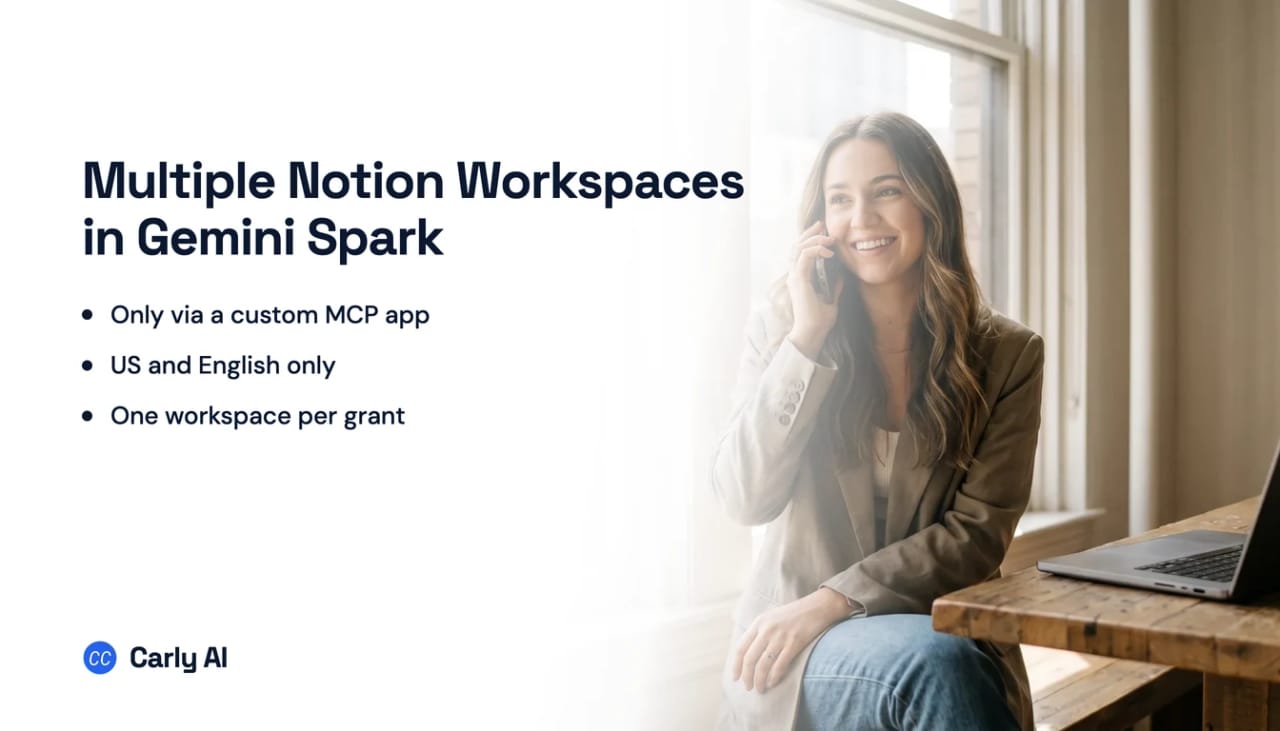
Connect Multiple Notion Workspaces to Gemini Spark
Gemini Spark has no native Notion connector, and Carly is what makes several Notion workspaces answerable from one Spark session. Notion is absent from Google’s whole Connected Apps inventory, and on Notion’s side one authorization covers exactly one workspace. Connect each workspace to Carly, add Carly to Spark as a custom app, and one Spark session works across a company workspace and two client workspaces at once. Carly holds your Gmail and Outlook mailboxes and every calendar on both sides in the same place.
1. Add your Notion workspaces to Carly
- Sign in at carlyassistant.com.
- Open carlyassistant.com/integrations.
- Find Notion, click Connect, and authorize the workspace.
- Click Connect again for the next one, and keep going for as many workspaces as you want.
Carly connects to thousands of apps, so while you are on that page you can add your inboxes, calendars, CRM, and anything else you want Gemini Spark to reach through the same connector.
2. Add Carly to Spark as a custom app
Google’s wording is that you can connect your personal or third-party apps to build customized workflows with Spark, by adding any custom app with its Model Context Protocol server URL.
- Go to gemini.google.com on a computer.
- Open Settings & help → Connected Apps. On some accounts it sits under Personal Intelligence, then Connected Apps.
- Under Custom apps for Spark, click Add a custom app.
- Enter
https://carlyassistant.com/mcp/. - If prompted, open Show more under Advanced features to enter credentials.
- Click Next and follow the on-screen instructions.
You work with Carly directly from step 2. The Notion workspaces are connected and usable the moment you authorize them. Adding Carly to Gemini Spark is what puts them inside a Gemini Spark chat, and that step is optional. Most readers stop here.
Keep Activity has to stay on, since Google states that Gemini cannot connect to custom apps when that setting is off. Two gate lists also stack here: Spark needs a personal Google Account, because the feature “isn’t available if you sign in with a work or school Google Account,” plus being 18 or over and a Google AI Pro or Ultra subscription. Custom apps add US-only and English-only on top, and support has rolled out unevenly across Spark’s surfaces and tiers, so check your plan and platform against Google’s availability documentation if the option is missing.
Google states plainly that it does not control, monitor or secure custom third-party MCP servers, and that you are responsible for supervising the one you point it at. Carly’s actions are the Notion operations you authorized per workspace, revocable at carlyassistant.com/integrations. Google also notes Gemini currently requires manual confirmation for any write action.
Connecting an MCP server used to give an assistant reach and nothing else. ChatGPT changed that with automations that fire on MCP events, yet the standard is still a draft, and OpenAI's docs list just three apps whose events can start a task: Gmail, Slack and GitHub. Everything else still waits to be asked. Carly covers more of it: its workflows start from an incoming email, a booking, a CRM change or a new spreadsheet row, and it can check any app with an API, then report back in the same chat.
So use the connector for reach and Carly’s own workflows for reaction. That matters more here than usual, because Notion already broadcasts every change and nothing on Spark’s side listens.
What one Spark session can do afterwards
- Search a company workspace and a client workspace in one question.
- Create a page in any of your workspaces.
- Update a database row or a page property from the chat.
- Post a comment on the right page in the right workspace.
- Act when a Notion page changes, rather than at the next scheduled run.
Where Spark’s own Notion reach stops
The absence is enumerated, not guessed
Google publishes a complete availability table for Connected Apps, and its third-party entries are Dropbox, GitHub, Wix, Google Business Profile, Spotify, Instacart, OpenTable, Zillow and Viator, plus Google’s own apps and some OEM note apps. Spark’s task documentation adds Canva. Notion is absent from the whole inventory.
Keep the three Google products apart while you are at it. The Gemini app is the consumer assistant, with no Notion connector. Gemini Spark is the personal agent layer inside Gemini Apps, with no native Notion connector either, but it is the only place in the Gemini line with a custom MCP hatch. Gemini Enterprise, including its Business edition, is a separate admin-managed product with a native Notion connector, and it is not something Google AI Pro gets you. Separately, Notion ships Gemini 3 Pro as a model inside Notion AI, which is Gemini working inside Notion rather than Spark reading your workspace.
The two geographies do not match
Spark itself is broadly available: wherever Gemini Apps are supported, except the European Economic Area, Nigeria, Switzerland and the United Kingdom. It runs in the Gemini mobile app, the Gemini app on Mac and the web app, with no Windows client. Custom apps are stricter: 18 or over and in the US, English only, and limited to the mobile app and the web app. So plenty of people can run Spark and cannot add a custom app at all. Google contradicts itself on the first list too, with its marketing page still framing Spark around Google AI Ultra and select business users while the help pages say Pro or Ultra; the help pages are operative.
Your Notion is at work, and your Spark cannot be
This is the sharpest limit, and it is structural rather than technical. Notion workspaces are overwhelmingly work: the company wiki, the client tracker, the roadmap, the CRM someone built out of a database. Spark refuses work and school Google Accounts outright. So the person with the strongest reason to want this has to authorize work data into a personal Gmail address, and some workspace owners will not allow it. Notion gives them the switch, under Settings then Connections, with list and revoke through the Admin API. Carly does not depend on the Google account type, which is the way out of that particular corner.
One authorization is one workspace, and it is page-scoped
Notion is explicit. A connection is scoped to a single Notion workspace, and only members of that workspace can use it. Before it can reach any data it must be explicitly granted access to pages or databases, so a fresh authorization sees nothing until you share content with it.
Spark’s side is silent on count: no documented cap on custom apps, and the interface offers Add a custom app if you already have one, so two entries are structurally possible. That is inference from the interface, and it is the failure mode already familiar from stacking Notion servers in coding agents: two near-identical toolsets with nothing in the prompt vocabulary to name a target. Nothing errors. The meeting note lands in your personal workspace instead of the client one and you notice a week later. Carly works across all of them at once.
Spark watches your Gmail and the news, never your workspace
Spark does have event triggers, which makes this better than a flat no. Google’s scheduled task documentation names exactly three schedule types:
- Time-based, running once, hourly, daily, weekly, monthly or yearly.
- Gmail monitors, which run a task when you receive an email matching a Gmail filter.
- Topic monitors, which watch news, finance, sports, local events and similar.
There is no third-party monitor and no custom-app monitor. Nothing in Spark starts because a Notion page changed, a row appeared, or a status property flipped. Notion is not the missing half, which is what makes the gap sharp: Notion’s developer documentation states that whenever a page or database changes, Notion sends a secure HTTP POST request to your webhook endpoint, within a minute. The event exists, on time, from the vendor.
Plan around the ceilings too. Google puts the current limit at 50 active schedules and at most 15 tasks running at once, says run times are approximate, and hedges that monitors are not ideal for fast-moving data. Downgrade your plan and schedules are paused.
Gemini Spark versus Carly on Notion
| Need | Gemini Spark | Carly |
|---|---|---|
| Native Notion connector | None, verified by enumeration | Yes |
| Reach Notion at all | Custom MCP app, US and English only | Yes, anywhere you can sign in |
| Work or school Google Account | Refused by Spark | Supported |
| Several workspaces at once | Two entries possible, no way to tell them apart | Yes, all of them |
| Act when a Notion page changes | No, clock, Gmail and news monitors only | Yes |
Carly works across all your Notion workspaces at once, so “add this to the client tracker” lands in the client tracker instead of a coin flip between identical toolsets. And it takes the event Notion already sends: the page changes, the webhook lands within a minute, and the follow-up task, the Slack note and the property update happen then, not at the next scheduled run. It also runs from a work Google account, which is where most Notion workspaces live.
Free Zapier-style workflows; AI agents from $35/month. Connect it at carlyassistant.com/integrations, or start with Notion.
Quick fixes
| Problem | Fix |
|---|---|
| No Notion option in Connected Apps | There is no native connector; add Carly under Custom apps for Spark instead |
| Custom apps for Spark is missing | It is US and English only, and needs Spark eligibility first |
| Spark rejects your Google account | Work and school Google Accounts are not eligible for Spark; Carly does not depend on the account type |
| A connection works but finds nothing | Grant it access to the specific pages and databases in Notion |
| Schedules stopped running | Downgrading the Google AI plan pauses schedules |
Frequently asked questions
Does Gemini Spark have a Notion connector?
No. Notion appears nowhere on Google’s Connected Apps availability table, whose third-party entries run from Dropbox and GitHub to Zillow and Viator, nor in Spark’s task documentation.
How do you get Notion into Gemini Spark then?
Through Custom apps for Spark, which accepts any standards-compliant MCP server URL. Connect your workspaces to Carly and add https://carlyassistant.com/mcp/ as the custom app, so every workspace arrives through one connection.
Can Gemini Spark hold two Notion workspaces?
Each Notion authorization covers one workspace, and Spark documents no cap on custom apps, so two entries are structurally possible with no routing help at all. Two near-identical toolsets with no way to name one is where writes go astray. Carly works across all of your workspaces at once.
Why can’t I see Custom apps for Spark?
It is stricter than Spark itself: 18 or over and in the US, a personal Google Account, Keep Activity on, English only, and only in the Gemini mobile app and the web app.
Can Gemini Spark react when a Notion page changes?
No. Spark’s three schedule types are time-based, Gmail monitors and topic monitors, with no third-party or custom-app monitor. Notion does send a webhook within a minute of a page or database change, and a Carly workflow is what subscribes to it.
Related: Multiple Notion workspaces in Codex · What is Gemini Spark · Multiple Google Calendars in Gemini Spark · Multiple Gmail accounts in Gemini Spark · MCP servers · Notion
Ready to automate your busywork?
Carly schedules, researches, and briefs you—so you can focus on what matters.
See what people say
"Before Carly, I relied on a Calendly link, but the whole process felt impersonal and not very professional. Carly changed that by handling all the back-and-forth, so I'm no longer stuck in endless email threads trying to line up schedules.
Now Carly reaches out to candidates, shares my real-time availability, lets them pick a slot, then sends a Zoom link and drops it straight into my calendar. She sends reminders to both of us before each call, which has significantly reduced no-shows and last-minute confusion.
On top of scheduling, Carly acts like a full executive assistant, sending me my schedule the night before so I can prepare for each call. It reminds me of the old x.ai assistant, but Carly is noticeably smarter, faster, and better suited to my healthcare recruitment business."