How to Connect Multiple Outlook Accounts to Gemini
Gemini has no Outlook connector on any plan an individual can buy, and Carly is what puts several Microsoft mailboxes inside one Gemini conversation. Its Connected Apps list contains no Microsoft app at all, on a personal Google Account or a Workspace one. Connect each mailbox to Carly, add Carly to Gemini as a custom app, and one request can search, draft and route across all of them. The same Carly account holds your Gmail inboxes and every calendar on both sides, so you set this up once for all of it.
1. Add your Outlook accounts to Carly
- Sign in at carlyassistant.com.
- Open carlyassistant.com/integrations.
- Find Outlook, click Connect, and authorize the account.
- Click Connect again for the next one, and keep going for as many accounts as you want.
If Microsoft returns a consent screen requiring approval, a Cloud Application Administrator can consent for the tenant in the Entra admin center.
Carly connects to thousands of apps, so while you are on that page you can add your calendars, files, CRM, and anything else you want Gemini to reach through the same connector.
2. Add Carly as a custom app in Gemini
- Go to gemini.google.com on a computer.
- Open Settings & help → Connected Apps.
- Under Custom apps for Spark, click Add a custom app.
- Enter
https://carlyassistant.com/mcp/. - If prompted, open Show more under Advanced features to enter credentials.
- Click Next and follow the on-screen instructions.
Custom apps are the one user-extensible path in Gemini, and Google gates them tightly. The requirements are explicit: be 18 or over and in the US, sign in with a personal Google Account because “this feature isn’t available if you sign in with a work or school Google Account,” keep Keep Activity on, and have the MCP server URL. Google adds that custom Connected Apps are “only available in English,” and support has rolled out unevenly across Spark’s surfaces and tiers, so check your plan and platform against Google’s availability documentation if the option is missing.
Google also notes that it “requires manual confirmation for any write actions” and that it “does not control, monitor, or secure third-party MCP servers.” Carly’s actions are the mailbox operations you authorized per account, and you can disconnect any of them at carlyassistant.com/integrations.
The awkward part is who Google’s gates leave out: the person most likely to hold several Outlook mailboxes is a business user on a work Google Account, which is the account type custom apps refuse. Carly holds the mailboxes either way, so the same routing runs from Carly directly, or from another assistant, when Gemini’s gates rule you out.
What one chat can do afterwards
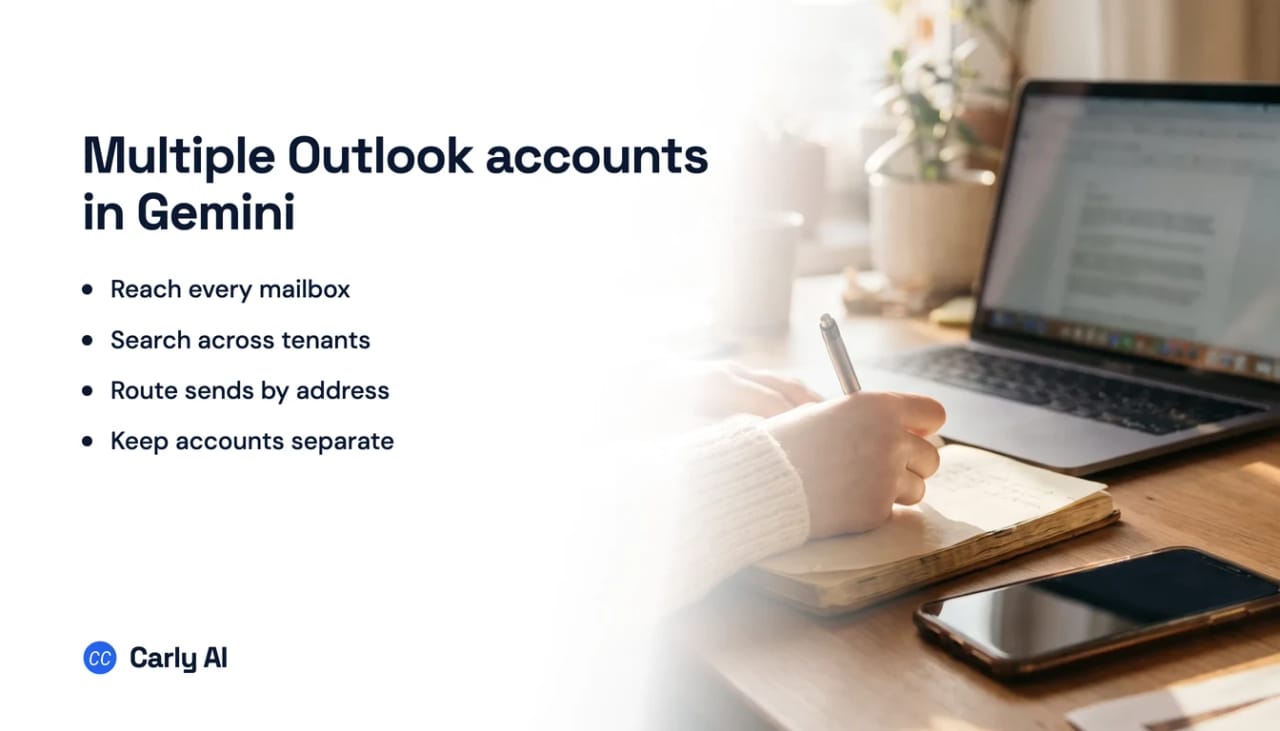
- Search a personal Outlook.com inbox and two work mailboxes at once.
- Return the full source address on every row of a result.
- Draft a reply from the exact account that received the thread.
- Send from the mailbox you name, with that account’s permissions.
- Move, archive or label in the correct account only.
- Keep the routing running on a schedule when nobody is asking.
Nothing is forwarded and nothing is merged. Each mailbox stays its own connection, which is what lets a request name one of them.
Where Gemini’s own Outlook support stops
The mechanism is Connected Apps, reached from Settings and help and invoked in a chat by typing @. On a personal account the documented list is a Google Workspace app covering Gmail, Calendar, Docs, Drive, Keep, and Tasks, plus Google Play, Instacart, OpenTable, Zillow, Spotify, YouTube Music, Google Photos, Samsung Gallery, Dropbox, GitHub, Google Business Profile, Wix, and Viator. Android adds Phone, Messages, WhatsApp, and Contacts.
There are genuine third parties in there, so it is not a Google-only list. What is absent is any enterprise software: no Microsoft app, no Salesforce, no Slack, no Notion. On a work or school Google Account the list narrows to the Google Workspace app, Google Classroom, and GitHub. The mail side is Gmail only, with no IMAP, POP, or Exchange option anywhere in the app.
Gemini Enterprise is where Outlook genuinely exists, as a Microsoft Outlook data store that “lets you search and perform actions on your emails, calendars, and contacts,” covering create and update contact, create and update event, send mail with attachments, and download attachments against Microsoft Graph v1.0. On Standard, Plus, Pay-as-you-go and Frontline it needs a Google Cloud administrator, an Azure app registration, and admin-consented Graph permissions including Mail.Read, Mail.Send, Calendars.ReadWrite and Contacts.ReadWrite, with attachments capped at 25 MB and the data store supported only in the global, us and eu locations. Business edition is the self-serve exception, with a free trial and a switch under Settings and help, Team, Manage team, Connectors, where each person authenticates their own Microsoft account; the one stated prerequisite is a valid Microsoft 365 licence.
Either way the ceiling is one identity. Gemini signs in with a single Google Account, and Google’s documentation covers sign-in, sign-out and switching, never two accounts connected at once.
Gemini’s options next to Carly
| Need | Gemini app | Gemini Enterprise | Carly |
|---|---|---|---|
| Connect Outlook at all | No Microsoft app | Yes | Yes |
| Set up without an administrator | Yes | Business edition only | Yes |
| Hold several mailboxes at once | Not documented | Not documented | Yes |
| Send mail from a named account | Gmail only | Yes | Yes |
| Add a custom connector by URL | Custom apps, US and personal accounts | Yes | Yes |
| Available in the UK or EEA | Custom apps excluded | Region-limited data store | Yes |
Carly authorizes each Microsoft identity separately and keeps every mailbox addressable from one instruction, with no Azure registration and no data store. Free Zapier-style workflows; AI agents from $35/month. Connect it at carlyassistant.com/integrations, or start with Outlook.
Quick fixes when a mailbox will not appear
| Problem | Fix |
|---|---|
| No Microsoft option in Connected Apps | None exists in the Gemini app; connect the mailbox at carlyassistant.com/integrations |
| Add a custom app is missing | Requires a personal Google Account, US location, English, and Keep Activity on |
| Connected Apps unavailable entirely | Keep Activity is off, which disables them on web, iOS, and smartwatches |
| A multi-app request silently does nothing | If any one service is turned off, none of the requested actions complete |
| Workspace admin has restricted Gemini | Users on Gemini as an additional service cannot use Workspace apps at all |
| Microsoft consent blocked in Carly | Ask a Cloud Application Administrator to consent in the Entra admin center |
Frequently asked questions
Does Gemini work with Outlook?
Not natively. There is no Microsoft app in Connected Apps for personal or Workspace accounts. Gemini Enterprise has an Outlook data store on the admin path, and Carly reaches Outlook from the Gemini app as a custom app.
Can Gemini connect two email accounts?
Google documents a single signed-in account and no way to hold two connections at once. Connecting each mailbox to Carly keeps several identities reachable from one conversation.
Can I add my own connector to Gemini?
Yes, by pasting an MCP server URL into Connected Apps under Custom apps for Spark. It is restricted to personal Google Accounts, users 18 and over in the US, English only, and a paid AI Pro or Ultra plan.
Why can my work account not use custom apps?
Google states the feature is unavailable when you sign in with a work or school Google Account. That restriction is on Spark and its custom apps rather than on Gemini generally, and Carly’s routing does not depend on it.
Related: Multiple Gmail accounts in Gemini · Gemini connectors · What is Gemini Spark · Manage multiple email accounts with AI · Carly’s Outlook integration
Ready to automate your busywork?
Carly schedules, researches, and briefs you—so you can focus on what matters.
See what people say
"Before Carly, I relied on a Calendly link, but the whole process felt impersonal and not very professional. Carly changed that by handling all the back-and-forth, so I'm no longer stuck in endless email threads trying to line up schedules.
Now Carly reaches out to candidates, shares my real-time availability, lets them pick a slot, then sends a Zoom link and drops it straight into my calendar. She sends reminders to both of us before each call, which has significantly reduced no-shows and last-minute confusion.
On top of scheduling, Carly acts like a full executive assistant, sending me my schedule the night before so I can prepare for each call. It reminds me of the old x.ai assistant, but Carly is noticeably smarter, faster, and better suited to my healthcare recruitment business."