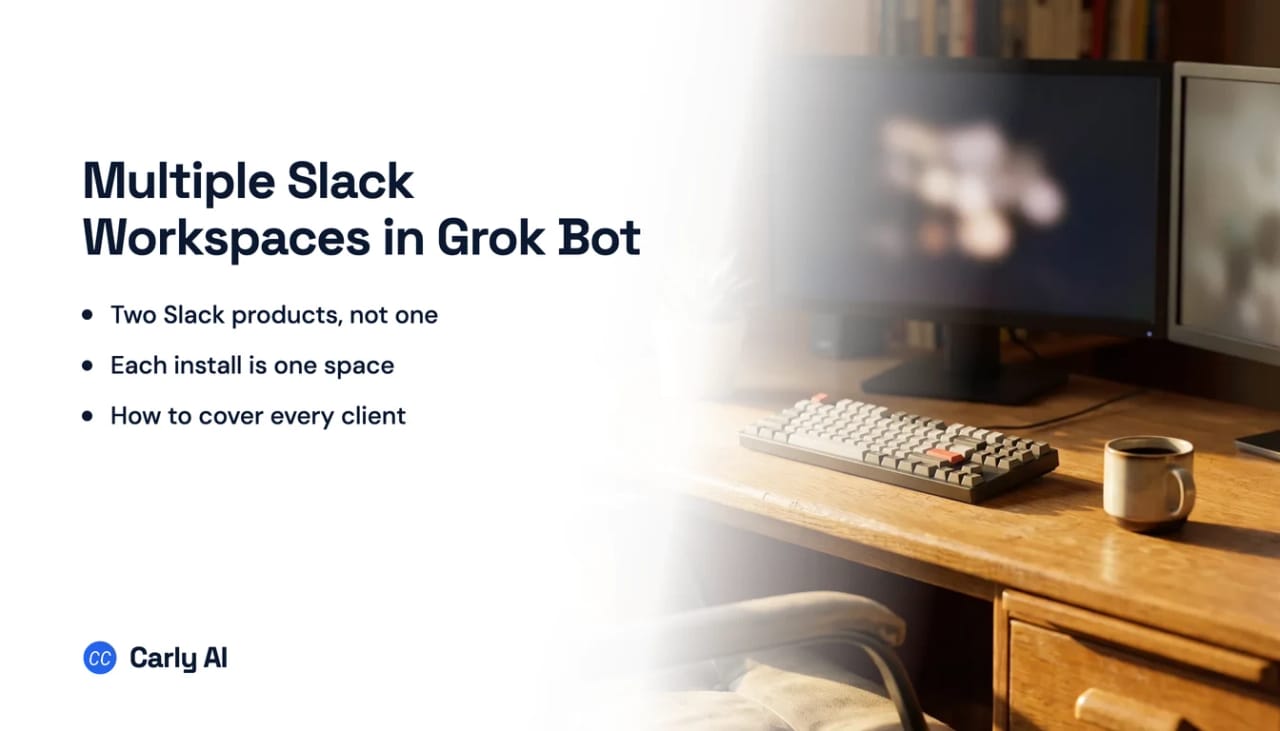
How to Connect Multiple Slack Workspaces to Grok Bot
Grok Bot does not install into Slack. The thing that installs into Slack is a different SpaceXAI product called Grok for Slack, and it authorizes one workspace at a time, by OAuth construction. Installing one does not give you the other. Carly holds your Gmail and Outlook mailboxes and every calendar on both sides in the same place.
That is the whole confusion, and almost nobody separates the two before they start.
1. Add your Slack workspaces to Carly
- Sign in at carlyassistant.com.
- Open carlyassistant.com/integrations.
- Find Slack, click Connect, and authorize the workspace.
- Click Connect again for the next one, and keep going for as many workspaces as you want.
Carly reaches only the channels your account can already open.
Carly connects to thousands of apps, so while you are on that page you can add your inboxes, calendars, CRM, and anything else you want Grok Bot to reach through the same connector.
2. Install it once per workspace, in the right workspace
- Sign into the target Slack workspace in your browser first.
- Open the Grok for Slack page and click Add to Slack.
- Check the workspace name on Slack’s consent screen before approving.
- If you get a request screen instead of an install, app approval is on and an owner has to act.
- Repeat the whole sequence for the next workspace, ideally in a separate browser profile.
The install link redirects to a “Find your workspace” sign-in rather than a workspace picker, which is exactly how people install into the wrong Slack. Separate browser profiles per workspace remove the problem entirely.
3. Add Carly to Grok Bot
- Select Plugins in the Grok Bot sidebar, or tap your avatar and choose Plugins on mobile.
- Add Carly’s remote MCP server,
https://carlyassistant.com/mcp/. - Finish the authorization in the browser tab that opens. If it sits on Waiting for authorization, use Reopen.
- Sign in to the Carly account holding the connections above.
- Confirm Carly appears under Installed.
Grok Bot takes remote MCP servers rather than local ones, and Carly’s is hosted, so it qualifies. Plugin connections belong to your Grok Bot account rather than an individual Bot, and team plans inherit Cursor’s MCP policy, so an admin can gate it.
Add the key, or you have installed a dud
Each install needs the API key step. An install without a key is present in the workspace and does nothing useful, with no obvious sign of why. Paste the same console.x.ai key into every install, then manage keys through the slash commands.
Know what it will and will not notice
In channels it responds to an @mention. app_mentions:read is the event scope, and no always-on listener is documented anywhere. Direct messages get plain replies without a mention. If you want it to notice a message nobody addressed to it, that is not documented, and you should not plan a workflow around it.
Private channels follow normal Slack rules: the app reads history in conversations it has been invited to. Enterprise Grid behaviour, Slack Connect channels, and what multi-channel guests can do are all undocumented by SpaceXAI, and Slack’s guest app restrictions can limit guests to Slack-built commands regardless.
Two products, and only one of them installs into a workspace
| What you want | Which product | Multi-workspace answer |
|---|---|---|
| Grok replying in a channel | Grok for Slack | One install per workspace |
| A routine that wakes on a Slack message | Grok Bot | One account integration, not an install |
| Grok Bot posting to a channel as an app | Neither, undocumented | No documented path |
| Searching across several workspaces at once | Neither | Each install is sealed |
Grok Bot saves a working method as a skill and runs it as a routine. On what starts one:
The usual shape of this question is that the vendor holds one account and you want it to hold several. Grok for Slack inverts it, because a Slack app install is per workspace by OAuth construction. Three workspaces means three installs, three consent screens, and three separate admin decisions. Approval at your employer carries nothing to your client.
Searches of the Slack Marketplace for both “grok” and “xAI” on 15 August 2026 returned only unrelated apps. The only install path is the link on SpaceXAI’s own page.
The install requests around 30 bot scopes and 22 user scopes. Two are worth knowing about.
Grok for Slack versus Carly
| Need | Grok for Slack | Carly |
|---|---|---|
| Answer in a channel when mentioned | Yes | Yes |
| Search as your own user, with your visibility | Yes, via user scopes | Bounded by the connected account |
| Appear in Slack’s AI assistant pane | Requested via assistant:write | No |
| Hold several workspaces on one connection | No, one install each | Yes |
| Install without a per-workspace admin decision | No, and it is unlisted | Yes, you authorize it yourself |
| Start when a Slack message arrives | Not documented | Yes |
Inside one workspace, an app that lives in Slack has an advantage a general assistant does not: it is right there in the channel, it sits in the assistant pane, and its search inherits your own visibility rather than a bot’s channel membership. That advantage is scoped to the one workspace the app is installed in, and installing it again elsewhere gives you a second, separate assistant rather than one that sees both. Grok Bot’s routines waking on a Slack message are also a genuine step past timer-only assistants, and worth using if Slack and GitHub are where your work starts.
Carly answers the other shape. It holds several workspaces at once, so you are not asking three different Slack admins to approve an unlisted app, and one prompt can span your workspace, a client’s, and a partner’s. It also acts on the message arriving rather than waiting for you to mention it, matched against the mail and calendar accounts connected alongside.
Free Zapier-style workflows; AI agents from $35/month. Connect it on the integrations page, or start with Slack.
Quick fixes
| Problem | Fix |
|---|---|
| It installed into the wrong workspace | The link is a sign-in, not a picker, so sign into the target workspace first or use a separate browser profile |
| The install became a request | App approval is on, and on Grid it may be an org policy the workspace owner cannot override |
| Your admin cannot find it in the Marketplace | It is not listed, so the vendor’s own install link is the only path and expect security review |
| It is installed but does nothing | Each install needs its own API key step, so paste your console.x.ai key again |
| It cannot see a private channel | Invite the app to that channel, since history scopes only cover conversations it is in |
Frequently asked questions
Can Grok Bot connect to Slack?
Not as an installed Slack app. Grok Bot is a separate product built around AI teammates on one shared cloud computer, and its routines can be woken by a Slack message arriving through a Cursor account integration. The app you install into a workspace is Grok for Slack, which is a different thing.
How many Slack workspaces can Grok for Slack handle?
One per install. Slack issues a token per workspace, so three workspaces means three installs and three consent screens, and nothing about one install carries to another. The only thing that spans them is your xAI API key from console.x.ai, which you paste into each.
Is Grok for Slack in the Slack Marketplace?
No. Searches for both “grok” and “xAI” on 15 August 2026 returned only unrelated apps, so the vendor’s own install link is the only route. Unlisted apps hit app-approval friction in any workspace that has approval switched on.
Does Grok for Slack read messages nobody addressed to it?
Nothing documents an always-on listener. In channels it responds to an @mention, and app_mentions:read is the event scope it requests. Direct messages get replies without a mention.
Can it search across all my Slack workspaces at once?
Cross-workspace context is undocumented, and every scope it holds is workspace-scoped by construction, so treat each install as sealed. For one question spanning several workspaces, connect each one to an assistant that holds them all at the same time.
Related: What Grok Bot does · Multiple Gmail accounts in Grok Bot · Best AI assistants for Slack · Carly’s Slack integration
Ready to automate your busywork?
Carly schedules, researches, and briefs you—so you can focus on what matters.
See what people say
"Before Carly, I relied on a Calendly link, but the whole process felt impersonal and not very professional. Carly changed that by handling all the back-and-forth, so I'm no longer stuck in endless email threads trying to line up schedules.
Now Carly reaches out to candidates, shares my real-time availability, lets them pick a slot, then sends a Zoom link and drops it straight into my calendar. She sends reminders to both of us before each call, which has significantly reduced no-shows and last-minute confusion.
On top of scheduling, Carly acts like a full executive assistant, sending me my schedule the night before so I can prepare for each call. It reminds me of the old x.ai assistant, but Carly is noticeably smarter, faster, and better suited to my healthcare recruitment business."