How to Connect Multiple Teams Accounts to Gemini
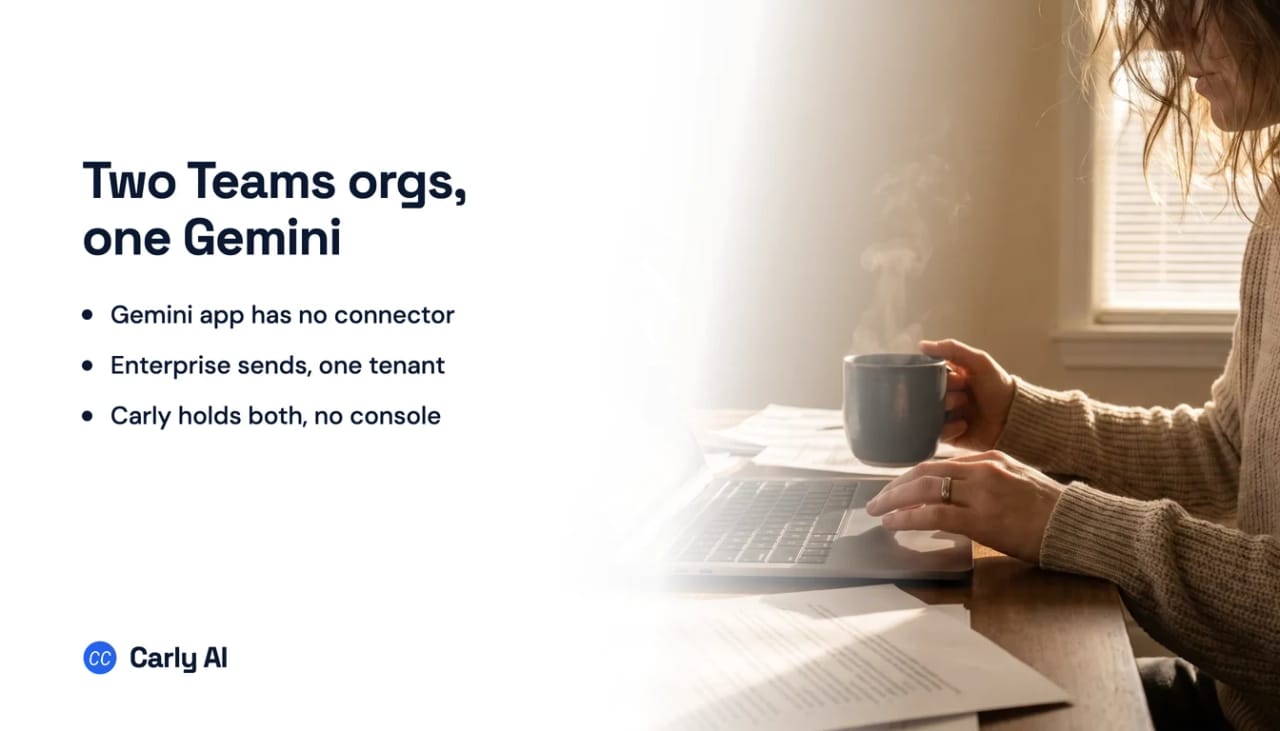
The Gemini app has no Microsoft Teams connector, so there is no first Teams account to connect, and Carly is what makes two organizations answerable from one chat. That holds on a personal Google Account and on a work or school one. Teams exists on Google’s side only in Gemini Enterprise, a separate Google Cloud product. Connect all your organizations to Carly, add Carly to Gemini as a custom app, and one chat works across your company’s Teams and a client’s at once. Carly holds your Gmail and Outlook mailboxes and every calendar on both sides in the same place.
1. Add your Microsoft Teams accounts to Carly
- Sign in at carlyassistant.com.
- Open carlyassistant.com/integrations.
- Find Microsoft Teams, click Connect, and authorize the account.
- Click Connect again for the next one, and keep going for as many accounts as you want.
There is no data store to build, no perimeter to recreate and no tenant-wide consent to negotiate.
Carly connects to thousands of apps, so while you are on that page you can add your inboxes, calendars, CRM, and anything else you want Gemini to reach through the same connector.
2. Add Carly as a custom app in Gemini
- Go to gemini.google.com on a computer.
- Open Settings & help → Connected Apps.
- Under Custom apps for Spark, click Add a custom app.
- Enter
https://carlyassistant.com/mcp/. - If prompted, open Show more under Advanced features to enter credentials.
- Click Next and follow the on-screen instructions.
Google gates this channel. Custom apps need a personal Google Account, since the feature “isn’t available if you sign in with a work or school Google Account,” plus being 18 or over and in the US, with Keep Activity on. Support has rolled out unevenly across Spark’s surfaces and tiers, so if the option is missing, check your plan and platform against Google’s availability documentation.
The personal-account rule does not block this setup, because Carly holds the Microsoft accounts rather than Gemini. Google notes that it does not control or secure third-party MCP servers: Carly’s actions are the Teams operations you authorized per organization, revocable at carlyassistant.com/integrations. Where Google’s gates rule you out, you can work with Carly directly.
What one chat can do afterwards
- Search two organizations’ Teams for the same phrase in one request.
- Post to a channel in any of your organizations.
- Reply in a chat without switching accounts.
- Reach a client tenant with no organization-wide admin consent.
- Act when the escalation lands, rather than when someone thinks to search.
Where Google’s own Teams support stops
Layer one: the Gemini app has nothing
Google’s support page for connected apps on a work or school Google Account lists Gmail, Calendar, Chat, Docs, Drive, Keep, Tasks, Google Classroom and GitHub. It carries no reference to Microsoft, OneDrive, Outlook, SharePoint or Teams anywhere on the page, and the personal-account list is no different. This is not an immature connector list waiting to fill out. GitHub, a competing product’s home turf, got in. Microsoft did not.
Layer two: Business edition, self-serve, one Microsoft account per person
Most write-ups treat Gemini Enterprise as uniformly admin-gated. Business edition is not, and it is the easiest Teams path Google offers. Its Help Center documents the connector as “Microsoft: Learn, OneDrive, Outlook (Email and Calendar), SharePoint, and Teams”, one switch covering the set, reached from Settings & help, your Team, Manage team, and the Connectors view. Individual users then authenticate their own Microsoft accounts. Nothing in that flow documents an Azure app registration, a tenant ID or a Google Cloud project, and there is a free 30-day trial.
What it does not document is a second account. Business edition describes one authorization per person per connector, presented as a single on and off switch, with no add-account control, no account picker and no disconnect-and-switch instruction.
Layer three: the admin editions have a real Teams data store, and it writes
On Standard, Plus, Pay-as-you-go and Frontline, Teams is a data store you configure. Google’s connector documentation, last updated 11 August 2026, says it “lets you search and perform actions on your channels, chats, and schedules,” and supports Microsoft Teams version 2.1 and later. Two of those actions are writes, and they are named:
| Action | What Google says it does |
|---|---|
| Send channel message | ”Sends a message to a specified channel.” |
| Send chat message | ”Sends a message in a chat.” |
Google adds that “additional read-only actions are also available” without enumerating them. The Schedule.Read.All permission is worth pointing out separately, because nothing else in this row has it: it reads “schedules, schedule groups, and shifts for teams,” which puts Teams Shifts data in scope and explains why Frontline is a supported edition.
There are two connection modes, differing by exactly two permissions.
| Mode | Delegated permissions |
|---|---|
| Federated search | Channel.ReadBasic.All, ChannelMember.Read.All, ChannelMessage.Read.All, Chat.Read, Chat.ReadBasic, ChatMessage.Read, Schedule.Read.All, Team.ReadBasic.All, TeamMember.Read.All, User.Read.All |
| Federated search and actions | The ten above, plus ChannelMessage.Send and ChatMessage.Send |
Google is unambiguous about the gate: “An administrator must grant consent for all the delegated permissions listed below.” Not some of them, not the write ones. All of them. That is heavier than it looks, since User.Read.All reads “all users’ full profiles” across the tenant and ChannelMessage.Send allows the app “to send messages in any channel.” An administrator is being asked to let Google’s application read every profile in the directory and post into any channel, in one consent action.
Where it stops: the second tenant
Google documents no way to attach a second Microsoft account or a second tenant, in either edition. On Business edition the connector is one authorization per person. On the admin editions the wall shows up in the limitations list, phrased as advice:
“When creating a new app or adding a data store to an existing one, it’s recommended to associate only one data store with actions belonging to a single connector type.”
You may build more than one Teams data store, and the moment you want actions rather than search, Google recommends you stop at one per connector type. So a consultant posting into their own company’s Teams and a client’s from one Gemini Enterprise app is working directly against the documented recommendation. Two other limits shape any real deployment: the Teams data store is supported only in the global, us and eu locations, and VPC Service Controls cannot be enforced on an existing Teams data store, so a perimeter means deleting and recreating it.
Nothing fires when a message arrives
ChatGPT's event triggers keep widening, from Gmail, Slack and GitHub to other supported plugins as of September 29, 2026, and the plumbing underneath is still the hard part. A thread on OpenAI's own developer forum documents Gmail and Drive showing as authorized in Settings while conversations report them unavailable at runtime, logged from 28 August to 8 September 2026 with no public fix. Claude's scheduled tasks do not fire on events at all. Carly watches thousands of apps and acts on its own.
Gemini Enterprise indexes and searches, and its actions run when somebody asks for them in natural language. There is no subscription to a Teams event, so an @mention at 9pm and a customer escalation dropped into a shared channel both wait for a person to come and ask.
Gemini versus Carly on Teams
| Need | Gemini | Carly |
|---|---|---|
| Reach Teams from the Gemini app | No connector exists | Yes, as a custom app |
| Search Teams without an administrator | Business edition only | Yes |
| Post to a channel or send a chat message | Yes, on Gemini Enterprise with actions | Yes |
| Connect without organization-wide admin consent | No, on the admin editions | Yes |
| Hold two organizations at once | No, and advised against | Yes |
| Act when a message arrives | No trigger | Yes |
Carly holds your company’s Teams and a client’s at once and works across both. It runs on the event rather than the question: the escalation lands, the thread gets a reply, the customer hears back before anyone thinks to search.
Free Zapier-style workflows; AI agents from $35/month. Connect it at carlyassistant.com/integrations, or start with Microsoft Teams.
Quick fixes
| Problem | Fix |
|---|---|
| No Microsoft connector appears in the Gemini app | Expected. The Gemini app has none, on personal or work Google Accounts |
| Add a custom app is missing | Custom apps need a personal Google Account, US location, English, and Keep Activity on |
| Business edition connects but cannot post | Business edition is documented as a search connector; sending is documented on the admin editions with actions enabled |
| Consent fails on the admin editions | All delegated permissions need administrator consent together, including User.Read.All and ChannelMessage.Send |
| The data store will not create in your region | It is supported only in the global, us and eu locations |
| A second tenant has nowhere to go | Connect all your organizations at carlyassistant.com/integrations instead |
| Nothing happens when a message is posted | There is no Teams event trigger on Google’s path; put it in a Carly workflow |
Frequently asked questions
Does Gemini work with Microsoft Teams?
Not the Gemini app. Google’s connected-apps lists for personal and work Google Accounts contain no Microsoft products at all. Teams is reachable through Gemini Enterprise, and through Carly as a custom app in the Gemini app.
Can Gemini post a message in Teams?
Yes, on Gemini Enterprise with actions enabled. The connector documents “Send channel message” and “Send chat message,” backed by the ChannelMessage.Send and ChatMessage.Send delegated permissions.
Can I connect two Teams tenants to Gemini Enterprise?
No documented way, in either edition. Business edition is one authorization per person, and the admin editions carry an explicit recommendation to “associate only one data store with actions belonging to a single connector type.” Connect both to Carly and it works across them at once.
Do I need an administrator to connect Teams to Gemini Enterprise?
On Standard, Plus, Pay-as-you-go and Frontline, yes. Google states that an administrator must grant consent for all the delegated permissions. Business edition is the exception: users authenticate their own Microsoft accounts after a team switch is turned on.
Can Gemini read Teams shift schedules?
Yes, on the admin editions. Schedule.Read.All covers “schedules, schedule groups, and shifts for teams,” which is why Frontline is a supported edition.
Related: Multiple OneDrive accounts in Gemini · Multiple Outlook accounts in Gemini · Multiple SharePoint sites in Gemini · Multiple Teams accounts in Copilot · Best AI assistants for Microsoft Teams · Microsoft Teams integration
Ready to automate your busywork?
Carly schedules, researches, and briefs you—so you can focus on what matters.
See what people say
"Before Carly, I relied on a Calendly link, but the whole process felt impersonal and not very professional. Carly changed that by handling all the back-and-forth, so I'm no longer stuck in endless email threads trying to line up schedules.
Now Carly reaches out to candidates, shares my real-time availability, lets them pick a slot, then sends a Zoom link and drops it straight into my calendar. She sends reminders to both of us before each call, which has significantly reduced no-shows and last-minute confusion.
On top of scheduling, Carly acts like a full executive assistant, sending me my schedule the night before so I can prepare for each call. It reminds me of the old x.ai assistant, but Carly is noticeably smarter, faster, and better suited to my healthcare recruitment business."