Notion vs Google Docs: Which to Pick in 2026?
One is the world’s default document editor; the other is a workspace built around it. Google Docs is simple, ubiquitous, real-time documents — open a page, share a link, co-edit live, done. Notion is a structured workspace of databases, wikis, and linked pages where documents are just one block type. If you mainly need to write and collaborate on documents, Google Docs. If you want to build a connected hub of pages and data, Notion.
The One-Sentence Answer
Use Google Docs if you want simple, real-time documents everyone can use instantly. Use Notion if you want a structured workspace with databases, wikis, and linked pages.
Side-by-Side Comparison
| Notion | Google Docs | |
|---|---|---|
| Core strength | Structured workspace | Real-time documents |
| Real-time co-editing | Good | Best-in-class |
| Databases | Powerful, relational | None |
| Wikis & linked pages | Built for it | Not its focus |
| Familiarity | Learning curve | Everyone knows it |
| Offline & ubiquity | Limited | Works everywhere |
| Formatting & comments | Block-based, flexible | Mature, document-style |
| Best for | Building a knowledge hub | Writing and sharing docs |
When to Use Google Docs
- You need to write and share a document right now
- Live, simultaneous co-editing is the priority
- Everyone you work with already uses Google Workspace
- You want a familiar, document-shaped editor with no setup
Think of Google Docs as a shared piece of paper — instant, universal, frictionless.
When to Use Notion
- You’re building a team wiki, knowledge base, or docs hub
- You want databases — tasks, content calendars, CRMs — linked to your pages
- You’re connecting many pages into one organized system
- You’ll invest setup time for structure beyond standalone files
The Standalone-Doc vs Connected-System Line That Decides It
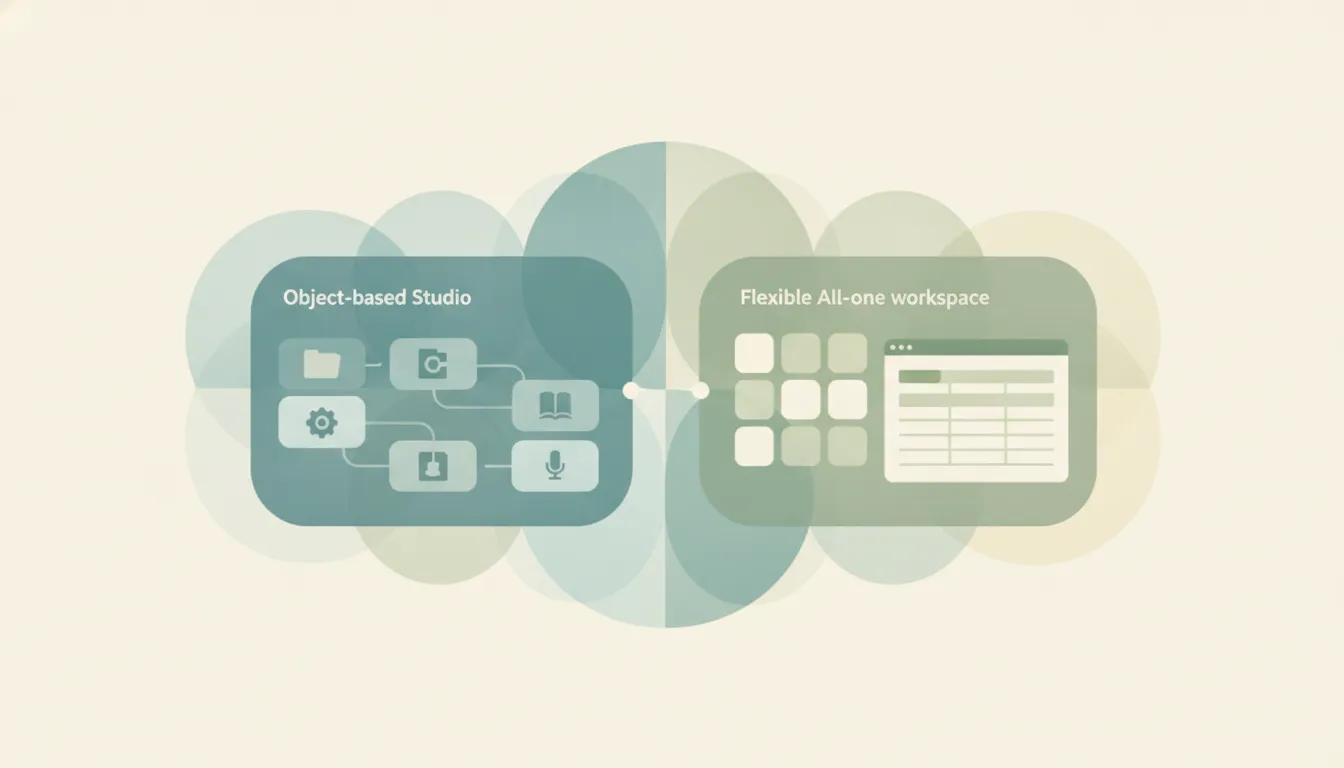
The deciding factor is whether your content lives as separate files or as a connected system. Google Docs treats every doc as its own object — perfect for a proposal, a memo, or a draft you hand off, and unbeatable for live co-writing. Notion treats content as an interlinked workspace — pages reference each other, databases organize them, and a wiki ties it together. Teams that just need to write and send usually find Notion’s structure is overhead; teams building a knowledge base find Google Docs’ loose folder of files hard to navigate. Many use both: Google Docs for active writing, Notion for the organized hub.
Rule of thumb: write and co-edit a document → Google Docs; build a connected wiki and databases → Notion.
If the real goal is getting work done rather than organizing documents, neither tool does the work for you. Carly is an AI executive assistant you email or text — it schedules meetings, handles email, and runs tasks on your behalf instead of asking you to manage docs. It also automates multi-step workflows across 200+ integrations. It’s not a PM or notes tool; it’s the assistant doing the work. See our best AI personal assistants and best AI tools for task management. You can also explore the Google Docs integration and Notion integration.
Quick Reference
| Your situation… | Pick… |
|---|---|
| Writing a proposal or memo | Google Docs |
| Building a team wiki | Notion |
| Live simultaneous co-editing | Google Docs |
| Need databases and tables | Notion |
| Everyone uses Google Workspace | Google Docs |
| Connecting many pages into a system | Notion |
Related guides: Best AI personal assistants · Best AI tools for task management · Notion alternatives
Ready to automate your busywork?
Carly schedules, researches, and briefs you—so you can focus on what matters.
See what people say
"Before Carly, I relied on a Calendly link, but the whole process felt impersonal and not very professional. Carly changed that by handling all the back-and-forth, so I'm no longer stuck in endless email threads trying to line up schedules.
Now Carly reaches out to candidates, shares my real-time availability, lets them pick a slot, then sends a Zoom link and drops it straight into my calendar. She sends reminders to both of us before each call, which has significantly reduced no-shows and last-minute confusion.
On top of scheduling, Carly acts like a full executive assistant, sending me my schedule the night before so I can prepare for each call. It reminds me of the old x.ai assistant, but Carly is noticeably smarter, faster, and better suited to my healthcare recruitment business."