
Claude + GitLab: What the Integration Can (and Can't) Do in 2026
Yes, Claude has an official GitLab connector — work with merge requests, issues, and CI/CD context inside a chat. The catch: it never fires on a GitLab event. The honest guide.
Page 89 of 138
Yes, Claude has an official GitLab connector — work with merge requests, issues, and CI/CD context inside a chat. The catch: it never fires on a GitLab event. The honest guide.

Claude reads, searches, drafts and now sends in Gmail through Anthropic's Workspace connector. Every send waits on you, and nothing starts when mail arrives.

Claude can connect to Gong — but only through a custom MCP server on a paid plan, not a one-click directory app. And it never fires on a call or deal event. The honest guide.

There's no first-party Google Classroom connector in Claude's directory. The only path is a custom MCP server on a paid plan — and it never fires on a Classroom event. The honest guide.

There's no dedicated Google Docs connector. Claude reads docs through Drive and can save new ones as .docx — but it can't edit a document that already exists.

Claude's Google Drive connector reads your files and can save new ones — but it can't edit anything already there, and nothing fires when a file lands.

There's no first-party Google Meet connector in Claude's directory. The only path is a custom MCP server on a paid plan — and it never fires on a Meet event. The honest guide.
No dedicated Google Sheets connector. Claude reads spreadsheets via Drive and can save new ones as .xlsx — but it can't edit the sheet you already keep.
No dedicated Google Slides connector. Claude reads decks via Drive and can build a new one as .pptx — but it can't edit a deck that already exists.

There's no first-party Google Tasks connector in Claude's directory. The only path is a custom MCP server on a paid plan — and it never fires on an event. The honest guide.
Yes, Claude has an official HubSpot connector — read and update contacts, deals, and companies from a chat. The catch: it only works in a conversation you start. The honest guide.
Claude can read and draft in your inbox when you ask, but it can't triage mail on arrival, file it, or act on triggers. Here's where it stops and what real inbox management takes.
There's no one-click Instagram connector in Claude's directory — connecting takes a custom MCP server and a paid plan, and even then no comment or DM can trigger it.
Claude has an official Intercom connector — but it's read-only. Claude can pull conversations and customer context into a chat, not reply or change tickets. The honest guide.
Yes, Claude connects to Jira through the Atlassian (Rovo) connector — search and summarize issues inside a chat. The catch: it only works in a conversation you start. The honest guide.

Yes, Claude has an official Jotform connector — build forms, manage submissions, and handle routing inside chat. The catch: it only works in a conversation you start. The honest guide.
Claude has an official Klaviyo connector that reads and writes — access real-time marketing data and work with campaigns and flows from a chat. But it only works inside a conversation you start. The honest guide.

Yes, Claude has an official Linear connector — read and create issues and triage the backlog from a chat. But no issue or status change can trigger it.
There's no one-click LinkedIn connector in Claude's directory — connecting takes a custom MCP server and a paid plan, and even then no comment or DM can trigger it.
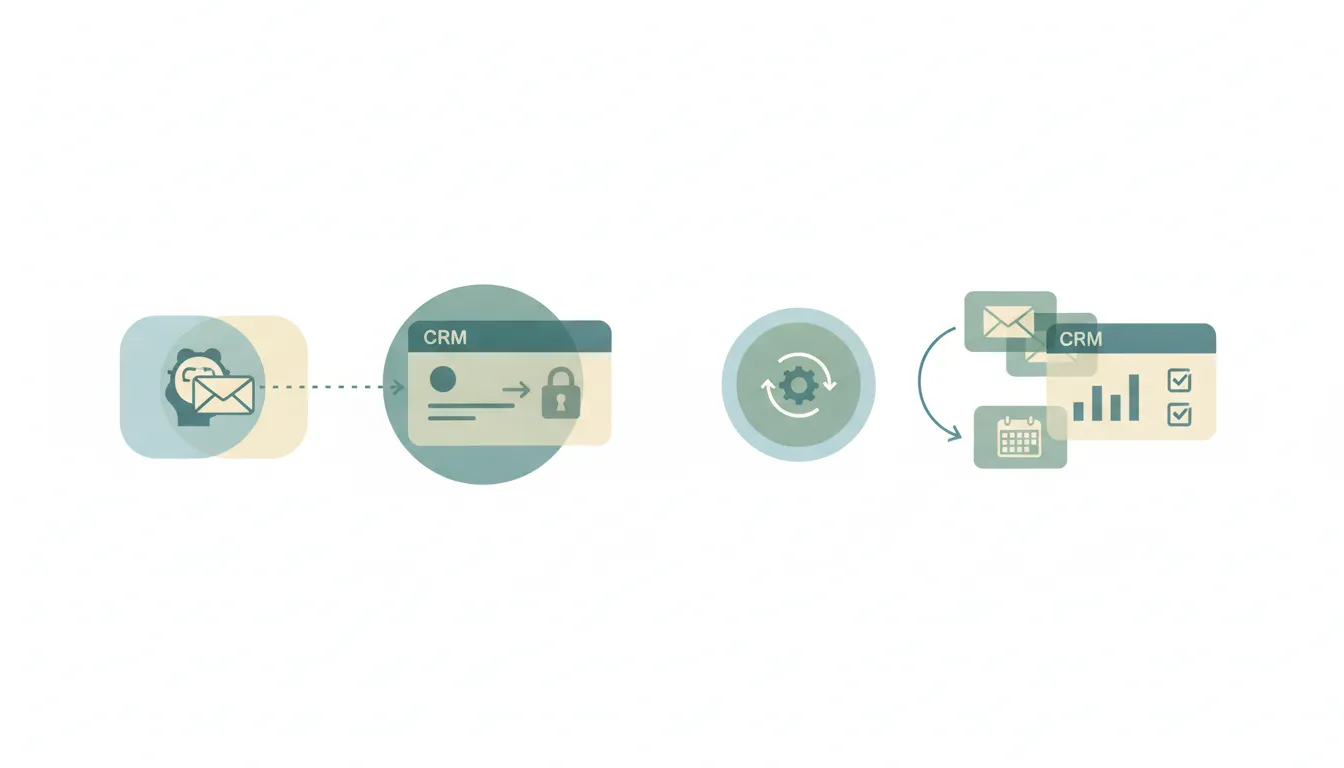
No — Claude can't log emails or meetings to your CRM automatically. It has no triggers, so the best it does is a manual chat pull. Here's the honest breakdown, plus what logs activity for you.
Claude has an official Intuit Mailchimp connector that reads and writes — work with email campaigns and audience data from a chat. But it only works inside a conversation you start. The honest guide.

Claude writes great meeting notes from a transcript you paste or a connector retrieves — but it can't capture notes live or join the call. Here's every surface, and what does.

Claude writes excellent meeting summaries and minutes from a transcript you give it — but it won't summarize automatically after a call or send the recap. Here's every surface, and what does.
Claude reaches an Excel workbook through the Microsoft 365 connector — read-only by default; admin-enabled write tools can create and update the file, but not clearly edit cells. Either way nothing fires when your data changes. The honest guide.