Pipedrive vs HubSpot: Which CRM to Pick in 2026?
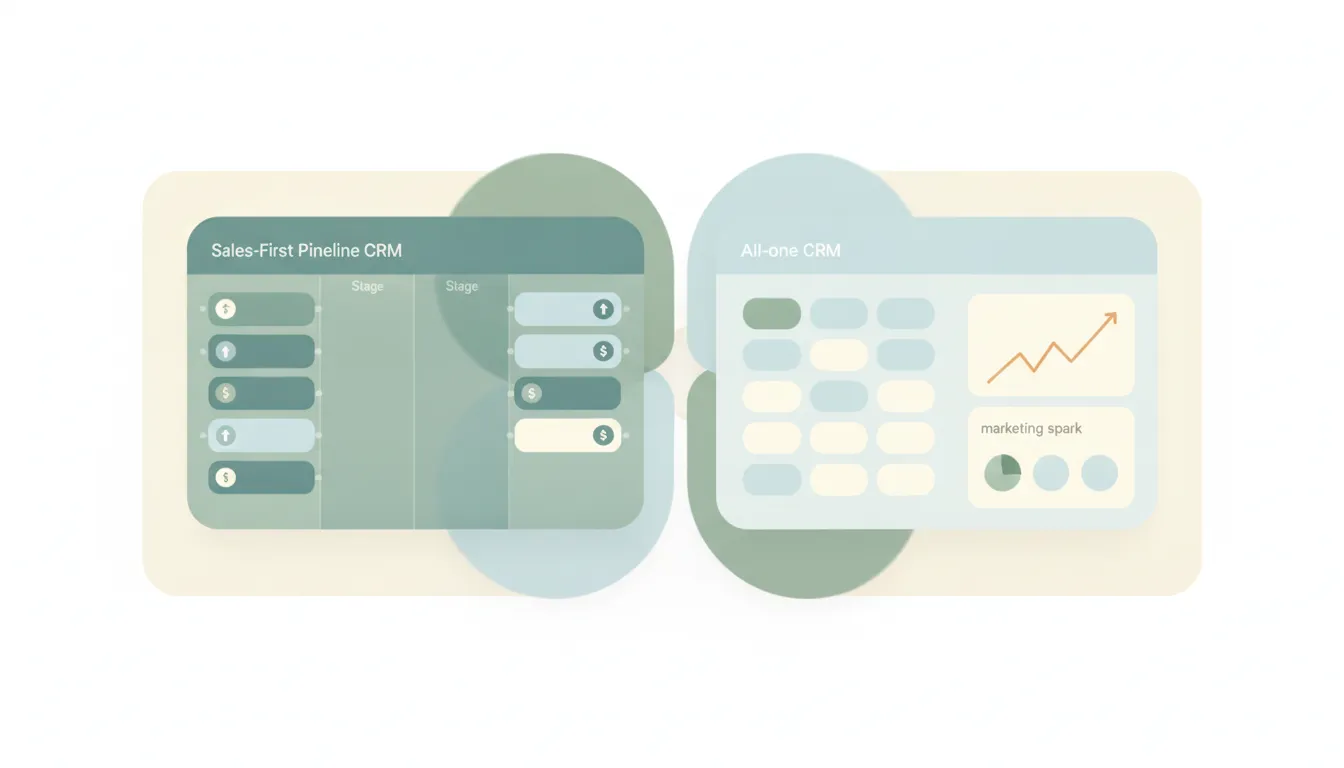
Both are popular CRMs, but they aim at different jobs. Pipedrive is a sales-first, pipeline-centric CRM built around a visual board where you drag deals through stages. It’s simple, affordable, and loved by small sales teams that just want to close. HubSpot is an all-in-one platform that pairs the CRM with marketing, sales, service, and content hubs, plus a generous free tier. If you mainly need a focused tool to move deals, Pipedrive. If you want marketing, sales, and support in one system, HubSpot.
The One-Sentence Answer
Use Pipedrive if you want a simple, affordable sales pipeline that gets your team closing fast. Use HubSpot if you want an all-in-one platform where CRM, marketing, and service live together.
Side-by-Side Comparison
| Pipedrive | HubSpot | |
|---|---|---|
| Core strength | Visual sales pipeline | All-in-one platform |
| Best known for | Simple deal management | Marketing + sales + service |
| Free tier | No (paid plans, free trial) | Yes, generous free CRM |
| Pricing model | Low, predictable per-seat | Free to start, climbs with hubs/seats |
| Marketing tools | Light, add-on based | Deep, native marketing hub |
| Learning curve | Easy, fast to adopt | Steeper as you add hubs |
| Scales to | Growing sales teams | Full go-to-market orgs |
| Best for | Sales-focused SMBs | Companies uniting marketing and sales |
When to Use Pipedrive
- Your main need is moving deals through a clear pipeline
- You want something a sales team can adopt in a day
- Budget matters and you prefer predictable per-seat pricing
- You don’t need heavy marketing automation baked in
Think of Pipedrive as a sales team’s whiteboard — visual, focused, and built to close.
When to Use HubSpot
- You want marketing, sales, and service in one connected system
- You’re capturing leads with forms, email, and landing pages
- You want to start free and grow into paid hubs over time
- You value one source of truth across the full customer lifecycle
The Focused-Tool vs All-in-One Line That Decides It
The deciding factor is scope. Pipedrive does one thing extremely well: it keeps a sales pipeline clean and moving, without asking your team to learn a sprawling platform. HubSpot takes the opposite bet, giving you a CRM that connects to marketing campaigns, help-desk tickets, and content under one roof. That breadth is powerful when you actually use it, but HubSpot’s cost tends to climb as you add hubs and seats, while Pipedrive stays lean and predictable. A small sales team often finds HubSpot’s extra surface area is overhead; a company running coordinated marketing and sales finds Pipedrive too narrow. Many teams start on Pipedrive for speed and move to HubSpot when marketing becomes a core function.
Rule of thumb: close deals with a lean sales team → Pipedrive; unite marketing, sales, and service → HubSpot.
If the real goal is getting the sales and follow-up work done rather than managing a CRM, neither tool does the work for you. Carly is an AI executive assistant you email or text — it schedules meetings, handles email, and runs tasks on your behalf. It also automates multi-step workflows across 200+ integrations, including the Pipedrive integration and HubSpot integration. See our best AI CRM tools.
Quick Reference
| Your situation… | Pick… |
|---|---|
| Small team focused on closing deals | Pipedrive |
| Marketing and sales in one system | HubSpot |
| Want a generous free tier to start | HubSpot |
| Predictable, low per-seat cost | Pipedrive |
| Deep email and landing-page marketing | HubSpot |
| Fast adoption with minimal setup | Pipedrive |
Related guides: Best AI CRM tools · Best AI personal assistants
Ready to automate your busywork?
Carly schedules, researches, and briefs you—so you can focus on what matters.
See what people say
"Before Carly, I relied on a Calendly link, but the whole process felt impersonal and not very professional. Carly changed that by handling all the back-and-forth, so I'm no longer stuck in endless email threads trying to line up schedules.
Now Carly reaches out to candidates, shares my real-time availability, lets them pick a slot, then sends a Zoom link and drops it straight into my calendar. She sends reminders to both of us before each call, which has significantly reduced no-shows and last-minute confusion.
On top of scheduling, Carly acts like a full executive assistant, sending me my schedule the night before so I can prepare for each call. It reminds me of the old x.ai assistant, but Carly is noticeably smarter, faster, and better suited to my healthcare recruitment business."