HubSpot vs Salesforce: Which CRM to Pick in 2026?
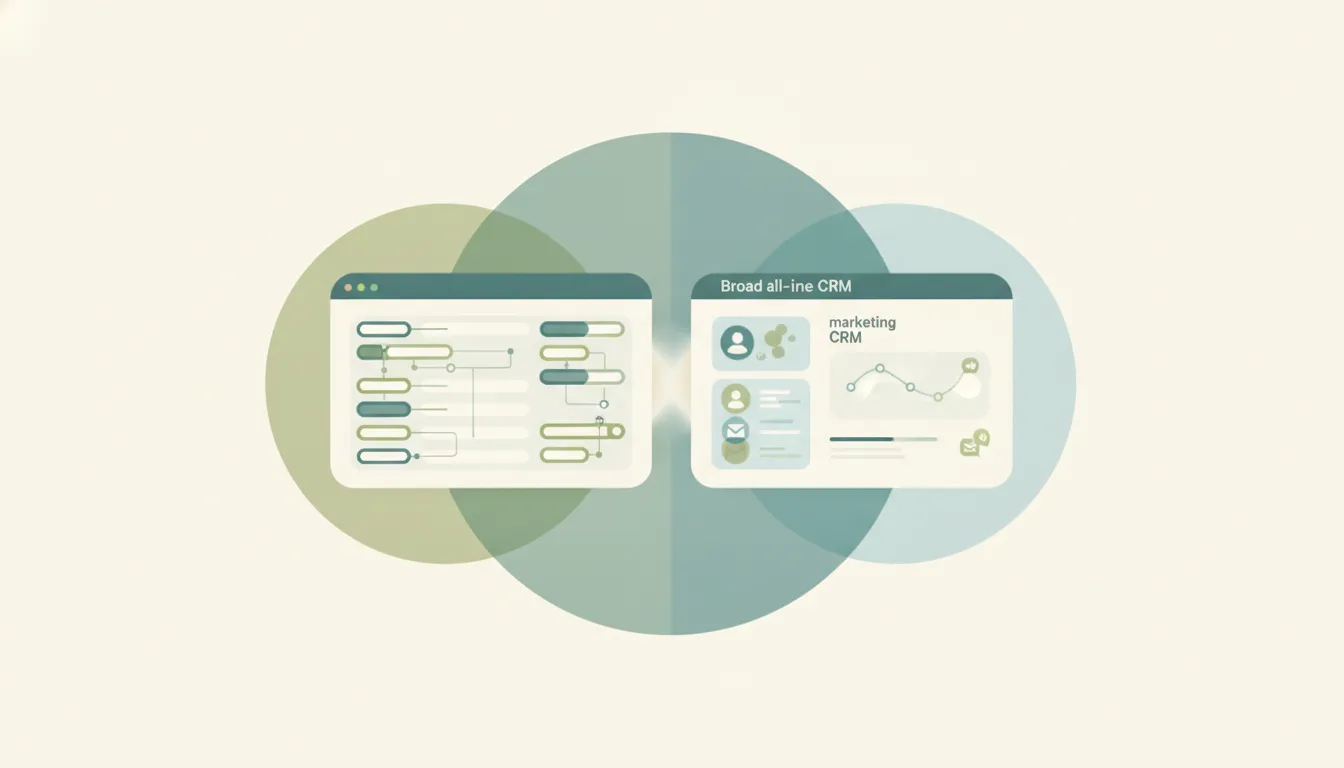
Both run your pipeline, but they aim at opposite ends of the market. HubSpot is an easy-to-use, all-in-one CRM that bundles marketing, sales, and service tools around a generous free tier, favored by SMBs and mid-market teams. Salesforce is the enterprise standard — endlessly customizable, backed by the massive AppExchange ecosystem, with powerful reporting and automation, but a steeper learning curve and higher cost. If you mainly need speed to value and simplicity, HubSpot. If you want depth, customization, and enterprise scale, Salesforce.
The One-Sentence Answer
Use HubSpot if you want an intuitive, all-in-one CRM your team can adopt in days. Use Salesforce if you need to model complex processes and scale a large, sophisticated sales organization.
Side-by-Side Comparison
| HubSpot | Salesforce | |
|---|---|---|
| Core strength | Ease of use, all-in-one | Depth and customizability |
| Best for | SMB and mid-market | Enterprise and complex orgs |
| Free tier | Yes, genuinely usable | No |
| Learning curve | Gentle | Steep |
| Customization | Solid, opinionated | Nearly unlimited |
| Marketing & service | Built-in hubs | Add-on clouds |
| Ecosystem | App Marketplace | Vast AppExchange |
| Reporting & automation | Strong for most teams | Deep and granular |
When to Use HubSpot
- You want marketing, sales, and service in one connected platform
- Your team needs to be productive without heavy admin setup
- You’re an SMB or mid-market company scaling your first real CRM
- You value a clean interface and a free plan to start on
Think of HubSpot as a turnkey growth platform — sign in and start selling.
When to Use Salesforce
- You run complex sales processes with many stages, teams, and rules
- You need granular custom objects, fields, and workflow logic
- You want the deepest reporting and forecasting available
- You rely on the AppExchange to extend the CRM into anything
The Complexity vs Simplicity Line That Decides It
The real deciding factor is how much complexity your sales motion actually carries. HubSpot wins when the priority is getting a team live quickly with tools that work well out of the box, because its opinionated defaults remove most of the setup burden. Salesforce wins when your process is genuinely complicated — multiple business units, custom objects, intricate approval flows, and reporting that has to slice data every possible way. That power comes at a cost. Salesforce usually needs a dedicated admin or consultant, and its pricing climbs fast as you add clouds and seats. Many companies start on HubSpot and only move to Salesforce when their process outgrows what an all-in-one platform can flex to.
Rule of thumb: adopt fast and keep it simple → HubSpot; customize everything for a complex, large org → Salesforce.
If the real goal is getting the work done rather than administering HubSpot or Salesforce, neither tool does the work for you. Carly is an AI executive assistant you email or text — it schedules meetings, handles email, and runs tasks on your behalf. It also automates multi-step workflows across 200+ integrations, including the HubSpot integration and Salesforce integration. See our best AI CRM tools.
Quick Reference
| Your situation… | Pick… |
|---|---|
| First real CRM for a growing team | HubSpot |
| Complex enterprise sales process | Salesforce |
| Want marketing and service bundled in | HubSpot |
| Need deep custom objects and logic | Salesforce |
| Small budget, want a free tier | HubSpot |
| Rely on a huge app ecosystem | Salesforce |
Related guides: Best AI CRM tools · Best AI automation tools for HubSpot
Ready to automate your busywork?
Carly schedules, researches, and briefs you—so you can focus on what matters.
See what people say
"Before Carly, I relied on a Calendly link, but the whole process felt impersonal and not very professional. Carly changed that by handling all the back-and-forth, so I'm no longer stuck in endless email threads trying to line up schedules.
Now Carly reaches out to candidates, shares my real-time availability, lets them pick a slot, then sends a Zoom link and drops it straight into my calendar. She sends reminders to both of us before each call, which has significantly reduced no-shows and last-minute confusion.
On top of scheduling, Carly acts like a full executive assistant, sending me my schedule the night before so I can prepare for each call. It reminds me of the old x.ai assistant, but Carly is noticeably smarter, faster, and better suited to my healthcare recruitment business."