Property Management Answering Service: Options and Costs
Supply lines burst at 2am, keys disappear on Saturday night, and the prospect who loved your listing calls while your leasing agent is mid-showing.
Whoever answers decides whether that call becomes a soaked unit below, a lost lease or a two-minute fix.
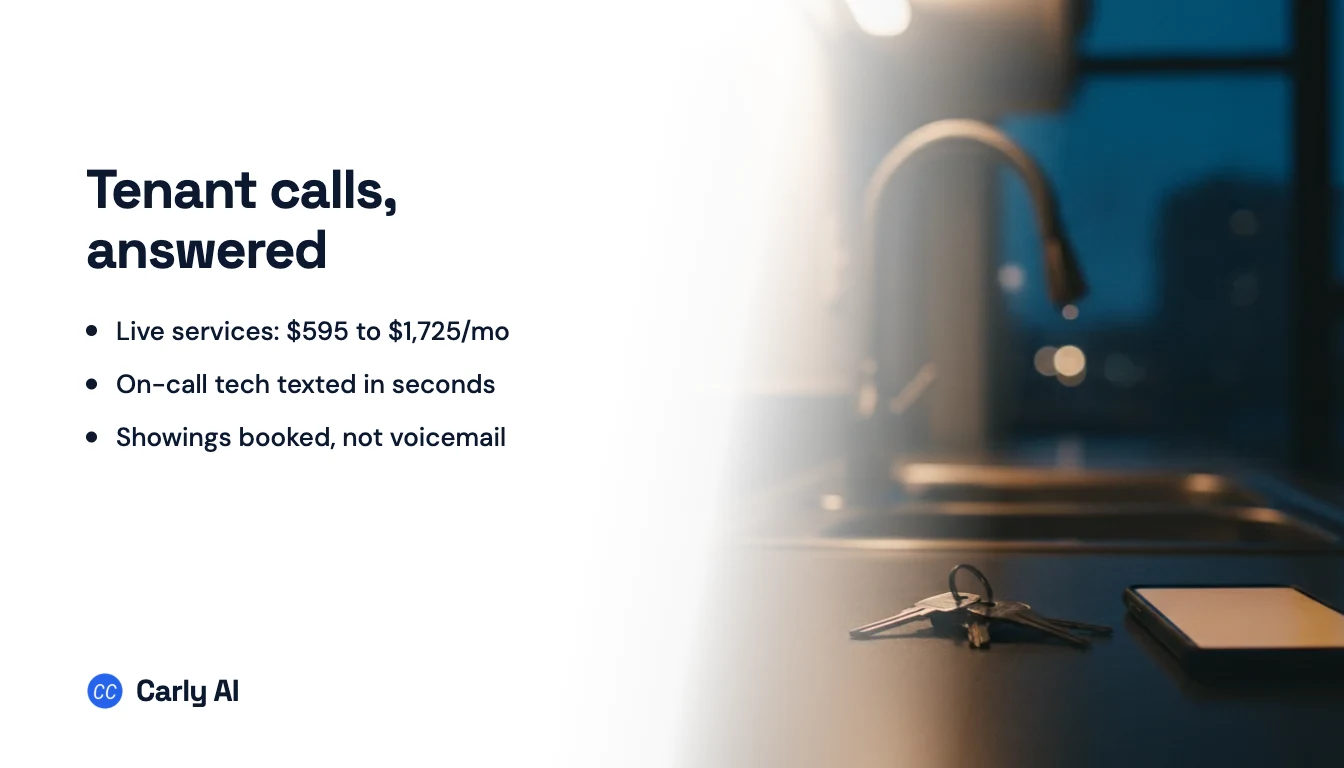
The quick answer: A property management answering service picks up your line when your office can’t: nights, weekends and whenever everyone is already on a call. You have four options: an on-call cell your staff pass around (free, until someone sleeps through a burst pipe), the maintenance call center sold by your property management software (about $175 to $275 a month for 250 units, maintenance calls only), a live answering service like Ruby, PATLive or MAP Communications (roughly $595 to $1,725 a month at 150 calls), or an AI answering service. Carly is the pick: it answers on your own number when nobody on your team picks up, texts the on-call tech the moment an emergency call ends, books showings and routine repairs on a real calendar and hands the morning team one clean inbox.
Property management answering service costs at 250 units
US list prices from each vendor’s own pricing page, checked October 7, 2026. All are monthly. The last column is our estimate for a 250-unit portfolio where 150 calls a month reach the service (about 100 at night and on weekends, 50 as daytime overflow), each billed as 3 minutes, so 450 minutes. Per-unit prices are worked out at 250 units.
| Option | Who answers | Entry price | Billing unit | At 150 calls (450 min) |
|---|---|---|---|---|
| Carly | AI on your business number, after your team | Set on a short call | Scoped to your call volume | Set on a short call |
| On-call cell rotation | Whoever has the phone this week | Included with your phone plan | None | $0, plus your staff’s sleep |
| Buildium or Propertyware Maintenance Contact Center | Call center agents, maintenance calls only | $0.70/unit, $140 minimum | Per unit | $175 (missed and after-hours calls) or $275 (all maintenance calls), plus $300 setup |
| Smith.ai AI Receptionist | AI, with live staff as backup | $0 for 25 calls, Pro $150 for 75 | Per call | $270 (150-call Pro plan) |
| LetHub | AI, leasing calls | $199 platform minimum, about $1/unit | Per unit, voice agent as an add-on | From about $299 ($250 platform + voice agent from $49), 12-month contract |
| MAP Communications | Humans | $49 plus $1.37/min | Per minute | $595 ($339 for 250 min + 200 min at $1.28) |
| Specialty Answering Service | Humans | $44 plus $1.54/min | Per minute, billed by the second | $600.20 ($269 for 220 min + 230 min at $1.44) |
| Abby Connect | Humans, AI or both | $165 for 50 Abby Minutes | Abby Minute (an AI minute counts as half) | About $674 all AI, $1,348 all human |
| PATLive | Humans only | $49 plus $2.99/min | Per minute | $759 (500-minute plan) |
| Smith.ai live receptionists | Humans | $300 for 30 calls | Per call | $1,440 ($810 for 90 calls + 60 at $10.50), before add-ons |
| Ruby | Humans | $250 for 50 min | Per minute | $1,725 (500-minute plan) |
| Latchel Frontline 24/7 | AI first, live maintenance experts behind it | Quote only | Per unit, whatever the call volume | Quote only |
EliseAI, the leasing AI many large multifamily operators use, and AnswerConnect, which puts its prices behind a form, are quote only too.
Human answering lands between $595 and $1,725 at this volume, per-call AI at $270. The cheapest rows have a catch: the software call centers take maintenance calls only, so the prospect asking about the two-bedroom on Maple Avenue still reaches voicemail, and LetHub is built for leasing, not leaks. Our AI answering service guide covers general daytime overflow.
What each option does with a burst pipe in unit 4B at 2am
| Burst pipe at 2am | Prospect calling about a listing on Saturday | Owner asking about a rent payment | What you see Monday at 8am | |
|---|---|---|---|---|
| On-call cell | Wakes whoever has the phone, if they hear it | Voicemail | Voicemail | Whatever the on-call person remembers |
| Software maintenance call center | Agent gathers details and decides whether it’s an emergency | Not covered | Not covered | Service requests in your software |
| Live answering service | Message relayed or on-call tech paged, per your script | Message taken, sometimes a showing booked through a scheduling tool | Message taken | Messages by email or in the vendor’s app |
| AI message-taker | Name, unit and problem captured | Same | Same | Transcripts and a callback list |
| Carly | On-call tech texted the summary as the call ends | Questions answered, showing booked on the leasing calendar, confirmation texted | Answered from your instructions, or assigned to the right teammate | One team inbox with summaries, bookings and assignments |
The 2am call is not rare. In the Census Bureau’s 2023 American Housing Survey, 13.6% of renter households said their home was uncomfortably hot for 24 hours or more at least once in the prior 12 months, against 8.0% of homeowners. In hot homes that had air conditioning, the cause cited most was a broken main cooling system. Each of those is a call to a property manager, often after close.
Five jobs a property management answering setup has to do
Whatever you buy, test it against these five.
1. Sort the burst pipe from the dripping faucet
A good setup asks the questions you choose (“Is water coming through a ceiling?”, “Can you reach the shutoff valve?”) and sorts the call. Write your emergency list per property first:
- Emergencies: active leaks or water through a ceiling, sewage backups, no heat in cold weather (many cities set a legal minimum indoor temperature), no cooling in extreme heat, lockouts, an exterior door or window that won’t lock, sparking or a burning smell.
- Straight to 911 or the utility: fire, a gas smell or a carbon monoxide alarm.
- Waits for business hours: dripping faucets, a dead dishwasher, a slow drain, pest sightings, noise complaints.
2. Get the on-call tech moving in minutes
The alert has to reach a phone with enough to act on: tenant, address and unit, the problem, what’s been tried and a callback number. Ask how it travels and what it costs. Smith.ai’s live plans charge $0.50 per text or Slack alert, while PATLive includes emergency dispatch on every plan.
3. Answer the prospect while they’re still looking
Renters inquire about several listings at once. In a study of 1.25 million sales leads written up in Harvard Business Review, firms that tried to reach a lead within an hour were nearly seven times as likely to qualify it as firms that waited even an hour longer. A Saturday voicemail returned Monday has waited two days. The best outcome is a booked showing before the caller hangs up, with the same qualifying questions for every prospect so your fair housing practice stays consistent.
4. Handle owners, rent questions and vendors
Tenants ask whether rent posted, owners ask when their draw goes out, vendors need a gate code. The setup should answer what your written policies cover and route anything about a specific account to the person who owns it.
5. Hand the morning team one clean list
At 8am someone needs every call, text and voicemail from the night in one place: what was booked, what was escalated, what still needs a person. Otherwise Monday’s first hour goes to rebuilding the weekend from voicemail and a vendor app.
How Carly covers a property manager’s phones
Carly for teams is a fully automated voice receptionist and text agent on your own business number: connect your team’s Twilio number, or the Carly team sets up a line with you on a short call. It answers 24/7, or only when nobody on your team picks up, and texts back every missed caller.
Here is a weekend at Hartwell Property Management, 260 units run by Michael. Josh is the on-call tech this week, Claire runs leasing and Megan runs the office.
Friday, 1:50am, a burst pipe. Emily in unit 4B calls because water is spraying from under her kitchen sink. Carly answers in Hartwell’s name, already knows her building and unit from her contact record, asks Michael’s emergency questions, walks her to the shutoff valve and tells her a tech will call within minutes.
The call ends, and a workflow Michael set up once, in plain English, fires on “call summarized”: when a call is summarized and it’s a maintenance emergency, text Josh the summary and the caller’s number. Josh’s phone shows “Emily Carter, 212 Elm St, unit 4B, supply line burst under kitchen sink, water off at the valve, unit 3B below may be wet.” He calls her back before she’s finished mopping. Carly connects to thousands of apps, so the same alert can post to the team’s Slack too.
Saturday, 10:20am, a prospect. Ryan calls about the two-bedroom on Maple Avenue. Carly answers his questions on rent, pets and parking from Claire’s listing details, asks the same qualifying questions it asks every caller and books him with Claire for 2pm Sunday. He gets a confirmation text from Hartwell’s own number.
Sunday, 3:05pm, an owner. Tom Bradley, who owns six units, calls asking whether March rent from his duplex posted. Carly tells him when owner statements go out and assigns the conversation to Megan for Monday.
Monday, 8:00am, the morning list. Megan opens one team inbox. Every call, text and transcribed voicemail sits on the caller’s timeline with a summary, and Josh’s internal note on Emily’s conversation says the line is replaced. The workflow that texted Josh can also open the work order in the software Hartwell already runs: AppFolio, Buildium, DoorLoop and Propertyware all give customers API access on their higher plans. Where a platform keeps its API behind a partner program, the summary still arrives by text and email. Every caller is logged in Carly’s built-in CRM, and when a teammate replies by hand, Carly pauses on that conversation.
What you set up once
- The call flow. Every call, or only the ones your team misses. A caller who asks for a person rings the right teammate through your ring groups.
- The instructions. Your emergency list by property, lockout policy, listing details, office hours and what never to discuss (balances, legal questions).
- The calendars. The leasing calendar for showings and the maintenance calendar for routine visits.
- The workflows. “Call summarized” for the on-call text, plus “text received” and “voicemail received” so a lockout texted at midnight reaches Josh too. See Carly’s workflows.
- The test. Call at 11pm, play Emily, read the log. Our tutorial on testing an AI receptionist walks through it.
Run it from ChatGPT or Claude
Add Carly Teams as a connector (ChatGPT: Plugins, then Add, then Create MCP App; Claude: Customize, then Connectors) and ask for “a voice agent that answers our maintenance line after 6pm with this emergency list.” It builds the voice and text agents and places calls and texts on your team line from the chat. Our guide to making phone calls with ChatGPT has the setup prompt.
Carly for teams is priced on a short call, scoped to your call volume. Book a call with the Carly team to see it run on your maintenance and leasing lines, or get started with Carly. Not ready to change who answers? Start with missed-call text-back.
Questions to ask any property management answering service
- Does it take leasing calls, or only maintenance? The software contact centers answer service calls only; LetHub starts from leasing.
- Do nights, weekends and holidays cost more? PATLive, Abby, Ruby and Smith.ai all say no, and the Buildium contact center’s per-unit price includes holidays. Get it in writing.
- What exactly is billed? Minutes, calls or units, rounding (Specialty Answering Service bills by the second) and setup ($300 at the Buildium and Propertyware contact centers, onboarding from $199 plus a 12-month contract at LetHub).
- Can it book a showing on your team’s real calendar? A scheduling link is not the same thing.
- Does it ask every prospect the same questions? Consistent screening is easier to defend than improvised scripts.
- Where does the record land? A work order in your software and one shared inbox, or an email per call.
Our AI tools for property managers ranking covers the rest of the stack, and the after-hours answering service guide compares these vendors for other trades.
FAQ
How much does a property management answering service cost?
For a 250-unit portfolio sending about 150 calls a month to the service, live answering runs from roughly $595 (MAP Communications) to $1,725 (Ruby), on list prices checked October 7, 2026. Smith.ai’s AI Receptionist costs $270. The Buildium and Propertyware maintenance contact centers cost $175 to $275 plus $300 setup, for maintenance calls only. Carly is priced on a short call with the Carly team.
What’s the difference between an answering service, a property management call center and a virtual receptionist?
An answering service takes calls when you can’t: nights, weekends and overflow. A property management call center is the same idea sold per unit, often by your software vendor and limited to maintenance. A virtual receptionist also covers the daytime front desk with transfers and bookings. An AI receptionist like Carly does all three on one number, as our AI receptionist guide explains.
Can an AI answering service handle maintenance emergencies?
It can sort them and get a person moving. With Carly, you write what counts as an emergency for each property, and a workflow texts the on-call tech the summary and the tenant’s number as the call ends. For fire, gas or anything life-threatening, the greeting should send callers to 911 or the utility first.
Should I use the call center built into my property management software?
If you run Buildium or Propertyware, it’s an inexpensive way to cover maintenance calls at $0.70 to $1.10 per unit a month. It won’t answer prospects, owners or vendors, so the rest of the line still needs covering.
Can I keep my office number?
Yes. Carly answers on your team’s own number through your Twilio account, or the Carly team sets up a line with you. Live services take calls forwarded from your existing number.
Ready to automate your busywork?
Carly schedules, researches, and briefs you—so you can focus on what matters.
See what people say
"Before Carly, I relied on a Calendly link, but the whole process felt impersonal and not very professional. Carly changed that by handling all the back-and-forth, so I'm no longer stuck in endless email threads trying to line up schedules.
Now Carly reaches out to candidates, shares my real-time availability, lets them pick a slot, then sends a Zoom link and drops it straight into my calendar. She sends reminders to both of us before each call, which has significantly reduced no-shows and last-minute confusion.
On top of scheduling, Carly acts like a full executive assistant, sending me my schedule the night before so I can prepare for each call. It reminds me of the old x.ai assistant, but Carly is noticeably smarter, faster, and better suited to my healthcare recruitment business."