Smartsheet vs Monday: Which to Pick in 2026?
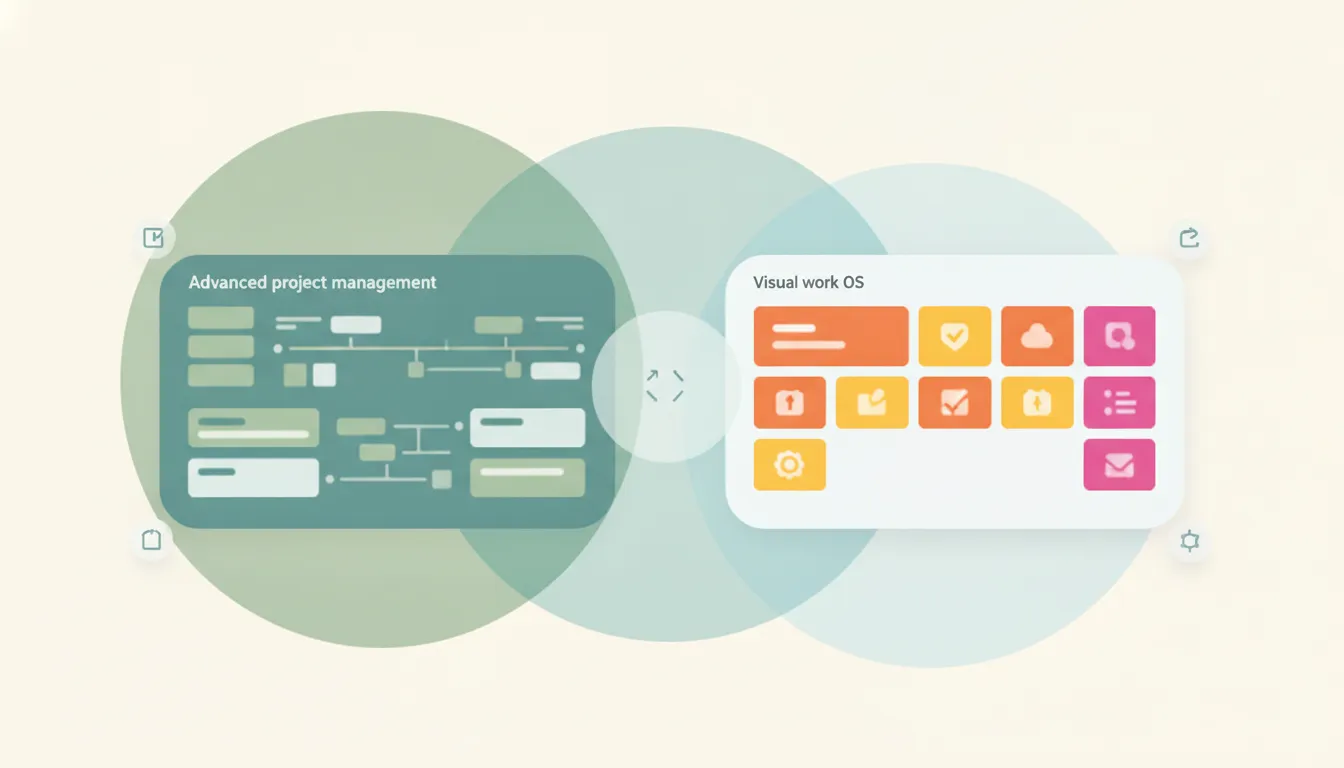
Both run projects and coordinate work, but they start from opposite places. Smartsheet is a spreadsheet-grid work-management platform — familiar rows, columns, and formulas plus gantt charts, automations, and reporting, favored by PMOs, operations teams, and anyone migrating off Excel who wants rigor at scale. monday.com is a colorful, visual Work OS — highly customizable boards with status pills and multiple views (kanban, timeline, calendar), built to feel approachable for marketing, creative, and cross-functional teams. If you want spreadsheet-style structure and formulas, Smartsheet. If you want visual, approachable, customizable boards, monday.com.
The One-Sentence Answer
Use Smartsheet if your team thinks in spreadsheets and needs rigor at scale; use monday.com if you want colorful, flexible boards that non-technical teams pick up instantly.
Side-by-Side Comparison
| Smartsheet | monday.com | |
|---|---|---|
| Core strength | Spreadsheet-grid rigor | Visual, customizable boards |
| Interface | Rows, columns, formulas | Status pills, colorful boards |
| Best known for | PMO, operations, reporting | Marketing, creative, cross-functional |
| Learning curve | Familiar if you know Excel | Approachable, quick to start |
| Views | Grid, gantt, card, calendar | Kanban, timeline, calendar, more |
| Formulas & data | Deep, spreadsheet-style | Lighter, board-oriented |
| Automations | Rule-based, robust | Easy, visual recipes |
| Best for | Structure at scale | Approachable team collaboration |
When to Use Smartsheet
- Your team already works in Excel and wants that model with more power
- You run a PMO or operations function that needs rigor and repeatability
- You depend on formulas, cross-sheet references, and detailed reporting
- You manage complex plans where gantt and structured data matter
Think of Smartsheet as a spreadsheet that grew up into a project platform — structured, formula-driven, built for scale.
When to Use monday.com
- You want a colorful, visual interface non-technical teammates adopt fast
- Your work spans marketing, creative, or cross-functional teams
- You value switching between kanban, timeline, and calendar views easily
- You want to customize boards and automations without a spreadsheet mindset
The Spreadsheet-Rigor vs Visual-Boards Line That Decides It
The deciding factor is how your team naturally thinks about work. Smartsheet assumes a spreadsheet: rows are records, columns are fields, and formulas tie it together, so teams migrating from Excel feel at home and can enforce structure across large, complex plans. monday.com assumes a board: colorful status columns, drag-and-drop items, and views you flip between, so a marketing or creative team can build a workflow in an afternoon without thinking in formulas. Operations and PMO groups tend to find monday.com light on data depth, while cross-functional teams often find Smartsheet’s grid intimidating and dense. Neither is objectively better. The right pick is the one that matches the mental model your team already uses every day.
Rule of thumb: spreadsheet rigor and structure at scale → Smartsheet; visual, approachable, customizable boards → monday.com.
If the real goal is getting the work done rather than maintaining boards or sheets, neither tool does the work for you. Carly is an AI executive assistant you email or text — it schedules meetings, handles email, and runs tasks on your behalf. It also automates multi-step workflows across 200+ integrations, including a monday.com integration. See our best AI tools for task management.
Quick Reference
| Your situation… | Pick… |
|---|---|
| Team lives in Excel and formulas | Smartsheet |
| Marketing or creative workflows | monday.com |
| Running a PMO or operations function | Smartsheet |
| Non-technical team, fast adoption | monday.com |
| Complex plans with gantt and reporting | Smartsheet |
| Flipping between kanban, timeline, calendar | monday.com |
Related guides: Best AI tools for task management · Best AI personal assistants
Ready to automate your busywork?
Carly schedules, researches, and briefs you—so you can focus on what matters.
See what people say
"Before Carly, I relied on a Calendly link, but the whole process felt impersonal and not very professional. Carly changed that by handling all the back-and-forth, so I'm no longer stuck in endless email threads trying to line up schedules.
Now Carly reaches out to candidates, shares my real-time availability, lets them pick a slot, then sends a Zoom link and drops it straight into my calendar. She sends reminders to both of us before each call, which has significantly reduced no-shows and last-minute confusion.
On top of scheduling, Carly acts like a full executive assistant, sending me my schedule the night before so I can prepare for each call. It reminds me of the old x.ai assistant, but Carly is noticeably smarter, faster, and better suited to my healthcare recruitment business."