Asana vs Jira: Which to Pick in 2026?
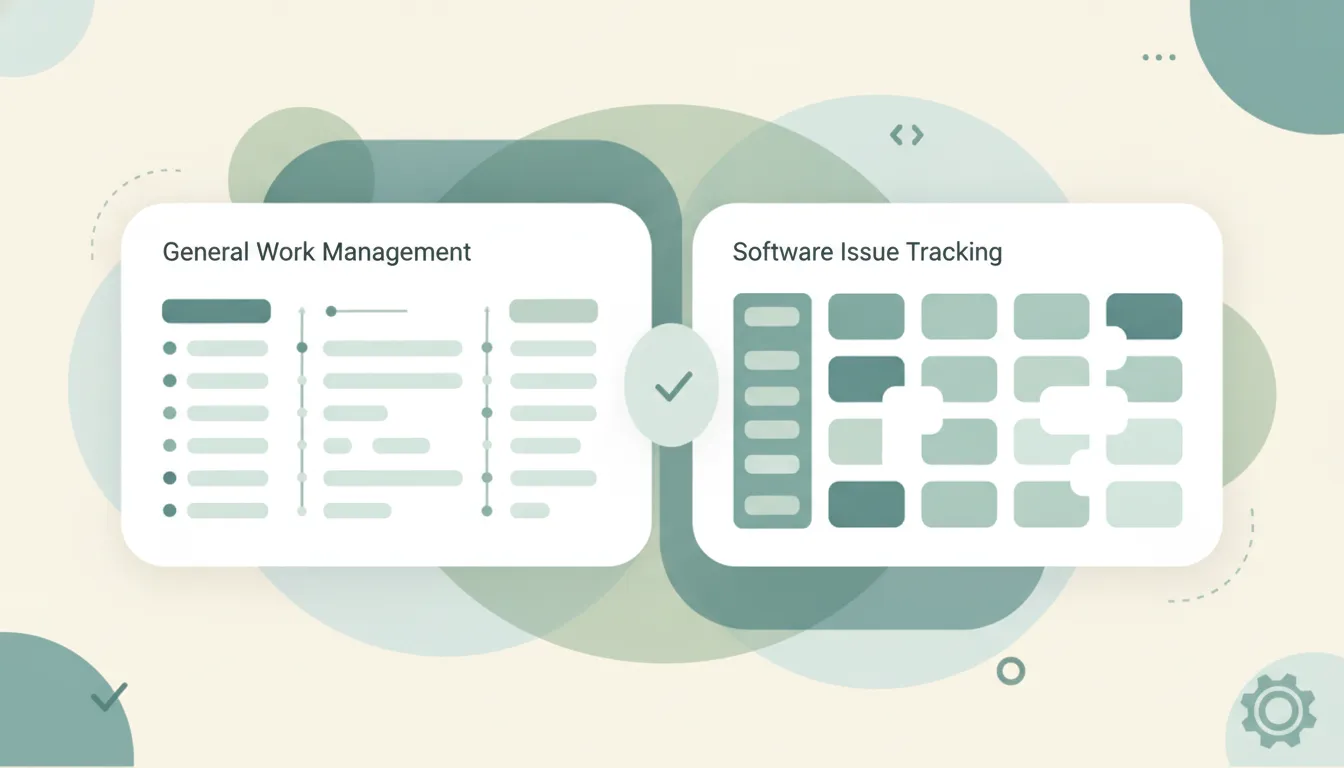
Both organize work, but they were built for different people. Asana is general-purpose work management — clean, approachable, and made for marketing, ops, and cross-functional teams that live in lists, boards, timelines, and goals. Jira is issue tracking built for software engineering — sprints, backlogs, agile boards, and deep integrations with developer tools. Asana is easier to adopt across a whole company; Jira is more configurable and more powerful for engineering workflows. If you mainly need cross-functional project tracking, Asana. If you’re shipping software with an agile team, Jira.
The One-Sentence Answer
Use Asana if you’re coordinating general team work across departments. Use Jira if you’re running software development with sprints, backlogs, and issue tracking.
Side-by-Side Comparison
| Asana | Jira | |
|---|---|---|
| Core strength | General work management | Software issue tracking |
| Built for | Marketing, ops, cross-functional teams | Engineering and agile teams |
| Views | Lists, boards, timelines, calendar, goals | Scrum & kanban boards, backlogs, roadmaps |
| Agile support | Basic | Deep — sprints, story points, burndown |
| Learning curve | Approachable | Steeper, more to configure |
| Configurability | Simpler, opinionated | Highly customizable workflows |
| Dev-tool integrations | Broad app ecosystem | Deep — Bitbucket, GitHub, CI/CD |
| Best for | Company-wide project coordination | Tracking code and bugs to release |
When to Use Asana
- Marketing, ops, HR, or design teams need to track projects together
- You want lists, boards, timelines, and goals without heavy setup
- Non-technical people have to adopt the tool quickly
- You’re coordinating campaigns, launches, or cross-team initiatives
Think of Asana as a shared plan for the whole company — clean, visual, and easy to onboard.
When to Use Jira
- Your engineering team runs sprints, backlogs, and story points
- You need scrum or kanban boards tied to real agile workflows
- Bugs and issues have to be tracked from report to release
- You want tight links to Bitbucket, GitHub, and CI/CD pipelines
The General-Work vs Software-Development Line That Decides It
The deciding factor is who does the work and what that work is. Asana is optimized for general work management, so a marketing team can spin up a project, drop tasks into a board or timeline, and start moving without training. Jira is optimized for software engineering, so it exposes sprints, backlogs, issue types, and configurable workflows that engineers expect but that overwhelm most other teams. Configurability cuts both ways: Jira bends to almost any dev process, but that flexibility is overhead for a team that just wants to see who owns what by when. Many companies run both, with engineering in Jira and everyone else in Asana, and the two can sync at the project level. If your primary users write code, Jira earns its complexity; if they don’t, Asana keeps everyone moving.
Rule of thumb: coordinating general team work → Asana; shipping software with an agile team → Jira.
If the real goal is getting the work done rather than managing Asana or Jira, neither tool does the work for you. Carly is an AI executive assistant you email or text — it schedules meetings, handles email, and runs tasks on your behalf. It also automates multi-step workflows across 200+ integrations, including the Asana integration and the Jira integration. See our best AI personal assistants and best AI tools for task management.
Quick Reference
| Your situation… | Pick… |
|---|---|
| Marketing or ops project tracking | Asana |
| Software sprints and backlogs | Jira |
| Non-technical team, fast adoption | Asana |
| Bug and issue tracking to release | Jira |
| Cross-functional launches and campaigns | Asana |
| Deep GitHub, Bitbucket, CI/CD links | Jira |
Related guides: Best AI tools for task management · Best AI workflow automation tools
Ready to automate your busywork?
Carly schedules, researches, and briefs you—so you can focus on what matters.
See what people say
"Before Carly, I relied on a Calendly link, but the whole process felt impersonal and not very professional. Carly changed that by handling all the back-and-forth, so I'm no longer stuck in endless email threads trying to line up schedules.
Now Carly reaches out to candidates, shares my real-time availability, lets them pick a slot, then sends a Zoom link and drops it straight into my calendar. She sends reminders to both of us before each call, which has significantly reduced no-shows and last-minute confusion.
On top of scheduling, Carly acts like a full executive assistant, sending me my schedule the night before so I can prepare for each call. It reminds me of the old x.ai assistant, but Carly is noticeably smarter, faster, and better suited to my healthcare recruitment business."