Ashley vs Alfred: Which AI Assistant Fits Your Day in 2026?
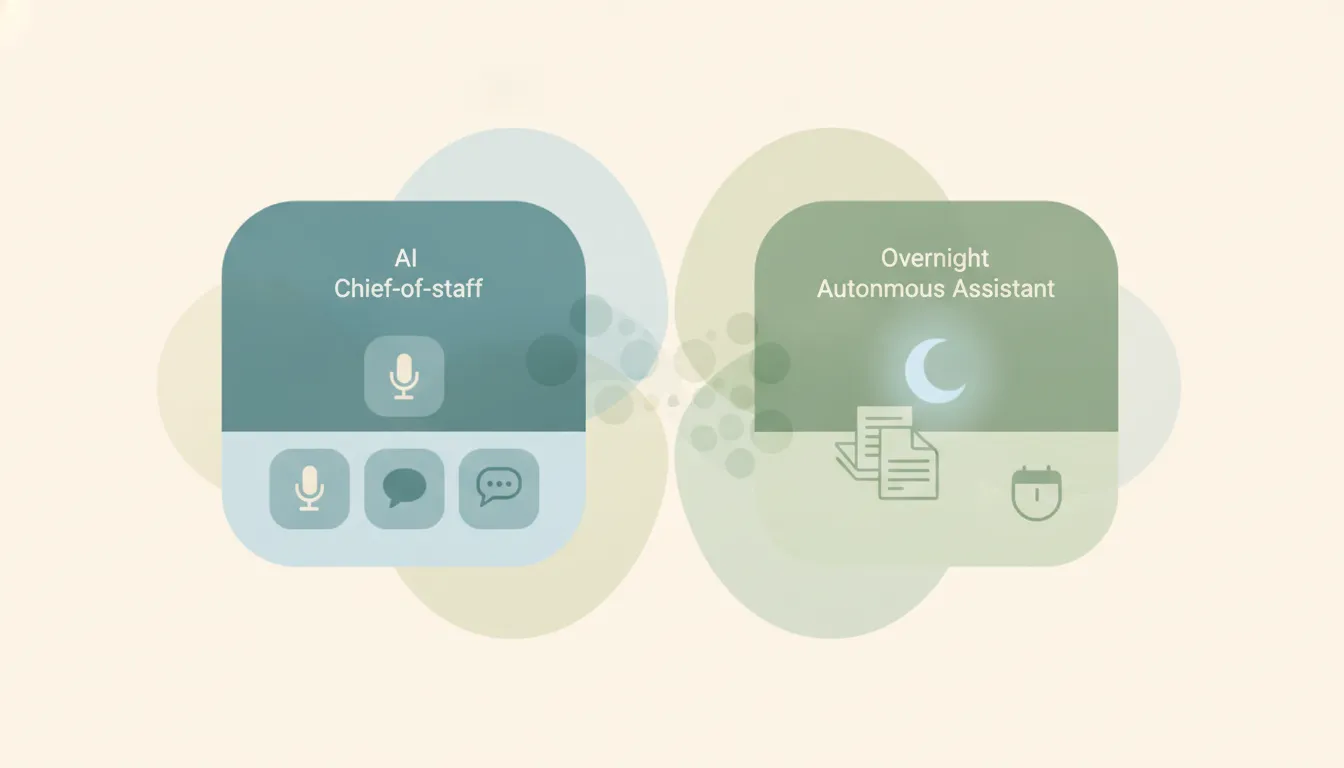
Both tools promise to hand back hours, but they aim at opposite parts of your day. Ashley (myashley.ai) is a chat-first “chief of staff” built around scheduling and coordination that you reach by voice, text, WhatsApp, or Slack, and it deliberately never reads your inbox. Alfred (get-alfred.ai) is an inbox-first executive assistant that connects to your email, triages every message overnight, drafts replies, and hands you a morning brief. If you mainly need help wrangling meetings and follow-ups, Ashley. If you mainly need to dig out of email, Alfred.
The One-Sentence Answer
Pick Ashley if your bottleneck is coordinating people and calendars through the chat apps you already use; pick Alfred if your bottleneck is an overflowing inbox that needs to be read, sorted, and drafted for you.
Side-by-Side Comparison
| Ashley | Alfred | |
|---|---|---|
| Core strength | Scheduling and coordination | Email triage and drafting |
| Positioning | AI chief of staff | AI executive assistant |
| How you reach it | Voice, text, WhatsApp, Slack, email | In-app plus text (SMS) |
| Reads your inbox? | No, by design | Yes, every message |
| Signature feature | Multi-person, multi-time-zone scheduling | Overnight triage plus Daily Brief |
| Calendar support | Google, Outlook, Apple | Google, Outlook, Apple |
| Pricing | $20, $50, or $150/month by tier | From $25/mo billed annually ($29.99 monthly), credit-based tiers, 7-day free trial |
| Best for | Founders and execs drowning in coordination | Founders and pros drowning in email |
When to Use Ashley
- You lose the most time to back-and-forth scheduling across several people and time zones.
- You want to delegate in plain language through WhatsApp, Slack, voice, or text instead of logging into another app.
- You care about a privacy line where the assistant coordinates your calendar but never reads your email. Ashley’s model is that you are the only human in the loop and no one reads your messages.
- You want tiers that scale from simple briefings ($20) up to goal-aware scheduling and CRM integration ($150).
Think of Ashley as a coordinator you text like a real assistant, kept out of your inbox on purpose.
When to Use Alfred
- Your inbox is the fire, and you want something that reads all of it and tells you what actually matters.
- You want to wake up to a Daily Brief of what was handled and what needs your judgment.
- You want tasks pulled out of messages automatically instead of tracking them by hand.
- You want the whole assistant on every plan and a free trial before committing, and you connect up to six Gmail, Outlook, or IMAP accounts.
The Deciding Factor: Does It Touch Your Inbox?
The cleanest way to choose is to ask what your assistant is allowed to see. Ashley is built around the calendar and coordination, and it explicitly does not read your email. That is the whole pitch: it schedules, reschedules, chases follow-ups, and keeps everyone informed, all through channels like WhatsApp and Slack, while your inbox stays private. Alfred is the opposite by design. It reads every incoming message, classifies it, archives the noise, drafts replies for the ones that need a response, and escalates the rest to your morning brief. That makes Alfred powerful for inbox overload but less useful if your email volume is low, and its drafts need a couple of weeks to match your voice. One tool wins by staying out of your email; the other wins by living inside it.
Rule of thumb: If your pain is coordinating people, pick Ashley. If your pain is reading email, pick Alfred.
It’s worth noting both tools keep a human in the loop rather than acting fully on their own. Alfred drafts and proposes, but every send and calendar change waits for your approval, and Ashley checks in when a decision needs you. If the real goal is getting the work done rather than approving each step in someone’s app, neither tool does the work for you. Carly is an AI executive assistant you email or text; it schedules meetings, handles email, and runs tasks on your behalf. It also automates multi-step workflows across 200+ integrations, including Gmail, Outlook, and Slack. See our best AI personal assistants.
Quick Reference
| Your situation | Pick |
|---|---|
| Scheduling across many people and time zones eats your week | Ashley |
| You want to delegate by WhatsApp, Slack, or voice | Ashley |
| You want your inbox coordinated without being read | Ashley |
| Your inbox is out of control and needs triage | Alfred |
| You want a morning brief of what was handled | Alfred |
| You want the whole assistant on every plan and a free trial to test it | Alfred |
Related guides: Best AI Chief of Staff Tools · Best AI Personal Assistants
Ready to automate your busywork?
Carly schedules, researches, and briefs you—so you can focus on what matters.
See what people say
"Before Carly, I relied on a Calendly link, but the whole process felt impersonal and not very professional. Carly changed that by handling all the back-and-forth, so I'm no longer stuck in endless email threads trying to line up schedules.
Now Carly reaches out to candidates, shares my real-time availability, lets them pick a slot, then sends a Zoom link and drops it straight into my calendar. She sends reminders to both of us before each call, which has significantly reduced no-shows and last-minute confusion.
On top of scheduling, Carly acts like a full executive assistant, sending me my schedule the night before so I can prepare for each call. It reminds me of the old x.ai assistant, but Carly is noticeably smarter, faster, and better suited to my healthcare recruitment business."