Claude Spreadsheet Automation: Can Claude Automate Excel and Sheets? (2026)
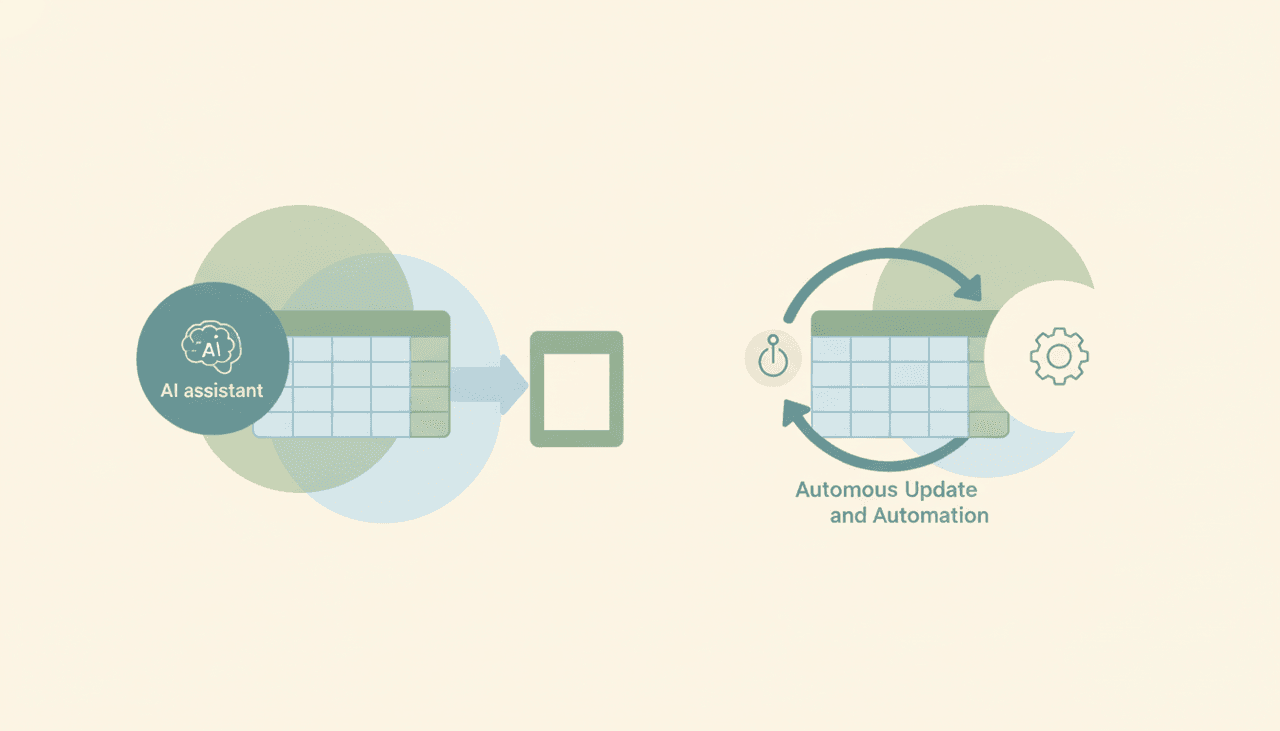
Partly — Claude can write formulas, scripts, and reasoning for a spreadsheet in chat, but it can’t autonomously update one. Ask it for a SUMIFS formula, an Apps Script, a pivot strategy, or an explanation of why your numbers are off, and it’s genuinely helpful. What it can’t do is sit on your Excel or Google Sheet and update it when something changes — because the Microsoft 365 Excel connector is read-only and Claude has no event triggers. It gives you the formula; you paste it in and run the sheet yourself.
Here’s the honest, surface-by-surface reality of “automating” a spreadsheet with Claude.
What Claude does well: formulas, scripts, and analysis
For the thinking side of spreadsheets, Claude is excellent. Describe what you want and it writes the formula — nested IFs, INDEX/MATCH, array formulas, regex in Sheets — and explains it. It writes Google Apps Script and Office Scripts / VBA to automate steps inside the spreadsheet’s own tooling. Paste a table (or point it at one with a connector) and it will analyze it: spot anomalies, suggest a cleanup, draft a model, or explain a #REF! error.
So if your bottleneck is “I don’t know how to build this in Excel,” Claude is a great help. The code and logic it produces are solid.
Where it stops: actually updating the sheet
The gap is between writing automation and being the automation. Claude can hand you a script that updates a sheet, but it can’t be the thing that runs on its own when a new row should be added or a value changes. Two facts cause this:
- The Excel connector is read-only. Anthropic’s Microsoft 365 connector — Excel included — is read-only. Claude can read and analyze the workbook in a chat, but it cannot write cells back. (The Gmail side of Claude’s other connector is similarly draft-only — see Can Claude send emails?.)
- No triggers. Even where Claude can technically write, it only does so inside a conversation you start. There’s no “when a form response comes in, append a row” or “every Monday, refresh this tab.” Nothing fires on its own.
Claude Cowork can run a sheet task on a fixed clock, but only while your computer is awake with the desktop app open — so it isn’t a dependable, always-on spreadsheet updater.
For the full integration details, see Claude + Microsoft Excel and Claude + Google Sheets.
Writing automation vs. being the automation
| Writes formulas / scripts | Analyzes a sheet in chat | Writes cells back | Updates on a trigger | Runs laptop-off | |
|---|---|---|---|---|---|
| Claude (chat) | Yes | Yes | No (Excel read-only) | No | No |
| Claude Cowork | Yes | Yes | Limited | Fixed clock, awake-only | No |
| Carly | Yes | Yes | Yes | Yes | Yes |
The honest takeaway: Claude is a great spreadsheet coach. It is not a spreadsheet operator — it won’t keep your sheet up to date for you.
What real spreadsheet automation looks like
If you want a sheet that updates itself — new rows on new data, recalcs on a schedule, values pushed in from other tools — you need an agent that acts on triggers and can write. That’s Carly, an AI executive assistant that works across your tools:
- It updates the sheet on triggers. When an email, form response, or CRM change happens, Carly writes the row or updates the cell — automatically, no chat to start.
- It moves data between tools. Carly can pull from your inbox or CRM into a sheet, or push sheet data out — across Gmail, Outlook, and 200+ apps. (See Claude data entry for the capture side.)
- It runs 24/7 in the cloud. Updates keep happening with your laptop closed — not tied to an awake desktop app.
- It builds the workflow for you. Tell it “log every new lead into this sheet and tally weekly” in plain English; it interviews you, then builds it with you. No prompt engineering.
AI agents start at $35/month, and steps in a workflow that don’t use AI run free and unlimited. Carly connects to 200+ tools across 40+ categories — see integrations, Gmail, and Outlook.
For the full chat-assistant vs executive-assistant split, see Claude vs Carly.
Frequently Asked Questions
Can Claude automate a spreadsheet?
It can write the automation — formulas, Apps Script, Office Scripts, VBA — but it can’t be the automation. Claude has no triggers and the Excel connector is read-only, so it can’t update a sheet on its own. You run the code it gives you.
Can Claude write to Excel?
No. Anthropic’s Microsoft 365 connector, including Excel, is read-only. Claude can read and analyze your workbook in a chat but can’t write cells back. See Claude + Microsoft Excel.
Can Claude automate Google Sheets?
It can write Apps Script to automate Sheets, and analyze a sheet you bring into chat, but it won’t run those updates autonomously — there are no triggers. See Claude + Google Sheets.
Can Claude update a sheet when new data comes in?
No. Claude can’t watch a source and append rows on its own. For trigger-based sheet updates you need an agent like Carly, which writes to your sheet automatically when data changes.
What’s the best way to actually automate Excel or Sheets?
An agent that triggers on new data and can write. Carly updates your spreadsheet on triggers and moves data between your tools — 24/7 in the cloud. AI agents start at $35/month.
More: Claude + Microsoft Excel · Claude + Google Sheets · Claude data entry · Claude automations · Can Claude send emails? · Claude vs Carly
Ready to automate your busywork?
Carly schedules, researches, and briefs you—so you can focus on what matters.
See what people say
"Before Carly, I relied on a Calendly link, but the whole process felt impersonal and not very professional. Carly changed that by handling all the back-and-forth, so I'm no longer stuck in endless email threads trying to line up schedules.
Now Carly reaches out to candidates, shares my real-time availability, lets them pick a slot, then sends a Zoom link and drops it straight into my calendar. She sends reminders to both of us before each call, which has significantly reduced no-shows and last-minute confusion.
On top of scheduling, Carly acts like a full executive assistant, sending me my schedule the night before so I can prepare for each call. It reminds me of the old x.ai assistant, but Carly is noticeably smarter, faster, and better suited to my healthcare recruitment business."