How to Connect Multiple OneDrive Accounts to Claude
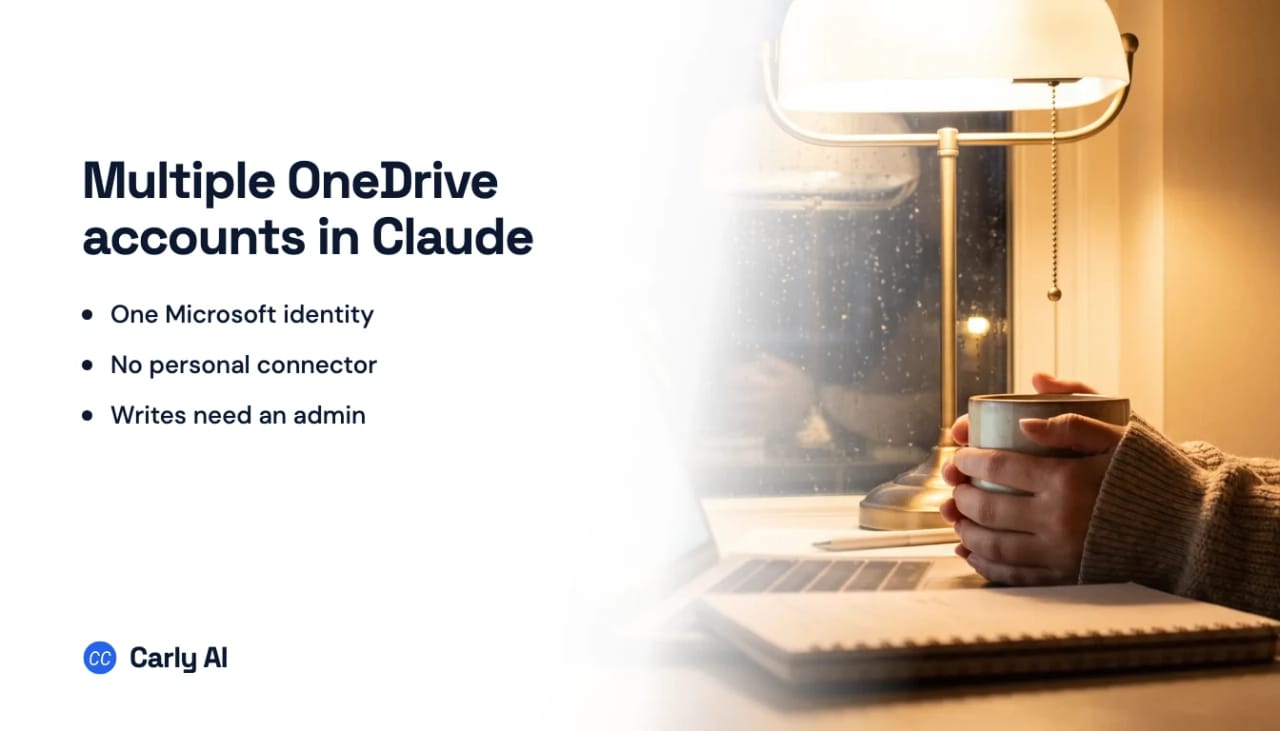
Claude reaches OneDrive through the Microsoft 365 connector, and that connector holds one Microsoft Entra work tenant and refuses personal Microsoft accounts outright. So the usual framing is wrong here. A personal @outlook.com drive plus a work drive is not a one-at-a-time problem, it is one plus zero: Anthropic’s setup documentation states that personal Microsoft accounts “can’t be used to connect”, and people who try receive an authentication error. Carly holds your Google Drive accounts, and every mailbox and calendar on both sides, in the same place.
Here is what the single connection gives you, and how to get both drives into the same conversation.
1. Add your OneDrive accounts to Carly
- Sign in at carlyassistant.com.
- Open carlyassistant.com/integrations.
- Find OneDrive, click Connect, and authorize the account.
- Click Connect again for the next one, and keep going for as many accounts as you want.
On managed tenants, request administrator approval early. On a client tenant where you are not the admin, that request is usually the longest part of the setup.
Carly connects to thousands of apps, so while you are on that page you can add your inboxes, calendars, CRM, and anything else you want Claude to reach through the same connector.
2. Connect the Microsoft 365 connector
- Open Customize → Connectors in the Claude app or on claude.ai.
- Find Microsoft 365 and click Connect.
- Sign in with your primary Microsoft account and approve the permissions. Your tenant admin may need to allow it.
- Ask Claude to find a file you know to confirm the connection works.
This covers one drive well. Everything below adds the rest.
3. Add Carly to Claude
Click Get the Carly connector, then Connect, and sign in with the Carly account holding the drives.
How Claude reaches OneDrive
There is no standalone OneDrive app in Anthropic’s Connectors Directory. OneDrive arrives bundled into the Microsoft 365 connector, the single bridge across the Microsoft suite that also covers SharePoint, Outlook, and Teams.
One tenant, one drive, and the two shapes are not equally hard. A personal Microsoft account holding years of files is not a second connection you have to queue behind the first, it is one the connector will not accept at all. Two work tenants, for someone splitting time between their own company and a client, is the case that is merely blocked rather than refused: each tenant needs its own Global Administrator consent, and they are not held at the same time.
Native connector versus Carly in Claude
| Need | Microsoft 365 connector | Carly connector |
|---|---|---|
| Read one OneDrive | Yes, on a work tenant | Yes |
| Connect a personal Microsoft account | No, rejected at sign-in | Yes |
| Hold several Microsoft identities at once | No | Yes |
| Compare files across two drives in one chat | No | Yes |
| Create or update files | Only with admin-enabled write tools | Yes |
| Act when a file arrives | No | Yes |
| Run the same work outside Claude | No | Yes |
The trigger row is the one that changes how the work feels. Claude’s relationship with your drive lasts as long as the chat window is open. Carly runs on events in the cloud, so an invoice that arrives at two in the morning is saved to the right folder in the right drive, logged, and acknowledged before you are awake.
Free Zapier-style workflows; AI agents from $35/month. Connect it on the integrations page, or start with OneDrive.
Quick fixes
| Problem | Fix |
|---|---|
| The same Microsoft account connected twice | Remove the duplicate and sign in with the other identity |
| Work tenant will not authorize | Ask the Microsoft 365 admin to approve access |
| Claude reads the wrong drive | Use the full address and require source attribution |
| Writes are refused | Write tools are off by default and need Entra admin consent plus org enablement |
Frequently asked questions
Can Claude connect two OneDrive accounts?
Not natively. OneDrive comes through the Microsoft 365 connector, which authorizes a single Microsoft identity, so a second drive means disconnecting and reauthorizing.
Does Claude have a separate connector for personal OneDrive?
No, and it does not reach personal OneDrive through the shared one either. ChatGPT splits personal and work into two connectors; Claude has only the Microsoft 365 connector, and Anthropic states that personal Microsoft accounts cannot be used to connect to it.
Can Claude save files into OneDrive?
Only where an administrator has enabled the write tools added in July 2026, which are off by default. Without them the connector reads.
Do the drives get merged?
No. Each Microsoft identity stays separate with its own folders and permissions. Carly routes each request to the account you name.
Related: Claude + OneDrive · Claude for Microsoft 365 · Multiple OneDrive accounts in ChatGPT · Multiple SharePoint sites in Claude · Best AI assistants for multiple Microsoft accounts
Ready to automate your busywork?
Carly schedules, researches, and briefs you—so you can focus on what matters.
See what people say
"Before Carly, I relied on a Calendly link, but the whole process felt impersonal and not very professional. Carly changed that by handling all the back-and-forth, so I'm no longer stuck in endless email threads trying to line up schedules.
Now Carly reaches out to candidates, shares my real-time availability, lets them pick a slot, then sends a Zoom link and drops it straight into my calendar. She sends reminders to both of us before each call, which has significantly reduced no-shows and last-minute confusion.
On top of scheduling, Carly acts like a full executive assistant, sending me my schedule the night before so I can prepare for each call. It reminds me of the old x.ai assistant, but Carly is noticeably smarter, faster, and better suited to my healthcare recruitment business."