
7 Best AI Automation Tools for Microsoft 365 in 2026
The best AI automation tools for Microsoft 365. Automate Outlook, Teams, Excel, and SharePoint together without building flows or maintaining connectors.
203 posts
The best AI automation tools for Microsoft 365. Automate Outlook, Teams, Excel, and SharePoint together without building flows or maintaining connectors.

No. ChatGPT's Outlook app holds one Microsoft identity, so a second sign-in replaces the first. With Carly, ChatGPT reaches all of them at once.
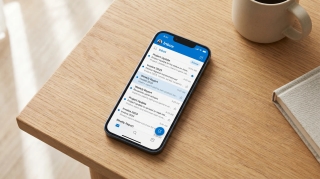
No. The Outlook app holds one Microsoft identity per user, so a second tenant replaces the first. With Carly, ChatGPT Work reaches all of them.
No. Claude's Microsoft 365 connector holds one Entra tenant, so a second work account replaces the first. With Carly, Claude reaches all of them.

No. Multiple account access is a licensing bridge for documents, not mailbox reach. With Carly, Copilot works across every Outlook account you own.

Copilot supports MCP via Copilot Studio and federated connectors, but discovery is not invocation. Which surfaces call your server, and which quietly do not.

Create a shared Outlook calendar on desktop, web, or Microsoft 365, set the right permission levels, and know when a group calendar is the better choice.

ChatGPT reads and sends from shared Outlook mailboxes. It cannot retrieve attachments from one, needs the owner's UPN, and never acts on arrival.
Claude reads shared and delegated mailboxes through Mail.Read.Shared. It cannot reply from one, and nothing starts when a message arrives.
Copilot's Planner agent needs a licence and ChatGPT's route runs through Teams. Here is what each one can actually create, and which one acts on its own.

Most AI assistants cannot touch Microsoft To Do at all. Here are the ones that read and write your task lists, and the one that acts without being asked.
Copilot handles one identity at a time, and mixing Gmail with Outlook makes it worse. Put every account in Carly and reach all of them from one place.
Claude Code reaches Outlook through MCP. Add every mailbox to Carly, register one server, and address all of them from the terminal by address.

One Le Chat conversation can reach every Outlook mailbox you own, across tenants. Add each to Carly, register one custom MCP connector, route by address.

Cowork reaches Outlook through the Microsoft 365 connector. Personal addresses can't connect, two admin gates sit in front, and sends can't be pre-approved.
ChatGPT Work holds one Microsoft work identity. Connect every Teams tenant to Carly, add Carly to ChatGPT Work once, and name the tenant in each ask.

Cowork is the one assistant that works your Teams while you sleep, and reading is all it can do there. How to give it more than one organization.

Claude's whole Teams surface is one read-only search tool, and personal Microsoft accounts are refused. What a second organization actually needs.
Codex has no OneDrive connector. Add every Microsoft identity to Carly, register one MCP server, and address them all from the Codex CLI.
Spark has no Microsoft connector, and Google's OneDrive connector needs the account type Spark refuses. Connect every Microsoft account to Carly instead.
Carly holds every OneDrive account you own and works across all of them. Grok Bot's new OneDrive plugin signs in one Microsoft account.
OneDrive is now part of Perplexity's Microsoft 365 connector, and it writes. There is no consumer-account path, and a second tenant is undocumented.
xAI documents no second Microsoft account for Grok, and someone else's calendar is out of reach. The connector is free. What works instead.

Perplexity documents it: the Outlook connector queries one primary calendar, and secondary or shared calendars are out. What actually works instead.
Codex has no SharePoint connector. Add every Microsoft identity to Carly, register one MCP server, and reach every site and tenant from the CLI.
Spark has no Microsoft connector, and Gemini Enterprise's SharePoint connector needs the account type Spark refuses. Connect every tenant to Carly instead.
Grok Bot has no SharePoint connector, and several sites in one tenant never needed one. The real question is two tenants, and that answer is different.

Perplexity's Microsoft 365 connector searches every SharePoint site your account can reach, and it writes. A second Microsoft tenant is undocumented.
ChatGPT's Teams app holds one Microsoft identity and needs an Entra admin's consent. Add each tenant to Carly, connect Carly once, and reach both.
Copilot is licensed and grounded per tenant, so a second Teams org means a second licence. Connect every Microsoft identity to Carly and name the org instead.

Consumer Copilot reads one Google account and cannot book. Microsoft 365 Copilot has no Google Calendar connector at all. Connect every account to Carly.

Consumer Copilot documents one Google sign-in per connector and Microsoft 365 Copilot never signs into Drive at all. Connect every account to Carly instead.
Microsoft's Notion connector for Copilot is read-only and holds one workspace per user. Connect every workspace to Carly and write to them by name.
Cowork's Microsoft 365 connector takes one work tenant and rejects personal accounts. Connect every OneDrive to Carly and add Carly to Cowork once.

ChatGPT holds one Microsoft account and documents Outlook events as read-only. Add every account to Carly, connect Carly once, and book on any of them.
Cowork holds one Microsoft identity and will not book on a shared calendar. Add every account to Carly, connect Carly once, and book on any of them.

Cowork cannot reach a second Microsoft tenant, and guest access is a trap. Add each tenant to Carly, connect Carly once, and one task reaches all of them.

Consumer and Workspace Gemini have no Microsoft connector at all. Connect each tenant to Carly, add Carly to Gemini, and reach every site from one chat.

Microsoft builds no Slack connector for Copilot, and partner ones need an AI administrator. Connect every workspace to Carly and route by name instead.

Two of these edit the workbook in front of you. The rest read a copy and hand you a new file. Which is which, and what happens to macros.

We checked nine assistants against a real Microsoft 365 tenant. What each can write, what needs an admin, and which ones survive a second tenant appearing.

ChatGPT can post in Teams now, Claude still cannot, and Copilot only drafts. What each assistant does in Teams, and which one replies without you.
One personal drive and one work drive is the request nobody serves cleanly. Which assistants read OneDrive, which write, and the one partial workaround.

ChatGPT writes shared calendars and not your own. Claude needs an admin. Which assistants really create and move Outlook events, and which just read.

Copilot is hard to beat inside one tenant. The moment a client tenant appears, or a document needs to trigger something, the ranking changes completely.

Most of these draft and stop. Which ones actually send from your Outlook address, what an admin has to approve first, and which watch the inbox.

Yes, through the Microsoft 365 connector. Reading works out of the box, writing needs two separate admin switches, and nothing fires on a SharePoint event.
One personal drive plus one work drive is genuinely possible, because they are separate connectors. Two work tenants is the wall. Here is how to cross it.
No Copilot setting holds two OneDrive accounts, and two work tenants reach neither product. Connect every Microsoft identity to Carly instead.
Codex reaches Outlook only through MCP, so two tenants is a config problem rather than a hard limit. One server addresses every calendar by address.

Many sites in one tenant is a configuration choice. Two tenants is a wall. What admin-managed sync covers, what it cannot, and how to work across both.
One Copilot licence covers one tenant, so a client site is unreachable no matter what you configure. Connect every Microsoft identity to Carly instead.

Macros, custom forms and network shares are gone. Snooze, Sweep and undo send are new. The full picture, plus how long classic Outlook actually has.

Blocked connecting Outlook? Three steps: send your admin one link, they approve once, you connect. Copy-paste message and admin instructions included.
We checked 10 AI assistants against two or more Microsoft accounts. Which hold every tenant, which force a reconnect, and which bill you for the second login.

ChatGPT's Outlook Email and Calendar apps read, draft and send, and now reach shared mailboxes. The plan requirements, the admin gates, and the one gap left.

The Gemini app is a Google-account product. Gemini Enterprise has a real Outlook connector that reads mail and sends it, and an admin has to build it.
Personal and work OneDrive use different ChatGPT connectors, so one of each is possible. Two work tenants is not. Here is the full picture and the workaround.

Claude reaches OneDrive through one Microsoft 365 connection, which holds a single identity. Here is how to reach personal and work drives in one chat.

Claude's Microsoft 365 connector holds one identity, and calendar writes are admin-gated. What works across several Outlook calendars, and what does not.

ChatGPT indexes many sites in one tenant but holds a single Microsoft identity. What that means for agencies, guests, and anyone working across two tenants.

Many sites in one tenant are reachable. A second tenant is not. Here is where Claude's Microsoft 365 connector draws the line and how to cross it.
ChatGPT's Outlook app authorizes one mailbox. Add every Microsoft account to Carly, connect Carly once, and ask across all of them in one chat.

Claude's Microsoft 365 connector holds one account. Add every mailbox to Carly, connect Carly once, and work across all of them in one conversation.

Codex reaches Outlook only through MCP. Add every mailbox to Carly, register one MCP server, and address them all from the Codex CLI.

Gemini Spark has no Outlook connector at all. Add every mailbox to Carly, wire Carly in over MCP, and reach them from one Spark session.

Grok's Outlook connector reaches only the signed-in user's mailbox. Add every Microsoft account to Carly and reach them all from one conversation.

Perplexity's Outlook.com connector queries one inbox and cannot send yet. Add every mailbox to Carly and reach them all from one place.

Four ways to sync Outlook and Google Calendar, including the free built-in ICS method, its refresh delay and privacy tradeoff, and when to use a sync tool.

Learn Microsoft To Do properly: lists and groups, My Day, smart lists, steps, recurrence, sharing, and how it connects to Outlook flagged email and Planner.
Microsoft Planner and To Do overlap but solve different problems. How they differ on ownership, boards, licensing, and how tasks flow between them.
Microsoft To Do has no standalone API. Tasks live behind Microsoft Graph. Which endpoints and scopes you need, what the data model looks like, plus gotchas.

Why your Outlook calendar is not syncing across desktop, web, and mobile, with nine fixes in order, plus the cases that are working exactly as designed.

How to use the Outlook Scheduling Assistant in every version, what the free/busy colors mean, why external attendees show as blank, and what to do instead.
Use Outlook accounts from multiple Microsoft 365 tenants in one ChatGPT Work task with Carly, with clear mailbox routing for every action.

Add multiple Outlook and Microsoft 365 accounts to Claude Cowork with Carly, then search, draft, send, organize, and schedule by mailbox.
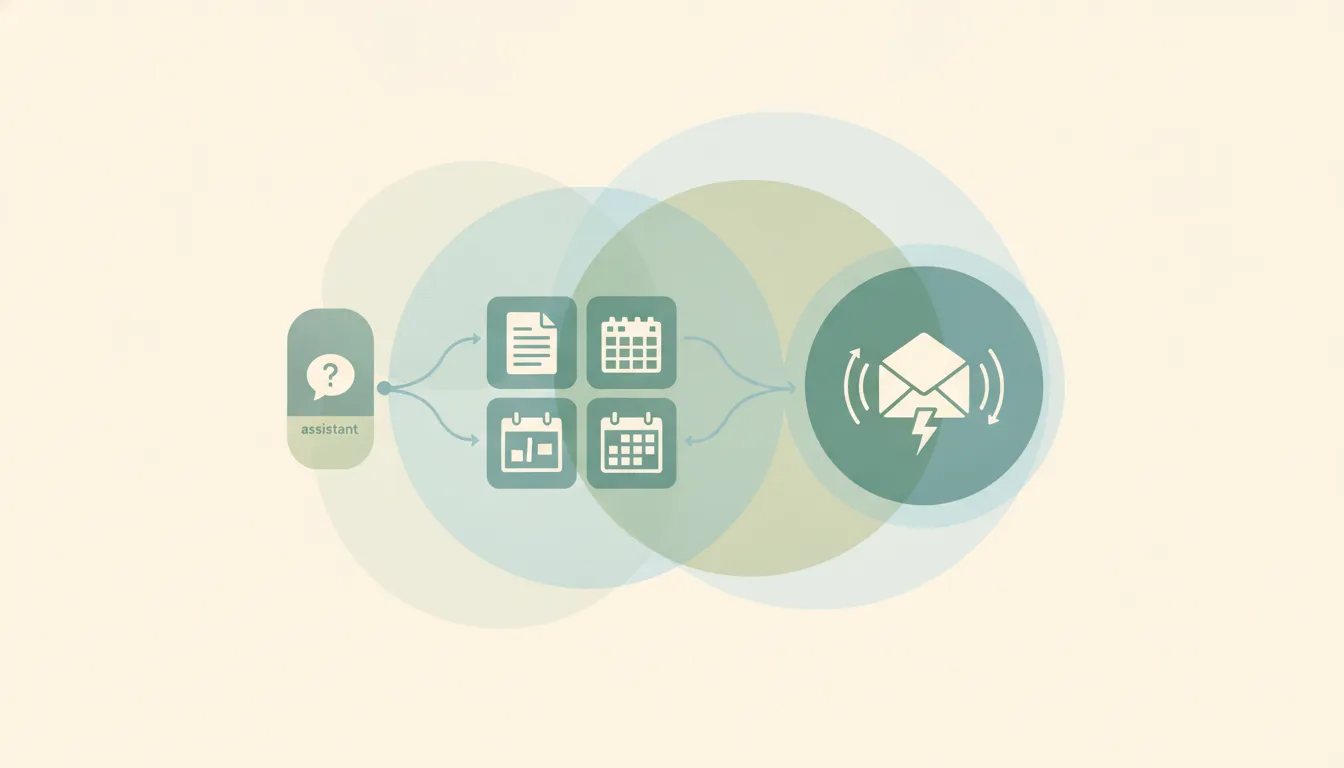
Office agents lets one Claude conversation span Excel, PowerPoint, Word, and Outlook. How to enable it, and the open-files rule that limits it.
Grok runs inside Excel, Word, PowerPoint and Outlook, plus connectors for Teams, SharePoint and OneDrive. What's free, what's paid, and how it beats Copilot.
The best AI assistant for Outlook and a CRM is Carly — it works with Outlook and Microsoft 365 and updates your CRM, not just Gmail like most tools.

ChatGPT Work ships finished artifacts across 1,400 connectors; Microsoft Copilot lives inside M365 at $30/seat plus credits. Which 2026 agent fits your stack.

SharePoint gives each Microsoft 365 tenant 1 TB pooled storage plus 10 GB per licensed user. Site collections cap at 25 TB. How to add more.

Add emojis in Outlook the fast way — the Windows emoji keyboard (Win + .), the Insert > Emoji button, Mac shortcut, and emoji in the subject line.

Change, edit, or replace your Outlook email signature in New Outlook, Classic Windows, the web, and Mac — plus how to fix a signature that won't save.

Change your Outlook inbox view, fix it when it suddenly looks different, get the compact single-line look back, and reset a broken view — new Outlook, classic, web.

How to change your Outlook profile picture in new Outlook, the web, classic, and Mac — plus how it syncs to Teams and Office, removing it, and ideal image size.

How to delete an Outlook account: remove an email account from the Outlook app in new Outlook, classic, web, and mobile, or permanently close your Microsoft account.
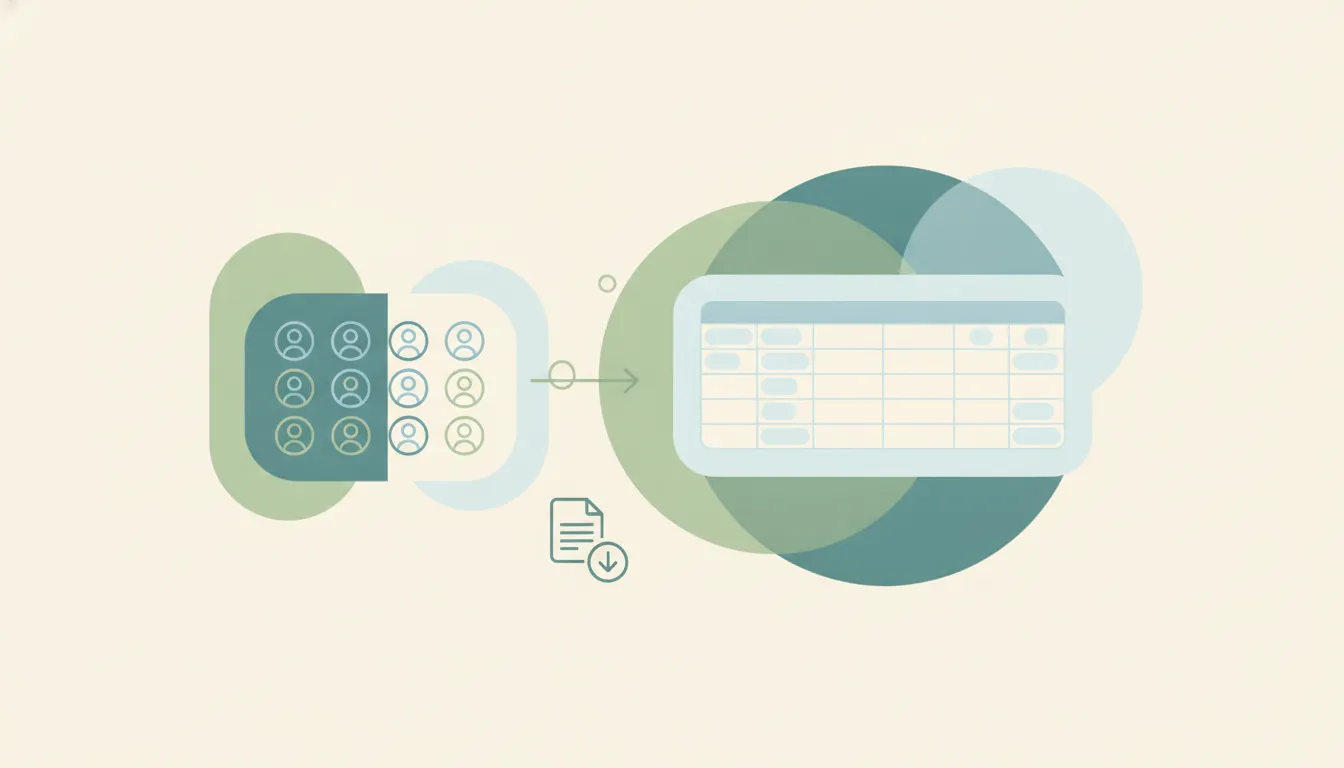
Export Outlook contacts to a CSV or Excel file, back them up, and move them to an iPhone — from new Outlook, Outlook on the web, classic Windows, and Mac.

Outlook folder disappeared? Fix a missing folder pane, a collapsed or dragged folder, recover a deleted folder, and resync — in new Outlook, classic, web, and Mac.

Outlook not receiving emails or the inbox not updating? Work through this diagnostic checklist — Work Offline, Send/Receive, Focused Inbox, rules, junk, quota, and more.

Outlook spell check not working? Turn on check-as-you-type, fix the proofing language, enable check-before-sending, and solve greyed-out spell check in every version.

Accidentally declined an Outlook meeting? Recover it from Deleted Items and re-accept, get a resend, or stop Outlook from auto-deleting invites.

Fix a corrupt Outlook data file with scanpst.exe, the Inbox Repair Tool: find its location by Office version, run it on your .pst or .ost, and handle New Outlook.

Send a calendar invite in Outlook across New, Classic, web, and Mac — add attendees and a Teams link, BCC people, and forward an existing invite.

Use Outlook conditional formatting to color-code your inbox — emails from your boss in red, external senders highlighted. Classic, New Outlook, web, and Mac.

Master Outlook search operators: from, subject, hasattachment, received by date, exact phrase, AND/OR/NOT and date ranges across New Outlook, classic, and web.

Use Outlook Quick Parts to save and reuse text snippets in emails. Classic Outlook steps, where they are stored, and the My Templates workaround for New Outlook.

Add Approve/Reject, Yes/No/Maybe, or custom voting buttons to an Outlook email and track the responses. Classic Outlook steps plus the New Outlook and web alternatives.

Outlook calendar permission levels from Owner to Free/Busy explained, plus how to set and change them in new Outlook, classic, and the web — and delegate access.

Outlook rules not running automatically? Fix client-only rules, rule order, the 256 KB quota limit, corrupted rules, and New Outlook gaps across every version.

Outlook calendar not syncing with your iPhone, Google Calendar, or showing new events? Work through these numbered fixes for every common cause in 2026.

OneDrive allows single files up to 250 GB on personal and business plans. Plus the 400-character path limit, 255-character name limit, and invalid characters to avoid.
OneDrive gives 5 GB free; Microsoft 365 Personal includes 1 TB and Family up to 6 TB. Business plans default to 1 TB. How the limits work and what happens when you hit them.

Outlook.com free accounts send to ~300 recipients/day; Microsoft 365 / Exchange Online allows 10,000 recipients/day and 500 per message. How the caps work and how to stay under them.

PowerPoint has no practical .pptx size cap, but the web app opens files up to 2 GB and email/OneDrive limits bite first. Here's where the real ceilings are and how to shrink files.

Outlook.com free mailboxes hold 15 GB; Microsoft 365 gives 100 GB; Exchange Online business plans are 50-100 GB. Full storage limits and how to free up space.

Change the name recipients see on your sent Outlook email — the account display name, Microsoft account name, and per-account settings, every version.

How to change the display language in Outlook on the web, new Outlook, and classic Outlook — plus region, date format, and spell-check settings.

How to change your Outlook calendar time zone on the web, new Outlook, and classic Outlook — plus updating it when you travel and showing a second zone.

How to create a shared group or team calendar in Outlook. Use a Microsoft 365 Group or shared calendar, add members, and view it on web and desktop.

How to export your Outlook calendar to an .ics or .csv file — covering Outlook on the web, new Outlook, and classic Outlook, plus date ranges and sharing.

Find and sort the biggest messages in Outlook to free up mailbox space — using size sort, message size search, and built-in cleanup tools, every version.

How to import an .ics, .ical, or .csv file into Outlook and subscribe to a calendar URL — on Outlook on the web, new Outlook, and classic Outlook.

Set High or Low importance on outgoing mail, mark incoming messages as important, and see how priority differs from flagging — every Outlook version.
How to open a calendar someone shared with you in Outlook — accept a sharing invite and add a calendar from the directory or address book.

How to keep declined meetings visible on your Outlook calendar — turn on Show declined events in new Outlook, web, and mobile, and why classic hides them.

Sort your Outlook inbox by date, sender, size, subject, importance, or unread — with ascending/descending order, across web, new, and classic Outlook.

Add senders to your Outlook Safe Senders list so their mail never goes to Junk — individual addresses, whole domains, and Never Block, every version.

Outlook Calendar is built for Microsoft 365 and Teams; Google Calendar is built for Workspace, sharing, and simplicity. Here's which calendar to pick in 2026.

Share a file in Microsoft Teams — attach in a chat, upload to a channel, share a link with permission control, or co-edit in real time, on desktop and mobile.
From the built-in To Do and Planner to Todoist, Asana, and an assistant that writes tasks into To Do and Planner for you. What genuinely works with Outlook.

Inbox Zero isn't about an empty inbox — it's a processing system. Here's the 4-D method adapted to Outlook's tools: Focused Inbox, a two-folder setup, Sweep and Rules, and a daily routine that keeps it at zero.
OneDrive stuck on 'sync pending,' not syncing, or showing a red X? Work through these fixes in order — from a quick resume to a full reset — to get OneDrive syncing again.

Two different problems, two fixes: reclaim local disk space with Files On-Demand's 'Free up space,' and clear room in your OneDrive cloud storage when your account is full.

Three ways to remove OneDrive — unlink it, hide it from File Explorer, or fully uninstall it — all without deleting your files. Pick the level that fits, with steps for Windows 10 and 11.

Share a OneDrive folder with anyone — set view or edit permissions, share with people inside or outside your organization, add expiration dates and passwords, and stop sharing when you're done.

Pause, stop, or fully turn off OneDrive sync on Windows and Mac — pause for a few hours, stop syncing one folder, or disable OneDrive entirely without losing your files.

Stop OneDrive from backing up your Desktop, Documents, and Pictures folders — without losing files or ending up with two copies. Here's how to turn off folder backup cleanly on Windows and Mac.

OneDrive and SharePoint use the same engine but solve different problems. OneDrive is your personal work drive; SharePoint is your team's shared library. Here's when to use each — and how they work together.

OneDrive Files On-Demand lets you see every file without downloading it. Here's what the cloud, checkmark, and green-circle icons mean, how to turn it on, and how to keep files offline.

Sync a SharePoint folder to File Explorer so it works like any local folder — or add it as a OneDrive shortcut. The two methods, when to pick which, and how to fix sync issues.

Create a folder in a SharePoint document library — from the web, from File Explorer, or from Microsoft Teams. Plus when to use folders vs metadata, and how to enable folders if they're disabled.

Build a modern SharePoint page — pick a template, add sections and web parts (text, image, news, list, video), then publish to your team or company.

Create a SharePoint list from scratch, from a template, from Excel, or from another existing list — then add columns, set view, and start tracking data.

Create a new SharePoint site in Microsoft 365 — choose between a team site and a communication site, pick a template, set permissions, and add it to your hub.

Delete a SharePoint site safely — back it up, understand what gets deleted along with it (group, Teams, OneNote), recover it from the 93-day bin, or permanently purge.

Export a SharePoint list to Excel as a one-shot CSV or as a live Power Query connection — plus how to refresh it, export selected rows, and fix common formatting issues.

Sync a SharePoint library or folder with OneDrive so files live in File Explorer, sync across all your devices, and work offline — using Sync, Add shortcut to OneDrive, or both.
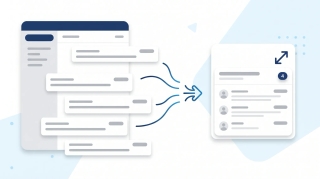
Turn on email threading (Conversation View) in new Outlook, the web, classic Windows, Mac, and mobile. How to group, sort, expand, and fix threads.

Step-by-step instructions for adding Gmail, Outlook.com, Yahoo, iCloud, IMAP/POP, and Exchange/Microsoft 365 accounts to Outlook — with fixes for the most common setup errors.
Step-by-step instructions for adding a logo or image to your Outlook signature — covering the new desktop app, classic Outlook for Windows, Outlook on the web, and mobile. Plus sizing tips, hyperlinking, and fixes for the red X.

Cancel single meetings, recurring series, or just one occurrence in Outlook — plus the difference between Cancel and Delete, what attendees see, and how to recover an accidentally cancelled meeting.

A complete guide to clearing your Outlook inbox — the built-in Clean Up tool, Sweep rules, archiving, search folders, bulk delete, and a 30-minute inbox reset walkthrough.

Step-by-step instructions for turning on dark mode in Outlook — covering the new desktop app, classic Outlook for Windows, Outlook on the web, Outlook for Mac, and mobile. Plus the message-rendering toggle and calendar dark mode.

A complete guide to email encryption in Outlook — Microsoft 365 Message Encryption, S/MIME, what recipients see, license requirements, and how to fix a missing Encrypt button.

Step-by-step instructions for filtering emails in Outlook — covering view filters, search operators, Search Folders, and how filters differ from rules across web, new Outlook, and classic Outlook.

Forward meeting invites as an attendee or organizer across new Outlook, classic Outlook, and the web — with notes on the Allow Forwarding toggle and what recipients actually receive.

Step-by-step instructions for overlaying calendars in Outlook — covering side-by-side vs overlay mode, color coding, and limitations across classic Outlook, new Outlook, the web, and mobile.

Step-by-step instructions for pinning emails to the top of your inbox in Outlook — covering the new desktop app, Outlook on the web, mobile apps, and workarounds for classic Outlook.

Print your Outlook calendar in daily, weekly, monthly, or tri-fold views — covering classic Outlook, new Outlook, the web, custom date ranges, and saving as PDF.

Print single emails, batches of messages, full folders, or save as PDF — across new Outlook, classic Outlook, and the web. Plus fixes for the most common print issues.

Step-by-step instructions for saving single, multiple, and bulk email attachments in Outlook — covering the new desktop app, classic Outlook for Windows, Outlook on the web, and mobile.

Set up Outlook on iPhone using the official Outlook app or native iOS Mail, Calendar, and Contacts — plus fixes for missing calendars, contact sync, and email delays.

Step-by-step instructions for enabling and using Undo Send in Outlook on the web, the new Outlook desktop app, and the workarounds for classic Outlook for Windows.
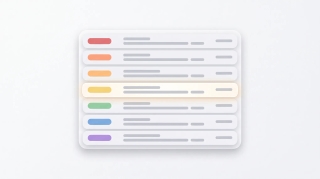
Use color categories in Outlook to tag, organize, and filter your inbox. Covers create, assign, rename, search by category, and auto-categorize rules.

How to CC in Outlook on web, new desktop, classic, Mac, and mobile. Show the CC field, set up always-CC, and learn the difference between CC and BCC.
Create a Teams, Zoom, or Google Meet link in Outlook (or a calendar invite without one) across web, new desktop, classic Outlook, Mac, and mobile.
How to flag emails in Outlook for follow-up: set due dates, reminders, view flagged messages as tasks in Microsoft To Do, and clear flags.
How to mark all emails as read in Outlook on web, new desktop, classic, Mac, and mobile, plus keyboard shortcuts and folder-level cleanup.
How to mass delete emails in Outlook by sender, date, search, or folder, plus Sweep, rules, and keyboard shortcuts to clear thousands at once.
How to resend an email in Outlook in classic, new Outlook, on the web, and Mac, plus the difference between resend, forward, and recall.
Step-by-step PST export in classic and new Outlook, OLM on Mac, and admin-level Purview Content Search for Microsoft 365 mailboxes.

Schedule Microsoft Teams meetings from Outlook on desktop, web, classic Windows, mobile, and Mac — plus fixes when the Teams button is missing.

Mark emails unread in Outlook — right-click, keyboard shortcuts, bulk actions, reading-pane timing, and mobile gestures across every version.

Report phishing and suspicious emails in new Outlook, Outlook on the web, classic Outlook for Windows, Outlook for Mac, and Outlook mobile.

Request read and delivery receipts in classic Outlook, new Outlook, Outlook on the web, and Outlook for Mac — plus why receipts often fail.

Save Outlook emails as PDF on new Outlook, the web, classic Windows, Mac, and mobile — plus how to batch emails and keep attachments.

Snooze emails in new Outlook, Outlook on the web, classic Outlook for Windows, mobile, and Mac — plus fixes when snooze is missing.

Enable, train, and disable Focused Inbox in new Outlook, Outlook on the web, classic Outlook for Windows, Outlook for Mac, and Outlook mobile.

Unsubscribe from marketing emails in Outlook using the built-in unsubscribe link, Sweep, Block Sender, and Rules — across every version of Outlook.

Use Outlook Scheduling Assistant to find free time, add attendees, AutoPick a slot, and book rooms across new Outlook, web, classic, and Mac.

Step-by-step instructions for installing and using the Zoom for Outlook add-in to schedule Zoom meetings directly from Outlook calendar — covering classic, new Outlook, web, and mobile.

Turn an email into an Outlook calendar event with drag-and-drop, right-click, or the Schedule action — covering new Outlook, classic, web, and mobile.

Step-by-step guide to creating a meeting poll in Outlook using Scheduling Poll (formerly FindTime) — find a time everyone can meet without the back-and-forth.

Step-by-step guide to delegating Outlook calendar access — let an assistant or colleague view, edit, or respond to meetings on your behalf, with the right permission level.

Step-by-step troubleshooting guide for fixing Outlook search when it returns no results, partial results, or errors — covering classic, new Outlook, web, and mobile.

Two-stage guide to recovering deleted emails from Outlook — from the Deleted Items folder and from the Recoverable Items server folder, in classic, new, web, and mobile.

Step-by-step instructions for sharing free time slots from your Outlook calendar in an email — no add-in, no link, just clean availability blocks recipients can click.

Step-by-step guide to using @mentions in Outlook email and meeting invites — get attention, auto-add recipients, and filter your inbox by mentions.

Step-by-step guide to creating, editing, and using Quick Steps in Outlook to automate multi-step email actions with one click — covering classic, new Outlook, and web alternatives.

Step-by-step guide to adding public holidays to Outlook Calendar — every version including web, desktop, classic, and mobile, plus custom ICS calendars.
Step-by-step guide to creating calendar events in Outlook — web, desktop, classic, and mobile, plus meeting invites, all-day events, and shortcuts.

Step-by-step instructions for creating polls in Outlook using Microsoft Forms and voting buttons — every version including web, desktop, and mobile.

Step-by-step guide to creating a shared mailbox in Microsoft 365 — admin center setup, adding to Outlook desktop and web, and managing permissions.
Step-by-step instructions for creating tasks in Outlook — My Day, To Do integration, flagging emails, assigning tasks, and every Outlook version.

Step-by-step instructions to delay email delivery in Outlook — hold messages in your Outbox before they send using delay delivery rules and per-message settings.

Step-by-step instructions for exporting emails from Outlook — PST export, saving as .eml or .msg, Microsoft 365 admin tools, and backup strategies.
Step-by-step instructions for importing contacts into Outlook — CSV files, vCard imports, Gmail migration, and troubleshooting field mapping issues.

Step-by-step instructions for changing the default font in Outlook — web, new desktop, classic Windows, and Mac, plus cross-client font rendering.

Step-by-step instructions to automatically forward emails in Outlook — covering web, new desktop, classic Outlook rules, and Exchange admin.

Archive emails in Outlook on the web, the new desktop app, classic Outlook, and mobile — plus how to find archived mail and set up auto-archive.
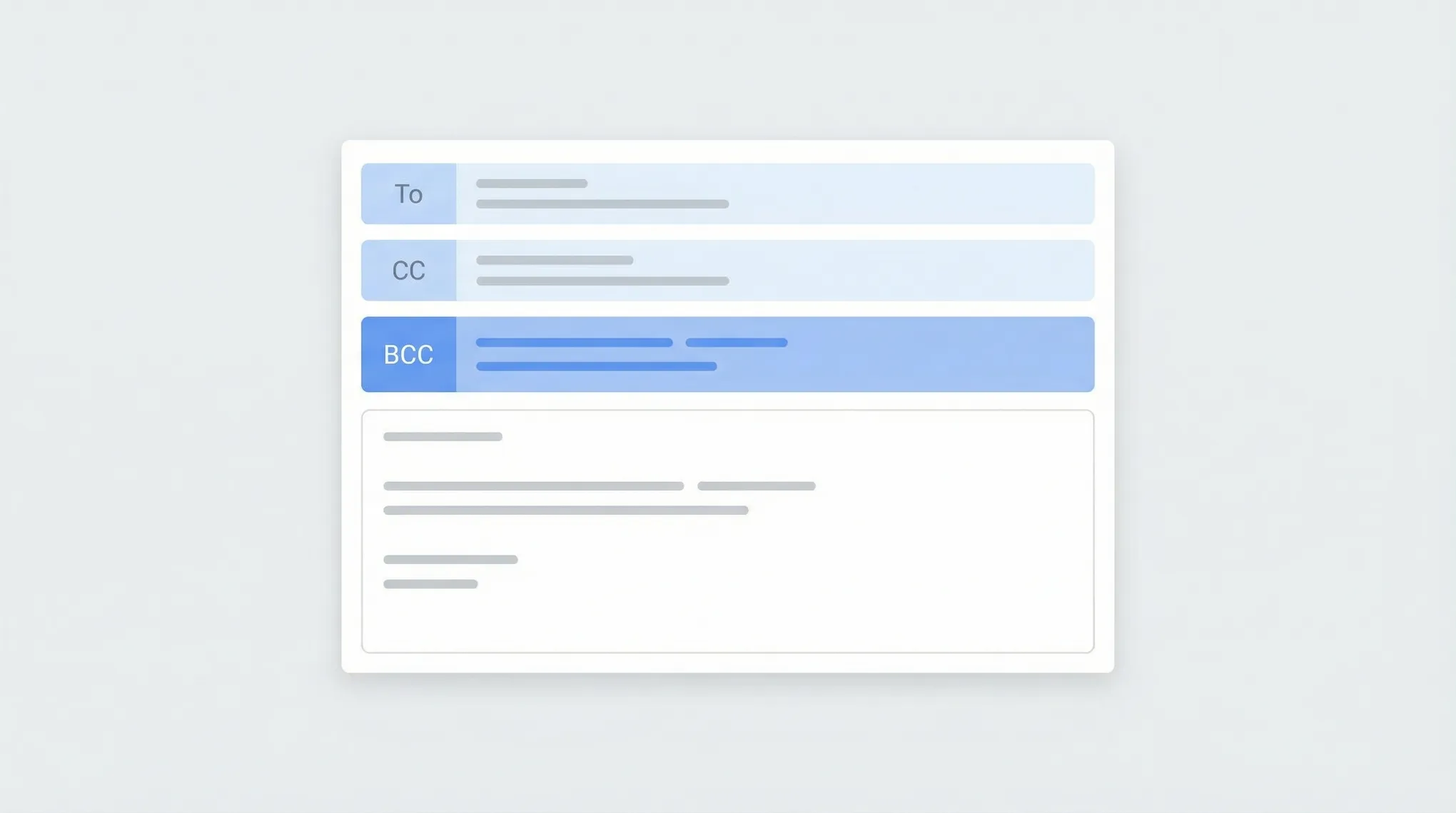
Step-by-step instructions for using BCC in Outlook — how to show the BCC field, always BCC yourself, and use BCC in Outlook on the web, desktop, and mobile.

Block emails and senders in Outlook on the web, the new desktop app, classic Outlook, and mobile — plus how to unblock and manage your blocked senders list.
Step-by-step instructions for creating distribution lists (contact groups) in Outlook — covering Outlook on the web, the new desktop app, classic Outlook for Windows, and how to manage and edit your lists.
Step-by-step instructions for creating, saving, and using email templates in Outlook — covering Outlook on the web, the new desktop app, classic Outlook for Windows, and My Templates.
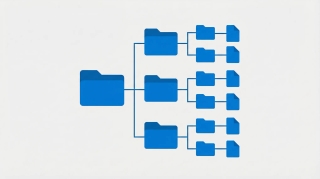
Create folders in Outlook to organize your inbox — on Outlook on the web, the new desktop app, classic Outlook for Windows, and mobile.
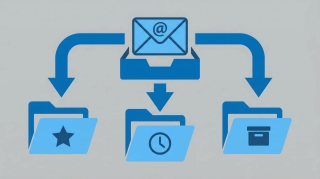
Step-by-step instructions for creating email rules in Outlook to automatically sort, move, flag, or forward messages — covering Outlook on the web, the new desktop app, and classic Outlook for Windows.

Step-by-step instructions for recalling or unsending an email in Outlook — covering classic Outlook for Windows, the new Outlook app, Outlook on the web, and what actually happens when you hit recall.
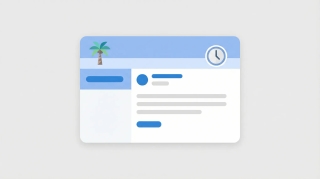
Step-by-step instructions for setting up out-of-office automatic replies in Outlook on the web, desktop (Windows and Mac), and mobile — including how to set date ranges, customize messages for internal vs. external contacts, and turn it off.

Step-by-step instructions for adding an email signature in Outlook on the web, desktop (Windows and Mac), and mobile — plus how to add images, hyperlinks, and set different signatures for new emails vs. replies.

Step-by-step instructions to schedule emails for later delivery in Outlook on the web, the new Outlook desktop app, classic Outlook for Windows, and Outlook mobile.

Step-by-step guide to creating and managing recurring meetings in Outlook on the web and desktop, including recurrence patterns, edits, and common fixes.

Set working hours in Outlook to signal your availability, trigger outside-hours warnings for colleagues, and automatically reply when you're off the clock.

Learn how to share your Outlook calendar across web, desktop, and mobile platforms, including links, ICS subscriptions, delegate access, and permission levels.