How to Connect Multiple Slack Workspaces to Gemini Spark
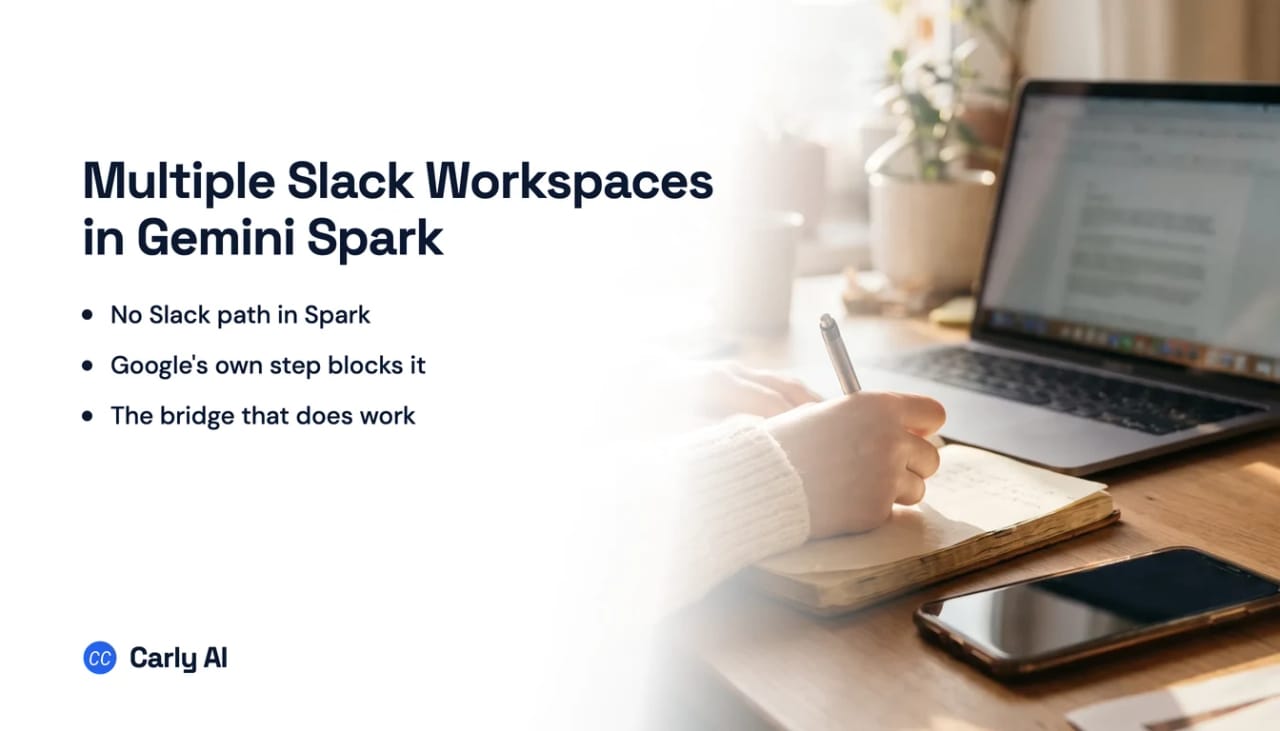
Gemini Spark has no Slack path of its own, on any plan or in any country, and Carly is what makes several Slack workspaces answerable from one Spark session. The absence is enumerated on both sides of the integration, and the genuinely odd part is that Google does ship a Slack integration, built for the one product Spark cannot be. Connect all your workspaces to Carly, add Carly to Spark as a custom app, and your own Slack, a client’s and a community all answer the same question. Carly holds your Gmail and Outlook mailboxes and all of your calendars in the same place.
1. Add your Slack workspaces to Carly
- Sign in at carlyassistant.com.
- Open carlyassistant.com/integrations.
- Find Slack, click Connect, and authorize the workspace.
- Click Connect again for the next one, and keep going for as many workspaces as you want.
If a workspace has Require approved apps switched on, an owner approves Carly once, the same as any other app. There is no Slack plan tier requirement and no Google Cloud role in this path.
Carly connects to thousands of apps, so while you are on that page you can add your inboxes, calendars, CRM, and anything else you want Gemini Spark to reach through the same connector.
2. Add Carly to Spark as a custom app
Custom MCP connected apps are the one capability Spark has that plain Gemini chat lacks.
- Go to gemini.google.com on a computer.
- Open Settings & help → Connected Apps. If it is missing, look under Personal Intelligence first.
- Under Custom apps for Spark, click Add a custom app.
- Enter
https://carlyassistant.com/mcp/. - If prompted, open Show more under Advanced features to enter credentials.
- Click Next and follow the on-screen instructions.
- In a prompt, type
@and select the app so Spark uses it.
Google requires you to be 18 or over and in the US, signed in with a personal Google Account since Spark “isn’t available if you sign in with a work or school Google Account,” with Keep Activity on. Custom apps are English only, work in the Gemini mobile app and the web app but not the Mac app, and connecting one is web-only. Support has rolled out unevenly across Spark’s surfaces and tiers, so check your plan and platform against Google’s availability documentation if the option is missing. Google also states that Gemini requires manual confirmation for any write actions, and that it does not control or secure third-party MCP servers: Carly’s actions are the Slack operations you authorized per workspace, revocable at carlyassistant.com/integrations.
An MCP server can finally act first, if its app supports it. ChatGPT shipped automations that start from MCP events, but the specification behind them is still marked ideating by the working group writing it, and each vendor has to add support on its own schedule. OpenAI's docs list three apps whose events can start a task today: Gmail, Slack and GitHub. Carly already starts work from a customer email, a new booking, a CRM stage change or a new spreadsheet row, and can check any app with an API.
So use the connector for reach and Carly’s own workflows for reaction. Most readers outside the United States can run Spark perfectly well and still cannot add a custom app, and Carly runs the same work on its own in that case.
What one Spark session can do afterwards
- Search three Slack workspaces in one request.
- Read a channel or a DM rather than a notification email about it.
- Post a release note in any of your workspaces.
- Reply in one thread while leaving every other workspace untouched.
- Reach a workspace you joined as a guest, with no Cloud IAM role.
- Act when the message arrives, not when a bundled email shows up forty minutes later.
Carly reaches only the channels your account can already open.
Where Spark’s own Slack reach stops
Google’s Slack app is work-account only, and Spark is personal-account only
Google publishes a Slack app on the Slack Marketplace, listed under Google as the developer. It is real, it is supported, and it is the connector for Google Workspace Studio, the automation product Google renamed from Workspace Flows earlier this year. Read its entry in Studio’s own starters and steps table:
Slack integration (Beta). This step is only available for work or school accounts. Perform steps in your Slack workspace.
Now read Spark’s eligibility line from Google’s Gemini Spark help documentation:
Sign in to the Gemini app with a personal Google Account. For now, this feature isn’t available if you sign in with a work or school Google Account.
Those two requirements are exact complements, which means the one Google surface that structurally cannot use Google’s Slack integration is Spark. The step also sets the ceiling on the whole Google side: its configuration is two fields, Channel/User and Message. It sends. It does not search, read a channel, or read a DM.
The absence is enumerated three ways
Google’s Connected Apps table. Google maintains a per-app availability table with a column naming which Gemini Apps and modes each connector supports, Spark included. Parse the whole page and you get 49 apps, 17 of them Spark-capable: Contacts, Canva, Wix, Instacart, OpenTable, Zillow, Angi, Thumbtack, Dropbox, Google Workspace, Granola, Otter.ai, Fever, GetYourGuide, Localiza, Ticketmaster and Viator. Slack appears zero times. So do Notion and Salesforce.
Spark’s own product page. Across its full body, Slack appears zero times and MCP appears zero times. Its answer to the apps question is Google-only.
Slack’s side. Slack enumerates the apps that connect to its MCP server: ChatGPT, Claude, Credal AI, Cursor, Dropbox, Guru, Jasper, Notion, Open AI, Perplexity, Thoughtspot, Wordsmith and Workleap. Slack’s developer documentation names a shorter set again. No Google, no Gemini, no Spark, on either list.
Why pointing Spark at Slack’s own MCP server does not rescue it
The obvious move is to skip Carly and aim Spark’s custom app channel straight at Slack’s MCP server, which Slack has run since February 2026. That specific pairing stops, and it is useful to know where, because the blockage is Slack’s rather than Spark’s.
Slack’s MCP documentation sets three conditions. It does not support SSE-based connections or Dynamic Client Registration. MCP clients must be backed by a registered Slack app with a fixed app ID, and must hardcode that app ID. And only directory-published apps or internal apps may use MCP. Spark’s escape hatch for a server without dynamic registration is manual credentials, so in principle you would register an internal Slack app and paste its client ID and secret, except that Google publishes no OAuth redirect URI for Spark custom apps, leaving nothing to register the Slack app against. Treat that as unverified rather than as a recipe. None of it applies to a server that authorizes your workspaces on its own side, which is why the Carly route is a different shape rather than the same wall.
Spark’s three schedule types, and none of them is Slack
Google names exactly three kinds of schedule and no more.
- Time-based. Runs once, hourly, daily, weekly, monthly or yearly.
- Gmail monitors. Run when you receive an email matching a Gmail filter.
- Topic monitors. Watch news, finance, sports, local events and similar.
So Spark does have event triggers, and saying otherwise is wrong. The accurate statement is narrower: its trigger vocabulary is a clock, a Gmail filter, or a public topic. No app event, no Slack, no trigger on a custom MCP app. Workspace Studio behaves the same way: of its 14 starters, three are Google Chat events, and Slack is a step you can end a workflow with, never a starter you can begin one with. Google’s limits are 50 active schedules, at most 15 tasks running at a time, approximate run times, and paused schedules if you downgrade your plan.
Routing Slack into Gmail is the folk workaround, and it is worth knowing what it actually buys. Slack’s own notification emails cover mentions and DMs only, fire only when you are idle on desktop, and bundle every 15 to 60 minutes; a Workflow Builder workflow on a paid plan can email you on a keyword match instead. Either way Spark is reading a notification email rather than Slack, so it never sees the thread around the message.
What each Google surface can actually do to Slack
| Search Slack | Read channels | Read DMs | Post a message | Runs unattended | |
|---|---|---|---|---|---|
| Gemini Spark, native | No path | No path | No path | No path | n/a |
| Spark via Slack’s own MCP server | Blocked at app registration | Same | Same | Same | No, writes need confirmation |
| Workspace Studio Slack step | No | No | No | Yes, send only | Work or school accounts only |
| Gemini Enterprise connector | Yes | Yes | Not documented | Yes, plus schedule and canvas | Schedule only |
| Carly as a Spark custom app | Yes | Yes | Yes | Yes | Yes, on the message |
Gemini Spark versus Carly on Slack
Carly holds all your Slack workspaces at once and does not care whether your Google account is personal or work. It searches and reads channels and DMs rather than reading Slack’s notification emails about them, and it acts when the message arrives instead of when a bundled email shows up forty minutes later. No Cloud IAM role, no Slack plan tier. If you need something beyond the native connectors, the API path is available and worth a conversation. The calendar side of Spark works the same way.
Free Zapier-style workflows; AI agents from $35/month. Connect it at carlyassistant.com/integrations, or start with Slack.
Quick fixes
| Problem | Fix |
|---|---|
| Slack is missing from Spark’s connected apps | It is not on Google’s enumerated table, so no setting adds it |
| Custom apps section is not there | Connecting custom apps is US only, English only, and web only |
| Google’s Slack app will not attach to Spark | It belongs to Workspace Studio and needs a work or school account |
| Spark rejected your sign-in | Work and school accounts are not eligible; connect the workspaces at carlyassistant.com/integrations |
| Slack notification emails arrive too late | Bundling is 15 to 60 minutes, which is why a direct workspace connection beats the email bridge |
| A scheduled task stopped running | Check the 50 schedule cap and the 15 concurrent task limit |
Frequently asked questions
Does Gemini Spark connect to Slack?
Not natively. Google’s Connected Apps table enumerates 49 apps with a column for Spark support and Slack is not among them, Spark’s own product page mentions Slack zero times, and Slack’s list of MCP client apps names no Google product. Carly reaches Slack from Spark as a custom app.
Can you add Slack’s own MCP server as a custom app in Spark?
Not from public documentation. Slack’s MCP server requires a registered Slack app with a hardcoded app ID and does not support dynamic client registration, and Google publishes no redirect URI for Spark custom apps to register against. That constraint is Slack’s, and it does not apply to a server that holds the workspace authorizations itself.
Google has a Slack app, so why can’t Spark use it?
Because of account type. That app is the Slack step in Google Workspace Studio, which Google documents as available for work or school accounts only, and Spark is documented as unavailable if you sign in with a work or school account.
How do you get Slack activity in front of Spark at all?
Connect all your workspaces to Carly and add Carly as a custom app. The alternative people reach for is routing Slack into Gmail and pointing a Gmail monitor at it, which reads a notification email rather than the thread and lags by up to an hour.
Does Spark have event triggers?
Yes, three kinds: time-based, Gmail monitors, and topic monitors for news, finance, sports and local events. None of them is an app event, so nothing in Spark starts because of Slack activity.
Related: Multiple Slack workspaces in Gemini · Multiple Gmail accounts in Gemini Spark · What is Gemini Spark · MCP servers · Best AI assistants for Slack · Carly’s Slack integration
Ready to automate your busywork?
Carly schedules, researches, and briefs you—so you can focus on what matters.
See what people say
"Before Carly, I relied on a Calendly link, but the whole process felt impersonal and not very professional. Carly changed that by handling all the back-and-forth, so I'm no longer stuck in endless email threads trying to line up schedules.
Now Carly reaches out to candidates, shares my real-time availability, lets them pick a slot, then sends a Zoom link and drops it straight into my calendar. She sends reminders to both of us before each call, which has significantly reduced no-shows and last-minute confusion.
On top of scheduling, Carly acts like a full executive assistant, sending me my schedule the night before so I can prepare for each call. It reminds me of the old x.ai assistant, but Carly is noticeably smarter, faster, and better suited to my healthcare recruitment business."