Notion vs OneNote: Which to Pick in 2026?
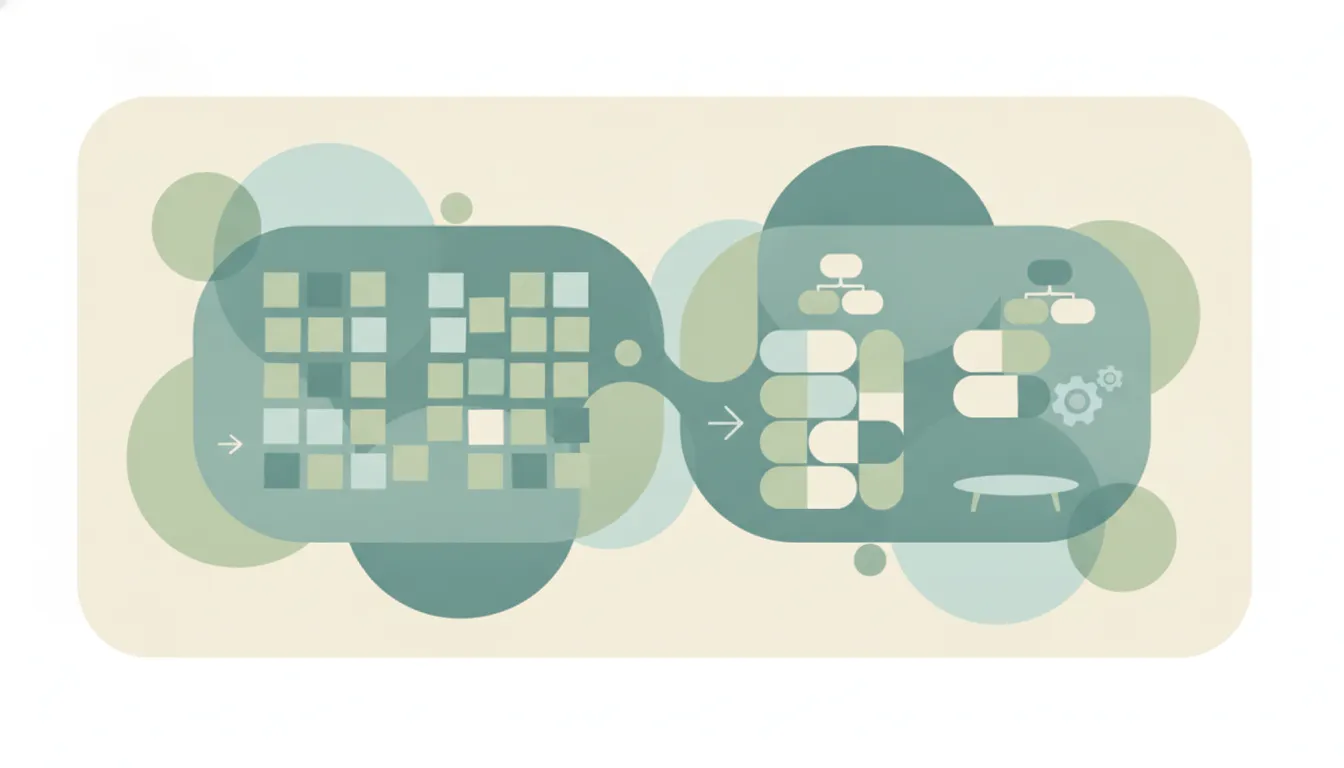
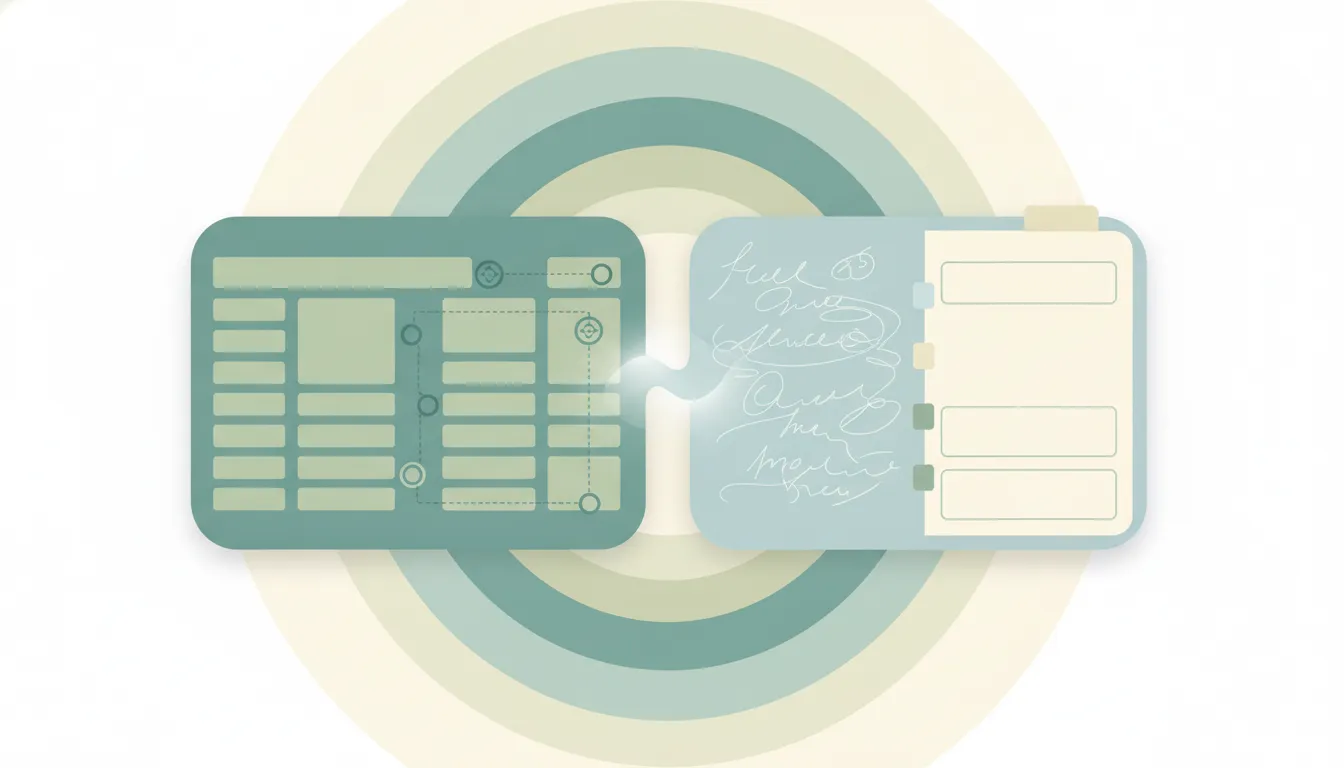
One is a digital binder you can scribble anywhere in; the other is a workspace built out of structured blocks. OneNote is a free-form, sectioned notebook — notebooks, sections, and pages where you click anywhere and start typing, ink, or paste. Notion is a structured all-in-one workspace of databases, wikis, and linked pages built on a block editor. If you mainly need to capture notes fast and handwrite or sketch, OneNote. If you want to build a connected system of pages and data, Notion.
The One-Sentence Answer
Use OneNote if you want a free, free-form notebook that lives in the Microsoft ecosystem. Use Notion if you want a structured workspace with databases, wikis, and linked pages.
Side-by-Side Comparison
| Notion | OneNote | |
|---|---|---|
| Core strength | Structured workspace | Free-form notebook |
| Page layout | Block-based, top-down | Open canvas, type anywhere |
| Databases | Powerful, relational | None |
| Wikis & linked pages | Built for it | Basic linking |
| Handwriting & stylus | Limited | Excellent, ink-first |
| Pricing | Free personal tier, paid team plans | Free with a Microsoft account |
| Ecosystem | Standalone, wide integrations | Deep Microsoft 365 & Office |
| Best for | Building a knowledge hub | Fast, flexible note capture |
When to Use OneNote
- You want to capture notes fast and type or write anywhere on the page
- Handwriting, stylus, or drawing on a tablet is part of your workflow
- You already live in Microsoft 365 — Outlook, Teams, Word, Windows
- You want free notebooks with no learning curve and no setup
Think of OneNote as an infinite digital binder — open, flexible, and instant.
When to Use Notion
- You’re building a team wiki, knowledge base, or docs hub
- You want databases — tasks, content calendars, CRMs — linked to your pages
- You’re connecting many pages into one organized, searchable system
- You’ll invest setup time for structure beyond loose notes
The Free-Form-Notebook vs Structured-Workspace Line That Decides It
The deciding factor is whether you want an open canvas or an organized system. OneNote gives you a blank page where you click and type, ink, clip, and arrange things however you like. That freedom is perfect for meeting notes, brainstorms, and anything you’d handwrite, and it costs nothing with a Microsoft account. Notion trades that freedom for structure: content lives in blocks, databases turn notes into filterable tables, and linked pages form a real wiki. People who mostly jot and sketch find Notion’s structure is overhead, while teams building a knowledge base find OneNote’s loose notebooks hard to keep organized. Plenty of people use both — OneNote to capture, Notion to organize.
Rule of thumb: jot, ink, and capture in the Microsoft world → OneNote; build a connected wiki and databases → Notion.
If the real goal is getting the work done rather than managing a notebook or a workspace, neither tool does the work for you. Carly is an AI executive assistant you email or text — it schedules meetings, handles email, and runs tasks on your behalf. It also automates multi-step workflows across 200+ integrations, including the Notion integration. See our best AI personal assistants and best AI tools for task management.
Quick Reference
| Your situation… | Pick… |
|---|---|
| Handwriting or sketching on a tablet | OneNote |
| Building a team wiki | Notion |
| Fast, free note capture | OneNote |
| Need databases and tables | Notion |
| Already live in Microsoft 365 | OneNote |
| Connecting many pages into a system | Notion |
Related guides: Best AI personal assistants · Notion alternatives
Ready to automate your busywork?
Carly schedules, researches, and briefs you—so you can focus on what matters.
See what people say
"Before Carly, I relied on a Calendly link, but the whole process felt impersonal and not very professional. Carly changed that by handling all the back-and-forth, so I'm no longer stuck in endless email threads trying to line up schedules.
Now Carly reaches out to candidates, shares my real-time availability, lets them pick a slot, then sends a Zoom link and drops it straight into my calendar. She sends reminders to both of us before each call, which has significantly reduced no-shows and last-minute confusion.
On top of scheduling, Carly acts like a full executive assistant, sending me my schedule the night before so I can prepare for each call. It reminds me of the old x.ai assistant, but Carly is noticeably smarter, faster, and better suited to my healthcare recruitment business."