
7 Best Evernote Alternatives in 2026 (After the Price Hike)
Evernote's free tier is now 50 notes and paid plans start at $99/year. Here are 7 Evernote alternatives, from free OneNote to local-first Obsidian.
19 posts
Evernote's free tier is now 50 notes and paid plans start at $99/year. Here are 7 Evernote alternatives, from free OneNote to local-first Obsidian.

Evernote is a clip-and-search notebook with a strong web clipper; OneNote is a free, free-form notebook deep in the Microsoft ecosystem. Here's which to pick in 2026.
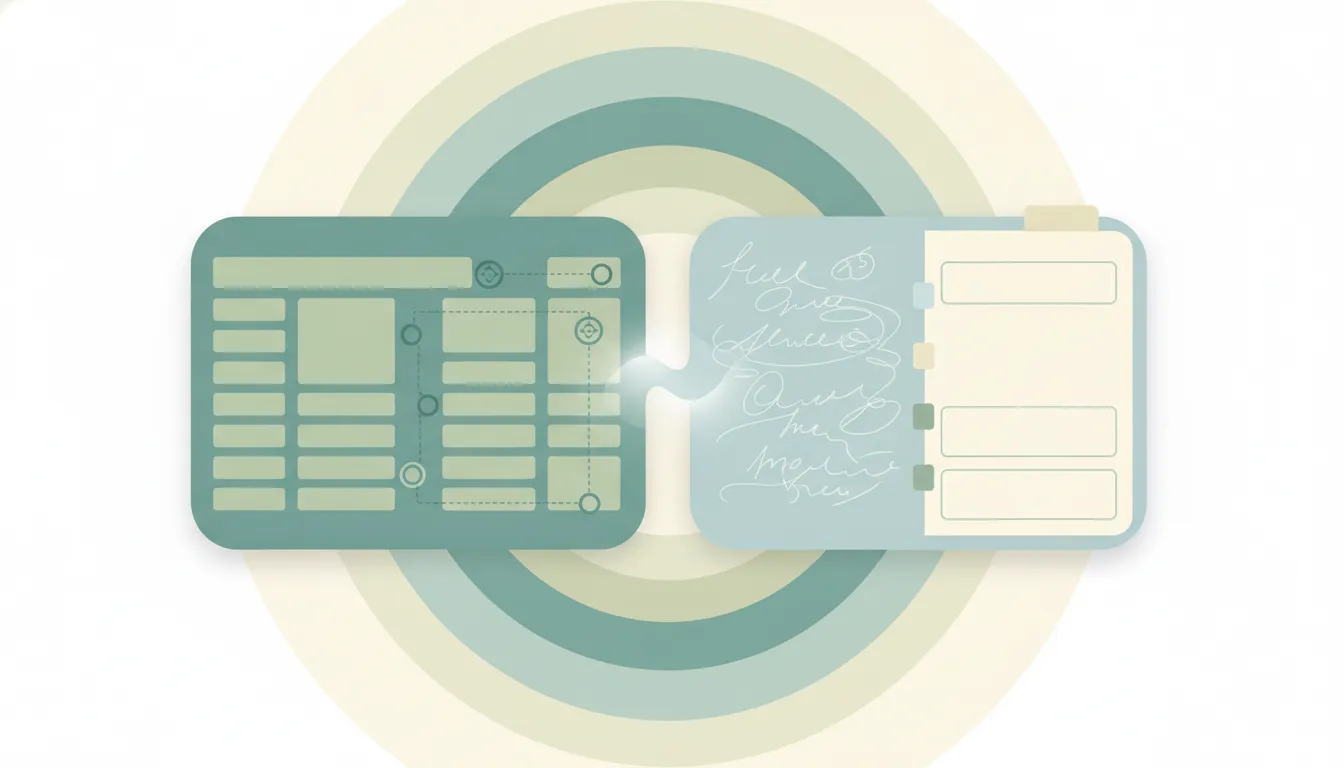
Notion is a structured all-in-one workspace with databases and wikis; OneNote is a free free-form notebook in the Microsoft ecosystem. Here's which to pick in 2026.

Obsidian is a local-first Markdown app with backlinks and a knowledge graph; OneNote is a free cloud notebook with handwriting and Microsoft integration. Here's which to pick in 2026.

Add clickable to-do checkboxes in Microsoft OneNote with the To Do tag, a keyboard shortcut, and find all your checkboxes in one place.

Change the default font, size, and color for new notes in Microsoft OneNote on Windows, and set font defaults on Mac and the web.
Export a OneNote page, section, or whole notebook to PDF on Windows, Mac, web, and mobile — plus how to keep links and page breaks clean.

Insert a PDF into Microsoft OneNote as a printout you can annotate, or as a file attachment — on Windows, Mac, and the web.

Insert a table in Microsoft OneNote, add and delete rows or columns, shade cells, and convert a table to Excel — on Windows, Mac, and the web.

Create links between pages in Microsoft OneNote, copy a link to a page or paragraph, and use wiki-style [[ ]] links to connect your notes.

Lock a OneNote section with a password to encrypt your notes, set how soon it auto-locks, and remove protection — on Windows, Mac, and mobile.

Record audio notes in Microsoft OneNote, link the recording to your typed notes, and play back exactly what was said as you wrote each line.

Recover deleted pages and sections in Microsoft OneNote from the notebook recycle bin, restore page versions, and find lost notes.

Share a Microsoft OneNote notebook with view or edit access, get a share link, and stop sharing — on Windows, Mac, web, and mobile.

Force a manual sync in Microsoft OneNote, check sync status, fix stuck or failed syncs, and keep notebooks current across Windows, Mac, and mobile.

Enable dark mode in Microsoft OneNote on Windows, Mac, web, and mobile — and keep your note pages light while the app stays dark.

Tag notes in Microsoft OneNote with To Do, Important, and Question marks, create custom tags, and round them all up with Find Tags.

Apply built-in page templates in Microsoft OneNote, save your own as a custom template, and set a default template for new pages.

OneNote is a freeform digital notebook with handwriting; Notion is a structured workspace of blocks and databases. Here's which note app fits you in 2026.