Trello vs Jira: Which to Pick in 2026?
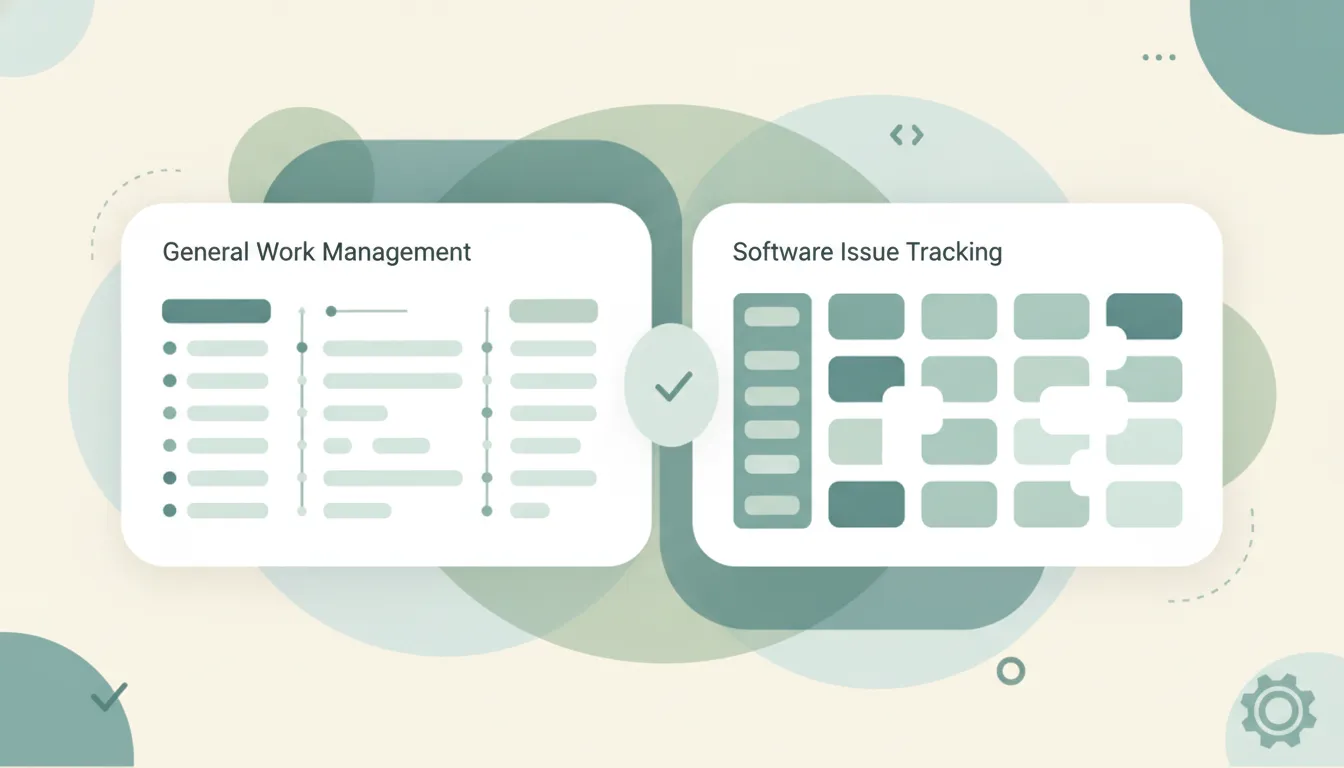
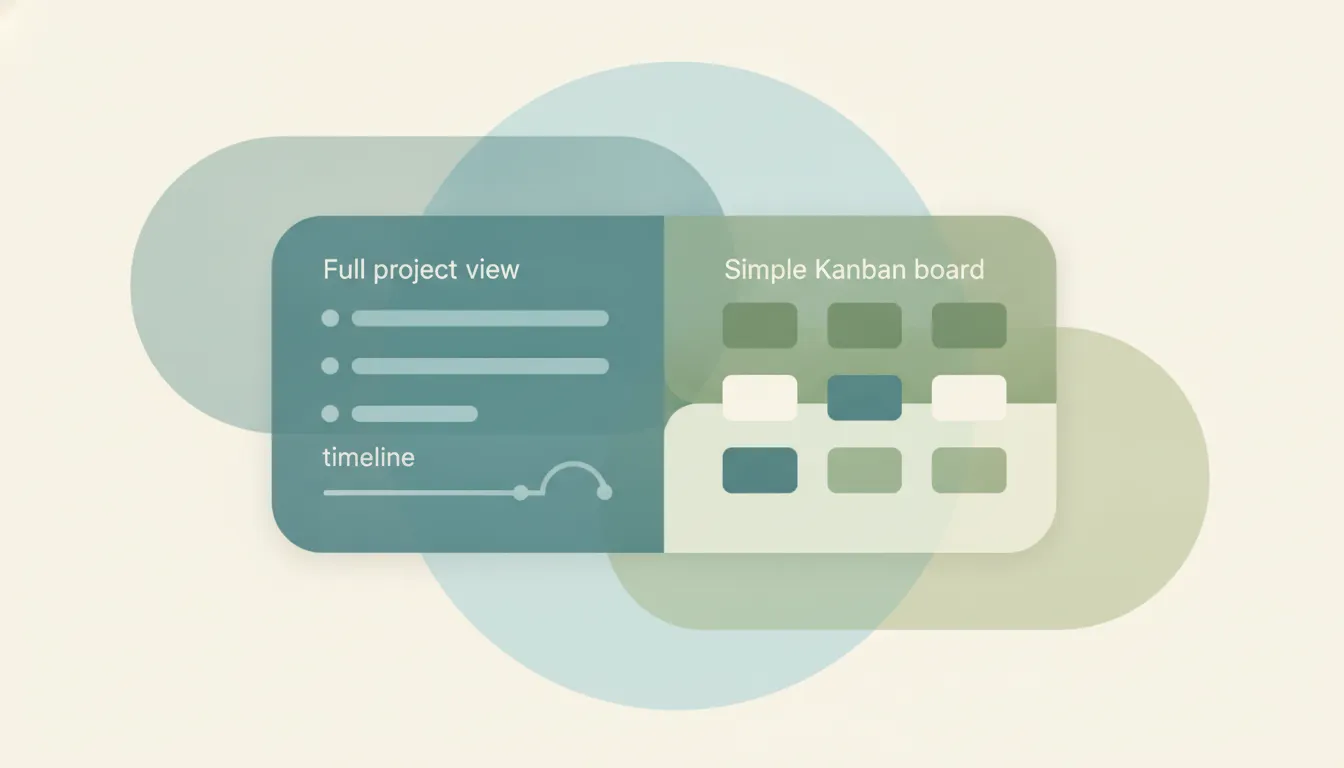
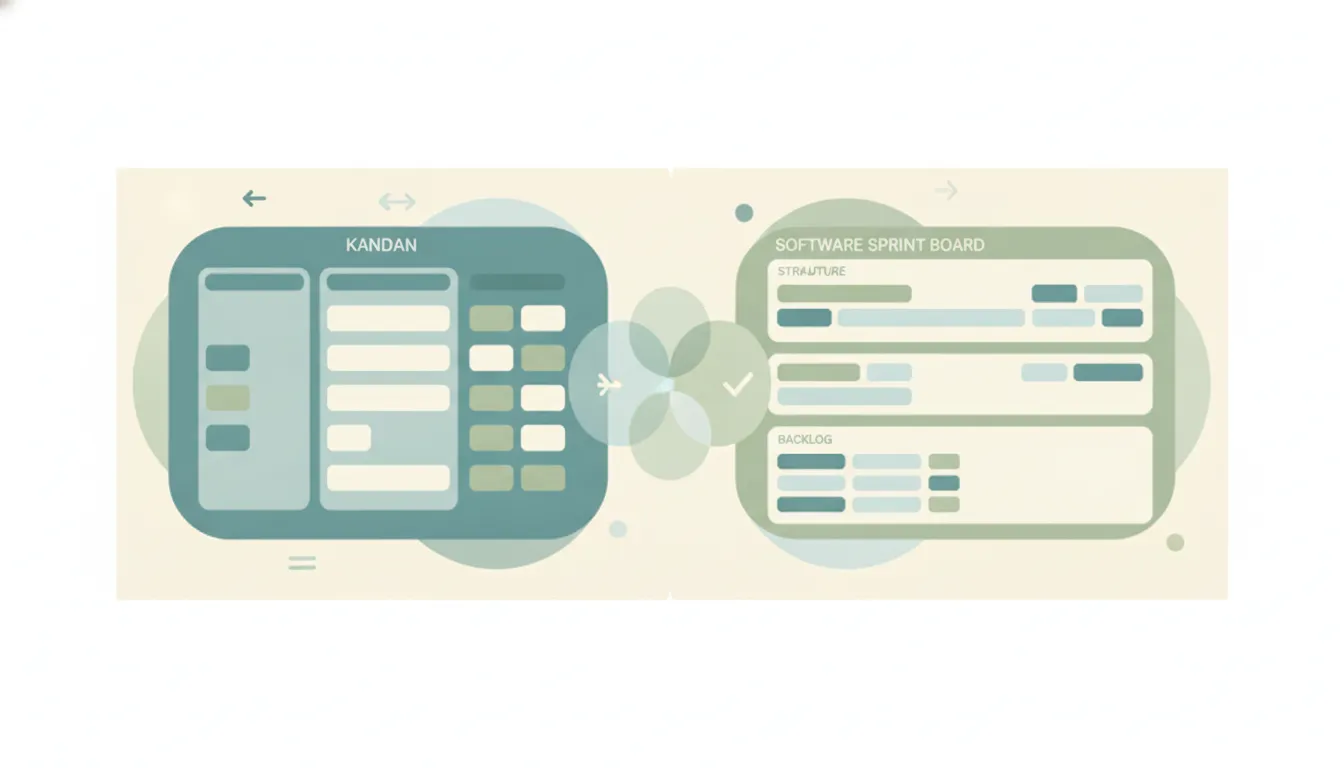
Both are Atlassian products, and both help you track work, but they were built for opposite ends of the complexity spectrum. Trello is a simple, visual Kanban tool — boards, lists, and cards that anyone can set up in two minutes, made for marketing, ops, freelancers, and small teams who want to see work move without configuring anything. Jira is a structured issue tracker built for software and agile teams — sprints, backlogs, epics, story points, custom workflows, and deep reporting are first-class concepts. Trello wins on speed and simplicity; Jira wins on power and process. If you mainly want a board you can use today, Trello. If you’re running agile software development, Jira.
The One-Sentence Answer
Use Trello if you want lightweight visual boards that anyone can adopt instantly. Use Jira if you’re running structured agile software development with sprints, backlogs, and reporting.
Side-by-Side Comparison
| Trello | Jira | |
|---|---|---|
| Core strength | Simple visual Kanban boards | Structured agile issue tracking |
| How it works | Boards, lists, and cards you drag across columns | Issues, epics, sprints, backlogs, and configurable workflows |
| Best known for | Fast setup, near-zero learning curve | Sprints, story points, and developer reporting |
| Pricing model | Free; Standard $5/user/mo, Premium $10, Enterprise $17.50 (annual) | Free (to 10 users); Standard ~$7.91/user/mo, Premium ~$14.54, Enterprise custom |
| Integrations/ecosystem | Power-Ups plus the Atlassian ecosystem | Deep dev-tool ties (Bitbucket, GitHub) plus the Marketplace |
| Ideal user | Non-technical teams, small teams, freelancers | Engineering and agile teams, larger orgs |
| Setup style | Create a board and start in minutes | Configure issue types, workflows, and schemes |
| Agile support | Basic (lists as stages, Premium adds views) | Deep — scrum, kanban, backlogs, burndown, roadmaps |
When to Use Trello
- You want a board up and running today, with no configuration wizards, schemes, or terminology to learn.
- Your team is non-technical — marketing, ops, content, personal projects — and mostly needs to see who’s doing what.
- You’re a small team, freelancer, or side project where per-seat cost and simplicity matter more than deep reporting.
- Your workflow is genuinely simple: to-do, doing, done, with cards you drag as work progresses.
When to Use Jira
- You’re shipping software with an agile process and need sprints, backlogs, story points, and burndown charts as native features.
- You want configurable workflows, custom issue types, and permission schemes to model exactly how your team works.
- You need detailed reporting and roadmaps to plan across multiple teams and releases.
- You already live in developer tools (Bitbucket, GitHub, CI/CD) and want issues linked tightly to code.
The Real Deciding Axis: Simplicity vs. Structure
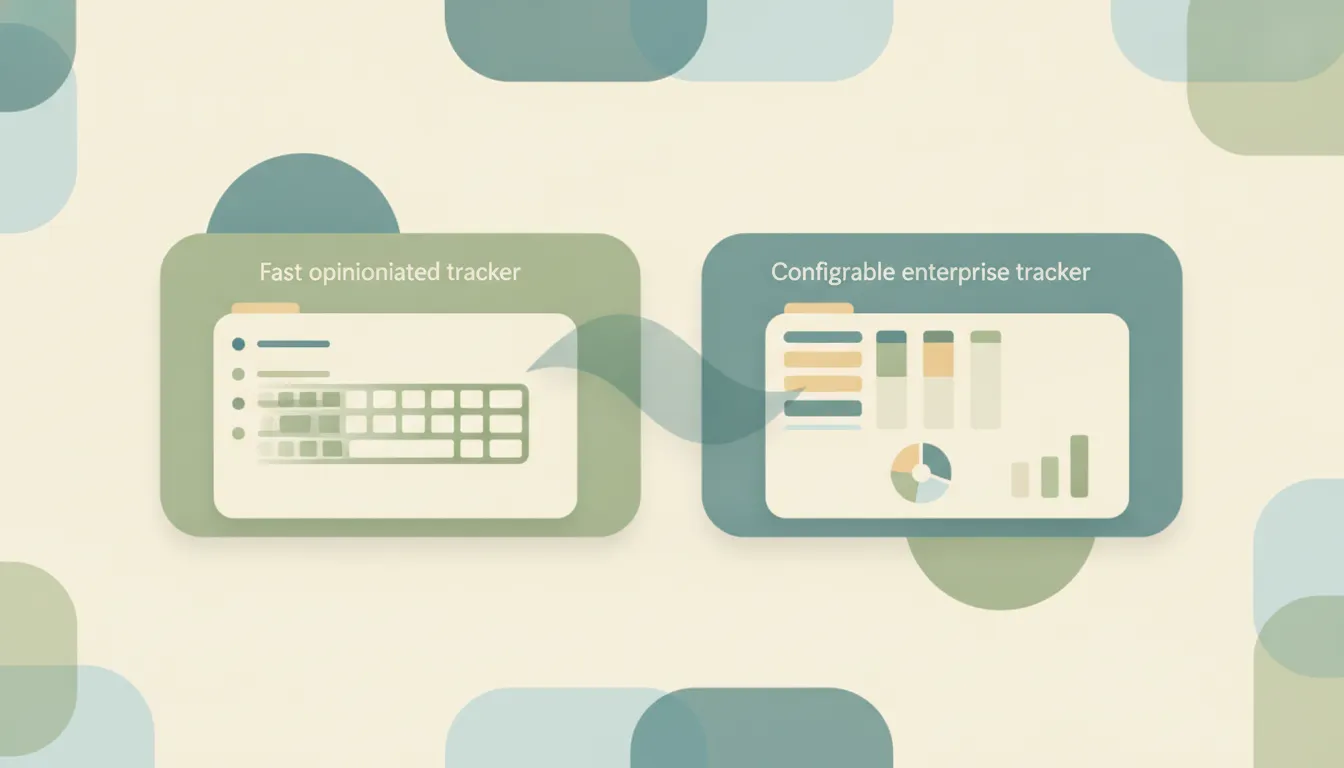
The choice almost always comes down to how much structure your work actually needs. Trello’s entire value is that there’s nothing to learn: a new user can create a board, add lists, and start moving cards within minutes. That simplicity is a ceiling as well as a floor — once you need sprints, dependencies, or reporting across many projects, you’re stacking Power-Ups onto a tool that wasn’t designed for that weight. Jira is the opposite. Issue types, workflows, board settings, and permission schemes give engineering teams enormous control, but new users face a real learning curve, and admin overhead is a genuine cost. The common industry rule holds: the true cost of Jira, once you add apps and admin time, often runs well above its base license.
Price reinforces the split. Trello is cheaper at every tier — Standard runs roughly a third less per seat than Jira Standard — which suits budget-sensitive and non-technical teams. Both sit inside Atlassian, so they aren’t mutually exclusive: many companies run Jira for engineering and Trello for everyone else, and the two connect natively without data silos. Atlassian’s AI layer, Rovo (built on Atlassian Intelligence), now reaches across both — summaries, content generation, and, in Jira, Rovo Agents that can be assigned work and embedded into workflows following its Team ‘26 updates — but the AI depth still skews toward Jira, matching where the structured data lives.
Rule of thumb: if a non-technical teammate has to be trained to use it, you probably want Trello; if your work has sprints and backlogs, you want Jira.
If what you actually want is for the work to get done rather than another board to maintain, Carly is an AI executive assistant you email or text: it can create and update tasks in your project tool, and handle the scheduling and email around it, across 200+ integrations. It doesn’t replace Trello or Jira — it runs the admin so your board stays current without you babysitting it.
Quick Reference
| Your situation… | Pick… |
|---|---|
| Non-technical team that wants a board today | Trello |
| Shipping software with an agile process | Jira |
| Freelancer or small team on a budget | Trello |
| Sprints, backlogs, and story points required | Jira |
| Simple to-do / doing / done workflow | Trello |
| Detailed reporting across many teams | Jira |
Related guides: Trello alternatives · Jira vs Linear · Best AI workflow automation tools
Ready to automate your busywork?
Carly schedules, researches, and briefs you—so you can focus on what matters.
See what people say
"Before Carly, I relied on a Calendly link, but the whole process felt impersonal and not very professional. Carly changed that by handling all the back-and-forth, so I'm no longer stuck in endless email threads trying to line up schedules.
Now Carly reaches out to candidates, shares my real-time availability, lets them pick a slot, then sends a Zoom link and drops it straight into my calendar. She sends reminders to both of us before each call, which has significantly reduced no-shows and last-minute confusion.
On top of scheduling, Carly acts like a full executive assistant, sending me my schedule the night before so I can prepare for each call. It reminds me of the old x.ai assistant, but Carly is noticeably smarter, faster, and better suited to my healthcare recruitment business."