Basecamp vs Asana: Which Team Tool to Pick in 2026?
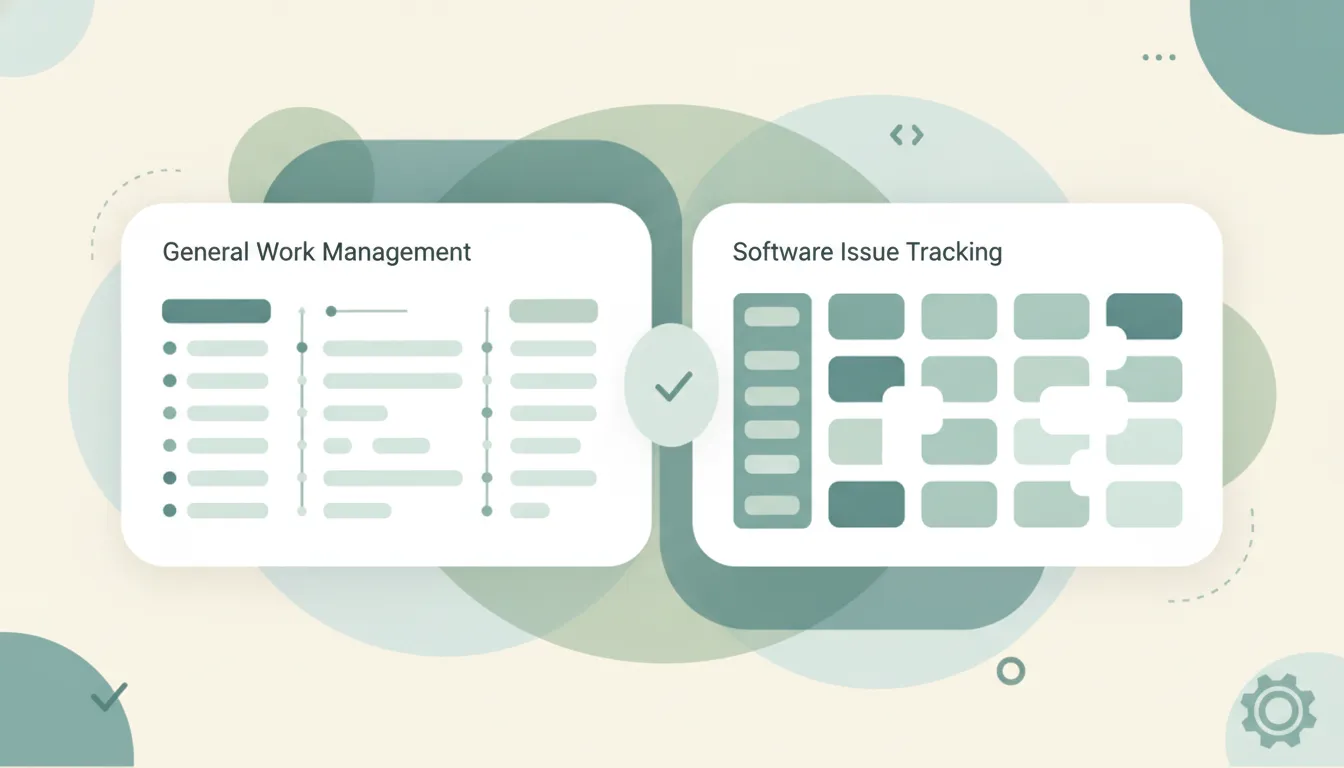
Both tools help teams get work done, but they start from opposite beliefs about how software should behave. Basecamp is a calm, opinionated all-in-one team tool from 37signals that bundles to-dos, message boards, group chat (Campfire), docs, and scheduling into one deliberately simple product. Asana is a flexible, feature-rich work management platform with multiple views, portfolios, goals, automations, and a growing AI layer built to model almost any process. Basecamp reports over 250,000 paying customers and has barely changed its shape in years by design; Asana ships new features constantly and leans hard into agentic AI. If you mainly want to reduce tools and stay calm, pick Basecamp; if you mainly want to plan, track, and report on complex work, pick Asana.
The One-Sentence Answer
Use Basecamp if you want one simple, opinionated place for team projects and communication; use Asana if you want a configurable platform that scales into planning, tracking, and cross-team reporting.
Side-by-Side Comparison
| Basecamp | Asana | |
|---|---|---|
| Core strength | Calm, all-in-one simplicity | Flexible work management |
| How it works | Fixed toolset per project (to-dos, message boards, Campfire chat, docs, schedule) | Configurable tasks, projects, portfolios, goals, and views |
| Best known for | Opinionated design and Hill Charts | Multiple views, automations, and Asana AI |
| Pricing model | $15/user/month, or $349/month flat for unlimited users ($299 billed annually) | Free Personal (up to 2 users); Starter $10.99/user/mo; Advanced $24.99/user/mo; Enterprise custom (annual pricing) |
| Integrations/ecosystem | Smaller, curated | Broad, with deep Slack, Google, and Microsoft ties |
| Ideal user | Small teams and agencies that want less software | Growing teams needing structure and reporting |
| Setup style | Almost none; it’s opinionated by design | More configuration up front |
| Views | To-dos, Card Table (Kanban), Hill Charts | List, Board, Timeline/Gantt, Calendar, Portfolios |
When to Use Basecamp
- You want project management and team communication in one calm place, without stitching chat, docs, and tasks together across three or four separate apps.
- You have a larger team and hate per-seat math. Basecamp’s $349/month flat plan (Pro Unlimited, or $299/month billed annually) covers unlimited users with 5TB of storage, and it gets cheaper per head the more people you add.
- You value fewer decisions. Basecamp is intentionally opinionated, so there’s little to configure, onboarding is close to zero, and new hires understand it in an afternoon.
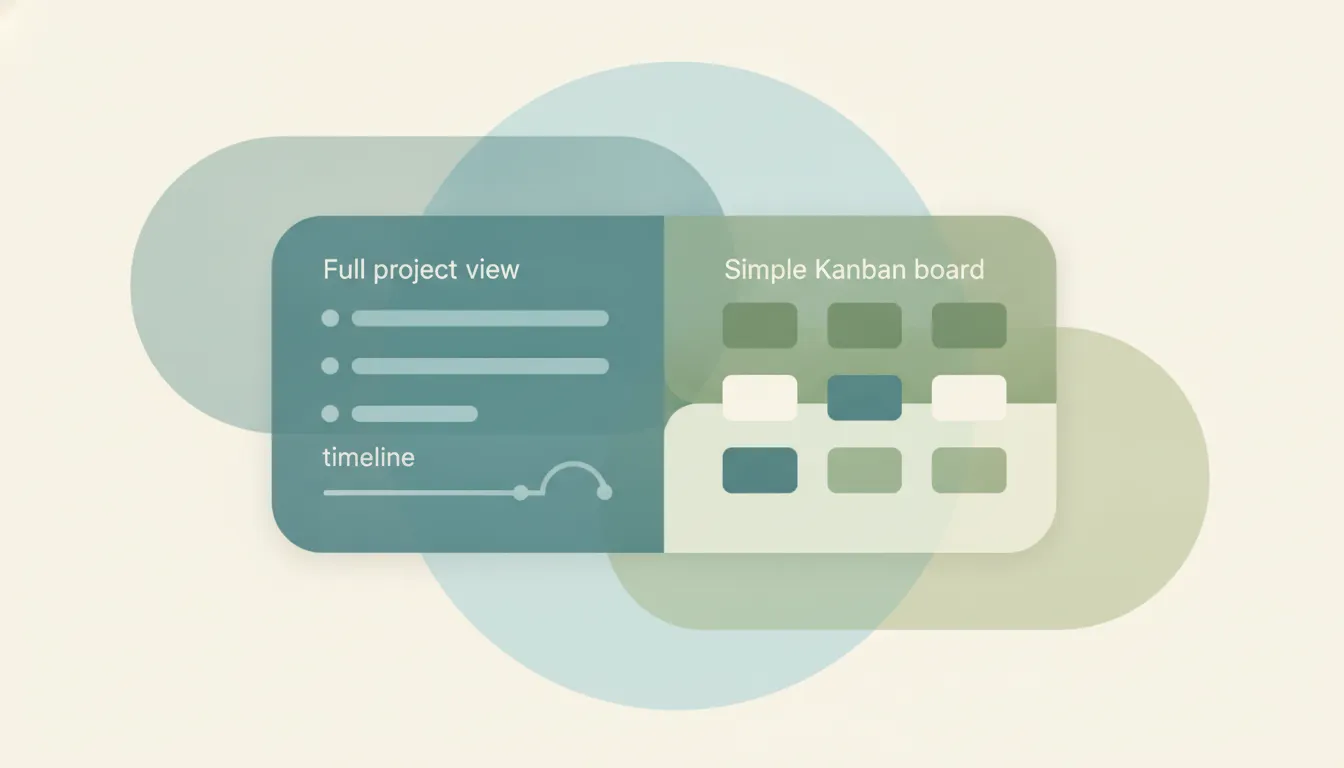
- You like its unique touches, like Hill Charts that show whether a piece of work is still being figured out or moving toward done, rather than a misleading percent-complete, plus a Card Table for simple Kanban when you want it.
When to Use Asana
- You need to see work multiple ways: List, Board, Timeline/Gantt, and Calendar, plus Portfolios and Goals to roll many projects up into a single leadership view.
- You want automation and AI. Asana includes workflow rules and AI Studio, with AI credits scaling by tier (roughly 50,000 on Starter, 75,000 on Advanced, 200,000 on Enterprise per billing account each month) and AI teammates that summarize status and fill fields.
- You’re scaling. Asana’s tiers run from a free Personal plan (up to 2 users) through Starter and Advanced to Enterprise and Enterprise+, adding SSO, compliance (including HIPAA), and admin governance at the top.
- Your work is complex and cross-functional, and you’d rather invest in setup and custom fields to get precise tracking and reporting than accept a fixed structure.
Opinionated Simplicity vs Configurable Power
The honest divide here isn’t features, it’s philosophy. Basecamp deliberately leaves things out. 37signals bets that most teams drown in options, so it ships a fixed set of tools per project (to-dos, a message board, Campfire chat, docs and files, a schedule, and automatic check-ins) and refuses to add per-seat pricing or endless customization. That’s why a 40-person team can pay one flat $349/month and never think about it again, and why onboarding is close to zero. Its integration list is small and curated rather than sprawling, which is on-brand: fewer moving parts by choice. The cost is real, though: if your process doesn’t fit Basecamp’s shape, you can’t reshape Basecamp to fit it. There are no dependency-aware Gantt timelines, no portfolios rolling up dozens of projects, and no deep automation engine. Basecamp is a coordination and communication tool that happens to hold tasks, not a planning system.
Asana sits at the other end. Its whole value is that you can model your process, with custom fields, rules, portfolios, goals, and AI Studio workflows, and view the same work half a dozen ways. That power has a price in both senses. Per-seat pricing means a 40-person team on Advanced ($24.99/user/month) pays roughly $12,000 a year versus Basecamp’s ~$4,200 flat, and the features that matter most for oversight (Portfolios, Goals, Workload) live on Advanced and above. Setup and adoption take real effort, and the flexibility that helps a program manager can overwhelm a five-person team that just wanted a shared to-do list. Asana rewards teams that will actually use the structure and punishes those who won’t.
There’s a common gotcha worth flagging: Asana’s free Personal plan looks generous, but it caps at 2 collaborators and deliberately omits Timeline/Gantt, Goals, Portfolios, and automations, so most teams evaluating it will end up on a paid tier faster than they expect. Basecamp’s trap is the mirror image. Its simplicity is wonderful until you genuinely need a dependency-aware Gantt chart, resource-loaded workload views, or dashboards that aggregate progress across 30 projects, and at that point there’s no toggle to turn on. The right question isn’t which tool has more features. It’s whether your team’s work is coordination that fits a fixed shape (Basecamp) or a portfolio that needs to be planned, resourced, and reported on (Asana). Teams that pick against their own reality tend to churn within a quarter.
Rule of thumb: If your team wants fewer decisions and a flat bill, choose Basecamp. If your team needs multiple views, reporting, and automation and will invest in setup, choose Asana.
Whichever tracker you land on, the work it represents still lands in your inbox and on your calendar. Carly is an AI executive assistant you email or text that schedules the meetings, chases the email threads, and runs multi-step admin across 200+ integrations, so the tasks in Basecamp or Asana move without you babysitting them. It’s a complement to whichever tool you pick, not a replacement.
Quick Reference
| Your situation… | Pick… |
|---|---|
| Want tasks, chat, and docs in one calm tool | Basecamp |
| Large team that hates per-seat pricing | Basecamp |
| Need Gantt, portfolios, and goals | Asana |
| Want automations and built-in AI | Asana |
| Prefer near-zero setup and few decisions | Basecamp |
| Complex, cross-functional work with reporting | Asana |
Related guides: Asana vs monday.com · Asana vs Trello · Best AI workflow automation tools
Ready to automate your busywork?
Carly schedules, researches, and briefs you—so you can focus on what matters.
See what people say
"Before Carly, I relied on a Calendly link, but the whole process felt impersonal and not very professional. Carly changed that by handling all the back-and-forth, so I'm no longer stuck in endless email threads trying to line up schedules.
Now Carly reaches out to candidates, shares my real-time availability, lets them pick a slot, then sends a Zoom link and drops it straight into my calendar. She sends reminders to both of us before each call, which has significantly reduced no-shows and last-minute confusion.
On top of scheduling, Carly acts like a full executive assistant, sending me my schedule the night before so I can prepare for each call. It reminds me of the old x.ai assistant, but Carly is noticeably smarter, faster, and better suited to my healthcare recruitment business."