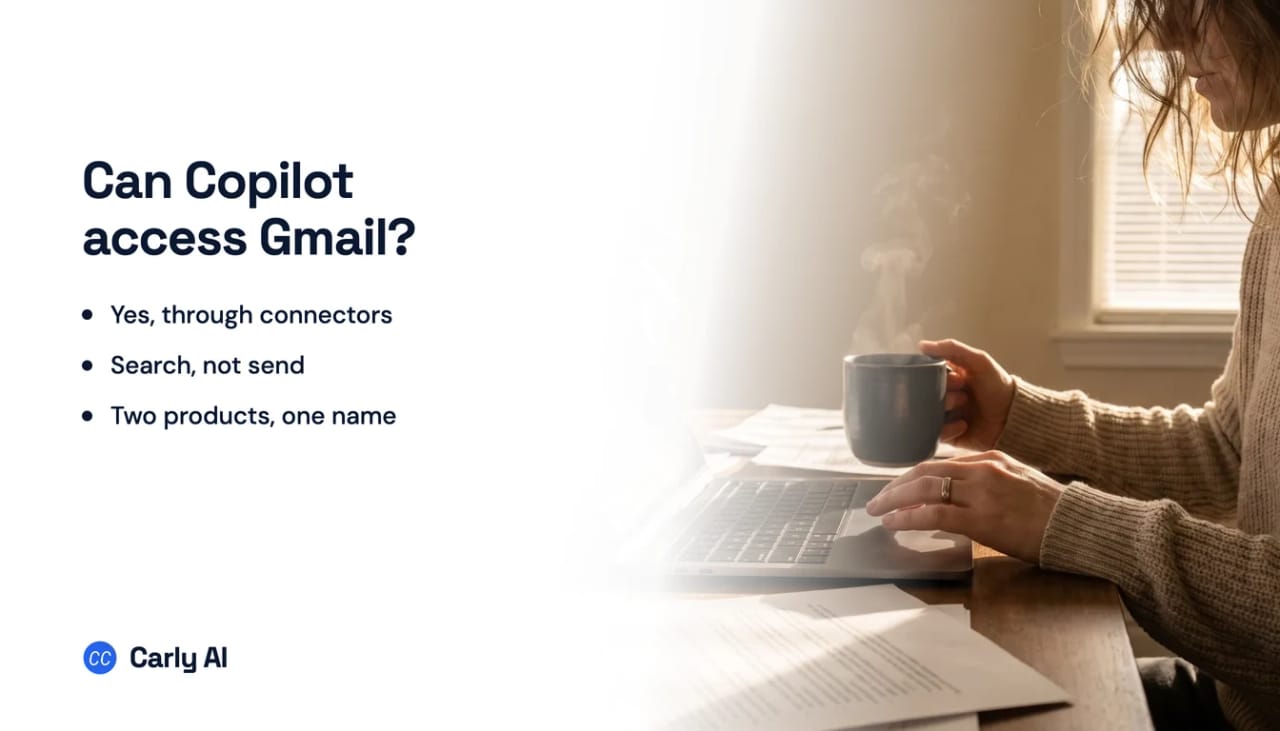
Can Copilot Access Gmail? Yes, Through Connectors
Yes. Microsoft Copilot connects to Gmail, and to Google Calendar, Google Contacts and Google Drive alongside it. For a Microsoft product reaching into Google’s stack, that is a genuinely surprising amount of ground.
What it does once connected is narrower than the word “connector” implies, and the distinction is worth getting right before you plan around it.
What Copilot connects to
Microsoft’s connectors cover both ecosystems:
- Microsoft OneDrive
- Outlook.com mail, calendar and contacts
- Google Drive
- Gmail, Google Calendar and Google Contacts
Connectors are opt-in and are set up in Copilot’s settings. Microsoft lists them on Copilot.com and on Copilot mobile for iOS and Android, and the Windows app has been picking them up through the Insider channel.
One quirk on the Microsoft half: if you sign in to Copilot with a personal Microsoft account, it has to be the same account you use for OneDrive or Outlook.com. The Google side does not work that way, because you grant it explicitly.
What Copilot does with your Gmail
Search and retrieval. Microsoft’s documentation frames the Gmail capability as finding messages: asking for the flight confirmation, or for what a particular person sent about a particular topic, and getting the message back.
Drafting and sending are not described. The framing throughout is that Copilot reads what you already have access to, and Microsoft states plainly that it does not store, modify, or expand your access, working only with content your account can already see.
So the honest summary is that this is natural-language search across your connected accounts, not an assistant that operates your Gmail.
The other Copilot
A large share of the confusion here comes from two different products sharing a name.
Microsoft Copilot, the consumer assistant, is the one with these connectors. It will happily reach a personal Gmail address.
Microsoft 365 Copilot, the one your employer buys, works against your organization’s Microsoft data through Microsoft Graph. It is built for the Outlook mailbox, SharePoint, Teams and the rest of the tenant. If you are asking whether the Copilot in your work Word ribbon will read your personal Gmail, that is a different product from the one described above.
Getting this backwards is easy, because both are called Copilot and both have an email story. See can Copilot send emails for where the drafting line falls.
What is missing
Copilot’s Gmail connector answers questions. It does not act, and it does not run.
There is no reply sent on your behalf, no message filed or labelled, nothing that fires when mail arrives, and no follow-up if a thread goes quiet. Every answer comes from a question you typed.
| Reads Gmail | Reads Outlook | Drafts | Sends | Runs on arrival | |
|---|---|---|---|---|---|
| Microsoft Copilot | Yes, search | Yes | Not documented | No | No |
| Microsoft 365 Copilot | No | Yes | Yes | Draft | No |
| ChatGPT | Yes | Yes | Yes | Yes | No |
| Carly | Yes | Yes | Yes | Yes | Yes |
Search is the easy half
Finding the email was rarely the bottleneck. What takes the time is what has to happen next: the reply, the filing, the record that needs updating, the follow-up nobody remembers.
Carly is an AI executive assistant that connects to Gmail and Outlook and works on triggers, in the cloud:
- It acts when mail arrives, not when you ask. Triage, reply, file, create the task, update the CRM.
- It sends real email, attachments included.
- Both mailboxes at once, so a Microsoft account and a Google account are one assistant rather than two.
- You describe the outcome in plain English and it interviews you, then builds the workflow with you.
Free Zapier-style workflows; AI agents from $35/month. Connect it on the integrations page, or see Gmail and Outlook.
Frequently Asked Questions
Can Microsoft Copilot access my Gmail?
Yes. Copilot’s connectors include Gmail, Google Calendar, Google Contacts and Google Drive, alongside OneDrive and Outlook.com. They are opt-in and set up in Copilot’s settings.
What can Copilot do with a connected Gmail account?
Microsoft describes it as finding your messages: asking in natural language and getting the relevant email back. Drafting and sending from Gmail are not described as supported.
Does Microsoft 365 Copilot at work connect to Gmail?
No. Microsoft 365 Copilot works against your organization’s Microsoft data. The connectors that reach Gmail belong to the consumer Copilot assistant.
Where do I turn Copilot’s connectors on?
In Copilot’s settings, in the connectors section, where you enable each service individually and grant permission. Microsoft lists connector support on Copilot.com and Copilot mobile.
Can Copilot reply to my Gmail automatically?
No. The connector is for retrieval, and nothing fires when new mail arrives.
More: Can Copilot send emails? · Can Copilot read emails? · Can Gemini access Outlook? · Can ChatGPT access Outlook? · Best AI assistants that work with Gmail and Outlook
Ready to automate your busywork?
Carly schedules, researches, and briefs you—so you can focus on what matters.
See what people say
"Before Carly, I relied on a Calendly link, but the whole process felt impersonal and not very professional. Carly changed that by handling all the back-and-forth, so I'm no longer stuck in endless email threads trying to line up schedules.
Now Carly reaches out to candidates, shares my real-time availability, lets them pick a slot, then sends a Zoom link and drops it straight into my calendar. She sends reminders to both of us before each call, which has significantly reduced no-shows and last-minute confusion.
On top of scheduling, Carly acts like a full executive assistant, sending me my schedule the night before so I can prepare for each call. It reminds me of the old x.ai assistant, but Carly is noticeably smarter, faster, and better suited to my healthcare recruitment business."